6 min read
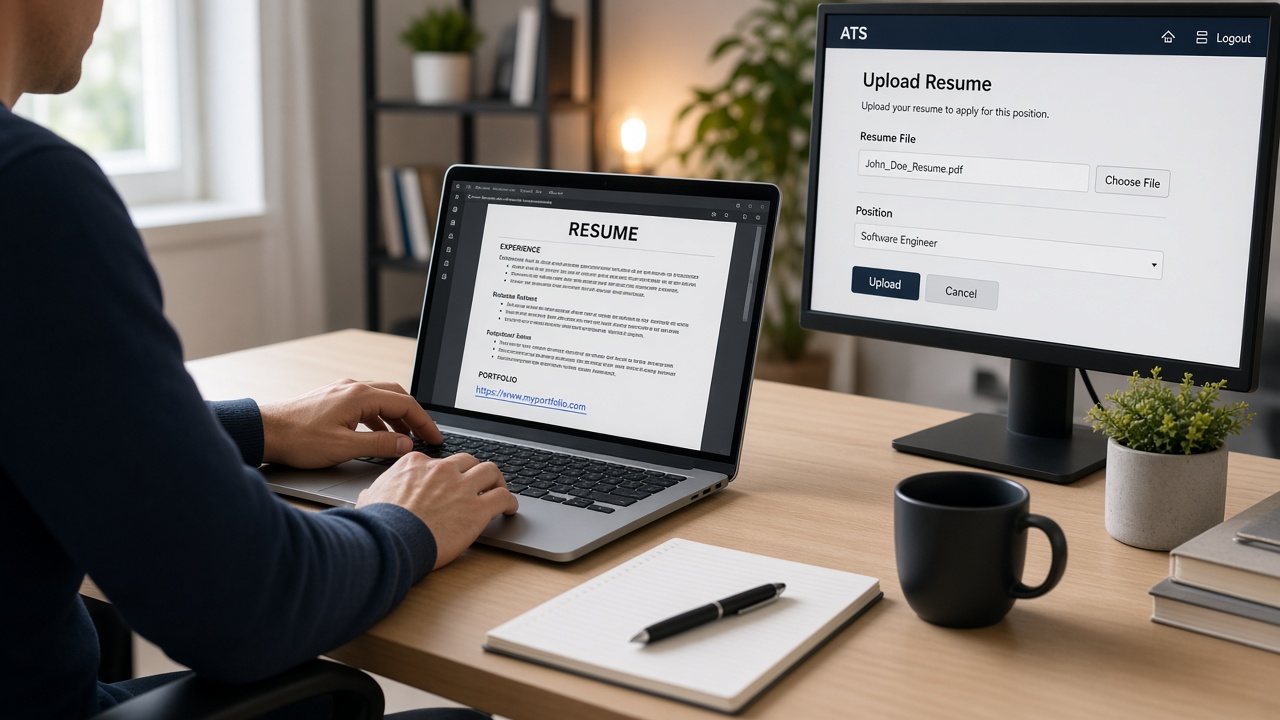
Your portfolio proves the work your bullets summarize. If the link lives in a text box the parser skips, recruiters never see it even when the PDF looks fine on your screen.
Most failures aren't dramatic. The URL imports as garbled text, lands at the bottom of the file, or disappears behind a hyperlink icon row. You won't get an error message, and you'll just wonder why nobody clicked through.
Tonight's job: move your portfolio URL where both the parser and a tired recruiter will find it in the first five lines. Plain text, single column, no decoration, and you'll know it's right when the paste test shows the URL on line four.
Check your resume for free after you place the links. A clean contact block matters as much as the portfolio itself.
Use the checklists below for placement, formatting, and the upload test before your next Greenhouse or Workday application.
Quick Wins
- Move portfolio URLs to the line under email and phone.
- Remove hyperlink styling. Keep plain black text URLs.
- Run a copy-paste test into Notepad before you upload.
Why link placement matters
An ATS reads your resume top to bottom as stored text. Contact info should appear in the first few lines. When a portfolio URL sits in a sidebar, footer, or text box, it often imports out of order or drops entirely.
Recruiters look at the same block. I've opened thousands of profiles in Workday where the portfolio link was buried in bullet four of an old internship instead of sitting under the email line where I'd actually click it.
Portfolio proof belongs where both systems expect professional contact data: directly under your email and phone, still on page one, still in the main body column.
For how parsers treat sidebars and columns, read why fancy layouts break parsing . A link in the wrong column fails for the same reason a skill cloud above your name fails.
Placement and format checklists
Work through both lists before you save the file. Placement gets the URL in front of humans. Format keeps the parser from mangling the line.
Placement checklist
| Check | Pass | Fail |
|---|---|---|
| Row position | Lines 3 to 6 under name, below email/phone | Footer, sidebar, or text box |
| Section label | Links: or Portfolio: on its own line | Icon row with no readable URL text |
| Count | 2 to 4 URLs max | Six or more links crowding the header |
| Bullet embedding | One project URL tied to a relevant bullet only | Every bullet ends with a different link |
Format checklist
- Plain text: No blue underline, no custom color, no hyperlink object in Word.
- Full URL: github.com/yourname, not a bit.ly shortener.
- Single line: Never break a URL across two rows.
- Label + URL: Portfolio: yourname.com reads clearer than a naked link.
- No icons: Emoji and glyph fonts often export as blank space in plain text.
- Live check: Open each URL in a browser before you upload.
Copy-paste block: contact header with links
Paste this shape under your name
Alex Rivera
[email protected] | 555-014-2200 | Austin, TX
Portfolio: alexrivera.dev
GitHub: github.com/arivera-dev
Behance: behance.net/arivera (design roles only)

EXPERIENCE
Product Designer, Northline Apps, Jan 2023 to Present
• Redesigned onboarding flow in Figma, cutting drop-off 14% across 8,200 monthly signups
Before: Portfolio link as a blue hyperlink inside a Canva sidebar icon row. Plain-text paste shows a blank line where the URL should be.
After: Portfolio: yourname.com on line four under email. Paste test shows the URL intact in the first ten lines.
Before: github.com/name/project-a, github.com/name/project-b, github.com/name/project-c in the header.
After: GitHub: github.com/name in the header. One flagship project URL in the bullet that describes that work.
By portfolio type
Developers: Lead with github.com/username. Add one deployed project URL only when the posting names a live demo requirement.
Designers: behance.net/username or a personal site with case studies. Confirm the page loads without a login wall.
Writers and marketers: A personal domain with three clipped samples beats a folder of PDF attachments in the header.
Data and analytics: Link a public dashboard or notebook repo, not twelve separate file paths in the contact block.
PDF and DOCX both work when links are plain text in the body. Design-tool PDFs are the risk: export to Word, paste the URL as unformatted text, then save the upload version. Run the same Notepad test on both formats before you pick one.
When a portal offers a separate website field, paste the same URL there and keep it in the resume file. Redundancy helps when one field fails to import. Use identical spelling in both places so recruiters do not wonder which link is current.
Link traps that scramble parsing
Hyperlinked click here text. Parsers read the URL string, not the anchor label. Click here gives zero extractable text. Write the actual domain.
Shortened URLs. Some systems won't expand them. Recruiters can't tell where they lead. Use the full path every time.
Links in headers and footers. Word and PDF footers often drop on import. If your only portfolio line sits in the footer, assume it's gone.
QR codes and image links. Zero extractable text. A QR block is invisible to search inside Workday.
Separate Links section on page two. Recruiters may not flip pages on a screen. Keep URLs on page one with contact info.
Before: http://www.github.com/username with protocol and www prefix wrapping to a second line.
After: GitHub: github.com/username on one line. Modern browsers and parsers recognize it without the prefix.
See also how to include portfolio links that ATS won't strip for field-by-field upload behavior in major portals.
Verify before upload
After you place the links, copy all resume text into Notepad. Your portfolio URL should appear in the first ten lines, spelled correctly, with no blank gaps where icons used to sit.
Run the free ATS checker on the exact file you'll submit. Fix contact-block parsing before you tweak project descriptions.
If the role also wants a short cover note, generate a cover letter in the same plain formatting so both documents parse cleanly in one portal session.
Final placement rule
If a recruiter and a parser can't both find your portfolio in the first five lines, move it. Plain text, full URL, single column, under email and phone.
- Two to four links max in the contact block.
- No shorteners, icons, or click-here labels.
- Copy-paste test before every Workday upload.
Your work deserves a click. Give it a URL placement that survives the upload and shows up where screens actually happen.
Read more
Frequently asked questions
Plain text URLs are safer for parsing. Hyperlinks in Word or Canva exports sometimes carry hidden formatting that scrambles surrounding contact lines on import. Recruiters copy and paste URLs either way. Write github.com/yourname on its own line in black text with no icon beside it.
Directly under your phone and email in the contact block, or in a short Links line on the next row. Keep them above the Experience heading so both the parser and a recruiter see them before bullet one. Do not bury URLs inside job bullets unless one project URL is the proof for that role.
Yes. Bit.ly and similar shorteners hide the destination and some parsers skip them entirely. Use your full domain or github.com/username. If the URL is long, keep it on one line rather than switching to a shortener.
Two to four is enough for most roles: personal site, GitHub or Behance, and one project URL if the posting asks for work samples. More than four links clutter the header and increase the chance one line wraps badly in Taleo.