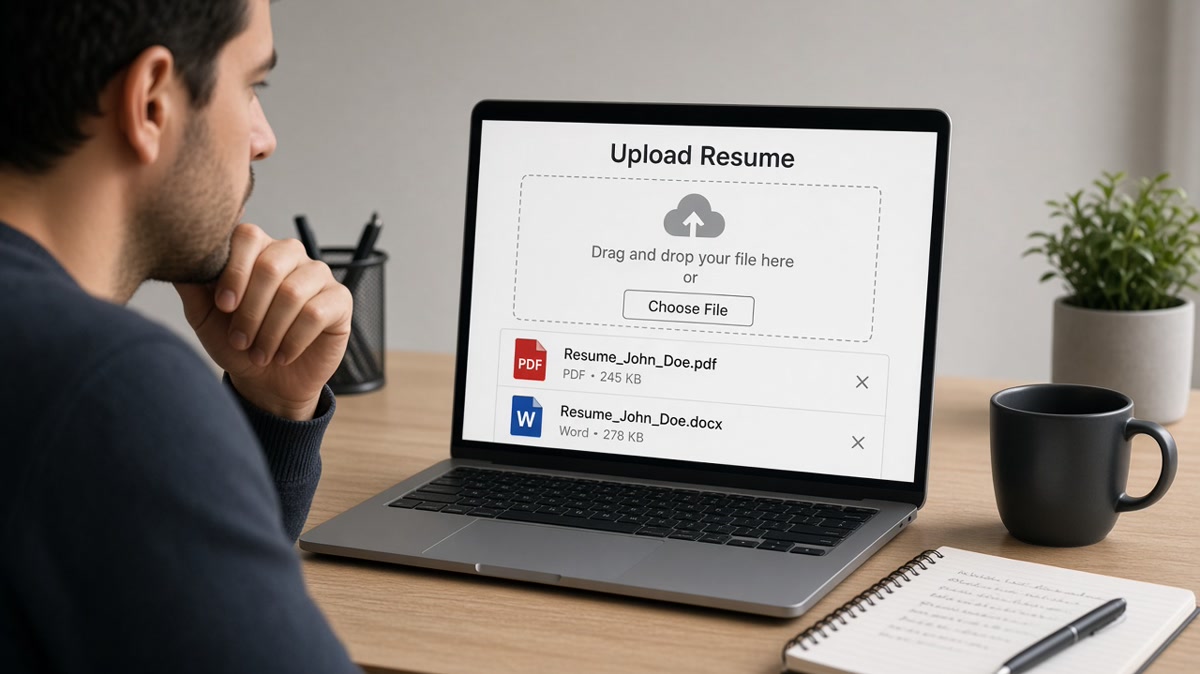
8 min read · Pick format from the upload field
You're staring at an upload box that says "PDF or Word." You've heard PDF is "safer" and Word is "what ATS wants." Neither line is always true. What matters is whether the parser can read a character stream from the file you attach, and whether that portal re-imports your upload into editable fields.
Most rejections that look like format failures are really layout failures. Two columns, text boxes, icons, and design-tool exports break PDF and DOCX alike. But when the layout is boring and single-column, the fork is simpler: upload a text-based PDF when the posting accepts a locked file, and default to DOCX when Workday or an older tenant still chews PDF contact blocks on the first pass.
If you're not sure which side you're on, don't guess from a forum thread. Run a highlight test first. You can't fix a blank import by swapping extensions when the underlying file is an image PDF or a two-column template.
Before you re-export for the tenth time, check your resume for free on the exact file you'll submit. Paste the imported text into Notepad or TextEdit. If your email vanishes or bullet two lands above your name, the format choice is secondary until layout is fixed.
Below you'll see the criteria that actually decide PDF vs Word, a side-by-side table, when each format wins, a decision rule for tonight's application, copy-paste export steps, traps that mimic keyword gaps, and tools to run before the next batch.
Quick Wins
- Highlight every bullet in your PDF reader. No highlight means no parse.
- Keep one DOCX master; export PDF only when the upload field prefers it.
- When Workday drops contact lines from PDF, retry DOCX before you rewrite bullets.
- Name files FirstName_LastName_Resume.docx, not Resume.pdf.
What criteria decide PDF vs Word for ATS?
Parsers in Greenhouse, Workday, Lever, Taleo, and iCIMS do not pick favorites by extension alone. They extract text, map headings to fields, and pair employer lines with dates. Your decision comes down to four checks you can run in five minutes without guessing what the vendor prefers.
Text selectability. Open the file. Drag across a bullet. If the highlight skips words or captures a whole column as one block, the ATS sees the same mess. This test beats forum advice every time.
Portal behavior. Some flows store your upload as a static attachment recruiters download. Others re-import upload text into editable fields you must confirm. Re-import flows often behave better with DOCX because the system expects to mutate the file.
Posting language. When the req says "Word preferred" or "upload DOCX," treat that as a rule, not a suggestion. When it says "PDF accepted," you still need a text-based PDF, not a Canva export.
Layout stability vs editability. PDF locks spacing so your one-page file stays one page on a recruiter Mac or Windows box. DOCX shifts slightly by font install, but it survives re-import and manual edits inside the portal.
For column and table rules that break both formats, read formatting mistakes that kill your resume with AI . Fix layout first; then choose PDF or DOCX from the upload field, not from a generic blog poll.
Edge case: email applications where a hiring manager reads the attachment directly. PDF is fine when you want zero font drift. Still keep a DOCX master for portals that forbid PDF or strip it on upload.
PDF vs Word resume for ATS: side-by-side
Use this table when the posting lists both formats and you need a default. When a row conflicts with explicit instructions, follow the posting.
| Criteria | DOCX (Word) | |
|---|---|---|
| Parser read | Strong when exported from Word with selectable text | Strong on structured single-column files |
| Layout on recruiter screen | Locked; spacing stays identical | Can shift slightly by font install |
| Portal re-import | Sometimes drops headers or contact blocks | Usually maps into editable fields cleanly |
| Legacy Workday tenants | More frequent contact-line gaps on first import | Often safer first upload when PDF fails paste test |
| Design-tool exports | Often image-only; parsers read blank | Rebuild in Word instead of exporting from design tools |
| Email to hiring manager | Preferred when you want zero layout drift | Fine when plain and attached as .docx |
| When posting is silent | Use after DOCX paste test passes, then export PDF | Default first export for corporate ATS uploads |
When PDF wins
PDF wins when the posting accepts uploads, your file is text-selectable, and you need layout locked. Export from Word or Google Docs download, not from a design template. Standard fonts, single column, no text boxes.
Before: Canva PDF with icons; highlight tool selects the whole page as one block.
After: Word master with Calibri 11 pt, exported PDF; each bullet highlights separately in Adobe Reader.
PDF also wins when you're emailing a human who asked for a "clean copy" and you don't want line breaks to shift on their laptop. The ATS already passed; readability for eyes matters more than re-import.
When DOCX wins
DOCX wins when the portal asks for an editable file, when the posting names Word, or when a Workday import preview drops your phone number from a PDF. Save as .docx, not legacy .doc. Keep headings standard: Work Experience, Education, Skills.
Before: PDF upload to Workday; preview shows name and email only, experience blank.
After: Same content as DOCX; preview fills employer, title, and date pairs on first pass.
I've screened imports in Workday where the PDF attachment looked perfect on screen but the profile fields were empty until the candidate re-uploaded DOCX.
For Workday-specific export quirks, see Workday resume format 2026 . The fix is often file type, not a new keyword paragraph.
Decision rule for tonight
Step 1: Read the upload field. If it names DOCX or Word, ship DOCX. If it says PDF only, export text-selectable PDF from your Word master.
Step 2: Run a highlight test. Fail means rebuild layout, not swap extension.
Step 3: If both formats are allowed, paste-test DOCX first. If import is clean, you may export PDF for attachment-only flows. If PDF fails contact or section order, stay on DOCX.
Step 4: Upload the file you tested, not an older version from last week's folder.
Copy-paste block: export checklist
Copy-paste export checklist
MASTER FILE
Save as: FirstName_LastName_Resume.docx
Fonts: Calibri or Arial 11 pt, single column, no text boxes

HIGHLIGHT TEST (PDF reader or Word)
[ ] Every bullet selects word-by-word
[ ] Email and phone select separately
[ ] Section headings select as plain text

EXPORT PDF (when upload allows)
File > Export > PDF (or Save As PDF from Word)
Re-run highlight test on the PDF before upload

EXPORT DOCX (when portal asks editable / Workday gaps)
Save As > .docx (not .doc)
Upload to portal preview; confirm employer + date pairs import

FILENAME
FirstName_LastName_Resume.pdf OR .docx. Never Resume.pdf alone
Format traps that look like ATS rejections
Image-only PDFs. Scanned paper and design exports look sharp to you and blank to the parser. Rebuild in Word even if the posting says PDF preferred.
Two-column "modern" templates. PDF and DOCX both fail when columns reorder on import. Use a single column before you pick an extension.
Contact info in headers. Workday and several Greenhouse configs skip header/footer text on PDF first pass. Move phone and email to the body block.
Legacy .doc files. Modern parsers expect .docx. Resave before upload.
Before: Same resume uploaded as PDF and DOCX without testing; PDF dropped city line, DOCX kept it.
After: Paste test on both; ship DOCX to that portal, keep PDF master for email-only apps.
Job searching is already draining when silence feels personal. Format fixes are boring and fast. They beat rewriting your summary because a forum said PDF is always safer.
Test the file you will upload
Run checks on the exact PDF or DOCX you plan to attach tonight. Match scores only mean something when the imported text matches what you see on screen.
Use the free ATS checker after your paste test. If contact imports clean but sections scramble, fix layout before you swap PDF for Word or the reverse.
Rebuilding from scratch? Build your resume in a single-column DOCX-friendly layout, then export PDF only when the posting prefers a locked file.
Do this now: Highlight test your PDF. If it fails, fix the Word master before you export again.
Pick a format tonight
PDF vs Word resume for ATS is not a loyalty contest. Text-selectable PDF wins when the posting allows upload and layout must stay fixed. DOCX wins when the portal wants an editable file or legacy Workday still gaps on PDF contact lines.
Open the upload field. Run the highlight test. Paste-test the import preview. Ship the extension that passed, not the one a thread recommended last year.
This will not fix applying to roles you're not qualified for. It stops a qualified file from dying because the parser read a blank PDF while your bullets looked perfect on screen.
When the posting also asks for a letter, draft it after your upload passes import via the cover letter generator . Match the same plain formatting you proved in the resume file.
Read more
Frequently asked questions
Neither format wins by default. A text-selectable PDF exported from Word is fine when the posting accepts uploads and you want layout locked. DOCX is safer when the portal asks for an editable file, when Workday import strips PDF contact lines, or when the posting names Word explicitly. Match the upload field first, then test imported text.
Scanned image PDFs, design-tool exports, and password-protected files often yield empty or scrambled text. The parser reads characters, not how the page looks. If you cannot highlight a bullet in a PDF reader, the ATS probably cannot either. Rebuild in Word, export a text-based PDF, or upload DOCX instead.
When both are listed, PDF is usually fine if it is text-selectable and single-column. Switch to DOCX if your PDF paste test drops contact info, merges sections, or reorders bullets. Some legacy Workday tenants still parse DOCX more reliably than PDF on the first pass.
Yes. Keep one master in DOCX, then export PDF for email or design-sensitive uploads. Name files clearly: FirstName_LastName_Resume.docx and FirstName_LastName_Resume.pdf. Run a paste test on each export before you batch apply. Do not maintain two different content versions unless a posting needs tailored keywords.