By Peter Miller · Published September 27, 2026 · Last updated: September 27, 2026
8 min read
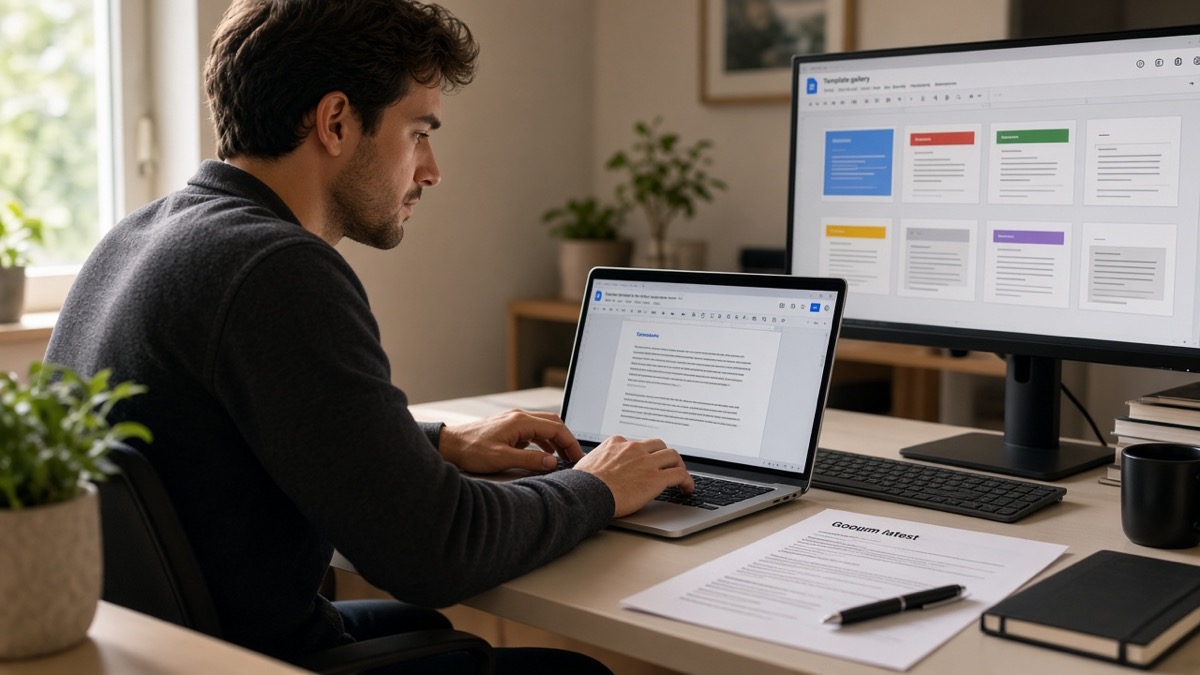
The gallery thumbnail looks clean. You click once, type three paragraphs, and export. Then Workday pastes your phone number under paragraph three and drops the hiring manager line entirely. That's not because cover letters don't matter, and you'll see the scramble on the first paste test. It's because the template stored your contact block in a table column the parser skipped.
Before you copy anything tonight, check your resume for free with the posting attached. You're confirming bullet one has a metric you can cite in the letter, not polishing layout yet. A parsed resume plus a scrambled letter still reads like a rushed apply.
Job searching's slow enough without reformatting the same Doc four times. Below you'll get six Google Docs layouts worth copying, what to delete from each gallery pick, export settings parsers tolerate, four before/after formatting fixes, and a header block you can paste into a blank file in under two minutes.
And if the portal asks for a letter you haven't drafted yet, generate a cover letter from the posting, paste the body into your cleaned Doc, and keep the Google file as your master for margins and font.
Quick Wins
- Pick one gallery layout, delete text boxes, and paste-test in Notepad before you write.
- Export as PDF from Google Docs; avoid sharing the live Doc link on applications.
- Mirror the job title from the posting in your opening line.
Gallery layouts parsers misread even when they look fine
Your eye sees one column. The export often isn't. Google Docs letter templates use invisible tables for date alignment, colored sidebars for contact icons, and linked headers for letterhead. On screen it reads top to bottom. In Notepad paste, contact info lands at the bottom or duplicates mid-page.
Pageless mode makes it worse. Letters reflow on export and push the signature block above the body in some ATS text fields. Switch to Pages under File → Page setup before you write a word.
Text boxes are another silent killer. Gallery templates sometimes wrap the date or company address inside a Drawing object. Parsers treat those as images or skip them entirely. Click each box, cut the text, paste as a normal paragraph, delete the box.
Font swaps matter less than structure, but stay on Arial, Calibri, or Times New Roman at 11 pt. Decorative script fonts in Elegant templates sometimes export as garbled characters in DOCX. If Notepad shows question marks where letters should be, reset font on the whole Doc before export.
The fix isn't finding a magic gallery thumbnail. It's copying the closest layout, deleting structure parsers skip, and running one paste test. For resume files with the same traps, read Google Docs resume formatting issues after export . Letters follow the same rules with less room for error because they're one page.
Cover letter template Google Docs: six layouts to copy in one click
Open docs.google.com, click Template gallery at the top right, then File → Make a copy on the layout you pick. Rename with Company_ReqTitle_Letter. Never edit the shared gallery master.
Layout 1: Blank document with Normal style reset
Fastest when you don't trust gallery files. File → New → Blank document. Format → Paragraph styles → Normal → Update Normal to match → set Arial or Calibri 11 pt, 1.15 line spacing, 0 pt before/after. Paste the header block from below. Best for: Lever and Greenhouse uploads where you've already seen parser quirks on your resume export.
Layout 2: Simple letter (General category)
Template gallery → General → Simple letter → Make a copy. Delete any horizontal rule above the body if it sits inside a table cell. Move date and address lines into plain paragraphs, left aligned. Keep three body paragraphs under 280 words. Best for: corporate roles where a plain business letter tone fits.
Layout 3: Modern Writer after sidebar removal
Copy Modern Writer, then click the left color band and delete the whole table column. Re-type name, phone, email, and city on line one of the body. Remove icon bullets if the template inserted them as special characters. Best for: marketing and ops roles where you want clean type without designing from scratch.
Layout 4: Swiss with color bands stripped
Swiss templates tuck contact info into shaded header rows. After Make a copy, select each colored band → Table → Delete table, keeping text only when it converts cleanly. If text vanishes with the band, re-type contact lines manually. Set margins to one inch on all sides. Best for: candidates who want visual hierarchy without a second column.
Layout 5: Business letter with headers cleared
Business letter templates often put your name in Format → Headers and footers. Clear header and footer fields entirely. Put the full contact block as the first body lines. Match date format to Month DD, YYYY on its own line. Best for: finance and HR reqs that still expect traditional letter formatting.
Layout 6: Elegant design, text only
Copy Elegant design, then remove decorative fonts. Select all → Arial 11. Delete any floating text boxes (Insert → Drawing boxes). If the template merged letter and resume pages, delete resume sections so the export is one page. Best for: senior roles where you'll email a PDF to a human after the ATS pass.
I've screened uploads in Workday where the cover letter field showed the candidate's LinkedIn URL before the salutation because the gallery template stored links in a right-column table, and the plain single-column copy was the only version coordinators could forward.
For what belongs in the body once layout is clean, see cover letter formatting for ATS . Structure beats design when the parser runs first.
| Gallery pick | Delete first | Best portal fit |
|---|---|---|
| Blank + Normal reset | Nothing; paste header block | Greenhouse, Lever |
| Simple letter | Table rules above body | Workday, iCIMS |
| Modern Writer | Left color column | Corporate ops, PM |
| Swiss | Shaded header rows | Finance, consulting |
| Business letter | Header/footer fields | HR, legal, admin |
| Elegant design | Text boxes, script fonts | Email to hiring manager |
Export settings before you attach to Workday
File → Page setup → Pages, Letter, one-inch margins. Turn off pageless. File → Download → Microsoft Word (.docx) when the portal accepts it. Otherwise File → Download → PDF Document (.pdf). Do not Print to PDF from Chrome.
Open the export, select all, copy, paste into Notepad or TextEdit plain text. Read top to bottom. Salutation should precede body paragraphs. Phone and email should appear once, near the top. Signature should be last. If anything jumps, fix the Doc and re-export before you upload.
Name the file FirstLast_CoverLetter_Company.pdf or .docx to match your resume naming pattern. Same detail as Google Docs resume export settings : consistent filenames help coordinators pair files when the portal separates uploads.
Workday sometimes offers a paste field instead of a file slot. Paste the Notepad version, not the rich Doc. Taleo and iCIMS often accept DOCX when PDF parsing fails on the first try. Keep both exports in a folder named with the req ID so you do not attach yesterday's letter to today's apply.
Run the paste test on every new gallery copy. Templates update quietly. A layout that parsed clean last month may ship a new sidebar after Google refreshes the gallery. Two minutes in Notepad beats a second apply because paragraph three vanished.
Four formatting before/after pairs from real gallery edits
Same letter content in each pair. Only structure changes. Run the after version through the Notepad paste before you treat it as done.
Pair 1: Contact block
Before: Name and phone in a right-aligned table column beside the date.
After: Jane Doe · 555-0142 · [email protected] · Chicago, IL on line one; September 27, 2026 on line two; Dear Hiring Team on line four.
Pair 2: Skills sidebar
Before: Two-column table with Skills and Languages in a left rail.
After: Table deleted. Skills mentioned once inside body paragraph two as a tool name, not a sidebar list.
Pair 3: Header field
Before: Name repeated in document header and body salutation.
After: Header cleared under Format → Headers and footers. Name appears once above the date.
Pair 4: Pageless reflow
Before: Pageless Doc exported to PDF; signature block imports before paragraph two in Lever.
After: Pages format, fixed letter length, signature last. Paste test shows Thank you, Jane Doe at the bottom.
Paste-ready header block for a blank Google Doc
Copy into a blank Doc after you reset Normal style. Replace bracketed fields. Keep body to three paragraphs. Pull posting detail and one resume metric per cover letter from job description steps .
Google Docs cover letter header + body skeleton
{`[First Last] · [Phone] · [[email protected]] · [City, ST]
[Month DD, YYYY]

Dear [Hiring Manager name or Hiring Team],

I'm applying for the [Exact Req Title] role at [Company]. [One sentence naming one specific requirement from the posting.]

In my current role as [Title] at [Employer], I [one metric from resume bullet one: scope + tool + outcome in one sentence]. That work maps directly to [repeat the posting detail in different words].

I've attached my tailored resume as [FirstLast_Resume.pdf]. I'm available [interview window or start date] and appreciate your consideration.

Thank you,
[First Last]`}
Edge case: portal offers a plain text field instead of upload. Paste the same text without bold or links. If the field strips formatting anyway, you lose nothing by starting plain.
Edge case: optional cover letter on a role you want badly. Still export the cleaned Doc. Optional fields get read when finalists tie. A parser-safe one-pager takes ten minutes after your first template copy.
Edge case: referral who asked you to email the letter directly. Export the same cleaned Doc to PDF and keep the Google link private. The ATS version and the email version should share one body so you never maintain two stories about the same metric.
Match letter to resume before both uploads
Run the resume through the free ATS resume checker with the posting pasted in. Confirm the metric in paragraph two appears under parsed Experience on the same export you will attach.
When you need prose fast, draft in the cover letter tool, paste into your cleaned Google Doc, and export from there so margins stay consistent. This won't fix applying to roles you're not qualified for. It stops a qualified file from dying because the gallery template hid contact info in a column parsers skip.
Copy one layout tonight
Pick the gallery letter closest to plain business format. Make a copy. Delete side tables, clear headers, set Pages with one-inch margins. Paste the header block. Drop in one posting detail and one resume metric. Export, Notepad test, upload with your resume.
Save the cleaned Doc as your master template. Every apply this week should be a ten-minute swap of company name, req title, and proof line, not a new formatting fight with the gallery. Consistency beats a new thumbnail every night.
Read more
Frequently asked questions
Only after you strip two-column tables, text boxes, and header contact rows. The gallery preview looks single column because your eye fills gaps parsers cannot. Copy the template, delete side rails and icon rows, put name and phone in the body, then paste the PDF export into Notepad. If paragraphs reorder, rebuild plain before you upload.
Open Google Docs, click Template gallery, pick a letter under General or Letters, then File → Make a copy. Rename the copy with the company and req title. Never edit the gallery master. A personal copy lets you delete tables and reset margins without breaking the shared template.
Follow the portal prompt. DOCX from File → Download → Microsoft Word usually extracts most reliably in Greenhouse. PDF from File → Download → PDF Document works when the file is text-based single column. Never use Print to PDF from the browser. Paste either export into Notepad before upload.
Not for ATS uploads. Combined gallery files often stack resume tables above the letter body, and parsers read that block first. Keep a separate one-page letter Doc. Match fonts and margins so the PDFs look like a set when a human opens both.