8 min read · Pick your upload format tonight
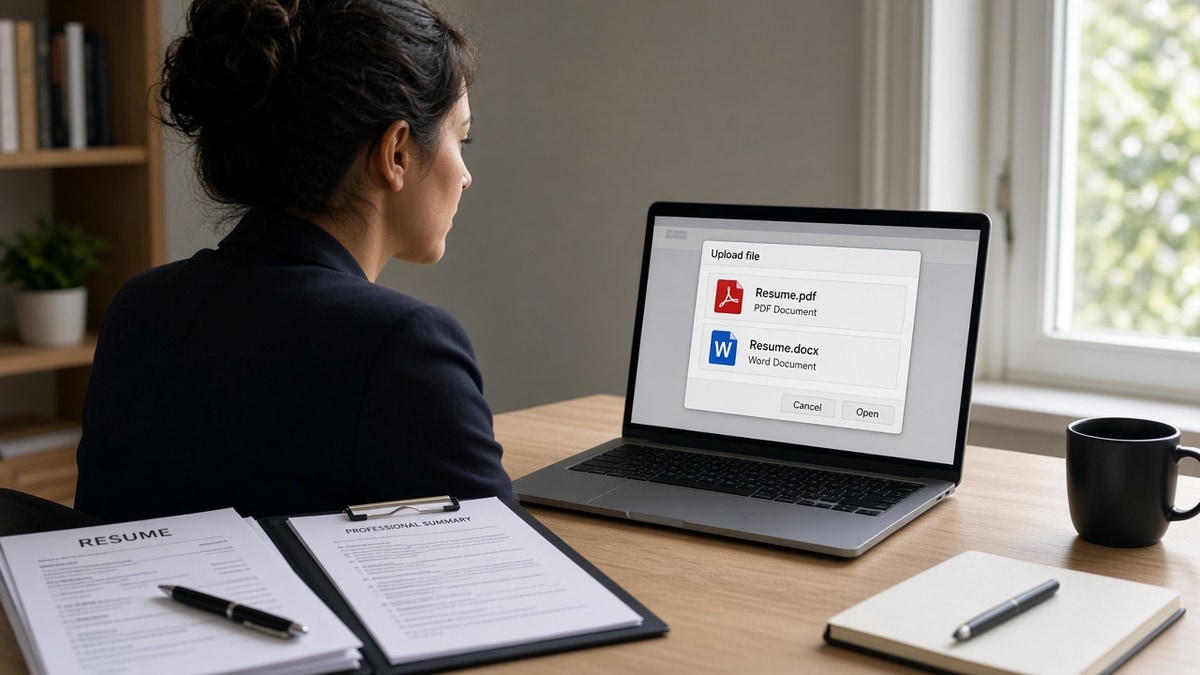
The cursor hovers over two buttons: PDF and Word. You've got eight minutes before the session times out. Pick wrong and your bullets might import with dates on the wrong line. Pick right and nobody'll think about file type again.
US hiring runs through a mix of company career sites, staffing agencies, and direct recruiter email. Each channel's got a habit. Corporate ATS portals in Workday and Greenhouse usually accept both formats. Agencies often want DOCX. Inbox forwards favor PDF.
Before you export anything, check your resume for free so you're not choosing a container for a file that already fails a plain text test. Format choice can't fix a two-column layout.
This page compares PDF and Word for US job applications specifically: corporate portals, recruiter habits, government quirks, and a decision rule you can run in under a minute. If you've got two minutes, you'll leave with a format pick and a backup plan.
Keep a tailored DOCX master and a PDF export in the same folder. You'll use both in the same search week. That's normal for US corporate pipelines, and it isn't indecision.
Quick Wins
- Read the upload label before you default to PDF.
- Export PDF from Word, not from a design tool.
- Highlight text in the PDF. If you cannot, neither can the ATS.
- Save Firstname-Lastname-Resume with the right extension.
PDF vs Word resume for US jobs: what employers do with your upload
A US corporate apply usually lands in an ATS first, then in a recruiter queue, then in a hiring manager inbox as a forward. Your file type affects each handoff differently.
On upload: the portal parser reads text into fields. DOCX often maps headings cleanly. PDF works when the text layer is intact. Image PDFs fail at this step no matter how polished they look.
On forward: recruiters email attachments. PDF keeps your spacing stable on their screen and the manager's laptop. Word can shift fonts if the recipient lacks your template.
On edit: staffing agencies sometimes retitle your file or strip your address before client submission. They ask for DOCX because it is faster to adjust. Saying no without a good reason slows your submission.
Before: "I always send PDF because it looks more professional."
After: "Portal allows both. PDF is text-selectable and my Workday preview looks clean. I will keep DOCX ready if the next posting asks for Word."
When PDF wins vs when Word wins on US applications
Compare on criteria that matter in US hiring, not on forum opinions from a different country's CV norms.
| Criteria | PDF (text-based) | Word (DOCX) |
|---|---|---|
| Layout locked on forward | Strong. Spacing stays put in email chains. | Weaker. Fonts can shift between versions. |
| Workday / Greenhouse import | Good when text is selectable. | Good on most modern US corporate stacks. |
| Agency or recruiter edit | Harder for them to tweak quickly. | Preferred when they reformat for clients. |
| Legacy portal quirks | Some older imports scramble PDF order. | Often safer when preview looks broken. |
| Posting says Word only | Do not substitute. | Required. Compliance and parsing expect it. |
| Design-tool export risk | High if exported as flat image. | Lower when built in Word or Google Docs. |
Decision rule: read the upload field. If it names DOCX, send DOCX. If both are listed, export PDF from your DOCX master and open the portal preview. If contact fields populate and section order holds, submit PDF. If preview is scrambled, retry DOCX or fix layout before you blame the extension.
Before: Canva PDF with icons, two columns, and a photo strip.
After: Single-column DOCX in Calibri 11, saved as PDF through Word's export, file name Maria-Chen-Resume.pdf.
Copy-paste block: sixty-second format pick
Copy-paste decision tree (run at upload)
STEP 1: Does the portal list only .doc or .docx? Send DOCX. Stop.

STEP 2: Does it list only PDF? Send text-selectable PDF. Stop.

STEP 3: Both allowed? Open PDF, try to highlight a bullet. Fail? Fix source or send DOCX.

STEP 4: Upload draft. Preview in portal. Email blank or jobs merged? Switch format or fix layout.

STEP 5: Recruiter email ask? PDF unless they said Word. Agency ask? DOCX unless they said PDF.
US jobs often mean US date format and one-page norms for early career, two when experienced. File type does not change those expectations. It only changes whether your dates stay on the right line after import.
When you're applying across time zones on the East Coast and West Coast, the upload rules stay the same: match the employer's field, not the coast. A San Francisco SaaS company and a Chicago industrial firm both punish image PDFs the same way.
If a posting links to an external ATS you've never seen, default to DOCX when the preview looks off, then retry PDF after you flatten headers and footers. Most US mid-market employers aren't testing exotic parsers. They're testing whether your file survives a busy recruiter's Monday morning queue.
Where PDF vs Word picks go wrong on US applies
The wrong format is usually a symptom. The disease is layout or export method. These patterns show up on US corporate uploads every week.
Image PDF from a design app: looks sharp on your phone, imports as a blank profile in Workday. Switch to a DOCX built in Word, then export PDF from there.
Ignoring Word-only labels on government sites: federal and state boards often specify DOCX for field mapping. PDF might upload but populate wrong boxes.
Tracked changes left on in DOCX: redlines and comments confuse parsers and look sloppy when a hiring manager opens the file cold.
I've forwarded hundreds of US candidate files from Greenhouse, and the ones that get bounced back for reformat are almost always image PDFs or two-column Word templates, not people who picked the wrong extension when both were allowed.
Before: resume-final-v9.pdf attached to a recruiter thread with no body text.
After: Jordan-Patel-Resume.pdf, text-selectable, single column, one-line note confirming role title and availability.
Test both exports before you upload tonight
Run the same resume through DOCX and PDF paths when the portal allows both. Paste each import preview into the ATS checker and compare field mapping side by side.
If you are rebuilding from a broken template, start in the free resume builder with a single-column layout, then save DOCX and export PDF from the finished version. One source file prevents the two formats from drifting apart after tailoring.
Postings that also want a letter still need a second file. Draft a short note with the cover letter generator and match its export type to whatever the portal lists for the resume field.
Do this now: Export PDF from Word. Try to select your email address. If selection fails, do not upload that PDF to a US corporate portal tonight.
Your PDF vs Word decision tonight
Open the upload screen. Read the accepted types. If only one is listed, use it. If both are listed, run the copy-paste decision tree and trust the portal preview over habit.
Keep DOCX as your working file and PDF as your forward-friendly export from that same source. Update both after every tailoring pass so recruiters and parsers see the same story.
File type is a delivery question, not a talent question. Get it right once tonight and spend the rest of your time on bullets that prove you fit the role.
Read more
Frequently asked questions
Follow what the portal lists first. When both PDF and DOCX are accepted and your PDF is text-selectable, PDF usually wins for US corporate roles because layout stays fixed when recruiters forward your file internally. Use DOCX when the posting asks for Word, when a staffing agency wants to edit your header, or when a legacy Workday import mangles your PDF preview.
Most recruiters opening attachments in email prefer PDF because spacing does not shift between machines. That preference does not override an ATS that explicitly requests DOCX. Match the upload field, not your habit.
Yes. Save a master DOCX and export a text-based PDF from that same file after each tailoring pass. US applications bounce between company portals, agency submissions, and direct recruiter email in the same week.
Some federal and state portals still parse DOCX more reliably into structured fields. Read the upload instructions on each site. When the form says Word only, send Word even if your PDF looks prettier.
Firstname-Lastname-Resume.pdf or .docx. No version numbers, no generic resume-final labels. Recruiters search inboxes by name when they forward you to a hiring manager.