9 min read · Match the fix to the symptom
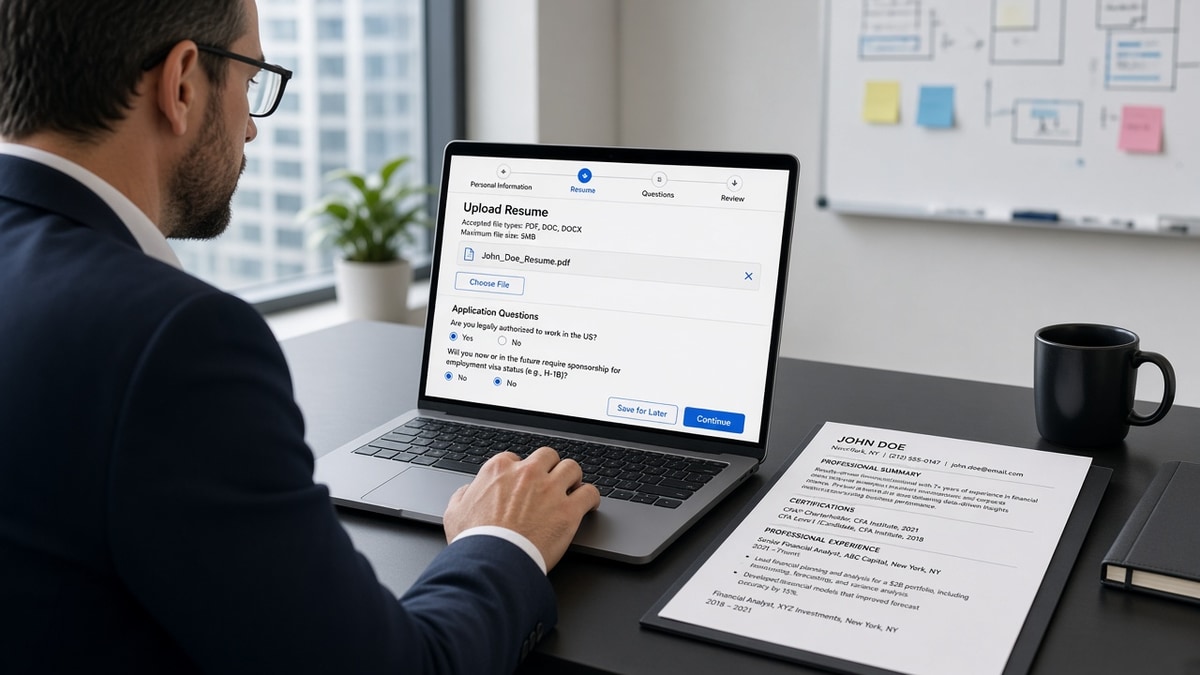
You uploaded a polished financial analyst resume. The Workday preview shows your CPA line under an internship from 2016. Your current employer title is missing. You didn't fail the role. The parser misread the file, and you're not alone on that upload screen. It's a layout problem, not a credentials problem.
US finance resumes carry extra formatting weight: certification acronyms, multi-entity employers, fiscal calendars, and dense bullet blocks with model outputs. Workday doesn't care how strong your variance commentary was if the import order is scrambled, and that's a fixable problem.
Start with a free resume check on the same file you plan to upload. This page maps symptoms to causes and fixes so you're not guessing which setting to change tonight.
You won't need to rebuild from scratch for most of these. You'll flatten a table, move a cert line, or standardise dates. Fifteen minutes of formatting often clears a preview that looked like a rejection, and that's time you'll get back on the next application.
Quick Wins
- Upload once and read the Workday preview before you click submit.
- Move CPA, CFA, or Series licenses to plain lines under your name.
- Use Jan 2020 to Present on every role, same pattern throughout.
- Delete tables and rebuild experience as stacked lines.
Workday ATS US finance roles: symptom to fix map
Match what you see in the preview to the row that fits. Fix that cause before you touch keywords or bullet wording.
| What you see | Likely cause | Fix tonight |
|---|---|---|
| Jobs out of order or merged | Table layout or two columns | Rebuild experience as stacked lines, one role per block |
| CPA or CFA missing | Cert in sidebar, icon, or table cell | Plain cert line under name or Certifications header |
| Dates on wrong role | FY shorthand or date column | Month Year on same line as title, Present spelled out |
| Contact fields blank | Header inside text box or footer | Top-of-page plain text, no boxes |
| Bullets run together | Fancy bullets or copied PDF text | Hyphen bullets in Word, re-export clean DOCX |
If the preview looks clean but you still hear nothing, the issue may be fit or timing, not parsing. This page only fixes files that misimport. It won't replace applying to roles where your level matches the posting.
Symptom: jobs merged or out of order
Finance resume templates love tables: job title in column one, dates in column two, company in column three. Workday reads cells out of reading order. Your senior analyst role can import below a college internship.
How to tell: paste the file into Notepad. If job titles and companies appear on the same line as unrelated dates, you've got a table problem.
Before:
| Senior Financial Analyst | Big Four LLP | 2021–2024 |
| Financial Analyst        | Regional Bank  | 2018–2021 |
After:
Senior Financial Analyst
Big Four LLP, New York, NY
Jan 2021 to Present

Financial Analyst
Regional Bank, Boston, MA
Jun 2018 to Dec 2020
One block per role. Title, employer and city, dates, then bullets. No pipes, no merged cells. See our Workday resume format rules for the full single-column standard.
Copy-paste: single-column experience block
Senior Financial Analyst
Big Four LLP, New York, NY
Jan 2021 to Present
- Built quarterly board deck model reducing forecast error 9% in FY24
- Led month-end close for three entities with $420M combined revenue

Financial Analyst
Regional Bank, Boston, MA
Jun 2018 to Dec 2020
- Automated variance commentary templates in Excel, saving 6 hours per close cycle
Symptom: CPA, CFA, or Series line missing
US finance hiring teams scan for credentials in the first screen. When Workday drops your CPA line, you look unlicensed even when you're not.
Cause: cert packed into a sidebar, badge image, or table cell next to your name. Parsers skip graphics and read sidebars early, which drops lines or attaches them to the wrong block.
Before: small CPA icon in a right column with color fill.
After: plain text directly under your name:
Jordan Lee, CPA
Chicago, IL | [email protected] | 312-555-0142

Certifications
Licensed CPA, Illinois · CFA Level II passed · Series 63, Series 65
Spell out the credential once. Repeat the acronym in a Certifications section if the posting uses both forms. Keep licenses on plain lines, not inside skills rating bars.
Symptom: dates attached to the wrong employer
Finance candidates often write FY22 to FY24 or Q1 2023 to Q4 2024. Workday maps those strings inconsistently. Month Year on the same line as the job title parses more reliably.
Before: FY19 to FY21 on a line below a table row.
After: Jul 2019 to Jun 2021 on the line under Financial Analyst, Regional Bank.
Use Present instead of Current or Now. Keep the same dash style everywhere: "to" or an en dash, not a mix. US employers expect US month names or three-letter abbreviations.
Edge case: contract or project roles. Still use Month Year. Add "Contract" in the title line if you need to flag the engagement type: "FP&A Consultant (Contract)."
Big Four vs corporate FP&A: spell out the firm name on its own line. Do not abbreviate to initials only unless the posting does. Workday keyword search often runs on the full string "Deloitte" or "PwC," not a logo.
Before: 01/20 to 12/23 tucked in a right margin.
After: Jan 2020 to Dec 2023 directly under Senior Auditor, KPMG, Chicago, IL.
Symptom: blank contact fields or merged bullets
Contact details inside a Word text box or page footer often import blank. The recruiter view shows no phone number. You won't get a call you can't receive.
Move name, city, phone, and email to the top of the body as plain text. Delete header and footer duplicates. Hyperlinks are fine if the URL also appears as readable text.
Bullet merge happens when you copy from a PDF or use decorative bullet characters. Re-type bullets in Word with a hyphen or standard round bullet. Paste into Notepad: each achievement should sit on its own line.
I've opened Workday previews for US finance candidates where the variance analysis bullets were strong, but the CPA sat in a right-column table and the parser attached it to a 2014 internship. Flatten the layout and the credentials land where a hiring manager expects them.
Skills as comma soup: one line with twenty tools separated by commas can import as a single blob. Break finance tools into a short list with hyphens: Excel, SQL, Hyperion, Power BI, variance analysis, month-end close.
Model outputs in bullets: numbers inside bullets are fine. Keep them in the sentence, not inside a nested table. "Built quarterly board deck model reducing forecast error 9% in FY24" parses cleanly. The same metric inside a shaded cell may not.
Before (sidebar skills column):
[Skills]  Excel | SQL | Tableau     [Experience] Senior Analyst...

After (single column):
Professional Experience
Senior Financial Analyst
...

Skills
- Excel
- SQL
- Tableau
- Financial modeling
- Month-end close
Confirm the fix before you resubmit
After each layout change, run the file through the ATS checker and compare field order to the Workday preview. Contact, experience, and certifications should match line for line.
If you're rebuilding from a broken template, start in the free resume builder with a single-column finance layout, then export DOCX and test PDF only if the portal allows both.
When the posting also asks for a letter, draft it after your resume passes import via the cover letter generator . Keep the same plain single-column format you proved in the resume file.
Do this now: Upload a draft to Workday, open the preview, and screenshot the experience block. Fix the first symptom you see before you edit a single bullet.
Fix the preview, then argue fit
Open Workday, read the preview, match the symptom to the fix. Flatten tables, free your cert lines, standardise dates, and plain-text test before submit. Keyword tweaks come after the import order is right.
A qualified finance file should not die because a sidebar ate your CPA. That's fixable in one sitting.
Read more
Frequently asked questions
Read the upload field. Many US finance employers accept both. When both are listed, test a text-selectable PDF and a DOCX in the portal preview. If the PDF preview scrambles job order or drops certifications, switch to DOCX or flatten tables first. When the field says Word only, send DOCX.
Put the credential on its own line under your name or in a Certifications section with plain text. CPA, Licensed CPA in [State], or CFA Level II passed each work when spelled out without icons. Avoid squeezing CPA into a table cell beside your job title.
Month Year is the safest pattern: Jan 2020 to Dec 2023 or January 2020 to Present. Use the same separator on every role. Avoid season labels, fiscal year only, or stacked dates in a sidebar column.
Often no. Workday reads left to right, top to bottom. A sidebar for skills or certifications can import before your current job title or drop lines entirely. Rebuild as a single column with Skills below Experience.