10 min read
You spent an hour tailoring keywords. The portal still shows a blank phone field and your 2023 role sitting under education. That's not a ranking problem. The parser never got a clean read. Most qualified applicants don't need another synonym list. They need to know whether Workday or Greenhouse can see their contact line and current job in the right order before a human opens the file.
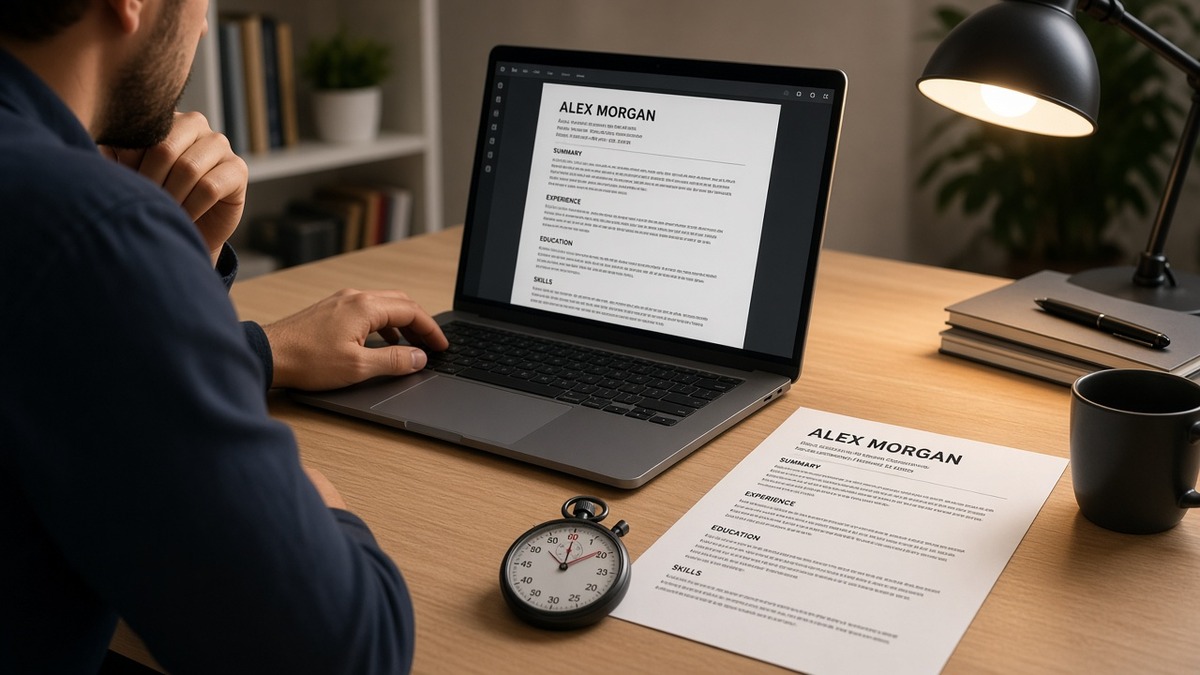
Before you apply again, check your resume for free against the posting. But even without a tool, you can run a resume ATS friendly 60 seconds check with one paste into plain text. It surfaces the same three parse failures recruiters notice first.
Job searching when you're already employed is exhausting. You're not failing because you're lazy. You're uploading a file that looks fine on screen and breaks on import. This page names the symptom, the three causes, and the fix for each so you can test tonight without redesigning the whole document.
When a posting asks for a cover letter after the upload, don't paste your Skills block into paragraph one. Generate a cover letter that cites one dated bullet the parser can already find under Experience.
Quick Wins
- Select all, paste into Notepad, read top to bottom once.
- Confirm phone and email appear as plain text, not icons.
- Check your latest job title appears before education.
- Move one must-have tool from Skills into a dated bullet.
When the preview lies about your file
The symptom is familiar: you upload a PDF that looks sharp on your laptop, then the application preview shows scrambled sections, missing digits in your phone number, or skills floating without employer names. You might still click submit. The recruiter side often shows the same broken import.
The symptom is a bad parse, not a bad career. Keyword tools won't fix contact trapped in a header. A new font won't fix a right column that imports before your current role. The file never reached scoring in a shape humans can search.
Applicant tracking systems at mid-size and large employers still run on parsers that prefer boring structure: single column, standard headings, plain text contact lines, Month Year dates tied to company names. Workday, Greenhouse, Lever, Taleo, and iCIMS all behave slightly differently, but they share the same failure modes when the source file hides text in boxes or columns.
Edge case: you're applying through a staffing agency portal that strips formatting aggressively. The paste test might look worse than the agency preview. Save a DOCX master and a plain export. Upload the version the agency's FAQ recommends, then paste that same file to confirm nothing dropped.
Edge case: you're a federal or academic candidate with publications, grants, and committee lines. Extra sections are fine when each has a standard heading and stays in the body. Problems start when contact or current role sits in a template banner the parser skips. For how uploads change inside one major ATS, read why your resume looks different after Workday upload .
What a resume ATS friendly 60 seconds check actually tests
Diagnostic order matters. Run the plain-text paste first. Then match what you see to one of three causes below. Each includes a tell, a before/after pair, and the fix you can do in one sitting.
Cause 1: Contact lives in a header, footer, or text box
Parsers often ignore headers and footers. Graphic phone icons and table-based contact rows vanish on import. Recruiters who search by phone in Workday get zero hits even when your PDF looks perfect.
Tell: Paste test drops your phone number, email, or city line entirely. The body starts with a summary or a skills block.
Before: Name centered in a banner; phone and email in a footer bar on every page; body begins with Professional Summary.
After: Jane Chen · Chicago, IL · 312-555-0142 · [email protected] · linkedin.com/in/janechen as the first lines in the document body, then Summary, then Experience.
One line of plain contact beats a designed letterhead. No tables required. If you need a second page, repeat the phone line in the body header on page two, not in the PDF footer.
Cause 2: Two columns scramble read order
Many parsers read down the left column, then the right, not across the page like a human. A sidebar Skills list can import before your current employer. Tools look orphaned from dates. Tenure math breaks.
Tell: Paste test shows Salesforce, Excel, and Tableau grouped at the top, while your 2022 to 2024 analyst role appears halfway down after education.
Before: Left column: Skills and Certifications. Right column: Experience and Education in a Canva or Word template.
After: Single column: Experience first with Salesforce reporting named inside the bullet under Acme Corp, January 2022 to Present; Skills section trimmed to tools not already in bullets.
Edge case: you keep a narrow sidebar for languages only. Move languages under Skills at the bottom in a single column export for uploads. Keep the designed version for networking PDFs if you want, not for the portal.
Cause 3: Keywords sit in Skills without dated proof
Parsers can import a long Skills list and still leave recruiters with no evidence you ran the tool in production. Must-have terms from the posting need to sit under a company name and date range, not only in a footer keyword block.
Tell: Paste test shows Kubernetes and Terraform in Skills, but your latest role bullets only mention team leadership and stakeholder updates.
Before: Skills: Kubernetes, Terraform, AWS, Python, Agile, Jira (18 lines).
After: Bullet under current employer: Migrated 22 microservices to EKS with Terraform modules, cutting deploy time from 38 minutes to 11 in Q2 2024.
The Skills section supports search. The bullet proves context. Parsers and humans both weight dated lines higher than orphaned terms.
How to tell which cause is yours
Open your resume file. Press Ctrl+A or Cmd+A, copy, paste into Notepad or TextEdit plain mode. Set a one-minute timer. Read top to bottom once. Missing contact? Cause 1. Skills before current job? Cause 2. Tools without employer lines? Cause 3. Two causes can coexist. Fix contact and column order before you rewrite bullets.
If the paste looks clean but the portal preview still breaks, export a fresh DOCX from Word or Google Docs. Some PDF printers flatten text. For phone-specific fixes, see why ATS can't read your phone number sometimes .
Copy-paste block: 60-second plain-text paste checklist
MINUTE 0:00 - Open resume, Select All, Copy
MINUTE 0:10 - Paste into Notepad / TextEdit (plain)
MINUTE 0:20 - Top of file shows: name, city, phone, email as text?
MINUTE 0:35 - Current job title + company appear BEFORE education?
MINUTE 0:45 - Section labels standard? (Experience, Education, Skills)
MINUTE 0:55 - Posting must-have tool appears inside a dated bullet?
MINUTE 1:00 - If any NO: fix that cause before adding keywords

PASS LOOKS LIKE (top lines):
Alex Rivera | Denver, CO | 303-555-0198 | [email protected]
EXPERIENCE
Northwind Health | Operations Analyst | March 2021 to Present
- Built Tableau dashboards for 12 clinic sites, cutting report prep 6 hrs/week
Save the paste output in a notes file dated today. Re-run after every template change. It's your cheap regression test before each application batch.
Polished layouts that still fail import
These show up on strong candidates who invested in design. They pass a glance test and fail the paste test.
Icons instead of digits for phone and email. A handset glyph looks modern. Parsers read nothing. Type the number.
Before: Contact row uses LinkedIn and phone icons in a colored band.
After: Plain line: [email protected] · 415-555-0133 · linkedin.com/in/mariasantos
Text boxes for summary callouts. Floating boxes import out of order or vanish. Keep summary as normal paragraphs under a Summary heading.
Keyword footers after page two. A hidden list of 40 tools at the bottom reads as stuffing and still won't attach dates. Move three posting terms into current-role bullets instead.
Assuming PDF is safer because it looks locked. Some designed PDFs are image-only. If you can't select text in the PDF, the ATS can't either. Export DOCX when the posting allows both.
I've screened stacks of these in Workday where the candidate's phone field was empty and the skills block imported first. The human reviewer never got to the metric that mattered because search and sort already treated the file as incomplete.
This won't fix applying to roles you're not qualified for. It stops a qualified file from dying in the parser before anyone reads your best bullet.
Confirm fixes before you hit submit
After the paste passes, upload the same file and posting to HireFlow's free ATS resume checker and confirm must-have terms sit under dated Experience lines, not only in Skills. If the checker flags a Skills-only match, rewrite one bullet before you apply.
Then run score your job match on the pair. You're verifying the parser-readable bullet aligns with the req, not whether you added a fifteenth synonym to a footer list.
Do this now: Paste test, fix one cause, re-paste, upload to the checker, apply once with the clean file.
Run the paste test tonight
You don't need a weekend rewrite to learn whether your file is ATS friendly. A resume ATS friendly 60 seconds check is one select-all, one paste, and three yes-or-no questions about contact, column order, and dated proof. Fix the cause you actually have, then tailor keywords inside bullets that already parse.
Job searching is hard enough without guessing why the portal ate your phone number. Keep a single-column master, run the paste before every batch, and upload the boring version that imports clean. Qualified candidates move faster when the file recruiters see matches the file they meant to send.
- Paste into plain text and read top to bottom.
- Move contact out of headers and icons into the body.
- Collapse to single column for portal uploads.
- Place one posting tool inside a dated bullet.
- Re-paste, then apply once with the fixed file.
Open the req you're targeting. Run a free ATS check , confirm the bullet you'll cite parses under a dated role, and submit the version that survived the paste test.
Read more
Frequently asked questions
Select all text in your resume file, paste into a plain editor like Notepad or TextEdit with formatting stripped, and read top to bottom in under a minute. Your phone number, email, and current job title should appear as plain text near the top. If contact details vanish or your sidebar skills block lands before your latest employer, the parser will see the same mess. Fix layout before you add keywords.
Not always, but many parsers read left column fully before the right, which scrambles order. A sidebar with Skills above Experience often imports tools without dates. Single-column Word or Google Docs exports are safer for Workday, Greenhouse, and Lever uploads. If you won't switch templates, run the plain-text paste and confirm your current role still reads before education and contact fields stay intact.
Common causes: the number sits in a header, footer, or text box; it's an image or icon link; or it's split across a table cell the parser skips. Put one line of contact info in the body: name, city and state, phone, email, LinkedIn URL as plain text. No decorative lines required. If the paste test drops your digits, recruiters searching by phone in Workday won't find you either.
Follow the posting. When the employer doesn't specify, DOCX from Word or Google Docs usually parses more predictably than a designed PDF. Some PDFs export as flat images with no selectable text. After you pick a format, run the same plain-text paste on a copy. If nothing selects, the ATS gets nothing either.
No. Extra synonyms in a footer Skills list do not repair a file the parser reads out of order. You need searchable contact lines, standard section labels, Month Year dates under employer names, and must-have tools repeated inside Experience bullets. Keywords matter after the file imports cleanly. The 60-second paste tells you which problem you actually have.