10 min read
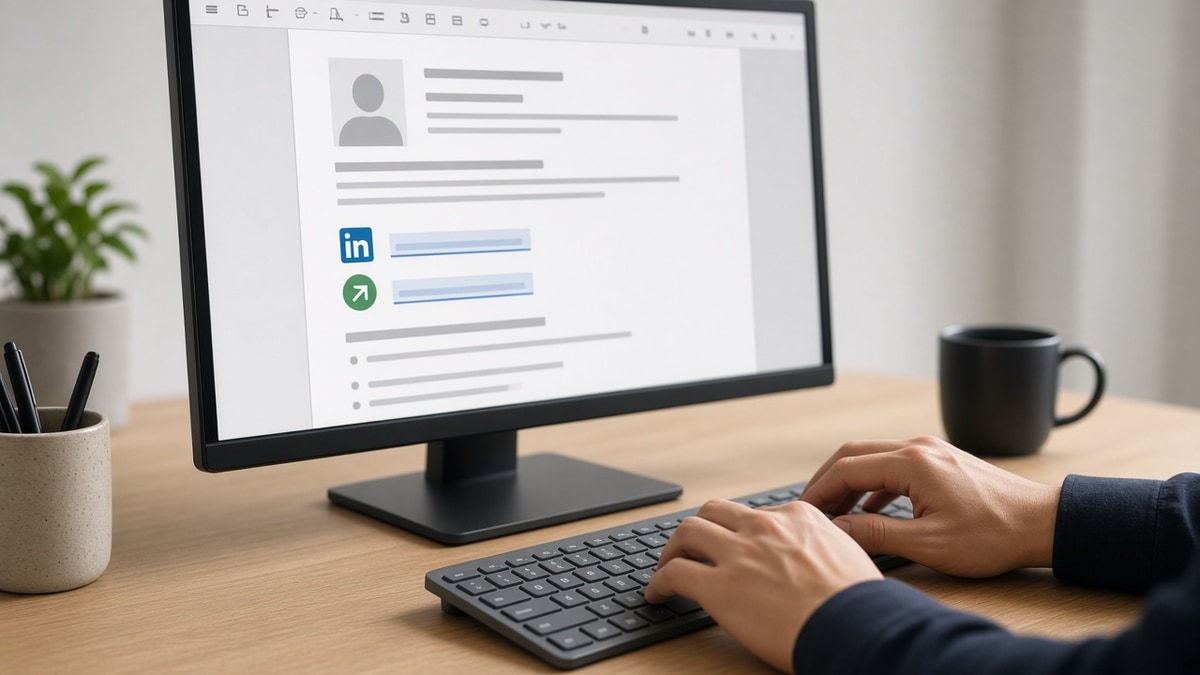
Your PDF looks perfect. You click upload in Workday. The recruiter opens your profile and sees your name, phone, and job titles. The LinkedIn and portfolio links you tucked into the template header never imported. That's the gap most candidates miss when they're adding links without testing the parsed view.
You don't need a design-heavy contact row. You need to know how to include links in an ATS resume safely so Workday and Greenhouse keep them as readable text, and so a human reviewer can copy the URL in three seconds. If you're fixing this tonight, start with the contact block.
Before you're moving links around, check your resume for free and confirm URLs still appear after parsing, not only on your screen.
Below you'll get a five-step procedure, before-and-after contact blocks, copy-paste URL lines, parser traps, and FAQ answers so you stop losing links on import. We'll walk through Word, Google Docs, and PDF export so you're not guessing which step failed.
Quick Wins
- Move every URL out of headers, footers, and sidebars into the contact block.
- Type full https:// lines; skip hyperlinks, icons, and URL shorteners.
- Copy-paste your saved PDF text into Notepad and confirm each link survived.
Where links vanish when ATS imports your file
Parsers read the main body column first. Contact details in Word headers, footers, text boxes, and two-column sidebars often import as empty fields. Your PDF still shows a blue hyperlink in the banner. The recruiter's Workday view does not.
Embedded hyperlinks add risk. Blue underlined click here text sometimes strips down to anchor words with no URL attached. Plain https characters survive more often because parsers treat them as regular text.
I've opened Greenhouse profiles where the attachment PDF had a portfolio link in the margin, but the parsed contact section showed only email and phone. The candidate never knew the link was invisible to intake search.
Safe pattern: one URL per line in the contact block directly under your phone, plus at most one project URL inside an Experience bullet for roles that expect work samples. Everything else is optional noise.
Greenhouse and Lever follow the same rule set: body-column plain text wins. A fancy Canva resume with linked icons often parses as a name and nothing else. When in doubt, rebuild in a single-column Word or Google Doc, paste your https lines, and export from there.
PDF versus DOCX matters less than placement. A text-based PDF with links in the contact block survives more often than a DOCX with URLs trapped in a footer. Scanned image PDFs fail either way because parsers cannot read the characters at all.
For broader parser failures beyond links, read resume formatting errors that break ATS parsing . This page fixes the link slice only.
How to include links in an ATS resume safely: five steps
Work on a copy of your master file. Run all five steps in order. Do not upload until Notepad shows every URL as plain text.
Step 1: Strip links from headers, footers, and sidebars
Open the file in Word or Google Docs. Check Header and Footer views. Delete LinkedIn icons, portfolio buttons, and QR codes from margin columns. If your template puts contact info in a colored sidebar, move it into the main single column.
In Word, double-click the top margin to open the header. Select any URL or icon and delete it. Repeat for the footer. In Google Docs, open Format, then Headers and footers, and clear both zones. Canva and design-tool exports often bake links into locked layers; retype those URLs manually in a plain document.
Before: Portfolio icon in the Word header; LinkedIn hyperlink on the right sidebar.
After: Empty header and footer; all URLs moved to the top contact block in the body.
Step 2: Build a plain-text contact block
Under your name, stack contact lines vertically. Phone and city on one line. Email on the next. Then one https URL per line. Use the public profile path, not an edit URL.
Type the characters https:// at the start of each link. Some parsers drop bare www links or treat them as plain words. Avoid mailto: wrappers around your email; the address alone parses cleaner. Keep font at 10.5 to 12 point Calibri or Arial so the block does not get mistaken for a footer when imported.
Before: Jane Doe | [email protected] | LinkedIn | Portfolio (all hyperlinked, one row).
After: Four lines: phone and city, email, https://linkedin.com/in/janedoe, https://janedoe.design.
Step 3: Add one work-sample link inside a bullet
Technical, design, and writing roles benefit from one project URL inside Experience or Projects. Put the link at the end of a bullet that already shows outcomes. Do not create a bullet that is only a link.
Example: Built checkout redesign in Figma, lifting mobile conversion 14% in Q2; sample flows at https://janedoe.design/checkout-case-study.
Corporate roles that do not expect a portfolio can skip this step. If the posting says submit work samples or include a portfolio, the bullet link gives recruiters a second path when the contact block feels crowded. Never paste the same URL three times across header, contact, and five bullets.
Step 4: Remove shorteners and tracking parameters
Replace bit.ly, tinyurl, and custom redirect links with the full destination URL. Drop ?utm_source=resume and similar tracking strings that parsers can cut mid-string. Click each link in a browser tab before you save the final file.
Step 5: Save, copy-test, and parse-check
Save as PDF when the posting allows it. Select all text, copy into Notepad or TextEdit, and read the output top to bottom. If a URL is missing or broken across lines, fix the source file and repeat. Upload only the version that survives the copy test.
On Mac, open the PDF in Preview, select all, copy, and paste into TextEdit as plain text. On Windows, open the PDF in Edge or Adobe Reader, copy, and paste into Notepad. If linkedin.com appears split across two lines, shorten the contact block or widen margins until the URL stays on one row in the source file.
When the employer offers a resume preview inside the portal, use it. Blank LinkedIn fields in preview mean your link still lives in a zone the parser skipped. Go back to step one and move the URL into the body contact block before you submit.
Copy-paste contact block templates
Copy-paste contact blocks (swap in your details)
General corporate:
Alex Rivera
(555) 234-8890 | Chicago, IL
[email protected]
https://linkedin.com/in/alexrivera

Software engineer:
Morgan Lee
(555) 901-4422 | Austin, TX
[email protected]
https://linkedin.com/in/morganlee
https://github.com/morganlee

Designer / marketer with portfolio:
Priya Shah
(555) 778-1200 | Remote (US Eastern)
[email protected]
https://linkedin.com/in/priyashah
https://priyashah.design

One portfolio bullet (end of Experience line):
Led B2B site refresh in Webflow, cutting demo-request form drop-off 19%; case study at https://priyashah.design/acme-refresh
Edge case: some portals ask for LinkedIn in a separate form field. Paste the same https line you used on the resume so intake records match your file.
When Workday blanks fields after upload, read Workday resume parsing error for layout fixes beyond links.
Link formatting traps that break parsers
Hyperlinked anchor text without the URL visible. Click here for my portfolio imports as words, not a link. Type the full https string.
Three links crammed on one line with pipes. LinkedIn | GitHub | Portfolio in one row often parses as one garbled field. One URL per line.
Icons instead of text. LinkedIn and GitHub logos in a margin column disappear on import. Spell out the URL.
QR codes as the only link. Parsers cannot read the image. Always pair a QR on a printed resume with a typed URL on digital uploads.
Broken or edit-page URLs. linkedin.com/in/me/edit/ and expired portfolio paths waste recruiter time. Test every link the night you apply.
More than four links. Extra social profiles clutter the contact block without helping screeners. Keep LinkedIn, one portfolio or GitHub, and one optional project bullet.
Assuming the attachment is what recruiters search. Some intake teams keyword-search parsed profile text first. If your link never left the PDF attachment metadata, you will not show up when they search for your GitHub handle or portfolio domain.
Using a personal domain that redirects twice. Long redirect chains can break in strict parsers. Point the resume URL at the final landing page you want reviewed, not an intermediate splash page.
Parse check before you upload
After you rebuild the contact block, run the same file you will submit. Parsing errors belong in tonight's edit, not after you hit submit.
Run a free ATS check on your PDF or DOCX with the posting pasted in. Confirm URLs appear in the extracted text, not only in the preview pane.
Rebuilding from scratch? The free resume builder outputs single-column contact blocks that parse cleanly. Add your https lines there, then export and copy-test again. Mention one portfolio outcome in the cover letter generator so the letter and resume point to the same URL.
Submit with links parsers can read
Pull every URL out of headers and sidebars tonight. Rebuild your contact block as plain https lines, one per row. Add one project link to a bullet if the role expects samples. Copy your saved file into Notepad and read what parsers will see.
That's how to include links in an ATS resume safely: readable text in the body, not hidden formatting in the template chrome.
- One URL per contact line, full https string, no shorteners.
- At most one work-sample link inside an Experience bullet.
- Copy-test and ATS-check the file you will upload.
This won't fix a broken portfolio site. It stops qualified candidates from losing callbacks because the recruiter never saw the link you thought you included.
Read more
Frequently asked questions
Plain https text in the contact block is safest for ATS import. Embedded hyperlinks, icon buttons, and click here anchor text often strip on upload. Recruiters can still copy a full URL from parsed text. One plain line per link beats a formatted button.
Put LinkedIn and email-adjacent links on their own lines directly under your phone in the contact block: https://linkedin.com/in/yourname on one line, https://yourportfolio.com on the next. Add one portfolio or GitHub URL inside a single Experience or Projects bullet when the role expects work samples.
Workday and Greenhouse parsers often drop content in headers, footers, sidebars, and text boxes. Links parked in a template banner or Word header look fine on your PDF but import as blank. Move every URL into the main body contact block as plain text.
Two to four maximum: LinkedIn, one portfolio or GitHub line, and optionally a personal site or project URL in a bullet. More than four clutters the contact block and adds parse risk. Skip social profiles unless the posting asks for them.
No for ATS uploads. Parsers read text, not images. A QR code takes space without adding searchable characters. Use a full https line recruiters and parsers can both see.