7 min read
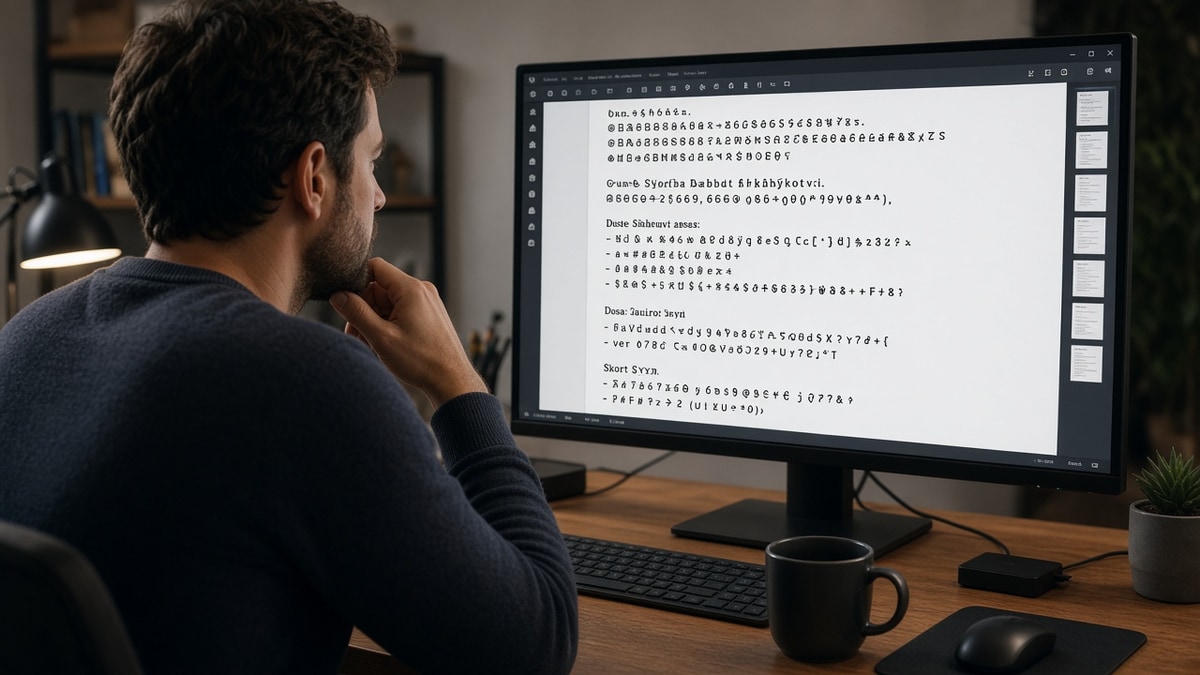
Your resume looks clean on screen. You paste it into a portal preview and the bullets turn into diamonds, your email splits across two lines, or a job title shows up as "????". That's not a typo problem. It's a character-encoding problem, and it's fixable in one sitting.
You don't need a new template tonight. You need a search-and-replace pass on the file you'll actually upload. Most parsers read plain ASCII reliably. Everything else is a gamble in Workday, Greenhouse, Lever, and Taleo.
Tonight's job: find the characters killing your parser, swap them for boring ones, and confirm each bullet still sits on its own line in plain text. You'll know you're done when Notepad shows your name first and no empty glyph rows.
Check your resume for free on the cleaned file before you hit Apply again. Character fixes come first. Keyword tweaks come second.
Work through the five grouped checklists below, then the swap table and copy-paste block. One pass per group beats guessing which symbol broke the import.
Quick Wins
- Paste all text into Notepad. Scan for boxes, question marks, or merged lines.
- Replace fancy bullets with a hyphen at the start of each achievement line.
- Run one checklist group at a time, then save and paste again before upload.
What garbled text looks like after upload
The apply button works. That's what makes this annoying. You won't always get an error. You'll get a recruiter view where symbols ate your bullets or your name field shows mojibake.
Common signs special characters broke parsing: bullets collapse into one paragraph, dates show as question marks, skill icons import as empty squares, or your email address breaks at the "@" symbol.
I've opened Greenhouse profiles where every achievement line ran together because the candidate used checkmark bullets from a Canva template. The experience was there. The line breaks weren't.
Another pattern: text copied from a company website drags in non-breaking spaces and curly quotes. The resume looks fine in Word. Plain text shows odd gaps the parser reads as one long token.
None of this means you're underqualified. It means the file carries characters the importer wasn't built to split. Swap them tonight, then rerun the paste test.
For layout traps that hide next to symbol issues, see why fancy templates break ATS . Characters and columns often fail together on the same export.
Five character checklists to run tonight
Open your upload file in Word or Google Docs. Use Find and Replace for each group. Save after every group and paste into Notepad before moving on.
Checklist 1: Bullets
Fancy list markers are the fastest way to lose line breaks. Parsers expect a simple prefix, not a Unicode ornament.
- Replace round bullets, arrows, and checkmarks with a hyphen or asterisk.
- Delete icon-font bullets that paste as blank squares.
- Confirm each achievement sits on its own line in Notepad after the swap.
- Skip numbered circles from design templates. Use 1. 2. 3. or plain hyphens.
Checklist 2: Accents
UTF-8 body text usually survives in modern portals. Name fields and old parsers are where accents trip.
- Keep your legal name spelling in the document header.
- If autofill garbles the name, add one ASCII alias line directly under it.
- Replace accented words inside bullets only when paste shows question marks.
- Export DOCX from Word or Google Docs. Avoid retyping names inside PDF editors.
Checklist 3: Symbols
Symbols in prose confuse tokenizers. Numbers inside bullets are fine. Decorative symbols in headings are not.
- Write "and" instead of ampersand in sentences. Keep % inside metrics if paste stays clean.
- Remove trademark, copyright, and registered marks from skill lines.
- Replace plus signs between skills with commas: Python, SQL, not Python + SQL.
- Drop emojis and rating stars. They paste as nothing useful.
Checklist 4: Tables
Table cells hide pipe characters and merged dates. Flatten before you worry about keywords.
- Convert layout tables to plain lines: Employer, Title, Month Year to Month Year.
- Remove vertical bar separators between fields unless paste keeps them on one line.
- Delete empty cells that paste as stray tabs between job blocks.
- Run paste test after flattening. Dates should stay attached to the right employer.
Checklist 5: Paste-from-web
Copying job duties from a company site or LinkedIn bio drags invisible formatting with it.
- Paste web text into Notepad first, then into your resume. Never direct into Word.
- Find and replace curly double quotes with straight quotes.
- Replace non-breaking spaces: in Word, Find ^s and swap for a normal space.
- Delete zero-width characters that show up as odd gaps in plain text.
Special characters that break ATS: find-and-replace workflow
Work top to bottom in this order. Bullets first, web junk last. Skipping a group means you'll paste clean bullets above a paragraph that still carries curly quotes.
Step 1: Baseline paste test
Select all text in your upload file. Paste into Notepad. Screenshot or note every glyph that isn't a letter, number, or basic punctuation. That list is your replace queue.
Step 2: Run the swap table
| Problem character | Replace with | Where it hides |
|---|---|---|
| Fancy bullet (round, arrow, checkmark) | Hyphen or asterisk at line start | Experience bullets, skills lists |
| Curly quotes (" " ' ') | Straight " and ' | Pasted job descriptions, summaries |
| En dash or long dash in dates | "to" or hyphen (Jan 2022 to Mar 2024) | Employment date ranges |
| Ampersand in prose | and | Summary lines, language lists |
| Pipe between fields (|) | Comma or line break | Contact line, table cells |
| Non-breaking space | Normal space | Web paste, centered headers |
| Accent in body text (paste shows ?) | Unaccented letter (resume to resume) | Foreign words in bullets only |
| Emoji or star rating | Delete or spell out the metric | Skills rows, summary hooks |
Step 3: Confirm with a second paste
Save the file. Select all again. Paste into a fresh Notepad window. Line one should still be your name. Each bullet should still be its own line. No new question marks should appear.
Before: Canva export with checkmark bullets. Notepad shows four achievements on one line with empty squares between them.
After: Same bullets with leading hyphens. Notepad shows four separate lines, each starting with a dash.
Before: Summary copied from a careers page with curly quotes and non-breaking spaces. Paste test shows "customer" and "success" split oddly.
After: Text pasted through Notepad into Word. Straight quotes, normal spaces, summary reads as one clean paragraph.
Copy-paste block: clean bullet skeleton
Replace your experience block with this shape
EXPERIENCE
Northline Logistics, Operations Analyst, Mar 2022 to Present
- Built weekly SLA dashboards in Looker, cutting manual reporting 6 hours per week
- Owned Salesforce case routing rules for a 12-person support team

Clearpath Retail, Business Analyst, Jun 2019 to Dec 2021
- Migrated inventory reports from Excel to SQL, improving stock accuracy
Paste your real metrics under each role. Keep hyphens consistent. Do not swap back to fancy bullets after the paste test passes.
For format choice after characters are clean, read PDF vs Word resume for ATS . A clean DOCX beats a broken PDF every time.
Verify the clean file
Character swaps confirm the parser can read your text. A checker confirms you're still aligned with the posting after those edits.
Run the free ATS checker on the same file that passed the second paste test. Fix any layout flags before you chase keyword gaps.
If you're rebuilding from scratch faster than fighting a locked template, build your resume in a single-column layout, then paste your cleaned bullets in. Plain structure, no hidden symbols.
Applying to multiple roles this week? Generate a cover letter in the same plain formatting so both documents parse cleanly in one session.
Upload rule
If Notepad can't read your resume aloud line by line, Workday won't map it into fields either. Boring characters are the feature, not the bug.
- Hyphens or asterisks for bullets. No icons, no font glyphs.
- Straight quotes, normal spaces, "to" in date ranges.
- One paste test after each checklist group, one final paste before upload.
Your experience is already written. Strip the symbols that hide it from the parser, and the same content stops breaking on the next apply.
Read more
Frequently asked questions
Keep the correct spelling in the document you control. If Workday or Greenhouse garbles your name on autofill, add one ASCII line under the header: Maria Rodriguez (Maria Rodriguez). Do not strip your legal name from the file. Fix the portal field manually when preview shows mojibake. Most parsers handle UTF-8 in body text when you export from Word or Google Docs as DOCX.
Yes. Unicode bullets, arrows, and checkmarks often paste as blank squares or merge two bullets onto one line. Replace them with a hyphen or asterisk at the start of each line. Run the paste test after every swap. If each achievement still sits on its own line in Notepad, the parser can map bullets to job descriptions.
Select all text, paste into Notepad, and scan for question marks, empty boxes, or odd spacing. In Word, turn on Show/Hide formatting marks and use Find for common offenders: curly quotes, non-breaking spaces, and tab characters. Work through one checklist group at a time: bullets, accents, symbols, tables, then web-paste junk.
No. PDF export preserves the same underlying characters. A broken bullet in Word stays broken in PDF. Clean the source file first, rerun the paste test, then save PDF or DOCX per the portal's request. If both formats fail the paste test, rebuild in a blank single-column Word doc before you apply again.