By Peter Miller · Published August 11, 2026 · Last updated: October 8, 2026
9 min read
You uploaded a strong clinical resume, but Lever imported BLS while dropping ACLS, and your 2023 hospital role now sits before a 2019 rotation. That's not a rejection letter. It's a parsing miss on licensure bullets, dates, or acronyms.
Before you rewrite every bullet, check your resume for free and read what the checker extracts. If credentials or dates are wrong in the preview, fix the patterns below on tonight's file.
Resume parsing issues Lever US healthcare teams see are repetitive. Hospitals use Lever on careers sites, and the same three formatting habits break imports for nurses, techs, and allied staff. You won't fix that by adding keywords alone.
Three fixes before you reapply
- Move RN, BSN, and state license numbers into a Licenses and Certifications section.
- Replace slash dates with Month Year on the same line as the hospital name.
- Spell out BLS and ACLS once, then use the acronyms in bullets.
How Lever parses a US healthcare resume
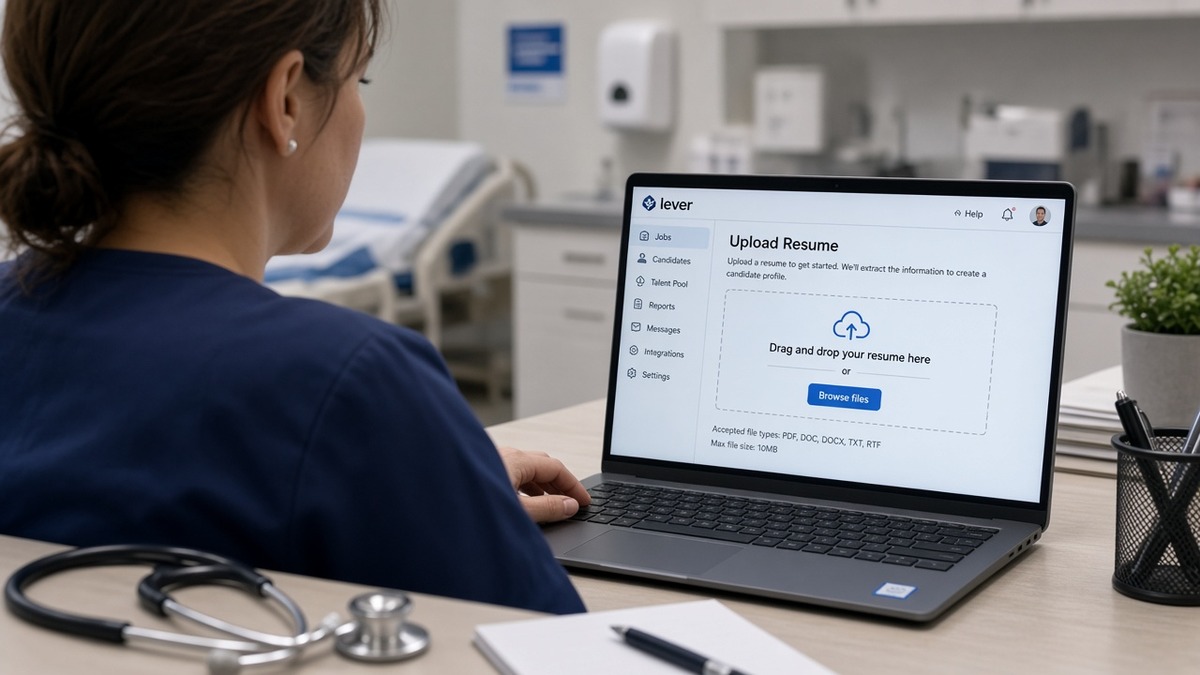
Lever is an applicant tracking system many US hospitals and health networks use. On upload, it tries to build a profile: contact fields, work history, education, certifications, skills.
Healthcare resumes pack more acronyms than corporate files. When those acronyms sit in headers, tables, or icon rows, Lever often keeps the first token and drops the rest.
Recruiters still search inside Lever for license keywords and EMR names. If ACLS never imported, you can look underqualified even when the PDF looks perfect.
You will not get an email explaining the miss. That is why resume parsing issues Lever US healthcare applicants notice show up as silent gaps in the online profile, not as a bounce message.
For license verification rules, use your state board site as the source of truth when you list numbers. This page only covers how the file should look so Lever can read it.
Resume parsing issues Lever US healthcare: Q&A fixes
How should licensure and certifications appear?
Put each license and cert on its own line under Licenses and Certifications. Include the issuing state or body when it matters for nursing or allied roles.
Before: RN, BSN, CCRN, ACLS, BLS in a centred header string above a blue banner.
After: Registered Nurse (RN), State of Texas, license #123456; Bachelor of Science in Nursing (BSN); Critical Care Registered Nurse (CCRN); Basic Life Support (BLS); Advanced Cardiovascular Life Support (ACLS), each on separate lines in body text.
What date format keeps clinical timelines straight?
Write Month Year to Month Year beside the employer. Keep travel contracts and per-diem roles as separate entries instead of stacking dates in a table cell.
Before: 12/01/2020 to 11/30/2023 on a line below a logo row.
After: Dec 2020 to Nov 2023 on the same line as Med-Surg Registered Nurse, St. Mary's Hospital, Austin, TX.
How do I handle acronyms without losing EMR keywords?
Spell out once per section, then abbreviate in bullets. Pair EMR names with the unit where you used them so Lever ties software to experience.
Copy-paste licensure and skills block
Licenses and Certifications
Registered Nurse (RN), Texas Board of Nursing, #123456
Basic Life Support (BLS), American Heart Association, renewed Mar 2025
Advanced Cardiovascular Life Support (ACLS), renewed Jan 2025
Skills
Epic EMR (inpatient med-surg, 3 years)
Patient assessment, IV therapy, wound care
HIPAA-compliant documentation
Should I strip tables and columns from a clinical template?
Yes when a paste test shows skills jumping between jobs. Many hospital templates use invisible tables for alignment. Show gridlines in Word, delete the table, and stack plain lines instead.
Compare with formatting mistakes that break AI parsers when the profile looks empty even though the PDF looks full.
How should clinical bullets read so Lever keeps the numbers?
Keep unit size and patient load inside the bullet, not inside a sidebar chart. Illustrative lines are fine when they describe your file, not the whole market.
Example bullet for a med-surg RN: Provided bedside care on a 32-bed unit, averaging 5 patients per shift, documenting in Epic EMR with zero overdue charting audits in Q2 2024.
Example bullet for a radiology tech: Operated CT and MRI suites for 18 months, completing 11 scheduled scans per shift while maintaining Joint Commission documentation standards.
Clinical resume traps that confuse Lever
I've reviewed Lever imports for hospital reqs where the PDF showed ten years of acute care and the profile showed three, and the gap was always formatting, not experience.
Certification icons instead of words
Badge graphics for BLS or PALS do not parse. Replace each icon with the spelled-out name once, then the acronym in parentheses.
Rotations buried under creative headings
Headings like Clinical Journey or Credentials at a Glance fail to map to Experience or Certifications. Rename to the standard labels Lever expects.
Contact details in a footer
Phone and email in a footer region can import blank on some Lever setups. Repeat them as body text under your name on page one.
This will not fix applying without a required license. It stops a qualified clinician from looking under-credentialed because ACLS never made it into the profile.
Verify Lever parsing before you hit Submit
Upload the cleaned file to the free ATS resume checker and compare licenses, dates, and EMR lines to your document. Fix missing certs before you tweak bullet wording.
When you need a plain clinical layout fast, start from the free resume builder and save DOCX even if the hospital also accepts PDF.
Submit when the profile matches your chart
Resume parsing issues Lever US healthcare imports hit are fixable without a new career narrative. Line up licenses on separate rows, standardise Month Year dates, spell out acronyms once, and flatten tables when the paste test fails.
Run the checker, confirm ACLS and EMR lines imported, then tailor bullets to the posting. When the online profile matches your PDF, recruiters can judge fit instead of guessing what disappeared.
Add a short cover letter with the cover letter generator so credential fixes read the same to a human reviewer.
If imports look clean but you still hear nothing, read why you are not hearing back after job applications to separate timing from format.
Frequently asked questions
Lever maps credentials when they sit in plain body text under standard headings. A dense string like RN BSN CCRN in a text box, footer, or graphic banner often imports only the first token. Put Registered Nurse (RN), Bachelor of Science in Nursing (BSN), and each cert on its own line in a Licenses and Certifications section.
Use Month Year to Month Year on the same line as the employer, for example Jan 2020 to Dec 2023. Slash dates such as 01/12/2020 invite US vs UK order guesses and can flip start and end months inside Lever.
Spell out once with the acronym in parentheses the first time in each major section, then use the acronym in bullets. Write Basic Life Support (BLS) and Advanced Cardiovascular Life Support (ACLS) before you list patient care acronyms alone.
Use DOCX when the posting allows it and the file is built in Word or Google Docs. Submit a text-based PDF only when the portal requires PDF. Scanned PDFs and image exports fail because Lever cannot read the text layer.
List EMR names as plain bullets under Skills or inside the relevant job bullets, not inside tables or icon rows. Write Epic EMR and Cerner PowerChart as words, not logos, so Lever can index them next to the role where you used them.