7 min read
You tweaked keywords for an hour. The portal still sent the same auto-receipt. That's not proof the ATS hates you. It's proof you're probably tuning the wrong layer.
Most candidates picture one robot scoring the whole application. Real hiring stacks run five separate filters, and each one fails differently. You can't fix a knockout question with a new font. You can't fix scrambled parsing with a stronger summary.
Check your resume for free after you map which layer your symptoms match. If the plain-text copy of your file is broken, no keyword list saves the upload.
Tonight's job isn't to outsmart automation. It's to see where automation already touched your file so you repair the right step on the next apply.
Quick Wins
- Copy your resume into Notepad and confirm name and dates parse in order.
- Re-read knockout answers for salary, work authorization, and location.
- Compare your top three bullets to the posting's required skills before rewriting the summary.
What automation actually touches
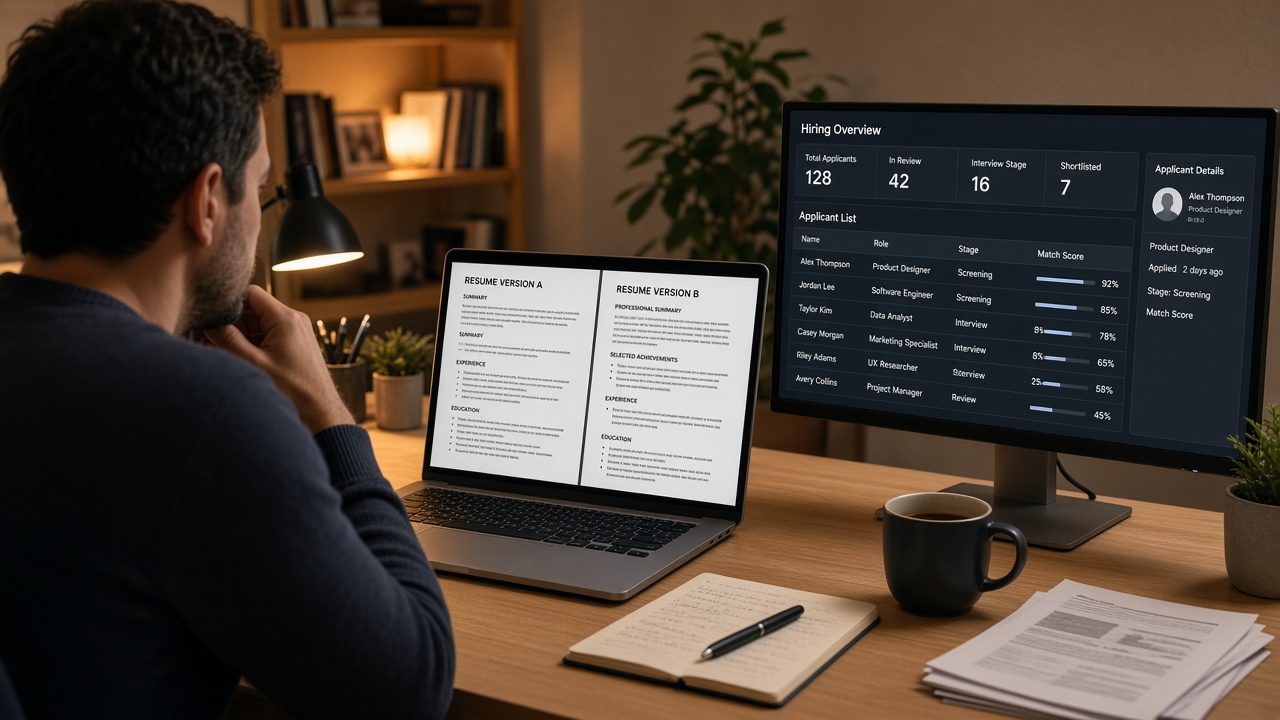
When people ask how automation influences hiring results, they usually mean one invisible score. In practice, employers chain tools. Workday or Greenhouse receives the file, a parser maps text into fields, business rules run on those fields, a recruiter queue sorts what survived, and scheduling software handles the rest.
Each step owns a different failure mode. Parsing breaks when columns scramble text order. Knockout questions reject before your resume opens. Keyword rules compare stored fields to the job description. Recruiter filters sort by date applied or referral flag. Calendars and approval workflows stall after a human yes.
Treating those as one "ATS score" sends you in circles. You'll rewrite a summary while the profile still shows your skills block as your first name. You'll add keywords while a work-authorization answer already closed the req.
Symptoms help you sort layers fast:
- Instant rejection email: often knockout or eligibility, not resume text.
- Profile looks wrong in the portal preview: parsing layer.
- Status stuck at "received" for weeks: queue volume or req pause, not always your file.
- Recruiter viewed, then silence: human pass, scheduling or approval layer.
For what happens inside a major ATS after upload, read why your resume looks different after upload .
Five layers that filter your file
Walk the pipeline top to bottom. Stop at the first layer that matches your symptom. That's where tonight's fix belongs.
Layer 1: Parser and field mapping
The parser pulls plain text and drops it into name, employer, title, and date fields. Two-column layouts, tables, and text boxes break this step quietly. You won't always get an error toast.
Before: PDF paste starts with "Python SQL Tableau" and your name appears ten lines down.
After: Paste reads name, email, phone, then Experience with titles beside dates in order.
Layer 2: Knockout and eligibility questions
Sponsorship, clearance, salary floor, commute radius, and start date often run as hard rules. A perfect resume never opens if you answer outside the band the req allows.
Before: Salary expectation $145k on a role capped at $130k in the form.
After: Range aligned to the posting band, or you skip roles with fixed caps you can't meet.
Layer 3: Keyword and field match
Once fields are clean, matching compares stored text to the job description. Title synonyms matter. Skills buried in a sidebar that never parsed won't count here.
Before: "Customer success" in the summary while the posting asks for "client retention" in the first experience bullet.
After: Posting phrase in the first eight words of your current role's lead bullet, with proof in the next line.
Layer 4: Recruiter queue and sort rules
Humans still use filters: date applied, referral source, location, internal candidates first. Your file can be qualified and buried on page four of a sorted list.
Before: Generic apply on day ten of an open req with 400 applicants.
After: Same resume submitted earlier in the window, or routed through a referral field when you have one.
Layer 5: Scheduling and approval automation
After a recruiter likes your file, calendar tools, panel availability, and headcount holds can delay weeks. That feels like a rejection. It's often logistics.
Copy-paste block: layer diagnostic checklist
Run this after your next apply
1. Paste resume into Notepad: name in first 3 lines?  [ ] Yes  [ ] No → fix parsing
2. Portal preview matches your PDF?                     [ ] Yes  [ ] No → fix parsing
3. Knockout answers within posting bands?               [ ] Yes  [ ] No → fix eligibility
4. Top bullet echoes a required skill from the JD?     [ ] Yes  [ ] No → fix keyword layer
5. Applied inside first week of post?                   [ ] Yes  [ ] No → queue timing issue
6. Recruiter viewed but no invite?                      [ ] Yes  [ ] No → scheduling/follow-up
I've screened thousands of Workday profiles where the candidate spent days on keyword lists while the extracted name field still read "Microsoft Excel." The fix was never more synonyms. It was a single-column file with dates on the employer line.
Fixes aimed at the wrong layer
Rewriting the summary when parsing failed. The summary field is empty in the ATS because the parser never reached it. Flatten layout first.
Stuffing keywords into a skills sidebar. Sidebars often parse first and push your name down the profile. Move proof into experience bullets.
Assuming silence means bad bullets. Long queues and frozen reqs produce the same silence as a low match. Check posting age and whether the role reposted.
Ignoring knockout questions. No cover letter recovers a failed work-authorization answer. Read every required field before you attach files.
Chasing one "ATS score" from a third-party toy. Employers run different rule sets. Layer diagnostics beat a single number that doesn't map to your portal.
For deeper parser failures, see why fancy layouts break parsing .
Test the layer you suspect
Start with parsing because it's the cheapest test. Run the plain-text copy, then pass the same file through HireFlow's checker to catch field-order issues the eye misses.
Use the free ATS checker on the exact PDF you'll submit. If layer one is clean, compare your top bullets to the posting before you touch the summary again.
When the role also asks for a letter and parsing looks fine, generate a cover letter in the same plain format. Matching structure keeps both documents readable in one portal view.
Pick the right layer tonight
How automation influences hiring results depends on which filter stopped your file. Parser damage needs layout. Knockouts need honest answers. Keyword gaps need bullets tied to the posting. Queue delays need timing or referrals. Scheduling stalls need follow-up, not another resume version.
- Run the layer checklist on your last application.
- Fix layer one before you tune language.
- Stop treating every silence like a bullet problem.
You don't need to beat the whole stack in one night. You need to know which layer ate your apply so the next one gets past it.
Keep a short log after each apply: portal preview screenshot, knockout answers you submitted, and date applied. Three data points make the next diagnosis faster when the same company uses the same stack on a different req.
Read more
Frequently asked questions
Many files stall before a recruiter opens them, but the reason varies by layer. A garbled parser export, a failed knockout answer, or a low keyword match each produces silence without a single universal reject flag. Diagnose which layer stopped you before you rewrite content that never loaded.
Start with parsing. Copy your resume into a plain-text editor and confirm your name, dates, and job titles appear in order. If plain text is scrambled, keyword edits and cover letters won't matter because the ATS profile is already wrong. Fix extraction, then test knockout questions and keyword fit.
Yes. Scheduling tools, approval chains, and requisition freezes sit after the human yes. You might pass a screen and still wait weeks while automation routes calendar invites or holds the role. That delay is a different problem than a parser failure.
Sometimes. Some portals parse cover letters into separate fields. Others ignore them entirely. A letter rarely overrides a knockout fail or a scrambled resume upload. Match the letter format to the resume file and only spend time on it after parsing looks clean.