5 min read
You formatted your phone number in a Word header because it looked clean. Greenhouse imported your file and left the contact field blank. That's not a mystery rejection. It's a parsing blind spot, and it's fixable in ten minutes if you know where parsers look.
If you're not sure whether your upload survived, don't guess. Check your resume for free after you move contact info into the body. You'll see the same gaps the portal sees before you hit submit again.
Headers and footers feel professional on paper. Online, they're often invisible to the software that ranks you first. Once you've pulled everything into the main flow, the parser and the recruiter read the same file.
Quick wins
- Clear header and footer fields in Word or Google Docs.
- Type name, email, and phone on lines one through three of the body.
- Paste the export into Notepad and confirm every line appears.
What parsers do with header zones
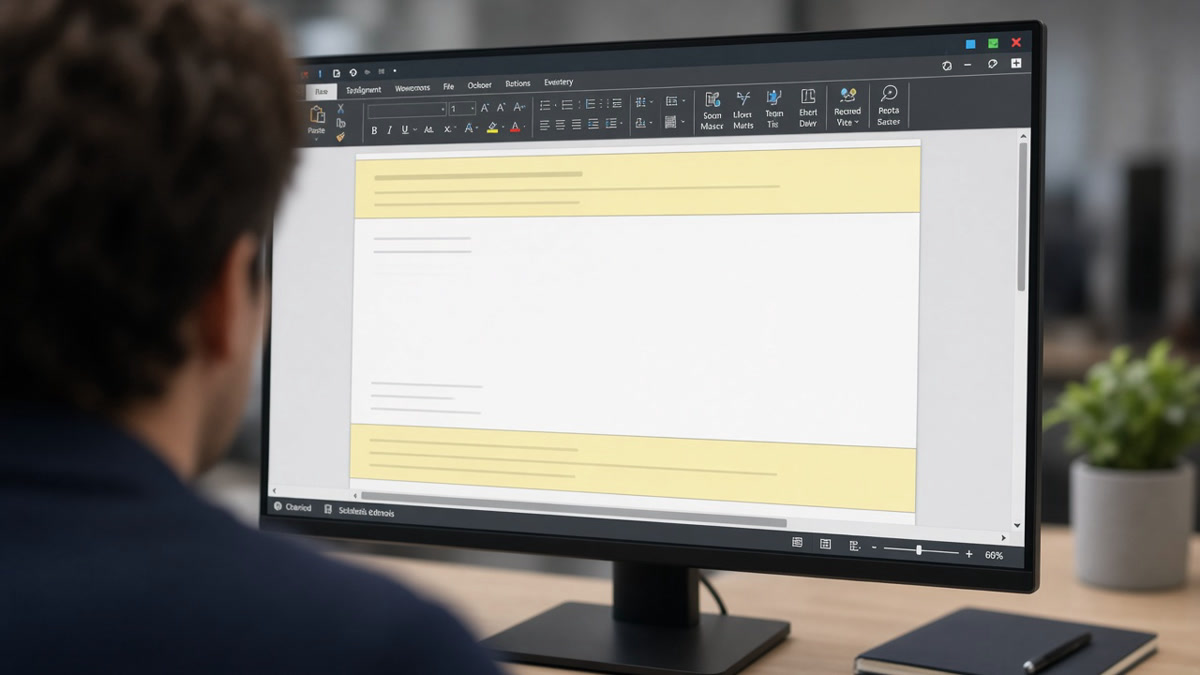
Applicant tracking systems extract text from the main document body first. Header and footer regions sit outside that flow in Word, Google Docs, and many PDF exports. Some platforms ignore them. Others pull the text but drop it at the bottom of the profile, after education, where no recruiter looks for your email.
The rule is simple: if it must be scored or contacted, it belongs in the body. That includes name, phone, email, LinkedIn URL, security clearance lines, and certification numbers you repeated in a footer for style.
Before: Email and phone live only in a centered header band on every page.
After: Alex Kim, [email protected], (415) 555-0198 on lines one through three of the body. Header field left empty.
Before: Page footer repeats name and page number on page two.
After: No footer. Content continues with standard section headers only.
Move trapped text into the body
- Open the file in Word or Google Docs. Double-click the header area and delete all content.
- Repeat for the footer. Remove page numbers and decorative lines.
- Type contact block at the top of the body before Summary or Experience.
- Copy any skills or links that lived in side banners into a typed Skills line.
- Export and paste into Notepad. Every employer, date, and contact line must appear.
Copy-paste contact block:
Morgan Lee
[email protected] | (206) 555-0134 | Seattle, WA
linkedin.com/in/morganlee
I've opened Workday profiles where the candidate looked unqualified because SQL sat in a footer band the import skipped. Same person, body-only file, full skill list. The header wasn't hiding talent. It was hiding text.
Designed resumes hide the same problem in sidebars. How to convert a designed resume into ATS format walks the full rebuild when columns and headers both break.
Header and footer traps
- Repeating your name in header and title: parsers may duplicate it and push real content down.
- Portfolio URLs in footers only: recruiters cannot click what the import never stored.
- Clearance or license lines in footers: move them under a Certifications header in the body.
- Decorative divider lines in headers: they garble extraction on some PDF paths.
- Assuming PDF preserves headers: test with Notepad, not with how it looks on screen.
If contact parses but keywords still score low, the issue is vocabulary, not layout. Job match score when you're qualified covers the next diagnostic step.
Confirm the fix
Run the body-only export through HireFlow after Notepad passes. Format checks flag header remnants and non-selectable layers you might miss by eye.
Check your resume for free on the cleaned file. If the role wants a letter, Generate a cover letter with the same contact block you typed at the top of the resume body.
Body text is the only safe zone
How ATS reads headers and footers is predictable: many imports skip them. Clear those regions, type contact and proof in the body, and verify with Notepad. You keep the same qualifications. The parser finally sees them.
Run the free ATS check before the next upload. One body-only file beats a polished layout that stored your phone number in a zone no recruiter could reach.
Read more
Frequently asked questions
Yes for upload files. Leave them blank or delete the region. Put name, email, phone, and LinkedIn in the first lines of the body. That is the only zone most parsers read reliably on every platform.
They add noise and sometimes duplicate your name in the parsed text. Skip automatic page numbers in footers. If you need a second page, let the content flow naturally without footer metadata.
Both can trap text outside the body. PDFs often treat header bands as separate objects. DOCX headers look clean on screen but still import inconsistently. The Notepad paste test works on either format.
Do not. Repeat the name on line one of the body if you want, but never rely on the header alone. Workday and Greenhouse imports have dropped header-only names from candidate profiles.