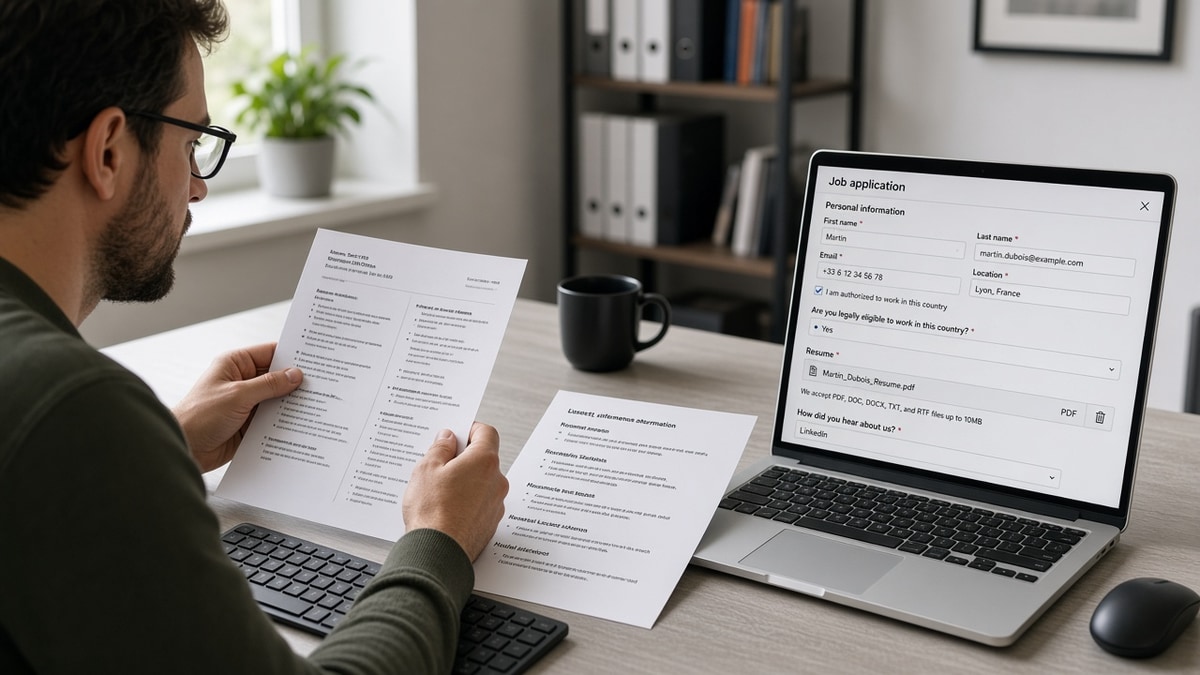
12 min read
US and UK tech employers often run Greenhouse on the same CV you already polished in Word. Your CV looks clean on screen. Inside the ATS, your title might read Docker instead of Backend Engineer, or your last two years vanish behind a project table. You're not imagining it when friends with simpler files get faster callbacks on similar stacks.
European mid-level IT candidates often ship English CVs with EU formatting habits: photo blocks, two columns, stacked certifications, and client lists in grids. Greenhouse doesn't judge taste. It extracts text in reading order. When that order is wrong, keyword search and recruiter filters miss you. That's fixable without dumping your experience.
If you've only ever exported from Overleaf or a design app, you're not doing anything wrong. Those tools optimize for human eyes. Greenhouse wants a boring text stream. You'll keep a pretty portfolio link; the upload file should be plain.
Start with a check your resume for free on the exact file you plan to upload. Parsing fixes are faster when you see the same gaps the portal will see.
This page is a five-step procedure plus edge cases and mistake traps. For symptom-first diagnosis, see troubleshooting Greenhouse parsing for European IT CVs . For date rules that pair with uploads, read how to format dates on a resume for ATS .
Quick Wins
- Paste-test into Notepad before every batch apply.
- One column; Experience before Skills.
- Month YYYY dates on the employer line.
- Email and phone in line one of the body text.
What a bad Greenhouse import looks like
The bar: recruiters should see your current job title, employer, and dates in the profile header Greenhouse builds. Skills should support that story, not replace it.
When parsing fails, you still get a confirmation email. The failure is quiet. Search inside the employer's Greenhouse won't find PostgreSQL if it lived only in a left rail the parser read first as a title field.
Mid-level IT is especially sensitive because stacks are long. A footer with fifteen tools looks efficient to humans and chaotic to extractors.
This won't fix applying to roles where you lack must-have scope. It stops a qualified European CV from dying because the file order was wrong.
English-language CVs for Dublin, Berlin, or remote US employers follow the same parser rules. Local language versions are separate files; upload the one the posting asks for.
Recruiters often search Greenhouse by current title and years of experience. When those fields are empty because parsing failed, you won't appear in their filtered list even if you clicked submit successfully.
Treat the paste test like a unit test for your CV. Run it after every template change, not only when you're frustrated with silent rejections from the job portal.
Fixing common parsing issues in Greenhouse ATS for European mid-level IT CVs
Work the steps in order. Skipping the paste test sends you back to step one after another rejection you can't see.
Step 1: Paste-test your current export
Open the PDF or DOCX you plan to upload. Select all, copy, paste into Notepad on Windows or TextEdit in plain text mode on Mac. Read top to bottom aloud once. If you wouldn't hire the person described in that plain text, neither will a recruiter searching by title.
Screenshot the Greenhouse application preview if the employer shows parsed fields after upload. Compare preview to Notepad. When they disagree, trust Notepad and rebuild the source document.
Before: Paste opens with a wall of tools and certifications; employer name appears on line 40.
After: Your name, email, and phone show in the first lines; current employer and title appear before the skills list.
Step 2: Flatten to a single column
Remove sidebar columns, text boxes, and invisible alignment tables. Move each stack item into a bullet under the job where you used it for production work. Certifications that matter for the posting can sit under Education as plain lines, not badges floating in the margin.
DevOps and platform engineers: list on-call scope in a bullet, not a separate matrix of shifts. Matrices look tidy and parse like noise.
Before: Two-column Canva CV with photo and QR code in the header rail.
After: One column, 11-point Calibri or Arial, no icons, photo optional and never where contact data should sit.
Step 3: Standardize headings and dates
Use Experience, Education, Skills as plain lines. Write Jan 2021 to Present on the same line as the employer, not in a nested table cell. Repeat the pattern for every role so parsers learn the rhythm.
EU candidates sometimes use day-first dates. Spelled months remove ambiguity for US reviewers reading your file. If you worked across borders, list city and country once per employer, not in a footer legend.
Job titles should match what the market searches: Software Engineer, not Engineer III unless the posting uses internal levels. You can clarify level in bullet one.
I've opened Greenhouse profiles where a mid-level backend CV listed Terraform as the current job because a certification block imported above Experience. Flattening fixed search overnight for that candidate's next upload.
Step 4: Fix contact and project blocks
Put email, phone, city, and work authorization line in the body, not a Word header. Replace project tables with one bullet each: stack, scope, outcome.
Before: Project grid with Client A, Client B, and Q3 metrics in separate columns.
After: Bullet under Employer X: Led API migration for retail client, cut p95 latency 22% using Kotlin and GCP.
Step 5: Re-export and upload the survivor file
Export DOCX and PDF from the same rebuilt source. Paste-test both. Upload whichever matches Notepad order. Keep the plain DOCX as your master for the next role. Label the folder Greenhouse_master so you don't grab last year's two-column version by mistake.
Name the file Firstname_Lastname_CV.docx. Avoid special characters in the filename that some portals strip. If the form has a separate LinkedIn field, paste the URL there instead of duplicating it inside the CV body three times.
After upload, save the confirmation screenshot with the req title. When a recruiter calls, you'll know which parsed profile they're reading.
Copy-paste block: mid-level backend bullet skeleton
Senior Backend Engineer – FinTech GmbH, Berlin
Jan 2022 to Present
• Owned payment APIs in Java 17 and Spring Boot; reduced failed transactions 9% in two quarters.
• Migrated observability to OpenTelemetry on Kubernetes; cut mean time to detect incidents 30%.
• Partnered with security on SOC2 controls; passed external audit with zero critical findings.

Skills (optional echo): Java, Spring Boot, Kubernetes, PostgreSQL, OpenTelemetry
Edge case: posting allows only PDF. Rebuild from Word, export print-to-PDF from Word itself, not from a design tool chain.
Edge case: career break or parental leave in the EU. Keep the gap visible with Month YYYY lines; don't compress dates into a footer note parsers skip.
Contractors with many short gigs: group by umbrella employer when accurate, or list client work as bullets under one consultancy role so dates stay parseable.
PhD or research sections belong below commercial Experience unless the posting is research-only. Parsers weight top-of-file text heavily.
Once parsing is clean, use the cover letter generator for a short letter that names the same title Greenhouse extracted from your CV.
Where EU IT CVs still break
Leaving the Europass template intact. It encodes tables parsers love to scramble. Rebuild headings manually in Word or Google Docs.
Skill clouds without proof. Fifteen acronyms in a footer don't beat three bullets with deploy scope.
Uploading the LinkedIn PDF export. It often drops order and duplicates sections. Build a dedicated Greenhouse file.
Mixing languages in section headers. Pick English for an English posting and keep headers consistent.
Before: Creative section title My Engineering Journey with emoji bullets.
After: Experience with standard bullets and spelled-out months.
Before: Hyperlinks hidden behind icons for GitHub and portfolio.
After: Plain URLs on their own lines under contact info.
Don't tweak fonts for pass two while leaving tables in place. Cosmetic changes don't reorder parser output.
When a recruiter asks for a Word version, send the same paste-tested DOCX, not a new design pass that reintroduces columns.
Open-source maintainers: link repos in plain text bullets with one outcome metric. A separate Projects section is fine if it follows Experience and uses the same date style.
Security clearance or EU work permit lines belong near contact info as one plain sentence. Icons and shield graphics often parse as empty boxes.
If you share a CV in German for local employers, keep a separate English Greenhouse file. Mixing languages in one upload confuses keyword filters.
Verify before re-upload
Run the rebuilt file through the free ATS checker with the job description pasted in. Missing nouns from the posting should show up before you spend another evening on layout tweaks.
Use the free resume builder if you're rebuilding from scratch. Export DOCX, then run step one again before Greenhouse upload.
Do this now: Paste-test your CV, flatten one column, fix dates on the employer line, and re-upload to one live Greenhouse req before you batch apply elsewhere.
Re-upload once, cleanly
Greenhouse European mid-level IT CV parsing fixes are procedural. Paste test, flatten, date correctly, move contact lines into the body, export the file that survives. Then apply with confidence the profile matches the PDF you polished. Mid-level candidates often need one focused hour, not a weekend redesign.
Stack depth is your advantage once the parser can read it. Let the bullets carry Kubernetes, Terraform, or .NET proof where search actually runs.
- Run Notepad paste on your current export tonight.
- Rebuild one column before you add keywords.
- Echo each tool in a bullet under a dated role.
- Upload DOCX or PDF based on paste order, not habit.
Open your master CV. Run a free ATS check on the rebuilt file, then submit one Greenhouse application with the survivor export.
Pretty CVs that parse wrong still lose to boring CVs recruiters can search. Be boring on structure so your stack proof can be loud in keyword search.
Read more
Frequently asked questions
Two-column templates, project tables, and icon skill rows often import before dated Experience. Greenhouse then shows Kubernetes or AWS as your current title. Single-column body text with Month YYYY dates and plain section headers parses more reliably than a design CV exported from LaTeX or Canva.
Greenhouse reads the file, not the label. Two pages is fine for mid-level IT when every line is relevant. Page three of old internships hurts search more than the word CV in your filename. Keep dense technical proof; drop decorative graphics.
Run a paste test on both exports from the same source document. If PDF paste scrambles section order while DOCX reads top to bottom in Notepad, upload DOCX when the form allows it. If only PDF is accepted, rebuild from a simple Word base without tables.
Use Month YYYY with a clear separator: Jan 2022 to Mar 2025 or January 2022 to March 2025. Avoid day-first numeric dates in tables. Put end dates on the same line as the employer name when possible.
Paste the export into Notepad. Phone and email should appear in the first ten lines. Employers should list once each, newest first. Then run a free parse check with the posting text and fix missing stack keywords inside bullets, not only in a sidebar.