11 min read
You found the perfect req on a US startup's careers page. The form says Greenhouse. You don't get a sandbox upload. You don't get a parse preview. You get one shot per application, and if the file reads out of order, the recruiter may never see bullet one where you buried the proof.
Check your resume for free on the same export you'll upload. Pair that with a plain-text paste test. That's how you test Greenhouse parsing without burning a slot on a live req.
Job searching is draining when you've already tailored twice this week. This page walks six validation passes you can run in fifteen minutes. No mystery scores. No pretend portal. Just the order your file will likely present once a recruiter opens your profile.
If you're applying tonight, don't touch Submit until plain text shows your latest job title before your Skills row. That's the bar most Greenhouse stacks expect on a first skim.
Quick Wins
- Export single-column DOCX or plain PDF before any portal upload.
- Paste into a blank text box and read top to bottom for parse order.
- Keep Experience above Skills in the plain-text read.
- Run a free checker on the exact file you'll attach to Greenhouse.
Why Greenhouse won't let you preview your parse
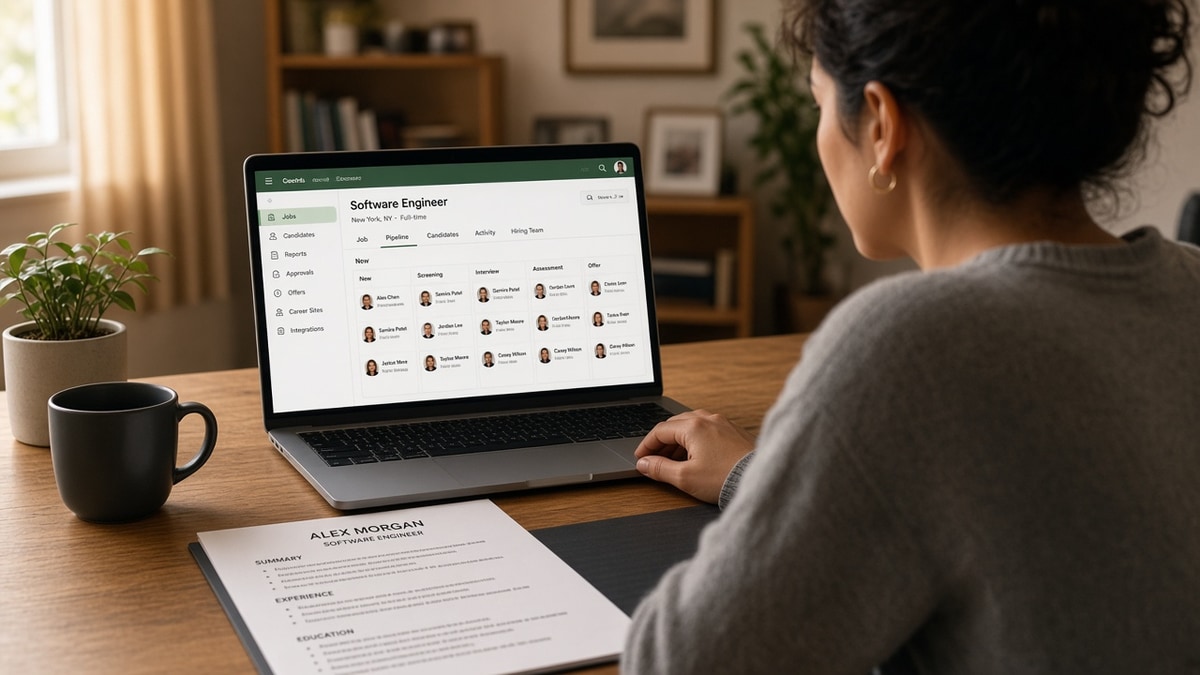
Greenhouse is built for employers, not applicants. The careers site collects your file, attaches it to a candidate record, and shows recruiters a parsed profile beside your answers. Applicants don't get a test bench that mirrors that parse view before they commit.
The pattern: I've screened stacks of these in Greenhouse, and a composite marketing coordinator with a two-column Canva export is the usual suspect. Plain-text paste drops the right-column Skills block below Education. In Greenhouse, the recruiter's first scroll may show tools before the job title that proves you used them.
Most resumes never reach a human. The parser reads the file first. On Greenhouse-heavy US employers, that parsed order is what shows up in the profile pane before anyone opens your PDF attachment.
Testing outside the portal isn't cheating. It's the only practical option. You mimic what the parser sees by stripping layout, then you confirm keyword fit before you spend an application on a req you already qualify for.
Read Workday resume format 2026 if half your targets use Workday instead. Greenhouse is more forgiving on simple PDFs, but both portals punish two-column contact bars and table-based skills grids the same way.
Six validation passes before you hit Submit
Step 1: export a single-column file you'll actually upload
Open your master resume in Word or Google Docs. Strip text boxes, icons, and sidebar contact columns. Use standard headers: Experience, Education, Skills. Save DOCX, or export PDF only if the PDF is text-selectable, not a flat image scan.
Name the file cleanly: Firstname_Lastname_Resume.docx. Greenhouse recruiters download dozens of files named resume_final_v7.pdf. A readable filename won't fix parsing, but it helps humans find your attachment after the parse already worked.
Before: Two-column template with teal sidebar holding email, phone, and LinkedIn. Skills icons in the right rail.
After: Single column. Contact line under your name. Skills as a comma list or short bullets at the bottom after Education.
Step 2: run the plain-text paste check
Open a blank Google Doc or Notepad window. Select all text in your export and paste. Read top to bottom without scrolling back. That's the order many parsers approximate when layout strips away.
Your name and contact should appear first. Your latest employer and job title should appear before a long Skills comma chain. If Education jumps above Experience, or Skills lands on line four, you've found a layout bug worth fixing before any portal sees the file.
Step 3: verify Month Year dates and employer strings
Greenhouse profiles surface employer names and date ranges for quick scanning. In plain text, each role should read Employer Name, Job Title, Month Year to Month Year on its own line or tight block. Avoid tables that put dates in a far-right column parsers read last.
Before: Dates hidden in a table cell beside a logo image. Plain-text paste shows job title orphaned with no month.
After: RevOps Analyst | Northwind SaaS | March 2022 to Present on one line, followed by three bullets with Salesforce CRM and forecast verbs in bullet one.
Edge case: you have overlapping contract roles. List each client as its own employer block with Month Year ranges. Don't stack two titles in one paragraph without dates. Parsers treat undated blocks as noise.
Step 4: confirm must-have duties sit in Experience, not only Skills
Open the Greenhouse posting in another tab. Highlight three must-have duties from Responsibilities. Ctrl-f your plain-text paste for each duty verb. If a duty appears only in Skills, move it into a dated bullet under the employer where you did the work.
Pair for a registered nurse file: Before: Skills lists Epic, patient care, BLS, teamwork. Bullet one says provided compassionate care on a busy unit.
After: Bullet one: Managed care for 6 med-surg patients per shift in Epic; cut medication scan misses 22% in Q3 2025 through pre-shift double-check protocol.
See why weak bullet points get ignored when your parse order is clean but screens still stall. Greenhouse shows the bullets. Weak verbs still lose to a sharper file in the same stack.
Step 5: score the posting match on the tested export
Copy the job description text from the Greenhouse req page. Paste it into Score your job match with your tested resume attached. You're checking whether must-have tools and duties landed in dated lines, not chasing a perfect percentage.
When gaps show up, add the missing term to the employer block where you used it. Don't stuff the footer Skills row if the duty never appears under a job title with dates.
Edge case: the posting asks for a cover letter upload on the same form. Draft the letter after your resume passes plain text. Generate a cover letter that names the same must-have duty from bullet one so the packet doesn't contradict itself.
Step 6: run a free ATS check, then upload once
Upload the identical export to a free checker. Fix any warnings about columns, headers, or unreadable sections. When plain text and the checker agree, open the live Greenhouse form and attach that file without last-minute font experiments.
Pair for a software engineer file: Before: Skills row lists Python, AWS, Kubernetes with Font Awesome icons. Plain-text paste shows blank squares where icons were.
After: Bullet one: Built Node.js APIs on AWS Lambda handling 12K daily requests; cut p95 latency from 420ms to 180ms in H1 2025. Skills line lists Python, Node.js, AWS in plain text only.
Copy-paste Greenhouse pre-submit checklist
Copy this beside the req before you upload:
PLAIN-TEXT ORDER: name → contact → latest job title before Skills
DATES: every role has Month Year to Month Year on the same block as employer
DUTIES: three posting must-haves appear in dated Experience bullets
FILE: same DOCX/PDF tested in checker = file attached on Greenhouse form
NO LAST-MINUTE: no column swaps or icon adds after the checker pass
Edge case: the form auto-fills fields from a profile import or a prior application. Still upload the tested resume file. Greenhouse may keep an older parse on record if you rely on autofill alone and skip the attachment you validated.
What still breaks after a clean PDF
Trusting the design PDF because it looks fine on screen. A pretty export can still paste with Skills above Experience. Always run plain text, not eyeball review.
Putting contact info in the header or footer only. Some parsers drop repeated header lines or read them after the body. Keep one contact line under your name in the main column.
Uploading a different file than you tested. You checked resume_v3.docx but attached resume_v3_tailored.pdf with a new text box. That undo happens at 11:47 p.m. more than candidates admit.
Keyword stuffing in Skills after a match tool nudge. Adding twelve tools to the footer without dated proof creates a parse that looks keyword-heavy and experience-light in Greenhouse.
Skipping retest after moving Skills above Experience. Some templates put Skills on page one for human skim. On Greenhouse, that same choice can push your latest title below the fold in the parsed view.
Assuming one-click apply elsewhere equals Greenhouse behavior. A file that survived a quick-apply portal can still scramble on a Greenhouse careers page with custom questions and a mandatory resume field. Test per portal family, not once globally.
Score and check without burning an application slot
Greenhouse won't show you the recruiter pane. HireFlow tools stand in for the two checks that matter before upload: does the file read in the right order, and do must-have duties from the posting appear in dated lines.
Paste the req into Score your job match after your plain-text pass. Fix Experience bullets first when duties show red. Skills footer second. That sequence matches how most US recruiters scan a Greenhouse profile on a Tuesday afternoon.
Then run a free ATS check on the export you'll attach. Warnings about columns or unreadable blocks mean the plain-text test will fail too. Green on layout with red on Experience usually means you skipped bullet rewrites, not parser luck.
Keep one master file and fork per req family. Ten minutes of validate-then-upload beats three blind submissions on the same employer because you kept tweaking layout after each rejection you never saw.
How to test your resume on Greenhouse before applying US without wasting a slot
Greenhouse won't preview your parse. You simulate it with plain text, confirm section order, score the posting match, and check the exact export before Submit. That's the full pre-apply loop for US reqs on careers pages you can't rehearse inside the portal.
Export single column tonight. Paste into a blank doc. Read until your latest job title beats Skills. Run match and checker passes on that same file. Upload once. This won't fix applying to roles where you lack a license or clearance gate. It stops qualified files from losing because the parser read your footer before your current title.
And if plain text looks perfect but you're still hesitant, read bullet one out loud. If you can't hear a must-have duty from the posting in the first line under your latest employer, fix that bullet before you open the Greenhouse form. Parse order gets you seen. Bullet one gets you remembered.
Read more
Frequently asked questions
No. Greenhouse does not offer a public resume preview sandbox for applicants. Once you upload on a live req, that file is tied to your candidate record for that employer. You test before apply by exporting a plain file, running a plain-text paste check, and using a free ATS checker on the same export you plan to upload.
Either works when the file is single-column text with no tables, icons, or text boxes. DOCX often survives copy-paste tests cleanly. PDF is fine when you exported from Word or Google Docs without a design layer. If plain-text paste scrambles your section order, fix layout before you pick a format.
Contact block first, then Summary or headline, then Experience with employer names and Month Year dates, then Education, then Skills last. Greenhouse recruiters often skim the parsed profile top to bottom. If Skills appears above your latest job title in plain text, the upload may read that way in the ATS view too.
Layout rules travel. Employer-specific application questions do not. A file that parses clean for a fintech req in New York should parse clean for a SaaS req in Austin if you keep single-column structure. You still tailor keywords per posting. You do not need a new template per company.
Retest when you change column structure, move Skills above Experience, add tables, or shrink margins to fit a second page. Keyword edits inside existing bullets rarely change parse order. Run the plain-text paste again only when the skeleton moved, not when you swapped three verbs.