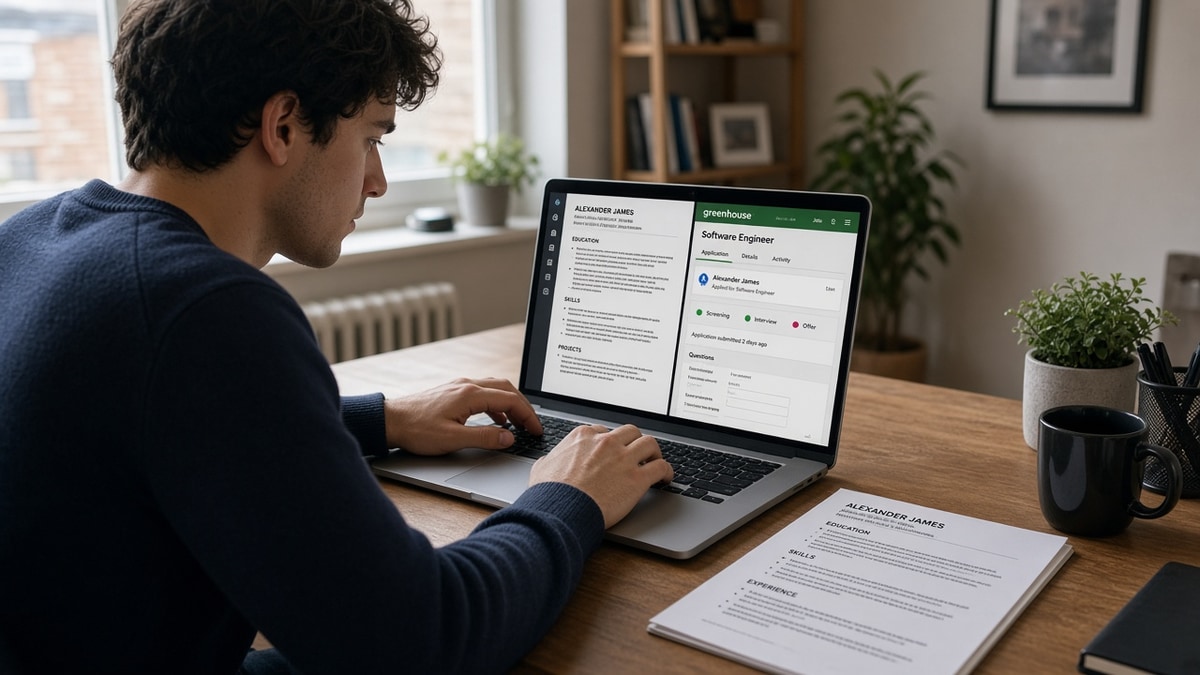
11 min read
Your CV looked sharp on screen, then Greenhouse treated your placement like a skills list and your degree like a job title. You're not missing keywords. You're fighting parse order. UK entry-level IT CVs fail Greenhouse when skills sit in a sidebar table and employer dates merge into one block, not when Python or AWS is absent from the file.
You've applied to graduate developer and junior support roles with solid projects and still heard nothing. The CV reads fine in Word. Greenhouse's import tells a different story. You're qualified on paper. The container is what breaks, and UK uni templates make it worse because two-column layouts look professional on a laptop.
Check your resume for free with the IT posting pasted in before you rebuild from scratch. You're confirming employer order, where skills landed, and whether dates imported as one line, not guessing which buzzword failed.
Below you'll walk symptom to cause for the three failures UK entry-level IT candidates hit most on Greenhouse, how to tell which one is yours, and the fix for each. Grad scheme season is brutal enough without Docker becoming your fake first employer while your placement bullets sit orphaned.
When the req asks for a cover letter, don't repeat lines Greenhouse already misread from the CV. Generate a cover letter from the flattened file so employer names match what you fixed in the body.
Quick Wins
- Single-column Word file. No skill tables or left rails.
- Spell months in full: September 2022 to June 2023 on separate lines.
- Standard headings: Education, Experience, Skills, Projects.
- Paste the export into Notepad once before every Greenhouse submit.
The symptom: Greenhouse uploads that look wrong after import
UK entry-level IT candidates notice the same three breaks after upload. Skills appear under the wrong employer or as a standalone job called Python. Degree and placement dates sit on one line. Contact or LinkedIn imports twice while your top project section vanishes.
What healthy import looks like: name and contact at the top in plain lines, Education with Month Year on its own line, Experience with each employer paired to its title and bullets, Skills optional and flat below dated roles. Each placement stays in chronological order. Tools like Git and SQL appear inside the bullet for the role that used them.
Greenhouse does not grade design taste. It chunks text into fields. UK graduate CV templates love coloured sidebars, skill grids, and project callouts in shaded boxes. Those elements often read before your placement, so AWS becomes a phantom employer while your helpdesk internship bullets sit orphaned below.
Entry-level IT reqs repeat the same language: Python, REST APIs, Agile, cloud basics, ticketing tools. That language belongs in dated Experience or Projects bullets. When it lives only in a sidebar table, the import shows keywords without the role that used them. Recruiters can't tell which placement proved you wrote production code versus coursework.
Graduate schemes and junior dev postings on Greenhouse often move fast at clearing season. A scrambled timeline is an easy pass when forty similar CVs arrived the same morning. The attachment you email a coursemate is not the object Greenhouse scores first. The parsed profile is.
If that profile shows two employers instead of four, or lists JavaScript as a company name, your capstone bullets never pair with the title that built the app. You didn't fail a keyword test. You failed a layout test.
For broader parser behavior after layout is clean, read why your resume looks different after upload . Fix import shape first on Greenhouse. Mirror posting language second.
Greenhouse parsing UK entry-level IT CVs: three causes
Each cause below shows symptom, root layout problem, how to tell it's yours, and the fix. Work in order when two stack on one file.
Cause 1: Skills trapped in a sidebar table
Symptom: Greenhouse lists Python, Docker, or SQL as an employer, or skills appear with no placement attached.
Cause: Left-rail skill grid or two-column Canva layout. The parser reads the sidebar before Experience.
How to tell: Paste your export into Notepad. If tools appear as a block before your first employer name, this is your failure mode.
Before: Three-column table in a left rail: Languages | Frameworks | Cloud with twelve cells above Experience. Placement title on page two.
After: Single column. Tech Solutions Ltd, IT Support Placement, June 2022 to August 2022. Resolved 40 plus tickets weekly in Zendesk; scripted Python checks that cut repeat incidents 8% by week six.
Fix: Rebuild in blank Word. Move every tool name into the bullet for the employer or project that used it. Delete tables and text boxes. Re-upload DOCX when the portal allows it.
Cause 2: Employer and degree dates merged into one block
Symptom: Timeline shows one long date range spanning degree and placement, or Present attaches to the wrong role.
Cause: Numeric formats like 09/2022 to 06/2023 in one table cell, or UK Present 2024 shorthand without a spelled month.
How to tell: Notepad paste shows degree end date on the same line as placement start, or months read as ambiguous numbers.
Before: BSc Computer Science, University of Leeds, 2019 to 2023 on one line. Placement dates tucked in a right column as 06/22 to 08/22.
After: Education section: BSc Computer Science, University of Leeds, September 2019 to June 2023. Experience section: Tech Solutions Ltd, June 2022 to August 2022 on its own line under the employer name.
Fix: Spell every month in full. Put each date range on its own line under the correct heading. Never share a cell between Education and Experience in a table layout.
Cause 3: Creative section names and footer contact
Symptom: Projects section missing, or phone number shows under an old society role.
Cause: Headings like Technical Journey or Code Portfolio, plus contact repeated in a footer on every page.
How to tell: Preview or Notepad shows mystery blocks between employers, or contact appears more than once mid-timeline.
Before: Technical Journey header above capstone work. Phone in a coloured footer on page two. LinkedIn icon in margin.
After: Projects header in plain text. Capstone: Built Flask REST API for student booking system; deployed on AWS EC2 with SQLite backend, September 2023. Contact once at top: name, city, phone, email, linkedin.com/in/handle.
Fix: Rename sections to Education, Experience, Projects, Skills. One contact block in the body. Remove footer duplicates and icon graphics.
How to tell which cause is yours in five minutes
Re-open the Greenhouse application if edits are still allowed. Scan in this order: skills placement first, date lines second, section headers third. Phantom tool employers point to cause 1. Merged degree and job dates point to cause 2. Missing Projects or misplaced phone point to cause 3. Two causes can stack; fix layout in order 1, then 2, then 3 before keyword tweaks.
If you lack preview access, export the same file to plain text through Word or Notepad. Read top to bottom once. Tools should appear inside sentences under employer names. Each date range should sit on its own line under the right heading. Contact should appear a single time before Experience. Plain text is a rough mirror of what Greenhouse extracted, not a perfect match, but it catches table scramble early.
Edge case: bootcamp graduate with one client project and no formal placement. Put the client under Experience with Month Year dates and label it honestly: Junior Developer (contract), Bright Apps Ltd, January 2024 to April 2024. Undated project blocks merge with coursework and drop months that prove hands-on work.
Edge case: society committee roles beside IT placements. Keep them under Experience with clear titles: Treasurer, Computing Society, October 2021 to June 2022. Don't bury ticketing skills in a volunteer table that parses before your placement.
Copy-paste UK entry-level IT CV header
Copy-paste into blank Word and replace bracketed lines before your next Greenhouse upload:
[Full Name]
[City, UK] · [Phone] · [[email protected]] · linkedin.com/in/[handle]
Education
[Degree], [University]
[Month Year] to [Month Year]
Experience
[Employer] · [Job Title]
[Month Year] to [Month Year]
[Bullet with tool names, scope, and one outcome metric]
Projects
[Project name]: [One line with stack and outcome, Month Year]
Skills
[Comma-separated terms also written in Experience or Projects bullets]
I've screened stacks of these in Greenhouse for graduate IT reqs, and the file that survives import is single column with tools spelled inside dated bullets.
See DOCX export settings that improve ATS parsing when your Word file looks flat but the export still hides grid lines.
Mistakes after the first silent Greenhouse apply
Adding keywords to the sidebar that caused the scramble. More text in the wrong column makes parse order worse. Flatten first, then mirror Python or REST in bullet one.
Trusting the PDF because Word looked fine. Designed PDF exports still carry hidden tables. Run the Notepad paste every time on grad scheme reqs with tight timelines.
Listing every module grade in a table. First-class modules in a grid parse as mystery employers. One line under Education is enough unless the posting asks for classification.
Submitting on mobile without a plain-text check. Wait for desktop once. Fixing scrambled employers after submit is harder on some reqs when the portal locks the file.
Hiding part-time retail work. Label it honestly: Sales Assistant, High Street Retail, October 2020 to June 2021. Gaps look worse than a dated non-tech role with transferable customer service proof.
Using creative section names. Code Journey and Tech Highlights do not map to Experience. Standard headers parse; creative ones become mystery blocks.
Re-uploading the same template with a new filename. Greenhouse reads structure, not filename tricks. Rebuild once, reuse the flat master per application.
Stuffing capstone metrics in shaded boxes between roles. Those boxes parse as standalone employers. Move lines of code and user counts into the Projects bullet that produced them.
Leaving GitHub QR codes in the margin. QR and icon rows break text extraction. Plain linkedin.com/in/handle and github.com/handle lines at the top only.
This won't fix applying to senior roles with one placement on your CV. It does stop strong graduates from losing screens because Docker imported as their first employer while their helpdesk bullets never attached to a title.
Verify parse order before you resubmit
Run the flattened export through the free ATS checker with the IT posting pasted in. Confirm employer pairing, date lines, and where skills landed before you hit submit again.
Starting from a blank page? Build your resume in a single-column layout so tools and dates stay in the order Greenhouse expects on the first upload.
Flatten first, tailor second
Greenhouse parsing UK entry-level IT CVs usually fails on layout, not vocabulary. Sidebar skill tables, merged date blocks, and creative section names scramble the profile recruiters actually screen. Each symptom maps to a flat Word fix you can run tonight before you rewrite bullet verbs again.
Open your last export. Paste into Notepad. Match the symptom to cause 1, 2, or 3. Use the copy-paste header. Remove tables, footer phone lines, and icon rails. Run a free ATS check before the next grad scheme deadline.
This won't fix applying to roles you're not qualified for. It does stop capable graduates from losing screens because Python imported as a company name while their placement dates merged with their degree.
Save one flat Word master for IT applications. Duplicate per req, fix parse order once per upload, and keep tools inside dated bullets. Boring layout beats a polished two-column template that Greenhouse reads backwards every time.
Read more
Frequently asked questions
A left-rail skills table often parses before Experience. Greenhouse attaches Python and Git to a phantom first employer while your placement title sits orphaned below. Flatten to one column and spell each tool inside the dated bullet for the role that used it.
Upload DOCX from a single-column Word source when the portal allows it. Canva and designed PDF exports hide tables that scramble employer order. If the req requires PDF, export from the same flat Word file and paste into Notepad once to confirm dates read as separate lines.
No. UK candidates sometimes keep a photo for human readers, but Greenhouse reads text blocks, not headshots. A photo in a sidebar can push skills into the wrong parse order. Drop the image for ATS uploads and keep contact as plain lines at the top.
Numeric ranges like 09/2022 to 06/2023 or Present 2024 often import as one block when a table cell wraps degree and job together. Spell months in full on separate lines under each heading. Education gets its own Month Year line. Each placement gets its own Month Year line.
Not when the failure is layout. Stuffing AWS into a sidebar while employer dates scramble does not attach cloud work to your title. Fix column layout and date lines first. Mirror posting language in bullet one only after plain-text paste shows employers in the right order.