8 min read
Myth: you pick a side. Reality: the upload runs through software before a recruiter opens your row. If the parser shuffles employers, no amount of clever summary prose saves the screen.
So what to prioritize isn't philosophy. It's sequence. Flatten the file, place keywords under dates, then sharpen the lines a tired recruiter actually reads.
Check your resume for free on the export you'll attach. You'll see missing headings and match gaps before you debate fonts.
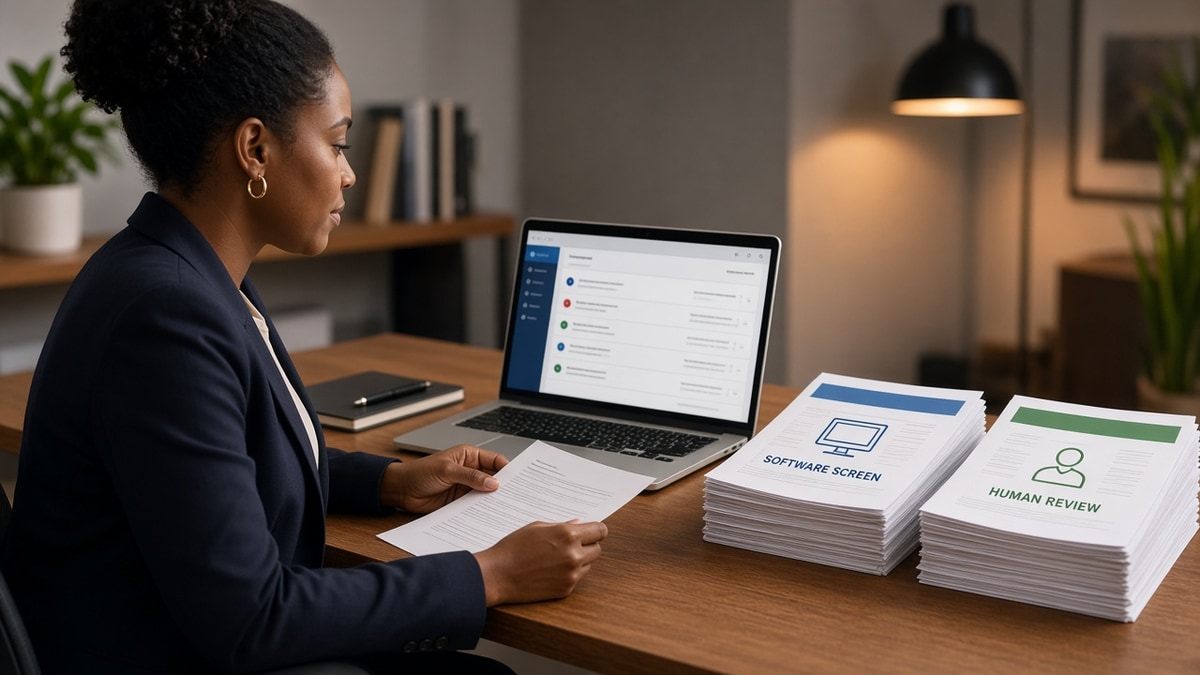
Below is a side-by-side on ATS vs human screening signals, then a decision rule for tonight's edit pass.
How each gate scores your file
Think in fields vs skim lines. Applicant tracking software maps text into database columns: company, title, start date, skills, education. A human recruiter scrolls the preview pane looking for fit in seconds.
The same resume can rank mid-pack on keyword count and still lose the skim because bullet one says coordinated projects instead of owned a revenue queue.
| Question | ATS screening | Human screening |
|---|---|---|
| First pass looks at | Parse success, required fields, knockout answers | Current title, employer name, top bullet |
| Keywords matter when | They appear inside dated experience text | They show up in a metric you can defend |
| Formatting risk | Columns, icons, tables scramble order | Tiny fonts and dense walls of text |
| Typical fail mode | Empty employer or title after upload | Generic bullets with no scope |
ATS vs human screening isn't a debate about design taste. It's two filters on one artifact. Software can't admire your layout. People can't interview a parser error.
High-volume reqs lean harder on software ranking because nobody has time to open every attachment. Boutique teams may read more files by hand, but they still store your upload in the same database shape. Build one plain master that satisfies both paths.
When you're tired, you'll want to tweak summary adjectives because it feels fast. Resist until employer and title survive a preview upload. That five-minute test saves more callbacks than a new font ever will.
For timing on which filter runs first, see should you optimize for ATS or recruiters first . This page is about what each layer wants once your file is in the queue.
What ATS screening rewards
Importable structure beats clever layout. Workday, Greenhouse, Lever, and Taleo all start by turning your file into rows. If the row for your current job is blank, match logic has nothing to score.
Before: two-column template with skills in a sidebar that imports above your university.
After: skills as one line under summary, tools repeated once in the analyst bullet with team size.
What human screening rewards
Skim lines tell a story fast. After import, recruiters search the preview for title match, tenure, and one proof point. They're not reading every bullet on pass one.
Before: bullet one reads Supported cross-functional initiatives with no tool or team size.
After: bullet one reads Owned Zendesk queues for 120 enterprise accounts, holding CSAT at 94% for two quarters.
I've opened thousands of imports in Greenhouse where the skills tab matched the posting and bullet one still said supported various initiatives. That's a human pass fail even when the rank score looked fine.
For the exact skim order, read what recruiters look for first in ATS . Use it after your parse test passes.
Pair structure fixes with formatting errors that break ATS parsing when uploads keep mangling employers.
Parser vs skim edit pass tonight
Run this branch so you don't polish prose on a broken import.
- Paste the resume into Notepad. If order is wrong, fix layout before keywords.
- Upload a test copy to a portal preview or checker. If title or employer is empty, stop and rebuild those lines.
- Highlight three posting must-haves. Move each into bullet one under the correct employer.
- Rewrite headline to market language for the role, not internal jargon.
- Trim skills to one mention per tool. Let bullets carry proof.
- Read only the top third aloud. If you wouldn't pass it in ten seconds, tighten bullet one again.
When to weight humans heavier: referral intros, small companies with light ATS, or roles where the hiring manager reads every attachment. Still keep the file parser-safe. They may forward your PDF to HR later.
When to weight software heavier: high-volume corporate reqs, mandatory portal fields, and any role with knockout questions. A pretty PDF that fails import never reaches the skim.
And if you're choosing between adding another skills synonym or rewriting bullet one, pick bullet one every time. Software may count the synonym. Humans remember the queue you owned.
Referrals still need a clean file. A hiring manager who forwards your PDF to HR is asking the parser to read it next. Don't hand them a layout that breaks on import.
Copy-paste priority checklist:
Parser pass (do first)
- Notepad read top to bottom
- Employer / title / Mon YYYY on separate lines
- Must-haves in bullet one under correct job

Skim pass (do second)
- Headline matches posting title words you can defend
- Bullet one has verb + object + number or team size
- Summary points to bullet one, not a skills repeat
This won't fix applying far above your level. It stops qualified candidates from losing to the wrong priority order on the same night.
Wrong priority traps
- Font swaps before parse test: pretty type on a scrambled import.
- Summary-only tailoring: posting language up top, generic bullets below.
- Skills-first obsession: long lists while experience dates are wrong.
- Human-only networking file: two-column PDF you upload to a portal by mistake.
- Cover letter before resume fix: prose cannot fill an empty title field.
Recruiters forgive a boring font. They don't forgive a title that sounds like the posting copy-pasted while experience tells another story.
Knockout questions sit outside the resume but still gate you. Answer them literally. A degree filter does not read your cover letter for exceptions.
Verify both layers on one file
Use tools on the tailored export, not the master draft sitting in your templates folder.
Score your job match after bullets move. You want terms tied to employers, not orphan skills lines.
Run the free ATS checker on the same bytes you'll submit. Structure first, language second.
Do this now: Open the posting and your Notepad export side by side. If a must-have appears three times in skills and zero times next to an employer name, move it before you tweak fonts.
Optional cover letter? Generate a cover letter only after the resume imports cleanly. Letters rarely rescue scrambled profile fields.
Keep a screenshot of the portal preview after upload when something looks off. Support teams can sometimes reset a stuck import, but you still need a flat file to reattach. Documenting the blank title field beats arguing from memory a week later.
If you maintain two versions, label them Upload and Network in the filename. Midnight apply sessions are when the designed copy gets attached by accident. Boring names save careers.
Upload checklist for ATS vs human screening
ATS vs human screening what to prioritize comes down to sequence: parser fields, dated keyword proof, then skim-line clarity. Same file, two audiences, one ordered edit pass.
- Notepad read matches chronological experience.
- Employer, title, and dates populate in portal preview.
- Bullet one on current role carries a metric or scope line.
- Checker and match score run on the attachment you'll send.
Check your resume for free when you're done. Boring imports beat clever layouts that die in the database row.
Read more
Frequently asked questions
Fix parser survival first: single column, standard section labels, employer and title on separate lines, Month Year dates. Humans never see a scrambled import. After plain text reads in order, tune bullet one and headline for the skim. Polish on a broken file wastes an hour.
No. High-volume reqs sort by match signals and filters, then recruiters open a slice from the top of the list. Passing parsing is necessary, not sufficient. Your file still needs a clear current title and one proof line in the first bullet so the skim earns a second scroll.
Title progression, gaps explained in prose, tone in the summary, and whether bullets sound like one person's work. Software counts terms in fields. Recruiters notice when bullet one is vague while the skills block shouts expertise you never dated.
Yes. Terms stacked in skills without employer context import fine and read hollow on screen. Recruiters remember one metric on a real queue, not twelve synonyms for collaboration. Move must-haves into dated bullets, then trim duplicate skill lines.