7 min read
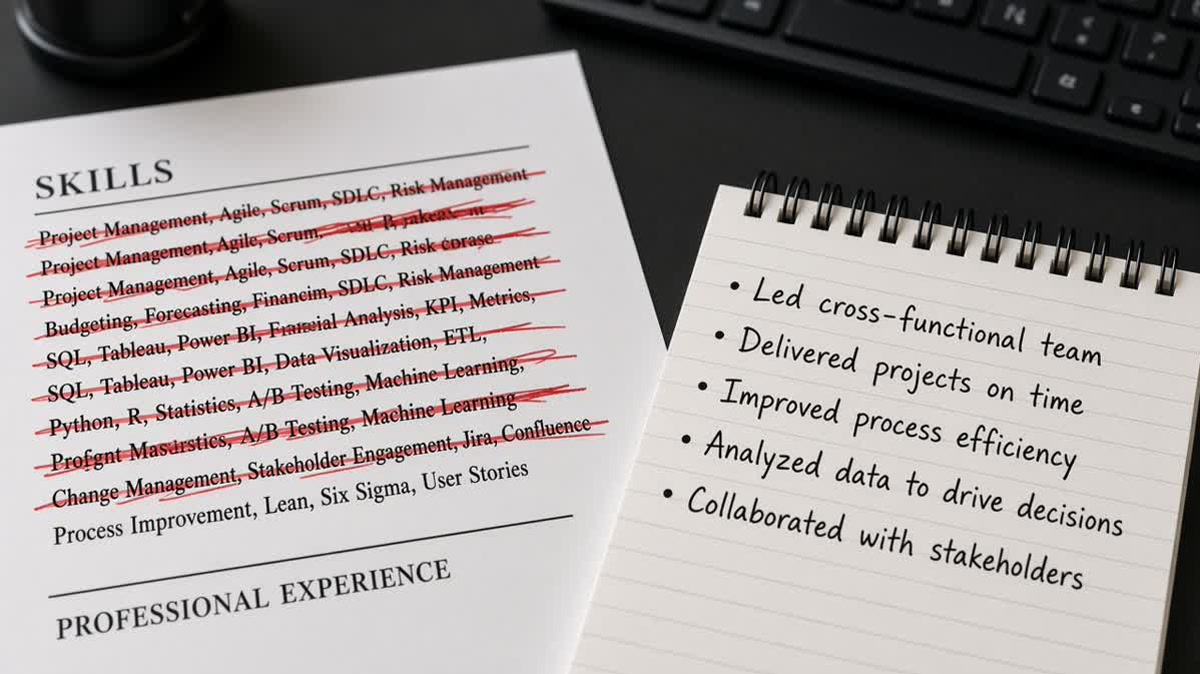
Your Skills block reads like a product page. Python, Tableau, Salesforce, Agile, stakeholder management, all in one glance. You'd think that covers the posting twice. Callbacks still stall.
The gap isn't that you forgot keywords. It's that nothing in Experience shows where you used them on payroll time. Recruiters don't hire a shopping list. They hire someone who shipped with those tools last quarter.
Before you add another tag, check your resume for free on the file you'll upload. If the checker flags missing terms, fix bullet one under your current role before you touch the Skills cloud.
Below you'll see the symptom most candidates miss, four causes that kill a Skills section, a short table to spot which one you have, and a fix for each. You can rerun this in ten minutes with one open posting.
Job searching is already draining. You don't need forty tools on paper when three named in the right bullet would move you forward.
Quick Wins
- Name the posting's top three tools in bullet one under your current role.
- Run a search test: each must-have tool hits Experience, not Skills only.
- Trim Skills to ten to fifteen tags you can point to in a bullet.
The symptom: a packed Skills block and quiet inbox
You open the posting. You mirror every tool in a Skills section. Greenhouse or Workday accepts the file. You still get silence or a generic rejection with no human reply.
The Skills section looks complete on your screen. In the recruiter view, Experience still reads thin. Bullet one under your current title talks about responsibilities. The tools sit in a sidebar the hiring manager never opened.
Another pattern: keywords pass a checker because the words appear on page two, but a recruiter search for "Salesforce" inside Experience returns zero hits under your last two roles. Skills without a matching bullet look like padding even when you used the tool.
For what happens after you click submit, see what recruiters see after you click apply . The Skills gap often shows up before anyone reads your verbs aloud.
Four ways a Skills list fails before a human opens the file
Skill lists fail for predictable reasons. None of them mean you're unqualified. They mean proof lives in the wrong section.
Cause 1: Tools live only in Skills, not in Experience
The posting asks for Looker. Looker appears once in a comma list. No bullet under Northline Health mentions dashboards, SQL, or stakeholders. Parsers may count the keyword. Recruiters won't trust it.
Cause 2: Bullets describe duties, not tools
"Responsible for weekly reporting" tells nobody which stack you touched. The Skills section says Power BI. Experience never repeats it. Search and skim both come up empty.
Cause 3: The list outruns your recent roles
Bootcamp tools, college projects, and side experiments fill half the block. Your last three years were one employer and one stack. The file reads unfocused. Recruiters can't tell what's current.
Cause 4: Layout parks Skills where parsers overweight it
Two-column templates put Skills above Experience on import. Tags arrive before job titles. Bullets that actually prove use sit lower in the read order. Some systems treat the first skill block as profile metadata, not work history.
Any one cause hurts. Two together feel like keyword stuffing even when you're honest. That's why skill lists alone don't work as your main argument.
How to tell which failure mode is yours
Run these checks on the export you'll upload. Use the posting open beside your file. You're diagnosing, not rewriting the whole resume tonight.
| If you see this | Likely cause | First move tonight |
|---|---|---|
| Posting tool appears in Skills, zero times in Experience | Cause 1: list without proof | Rewrite bullet one under current job to name the tool |
| Bullets start with "Managed," "Responsible for," "Helped with" | Cause 2: duty language | Swap verb + tool + outcome in the first eight words |
| More than half of Skills never show in any job block | Cause 3: list outruns roles | Cut tags with no paid-role bullet; keep ten to fifteen max |
| Paste test puts Skills before your name or current title | Cause 4: layout order | Move Skills below Experience; collapse sidebar |
Paste test: open the file, Select All, copy into Notepad. Contact should lead. Current job title should appear before older roles. Skills should not jump above Experience unless you put them there on purpose in a single column.
Search test: in Word or Google Docs, find each of the posting's top three tools. Each should hit at least once under a job title from the last five years. Skills-only hits don't count for this test.
Fix each cause without rebuilding the whole file
Fix for Cause 1: pair every priority skill with one bullet
Open the posting. Highlight three required tools. Under your current role, rewrite bullet one so the first eight words include the most important tool and what it changed.
Before: Skills line only: "Tableau, SQL, Looker." Experience: "Handled reporting requests from clinic managers."
After: "Built self-serve Looker dashboards for 14 clinic managers, cutting ad hoc Tableau requests 40% in Q2." Keep Tableau and Looker once in Skills if the posting uses both names.
Fix for Cause 2: replace duty lines with tool + outcome
Pick the two weakest bullets under your current job. Delete the opener "Responsible for." Start with a past-tense verb, name the system, name the result.
Before: "Responsible for CRM hygiene and data entry."
After: "Cleaned 12,000 stale Salesforce contacts and rebuilt lead routing, lifting qualified demo requests for the SMB team."
Copy-paste proof bullet frame
[Past-tense verb] [scope] using [tool from posting],
[specific action], [outcome metric] over [time window].
Fix for Cause 3: trim the list to what your jobs support
Read Skills top to bottom. For each line, find a bullet in Experience. No bullet? Remove the tag or add one honest bullet from a role where you used it.
Fix for Cause 4: flatten layout, then rerun paste
Move Skills to the bottom of a single column. Kill star ratings, icon bullets, and skill bar charts. They don't add text parsers can tie to a job block.
If Skills still import above your name, switch to a plain Word or Google Docs template. Proof in Experience matters more than sidebar design. Layout fixes belong before you debate another synonym for "Python."
Why skill lists alone don't work in recruiter search
In Greenhouse and Workday, recruiters filter and keyword-search inside candidate profiles. The search box defaults to Experience, not Skills metadata. A tag that never appears in a job block won't surface when they type the tool name.
Bullet one under your current title is the skim line. That's what they read when they open the PDF attachment. If it doesn't name the stack from the posting, they close the tab. The Skills cloud below the fold never gets a vote.
I've screened stacks of these in Greenhouse, and the file that moves forward repeats the required tool in bullet one under the current role, not only in a sidebar tag cloud.
Parsers weight keywords in Experience with employer, title, and dates. Skills-only hits carry less context. Soft skills follow the same rule: show "Presented weekly pipeline reviews to six sales directors" in a bullet, not "Communication" alone in a list.
Compare with cover letter vs resume: what matters more when you're deciding where to spend tailoring time. Fix Experience first. Letters echo proof you already wrote.
Match bullets to the posting before you add tags
Run tools on the same export the portal will parse. Missing terms usually mean bullet gaps, not a short Skills section.
Score your job match against the open role. When a required tool shows low overlap, rewrite bullet one under your current job before you paste another synonym into Skills.
Draft a cover letter that repeats the same tool proof from bullet one. Don't claim platforms in the letter that never appear under a job title.
Build your resume in a single-column layout if paste tests keep shoving Skills above Experience. Starting plain beats fighting a template for an hour.
Put proof in bullet one, keep Skills short
Skill lists help search when they're honest and short. They don't replace Experience. Recruiters and parsers both lean on bullets tied to job titles, especially the role you're in now.
Open one posting tonight. Name its top three tools in bullet one under your current job. Trim Skills to tags you can point to in Experience. Rerun paste and search tests on the export you'll upload.
This won't fix applying to roles you're not qualified for. It stops a capable background from looking like a keyword dump because proof never left the sidebar.
Read more
Frequently asked questions
Usually no. Keep a short list of tools you can defend in Experience. Cut anything that never appears in a bullet under a paid role. If the posting asks for a skill you used, repeat it once in Skills and once in bullet one under your current job. The list supports search. The bullet proves use.
Enough to match the posting without padding. For most corporate roles, ten to fifteen named tools beats forty generic tags. Each line should map to a bullet somewhere in Experience. If you cannot point to where you used it at work, drop it from the list.
They rarely survive parsers and recruiters ignore them. A three-star Excel rating tells nobody whether you built models or sorted mail merges. Replace ratings with one bullet that names the tool and the outcome. Proof beats self-scored charts.
After Experience for most US corporate uploads. Contact and summary first, then roles with bullets, then Education, then Skills. Sidebars that park Skills above your current title look modern in Canva and import above your name in Workday. Keep Skills where parsers expect proof to arrive first.