By Peter Miller · Published August 10, 2026 · Last updated: September 19, 2026
7 min read
The one-page rule stuck because stacks of paper were hard to carry. You're uploading a PDF into Workday now, and the screen doesn't care about page count the way a tired manager with a paper clip did.
If you're mid-career and trimming real wins to fit one page, you're not being disciplined. You're hiding proof the posting asked for. Job searching is already draining enough without cutting the project that matches the must-have.
Check your resume for free after you pick a length. If the parser reads your dates cleanly across both pages, length is a formatting choice, not a rejection trigger.
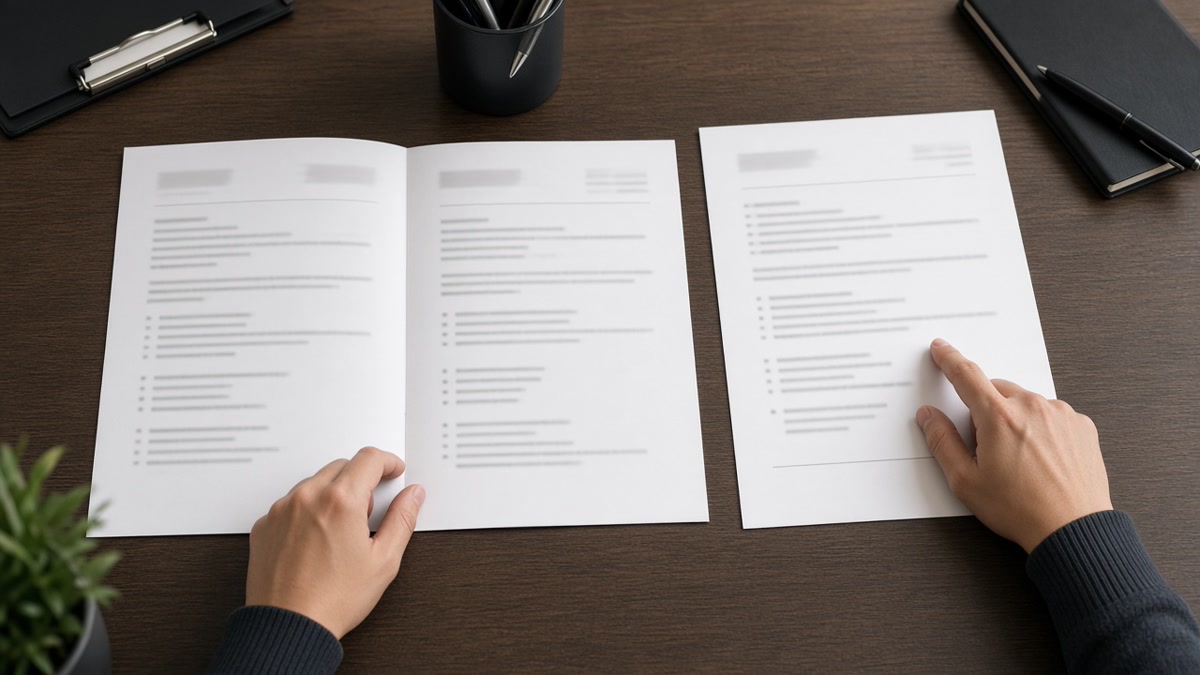
When a two-page resume is actually better, page one still does the selling. Page two holds older roles, certifications, or technical depth you can't cram without shrinking fonts. If page two is mostly white space or repeats Skills, you're not ready for two pages yet.
Pair the length decision with a quick pass from the cover letter generator when the portal allows it. The cover letter carries context your resume bullets can't fit on page one.
Quick Wins
- Count dated roles that match the posting. Ten-plus years of proof often needs page two.
- Put your current title and top three bullets on page one before anything else.
- Paste the export into Notepad and confirm both pages read top to bottom in order.
When a two-page resume is actually better
Say yes to two pages when you have a full decade or more of relevant work, multiple certifications the posting names, or technical projects that need dated bullets with tools and outcomes. The second page should carry proof, not adjectives.
Say no when you're early career, the posting caps you at one page, or page two would be three lines of hobbies and a repeated Skills list. Padding reads faster than you think.
Page one still wins the skim. Recruiters decide on your current role, dates, and the first bullets under it. Page two is for depth, not for burying your best win where nobody scrolls.
I've screened two-page files in Greenhouse where page one was sharp and page two was just older titles with proof. That's the version hiring teams expect from senior analysts, engineers, and managers. The ones that fail have page two full of buzzwords and page one still generic.
ATS imports care about readable structure, not page count. A single-column PDF with Month Year dates on both pages parses fine. A one-page Canva template with a sidebar often scrambles titles before length ever matters.
For layout rules that hold on any length, read what makes an ATS resume professional . Length follows substance. Formatting follows the parser.
Academic CVs and federal forms are different animals. This post is about US corporate resumes in portals like Workday and Lever, where two pages is normal for experienced hires and one page is still the default for students and career starters.
Pick your page count tonight
Step 1: Audit what you would cut
Open the posting and highlight three must-haves. If fitting them on one page means deleting a dated role that proves one of those must-haves, you're a two-page candidate.
Step 2: Lock page one
Before: "Professional summary" eating half of page one while your current job gets two bullets.
After: Three-line summary max, then your current role with four bullets that name posting tools and outcomes.
Before: Skills section on page one, experience squeezed below the fold.
After: Experience first on page one; repeat tools inside dated bullets; move older roles to page two.
Step 3: Fill page two with proof only
Older jobs, licenses, publications, or a project appendix belong on page two. Duplicated Skills blocks and volunteer fluff do not.
Copy-paste length decision
Two pages if ALL are true:
[ ] 10+ years of relevant dated roles OR posting asks for deep technical proof
[ ] Page one leads with current title and tailored bullets
[ ] Page two is at least half full of dated work, not filler
[ ] Posting does not cap you at one page
[ ] Plain-text paste reads cleanly across both pages

One page if ANY are true:
[ ] Early career or student applying to first full-time role
[ ] Posting says one page only
[ ] Page two would be mostly blank or repeat Skills
Build your resume in a single-column layout before you debate wording again. Structure first, polish second.
When page two backfires
Using two pages because you're nervous. Extra length without extra proof looks like you couldn't edit. Cut repeats before you add a page.
Burying your best bullet on page two. If the win that matches the posting sits below the fold on page two, rewrite page one first.
Shrinking fonts to stay on one page. Tiny type fails human readers and sometimes breaks parsers. Two pages at 11-point Calibri beats one page at 9-point cramming.
Ignoring explicit one-page instructions. Some teams treat it as a screen for attention to detail. Send one page even if you have more history ready in a master file.
Orphan page two without contact cues. Add your name and phone in the header on page two so separated prints still trace back to you. See PDF vs Word resume for ATS if you're unsure which export keeps both pages intact.
Test the file before you upload
Upload the same PDF or DOCX you plan to send. If feedback flags columns, missing dates, or scrambled order, fix layout before you argue about page count.
Run a free ATS check on the two-page export. When the plain-text view matches what you see on screen, length stops being the worry.
Length is a layout choice, not a virtue
Two pages helps when dated proof won't fit on one without shrinking text or deleting roles the posting cares about. One page still wins for early career and for employers that cap uploads.
Don't add a second page to feel senior. Add it when page one is already strong and page two carries evidence you'd otherwise cut. That's the difference recruiters notice in the first skim.
Save two versions if you need them: a tight one-pager for capped postings and a two-page master for roles that expect depth. Swap files instead of sending the same crowded PDF everywhere.
Read more
Frequently asked questions
Yes, when page one earns the second look. Recruiters skim page one first. If your current title, dates, and top bullets match the posting, they'll keep reading. A bloated page two still gets dropped, but a full second page of dated proof is normal for mid-career and senior files.
No. Workday, Greenhouse, Lever, and iCIMS parse multi-page PDFs and DOCX files. A scrambled layout hurts you more than length. Paste your export into Notepad. If titles and dates read in order across both pages, length is not the problem.
No. If you're early career, one page is enough. Internships, projects, and coursework should fit without shrinking fonts or repeating the same skill three ways. Save page two for later, when you have dated roles that need proof.
Follow the instruction. Some employers cap uploads or screen for rule-followers. Trim to one page even if you have more history. Keep a longer master file for roles that allow two pages, and swap versions instead of sending the same file everywhere.