7 min read · Recruiter psychology
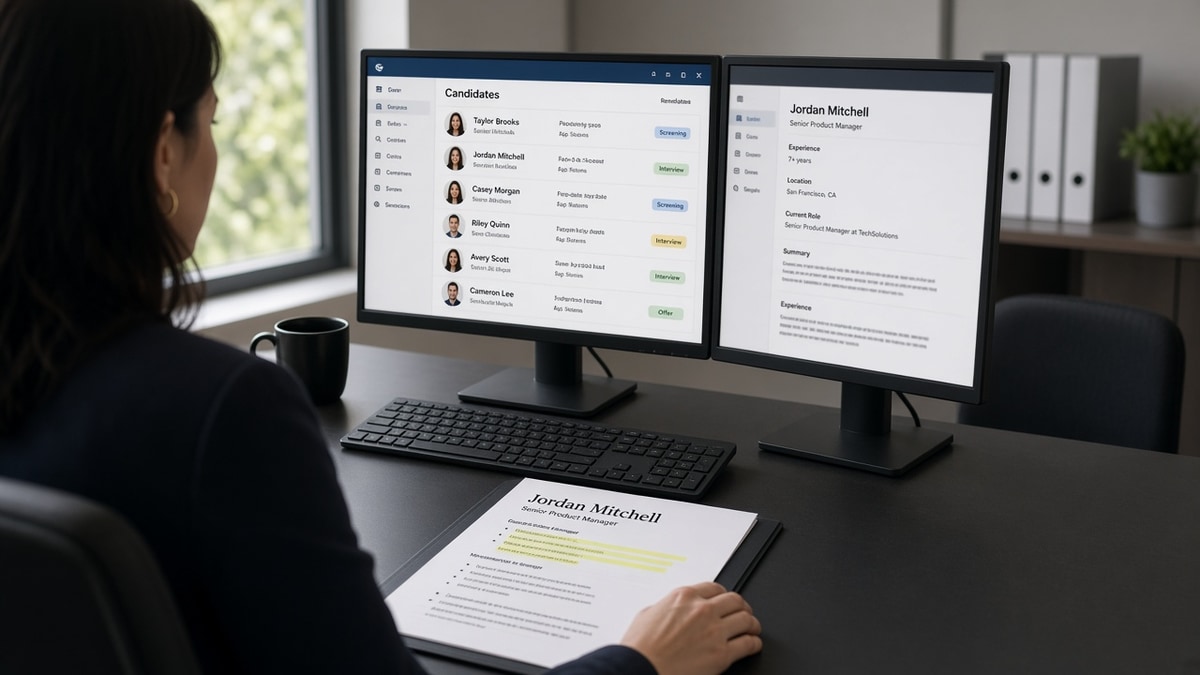
Myth: recruiters read your resume like an essay, top to bottom, weighing every line with care. Reality: they scan the top third in about the time it takes to open the next tab. If your current title and first bullet don't match the posting, they won't hunt on page two for proof you belong there.
Before you reorder anything, check your resume for free on the file you'll upload. You can't fix scan order on a PDF the parser already scrambled into nonsense.
Tonight's job is narrow: rebuild the top third so a tired recruiter sees title fit, company context, and one proof bullet without scrolling. Pair this with how recruiters use ATS before reading resumes if you're not sure whether a human or a filter killed the file first.
Job searching is brutal when silence feels personal. Most passes aren't about you as a person. They're about what landed in the first screenful.
Quick Wins
- Move Experience above Skills unless you're a new grad with no paid roles.
- Rewrite bullet one so the posting's top skill lands in the first eight words.
- Put month-year dates on the same visual row as title and company.
- Cut summary to two lines or delete it when bullet one already proves fit.
Symptoms when recruiters bounce off page one
Symptom one: silence after a perfect-looking PDF. Your template has a colored header, a skills rail, and a three-line summary. The recruiter opens the attachment, sees generic summary language, and never reaches the Salesforce admin work on line twelve.
Symptom two: "not enough relevant experience" on a referral screen. You held the right title at the right company, but bullet one under that role still reads "Supported team initiatives and cross-functional projects." The scan never found the proof.
Symptom three: ATS pass, human pass. Keyword tools score you high, but phone screens don't come. Recruiters aren't counting keywords on pass one. They're matching title level and first-bullet scope to the req.
Symptom four: confused follow-up questions. They ask about a job from five years ago because your current role's first bullet buried the system they care about and an older block mentioned it once near the bottom.
The shift: the top third is not an intro. It's the verdict zone.
I've screened operations and analyst stacks in Workday and Greenhouse where the candidate's current title matched the req, but bullet one opened with soft verbs and the must-have tool sat in a skills sidebar. The file looked fine. The scan ended before bullet two.
Recruiters aren't lazy. They're matching fifty files to one scope paragraph. Your job is to make the match obvious before they scroll.
What recruiters look at first on a resume: cause, test, fix
Cause: experience sits below summary and skills
How to tell: Paste your resume into a plain text editor. If "Python" or "NetSuite" appears before your current employer name, your scan order is wrong even when the PDF looks modern.
Before: Summary (6 lines) → Skills grid → Experience starting mid-page.
After: Contact → two-line Summary optional → Experience with tailored bullet one → Skills after jobs.
Cause: bullet one is generic under the right title
How to tell: Read the posting's first three requirements aloud. None appear in the first eight words of your top bullet. Recruiters treat that as a level mismatch even when years look fine.
Before: "Responsible for reporting and stakeholder communication."
After: "Built Looker dashboards for a $22M P&L; cut month-end close questions 19% in Q2."
Open the posting. Highlight the first must-have. Rewrite bullet one under your current role so that phrase lands before word eight. Leave older jobs alone for tonight unless the posting asks for ten years of the same stack.
Cause: dates and title don't share a scan line
How to tell: Squint at page one. If dates sit in a footer column or a separate table cell, recruiters miss tenure while hunting for title fit. Short stints get flagged faster when dates aren't obvious.
Stack employer, title, city if needed, then "Jan 2022 – Present" on one block. Repeat for each role. Consistent month-year format beats creative spacing.
Cause: two-column layout pushes proof sideways
How to tell: Notepad paste shows skills interleaved with job titles, or company names appear twice. Parsers and humans both read left-to-right. Sidebars steal the scan lane.
Export single-column DOCX or PDF for applications. Save the designed version for networking if you must, but don't upload it to Workday on autopilot.
Copy-paste block: top third reorder
Copy-paste header block (edit brackets)
[Full name]
[City, ST] | [phone] | [email]

Summary (optional, max 2 lines)
[Title level + domain match to posting, e.g. Senior FP&A analyst, SaaS]

Experience
[Current employer]
[Job title matching posting language] | [Mon YYYY] – Present
• [Must-have from posting in first 8 words] + outcome metric
• [Second proof bullet]

[Prior employer, shorten if page one is tight]
[Title] | [Mon YYYY] – [Mon YYYY]
• [One line only unless posting demands depth]
Run the block against one live posting tonight. If bullet one still reads generic, you're not done. The scan doesn't wait for your second draft.
For title-line tuning without renaming yourself into a job you haven't held, see why weak bullet points get ignored .
Layout choices that hide your proof on pass one
Leading with education on a mid-career file. Recruiters jump to Experience first unless you're a current student. A degree block above jobs pushes your latest title below the fold.
Objective lines about growth. "Seeking a challenging role" burns scan time. Replace with two summary lines or delete and let bullet one speak.
Before: Hobbies, references, and "Proficient in Microsoft Office" above Experience.
After: Those cut or moved to page two. Page one holds contact, optional summary, current job, one prior job max if space is tight.
Keyword dumps in white text or tiny footer bands. Recruiters notice formatting tricks. So do compliance teams. Don't risk it.
Identical bullets across roles. When every job opens with "Managed projects and collaborated with stakeholders," the scan treats them as filler. Tailor bullet one only for tonight if you're short on time.
This won't fix applying three levels above the posting. It stops qualified files from dying because proof sat below a pretty summary.
Test the file before you reorder for humans
Scan order work is wasted if Workday imported your employers out of sequence. Run structure checks on the upload bytes first, then tune the top third for the human pass.
Paste the posting into score your job match after you rewrite bullet one. If must-haves still only appear in Skills, bump one into the Experience block before you submit.
Run the free ATS checker on the same PDF you'll attach. Fix parsing errors, then reorder. A readable top third on a scrambled parse still loses in the queue.
Do this now: Open your resume and cover the bottom two-thirds with a sheet of paper. Read only what's visible. If you can't tell why you're a fit for tonight's posting, rewrite bullet one before you apply.
Reorder your top third tonight
Open the posting you're applying to right now. Move Experience up, shorten or cut the summary, and rewrite bullet one so the must-have lands in the first eight words.
Cover the bottom two-thirds of page one and read what's left. That's the recruiter verdict zone. If it doesn't sell fit, fix it before you hit submit.
Generate a cover letter when the portal asks for one, then run a free ATS check on both files. Message and scan order should tell the same story.
When silence continues after a clean scan and a sharp top third, the gap may be level or location filters, not your formatting. At least you'll know they saw the same proof you see on paper.
Read more
Frequently asked questions
No. The first pass is a scan of the top third on page one: name, current job title line, company, dates, and the first one or two bullets under that role. If those lines match the posting, they'll scroll. If not, they move to the next file in the queue. A strong page two rarely saves a weak top third.
Usually no on corporate roles. Recruiters anchor on your current title and first bullet before they trust a skills grid. Put must-have tools in bullet one under your latest job, then mirror them in Skills after Experience. A sidebar skills column often parses before your title in Workday, which makes you look junior even when the PDF looks balanced.
Only when it's short and the experience block below still leads with a relevant title. Long summaries and objective lines get skipped when the posting names a specific stack or scope. If you keep a summary, cap it at two lines and make sure bullet one under your current role repeats the posting's top requirement in the first eight words.
Directly under your current role's first bullet or in a Certifications block immediately after Experience. Certs buried on page two get parsed, but recruiters filtering on CPA, PMP, or RN license often never scroll that far on the first pass. Don't let a pretty layout push proof below the fold.
It helps when the parser imported your file cleanly but humans still pass because bullet one reads generic. If the ATS summary shows scrambled employers or missing dates, fix parsing first with a single-column export, then reorder the top third for the human scan. Both layers matter, but they fail for different reasons.