8 min read
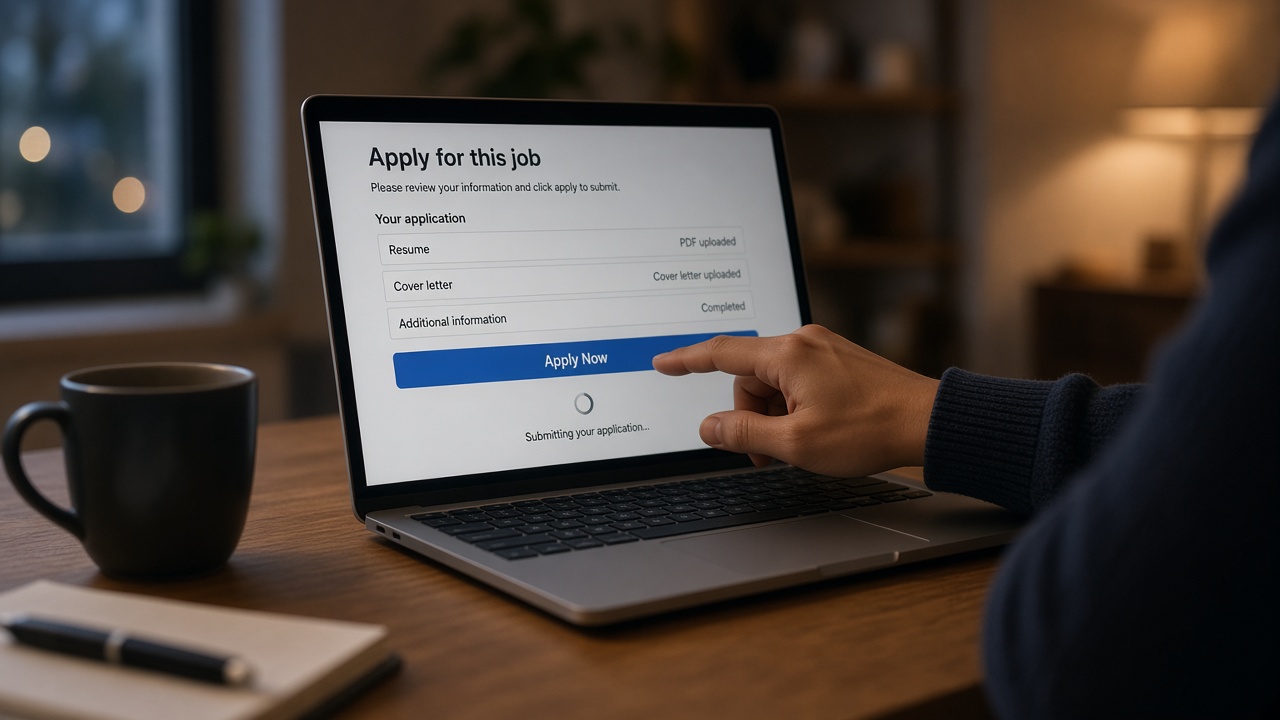
You clicked submit and refreshed the portal until your shoulders tightened. That confirmation email isn't a view receipt. It's proof the packet landed in storage, not that anyone's read bullet one yet.
Check your resume for free on the same PDF you uploaded. If the parser drops your current title, the timeline below stops before a human ever opens the tab.
You're not owed a timeline from the employer. You are owed a file that survives the steps below. Walk through the phases in order so you know what to fix tonight instead of waiting on a ghost reply that wasn't coming.
Most anxiety after apply comes from guessing. When you can name the step where your packet probably stalled, you'll stop refreshing a status page that doesn't track recruiter eyeballs.
Quick Wins
- Save the exported PDF you uploaded; compare it to a fresh parse preview.
- Align work authorization and location answers with resume dates.
- Rewrite bullet one before you reapply anywhere else.
Phase map: machine first, human later
Think of the employer stack as a conveyor, not a mailbox. Workday, Greenhouse, Lever, and iCIMS all follow the same broad sequence even when the UI looks different.
Parse errors happen before opinions do. A two-column PDF that scrambles employer order can mark you unranked while your prose is fine.
Before: You assume silence means they're still debating your brand story.
After: You check whether title and date fields populated in the ATS preview at all.
For parser behavior on uploads, see what makes a resume ATS-friendly in 2026 before you blame the req volume alone.
What happens to your resume after submission
Timelines vary by company load. The order below is what you're optimizing against when you edit the file.
1. Upload and duplicate check
The portal stores your PDF or DOCX and links it to your candidate profile. Some systems flag duplicate applications to the same req. Others merge uploads into one profile with multiple attachments.
2. Parse into structured fields
A parser extracts employer, title, start and end dates, education, and skills strings. Bullets may land in a notes field or stay attached to the job row. If this step garbles, every later step reads the wrong story.
Tables, icons, and header graphics are common failure points. Taleo and older iCIMS builds especially hate text boxes floated beside job titles. Single-column exports aren't pretty; they're readable.
3. Knockout and match filters
Hard filters on location, work authorization, years of experience, or required credentials run next. Soft match scores may sort the queue but rarely override a failed must-have rule.
4. Recruiter queue and search
Recruiters open filtered lists sorted by apply date or match rank. They search title strings and skim bullet one on the survivors. Bulk reqs mean hundreds of rows; your sort position matters.
Referrals can bump you up the sort, but they don't erase a failed authorization answer on the application form. Align every dropdown with the resume before you ask someone to flag your name.
I've screened Greenhouse views where half the stack never opened because knockout rules removed them before Monday morning coffee.
5. Human read and shortlist
A recruiter or hiring manager spends seconds on the first pass. They forward a subset to phone screens. Cover letters and portfolios enter here if the team actually uses them.
This is where headline, title row, and bullet one either agree or cost you the forward. Disagreement doesn't always trigger a rejection email; it often triggers no action at all.
6. Outcome or silence
Automated rejections often fire quickly when filters fail. Long silence can mean backlog, req pause, or you sitting below the cut line without a rejection trigger configured.
Some teams batch-review weekly. Others leave reqs open while headcount wobbles. You can't see which case you're in from outside, so keep applying elsewhere with a file you've already parse-checked.
Copy-paste stall diagnosis (edit brackets only):
Instant auto-reject email? Check authorization + location answers vs resume
No email after 7+ days? Req may be frozen OR you are below sort cutoff
Parser preview missing current job? Fix PDF layout before reapply
Referral submitted same day? Human may open sooner; file must still parse
Before: You wait two weeks, then add keywords to bullet six.
After: You re-export a single-column PDF, parse-check, and only reapply where allowed with bullet one aligned to the posting title family.
Cover letter timing sits later in the chain. Read how ATS screens cover letters if you uploaded a second file and wonder when it gets opened.
Where candidates think it stalls
- Blaming keyword density when dates never parsed.
- Reapplying identical PDFs that already failed knockout rules.
- Assuming referral bypasses parse and filters entirely.
- Editing the summary while title fields still say the wrong level.
- Waiting on portal status bars that only track receipt, not review.
Most post-submit fixes are field-level, not literary.
Before: You tweak fonts for readability while work history columns are swapped.
After: You fix employer order and month-year dates, then run the same upload test again.
Fix the file, then re-enter the queue
Use tools on the file you'll actually submit. Parsing surprises show up on export, not in the Word editing view.
Run the free ATS check and score your job match on the posting you already applied to. Low match with a clean parse means level or scope mismatch, not a hidden keyword game.
If a referral asks for context in writing after your file is already in the system, draft one short note with the cover letter generator instead of editing the stored PDF blindly.
What to do while you wait
After submission, your job is to keep the pipeline moving elsewhere while you hold one fixed copy of the file you sent. Parse-check the next apply before you click submit again.
Silence hurts. It doesn't always mean rejection. It often means the machine never handed a human a readable row. Fix the grid, then spend your energy on reqs where your dates and title already fit.
You're allowed to step away from the portal refresh. Control what's in the PDF; the queue timing isn't yours to micromanage.
Read more
Frequently asked questions
There is no fixed clock. High-volume reqs may sit in a filtered queue for days while recruiters clear phone screens. If knockout rules failed, a human may never open the file. Fix parse and filter fields before you chase timing.
Usually later, if at all. The resume grid drives most filters. A letter may matter after you pass location, authorization, and years rules, but it rarely rescues a resume that never parsed cleanly.
Portals rarely show parse errors. You infer stalls from patterns: instant rejection emails often mean hard filters. Long silence with no view receipt can mean queue backlog or a low match sort. Re-export and parse-check instead of guessing.
Only when the posting allows it and you fixed a concrete issue like dates or work authorization fields. Reapplying the same PDF weekly clutters the profile and annoys recruiters who already saw the file.