10 min read
For most US corporate reqs in 2026, the right US resume file type is whichever format the posting requires and whichever export passes a plain-text paste test. If you can copy every employer line in order from PDF or DOCX into Notepad, either file is fine on Greenhouse and Workday. If the paste scrambles dates or drops your phone number, don't debate format yet. Fix the source file first.
Check your resume for free on the same export you plan to upload. You're not picking a winner between PDF and DOCX for the whole internet. You're picking the file that keeps text readable for one application tonight. I've watched candidates argue about extensions for twenty minutes while their sidebar still parsed first. It's almost never the extension that's killing the screen.
Below: why parsers treat the two formats differently, the exceptions that flip the answer, a copy-paste test you can run in sixty seconds, and what to upload when the posting is silent. Job searching is already draining. This is a formatting decision, not a personality test. You don't need a new template. You need a clean export from the file you already have.
And if you're still unsure after the paste test, don't upload both formats into one field hoping the parser picks the better one. It won't. Pick one clean export, name it clearly, and move on to tailoring bullets for the posting.
Quick Wins
- Follow the posting format when it names PDF or DOCX.
- Paste both exports into Notepad before you upload either.
- Rebuild single-column in Word before you re-export PDF.
- Never upload a scanned PDF unless the posting allows paper scans.
What parsers actually read from PDF and DOCX
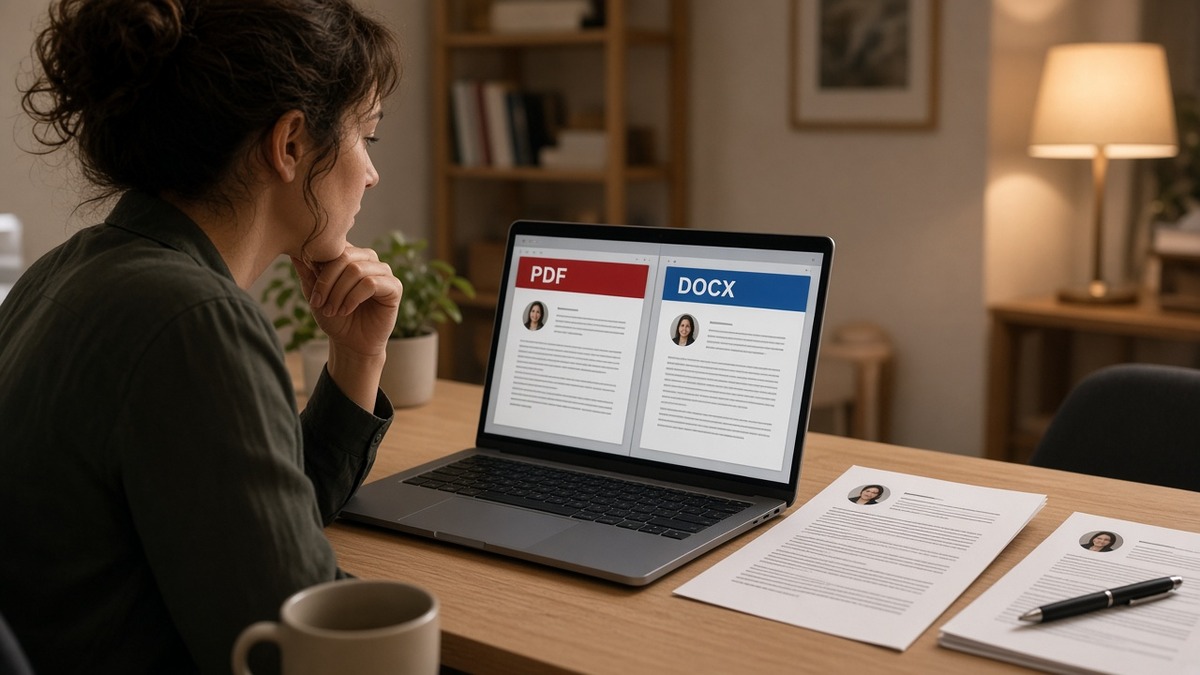
ATS portals do not care about your font choice. They extract character strings and map them into profile fields. PDF preserves visual layout. DOCX preserves editable structure. Both work when the underlying text flows in one column top to bottom.
The bar your export must clear: name and phone on line one, Experience with Month Year dates inline, Education, Skills last. No tables hiding dates. No icons replacing bullet characters.
A composite supply chain analyst whose Canva PDF looks polished but pastes as a jumbled skills block will lose screens in PDF and DOCX alike. The failure is layout, not extension.
I've seen identical single-column Word files upload cleanly as DOCX on one Workday tenant and as PDF on another. The parser read the same strings. The candidate worried about the wrong variable.
Read Workday resume format when the portal shows a preview step. The paste test below still applies before you choose PDF or DOCX.
Greenhouse and Lever usually accept both extensions when the posting is silent. iCIMS and Taleo instances vary by employer configuration. The constant is text order, not brand logo on the upload screen.
A mid-level project coordinator once sent me a gorgeous PDF with icons for each skill. The parsed profile showed "Python" as an employer name. DOCX from the same Canva export failed the same way. We rebuilt in Word, exported both formats, and both pasted cleanly. Format stopped mattering once layout did.
Font embedding in PDF can make files larger without helping parsing. Eleven-point Calibri or Arial in DOCX is boring and correct. Fancy typefaces do not survive upload previews anyway.
US resume file type: what to upload tonight
Run this sequence on the req you're applying to right now. Six decisions, not a flowchart poster for your wall.
Step 1: Read the posting field
If it says PDF only, upload PDF. If it says Word or DOCX, upload DOCX. Silence on format means you choose, but you still run the paste test on both exports.
Some government and university portals list accepted types in a help tooltip below the upload button. Expand it before you assume silence means anything goes. A rejected upload costs less time than a missing profile field discovered a week later.
Staffing agency portals sometimes forward your file to the client's ATS unchanged. If the agency asks for Word, send DOCX even when the end client would have taken PDF. Broken handoffs between systems are common; clean DOCX survives more middle steps.
Step 2: Paste test both exports
Open the PDF in Preview or Acrobat. Select all, copy, paste into Notepad. Repeat with DOCX opened in Word. Same job titles in the same order? Either file is eligible. Skills block above your current employer in one paste? Fix layout before you upload that format.
On Windows, Notepad is enough. On Mac, TextEdit in plain text mode works. You're looking for reading order, not pretty spacing. Bullet characters may turn into hyphens or disappear. That's fine as long as employer names and dates stay attached.
Search the pasted text for your phone number with Ctrl+F. If it is missing from PDF paste but present in DOCX paste, upload DOCX when allowed. If both miss it, your number is trapped in a header, footer, or text box. Move it to line one under your name in the body.
Step 3: Pick the cleaner paste
When both pass, default to PDF if the layout is locked and you do not expect last-minute edits. Default to DOCX if you still need to tweak bullets for this posting and the portal accepts Word.
Recruiters who download attachments often prefer PDF because margins stay fixed on their screen. Parsers do not care about margins. When the posting is silent and both pastes match, choose PDF for human readers and keep DOCX as your editable master for the next tailoring pass.
If you're applying through a mobile browser, some portals only accept PDF from camera roll or Files app. Export PDF from your laptop first, AirDrop or email it to your phone, then upload. Do not photograph a paper printout.
Large file size rarely blocks parsing unless the portal caps megabytes. A two-page text resume should stay under one megabyte. If your PDF is ten megabytes, you likely embedded images or full-page graphics. Strip them and export again.
Before and after: export choice
Before: Two-column Canva PDF, image-heavy header, phone in a text box. Paste test shows skills before employer names. Candidate uploads PDF because "PDF looks more professional."
After: Single-column DOCX rebuilt in Word, contact on line one, plain bullets. Paste test reads Experience first. Candidate uploads DOCX when posting allows Word, PDF when posting requires PDF, same source file both times.
Before and after: posting silence
Before: Candidate uploads whichever file is already on the desktop from last week's applications. Greenhouse preview drops the second employer's dates.
After: Candidate re-exports from the master Word file, runs paste test, uploads PDF because posting has no Word option and PDF paste matches DOCX paste.
Copy-paste: contact header block
Alex Morgan
(312) 555-0142 · [email protected] · Chicago, IL
linkedin.com/in/alexmorgan

EXPERIENCE
Operations Analyst | Northline Logistics | Jan 2022 to Present
• Built weekly OTIF dashboards in Excel, cutting late shipments 11% in Q3
Plain characters, no icons, no table. Export to DOCX and PDF from this same source. Paste both before you pick the US resume file type for this application.
Step 4: Name the file like a human
Use Firstname-Lastname-Resume.pdf or .docx. Not Resume_Final_v7.pdf. Recruiters download dozens of files. Clear names reduce wrong-version uploads when you fix a typo after the first export.
Step 5: Re-test after tailoring
Every time you swap three bullets for a new posting, re-run the paste test. A new table row for skills can break order even when the file type stayed the same. Tailoring is not a reason to skip the sixty-second check.
Step 6: Upload once
Double submissions with different extensions can create duplicate profiles in some ATS builds. Submit the final file once. If the portal errors, fix the file and upload again rather than stacking versions.
When PDF or DOCX stops being the right answer
These cases flip the default even when your friend swears one format always works.
Scanned or photo PDF: No text layer means no keywords. Switch to a typed DOCX or a text-based PDF rebuilt from Word. A scan fails every ATS regardless of extension.
Design-tool PDF only: Canva and similar tools often export pretty PDFs with weak text order. Rebuild in Word, paste test, then export both formats from the clean source.
Word version drift: If your DOCX opens with shifted margins on the recruiter's machine, a text-based PDF from the same session locks layout. PDF wins when Word layout is the risk.
Posting requires PDF for compliance: Government and some finance reqs block DOCX uploads. Do not upload DOCX because it parsed better in a test portal. Rebuild until PDF paste passes.
Edge case: Password-protected or portfolio PDFs with embedded portfolios. Remove protection and split portfolio links into the application URL field when available.
Mac Pages exports: Export to DOCX through Pages, then open in Word once to confirm bullets survived. Some Pages PDFs paste with odd line breaks that DOCX fixes after a Word save.
Hyperlinked email: mailto links sometimes paste as URLs without the address string. Type the email as plain text in the body header. Same rule for LinkedIn: full URL as characters, not a floating icon.
International candidates on US reqs: US portals expect Month Year dates and a US phone format with area code. DOCX and PDF both fail screening when dates stay DD/MM/YYYY and the parser cannot map tenure fields.
Track changes left on: DOCX with visible edits sometimes exports strike-through characters into the parsed text. Accept all changes in Word, save, paste test again, then export PDF if needed.
Compressed PDF "optimize for web": Some print-to-PDF settings subset fonts and drop hidden text layers. If paste test fails after compression, re-export without optimization or switch to DOCX for that portal.
Verify the export before you pick PDF or DOCX
Run the same file through the free ATS checker with the job description pasted in. You're confirming text extraction, not chasing a vanity score.
Then score your job match on the version that passed the paste test. Keywords only matter after the parser can read them.
If the portal accepts a cover letter, generate a cover letter from the posting after your resume export is stable. Don't rewrite the letter three times because you picked the wrong file type first.
Run the checker on both PDF and DOCX when the posting is silent. If scores diverge wildly between formats, the lower score usually points to the export that lost text. Fix that file, not the keyword list.
Save a screenshot of the Greenhouse or Workday preview when the portal shows one. If recruiters question missing dates later, you have proof the upload parsed correctly on your side. That happens more than candidates expect when internal ATS configs change mid-req.
Keep one master DOCX on your drive and derive PDFs from it per application. Two masters drifting apart is how you accidentally send a PDF from Tuesday and a DOCX from last month with different job titles.
Pick format after the paste test
US resume file type for ATS in 2026 is not a tribal PDF vs DOCX debate. It's which export keeps your employers, dates, and phone number in the order a recruiter expects. Posting rules beat personal preference. Paste test beats assumptions.
Open the req on your list. Export both ways from one clean Word source. Paste into Notepad. Upload the format the posting requires when both pass. Fix layout when neither passes.
This won't save a file that lists skills with no proof bullets. It stops qualified candidates from losing screens because they uploaded a pretty PDF the parser could not read.
When you're done tonight, archive the export that worked in a folder named for the company. Next week's version should start from the master Word file, not from a PDF you can no longer edit cleanly.
If a friend insists one format always wins, ask them when they last pasted their own file into Notepad. You'll usually get a pause. That's the test that ends the argument.
Need a clean single-column base before you export? Build your resume in a parser-safe layout, then save DOCX and PDF from the same source for every application this week.
Read more
Frequently asked questions
Neither format wins by default. A text-selectable PDF from a single-column Word file usually parses the same as DOCX on Greenhouse and modern Workday portals. Upload DOCX when the posting asks for Word, when your PDF fails the paste test, or when you exported from Canva or a design tool. Upload PDF when the posting says PDF only or when Word layout shifts between versions.
Image-only PDFs, scanned pages, and password-protected files break parsing. Text-based PDFs exported from Word or Google Docs usually work when the source layout is single-column. Run Ctrl+A on the PDF and paste into Notepad. If the text is jumbled or missing, the ATS will struggle too.
Only when the portal has two upload slots. Never attach two different versions of the same resume in one field. Pick the format that passes the paste test and matches the posting instructions. If instructions conflict, follow the required field first and use the format that keeps employer lines paired with dates.
File type does not change keyword matching when text extracts cleanly. A garbled export drops words whether it is PDF or DOCX. Fix layout and reading order first, then tailor keywords. A perfect keyword list inside a two-column table still parses wrong in both formats.
Save as .docx, not legacy .doc, for US corporate ATS uploads. From Google Docs, download as .docx or export a text-based PDF after you flatten columns. Avoid uploading a shared Docs link unless the application explicitly asks for a URL.