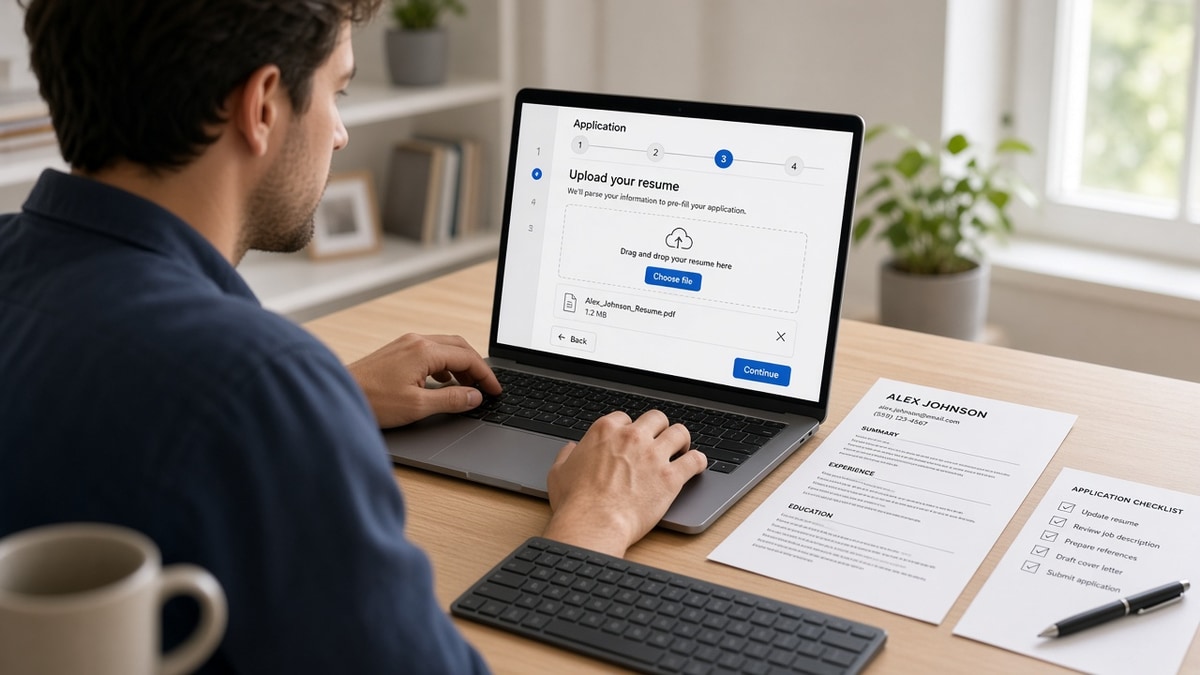
You'll run this checklist once per req. It won't take all night if paste order is already clean.
By Peter Miller · Published August 10, 2026 · Last updated: September 15, 2026
11 min read
Short answer: the US Lever ATS application checklist is five gates before Submit. Plain-text paste order clean, single-column PDF or DOCX, three posting phrases on bullet one, typed fields identical to the file, knockout answers honest, one upload. Lever reads the file and the form separately. When they disagree, recruiters won't trust either version.
You're not failing because you lack skills. You're failing because Lever imported your sidebar before your current employer, or your title field still says Analyst while the PDF says Senior Analyst. That's what this US Lever ATS application checklist fixes: visible parse order and field match, not another keyword list in a footer.
If you've been mass applying with one template, stop tonight. Lever isn't Workday, but the parser still reads upload order like a plain-text paste. You don't need a new design. You need a single column and fields that match the PDF before you click Submit again.
Check your resume for free on the req you're about to upload. You can't fix Lever field mismatches if the PDF still parses sideways. Below: why Lever breaks certain layouts, the exceptions where you shouldn't fight the portal, before/after pairs, and a copy-paste field checklist you can run in ten minutes.
If the Lever form includes a cover letter box, don't dump your Skills row into paragraph one. You won't fool a recruiter who's already seen two hundred generic paragraphs this week. Generate a cover letter with one proof line from bullet one, then paste once. Same tool names as the resume, fewer moving parts.
Quick wins
- Paste your PDF into plain text. Current employer must appear before a long Skills block.
- Use single-column PDF or DOCX at 11-point Calibri or Arial. No tables, icons, or text boxes.
- Copy title, company, and dates from the resume into Lever fields character for character.
Why Lever rejects files that look fine on your screen
Lever sits on many US startup and mid-market career pages. You click Apply, attach a PDF, fill typed fields, answer knockouts, and hit Submit. The portal says received. Silence follows. The file looked perfect in Preview on your laptop.
Lever stores two profiles: parsed resume text and whatever you typed in the form. Recruiters search typed fields and skim parsed Experience. When columns scramble import order, or when the title field disagrees with the PDF, the profile fails the ten-second skim even if keywords exist somewhere on page two.
Parsing is not magic. Lever reads upload order much like a plain-text paste. Two-column templates put Skills and summary first. Header contact blocks disappear on import. Tables split dates from company names. Image PDFs store a filename and little searchable text. None of that requires guessing internal scoring. You can see it in paste order and in Lever's preview when the employer offers one.
Keywords still matter, but on dated lines under your current role, not in a cloud that never connects to Experience. A composite data analyst with solid SQL projects still stalls when bullet one reads assisted with reporting while the posting's lead line was Looker dashboards for revenue ops. Lever may import the file. The recruiter won't connect it to the req.
Cover letter paste boxes on Lever accept plain text only. Strip formatting before you paste. If the box has a character cap near 400, use two sentences: why this req, one proof line from bullet one. Save the longer letter for email when a recruiter replies.
Mobile apply flows still run the same parser when you email the PDF to yourself and upload from your phone. Don't thumb-type different dates into Lever fields because you're rushed. Wait until you're at a keyboard or copy from the resume PDF you already verified.
Read what recruiters see after you click apply for the human side after Lever marks you submitted. This page fixes the upload before that moment.
Edge case: Referral link through Lever still runs the same parser. A warm intro doesn't fix a two-column PDF. Fix the file, then mention the referrer in the optional note field if the form has one.
Edge case: Lever posting closes while you're editing. Save a local copy of answers and the final PDF. Reopen reqs sometimes accept the same profile if you return within a day. Don't rush a broken upload because the countdown timer stressed you out.
US Lever ATS application checklist: five gates
Run the gates in order. Don't type salary into gate four if gate one paste order is scrambled. Each gate has a before/after you can copy tonight.
Gate 1: Plain-text paste order
Open your final PDF or DOCX. Select all. Paste into Notepad or an empty Google Doc. Read top to bottom. Your name and contact lines should appear first in the body, then Experience with current role, then Education, then a short Skills block if you keep one.
Before: Sidebar template. Paste lists Python, SQL, Tableau, then summary paragraph, then employer name at line forty.
After: Single column. Paste shows Name, email, phone, then Company, Title, Month Year to present, then bullet lines starting with the posting's top tool in the first eight words.
If paste order fails, stop. No amount of Lever field typing fixes a layout problem.
Gate 2: File type and export
Lever commonly accepts PDF and DOCX. Export from Word or Google Docs. Avoid design-tool PDFs unless you verified selectable text. File name simple: FirstLast_Role.pdf. Under two megabytes when the form allows.
Before: Canva resume exported as image PDF. Lever accepts file. Recruiter view shows blank Experience.
After: Same content rebuilt in Google Docs, exported as PDF, text highlights when clicked. Preview shows employer and dates when Lever offers preview.
When the posting says PDF only, don't upload DOCX hoping for mercy. When both are allowed and paste looked fine but preview failed, try DOCX once before you rewrite content.
Gate 3: Bullet one matches the posting
Highlight three required phrases from the Lever job description. Rewrite bullet one under your current role so the first requirement lands in the first eight words. Mirror the same phrase in the Lever cover letter box if you paste one.
Before: Product coordinator file. Skills lists Jira and Figma six times. Bullet one: Supported cross-functional teams on deliverables.
After: Product Coordinator, SaaS Co., March 2024 to present. Ran Jira sprint boards for three squads; cut blocked story backlog 14% in Q2 2025.
I've reviewed Lever queues where the parser imported a full Skills block but recruiters rejected the profile because bullet one never named the tool from line one of the req.
Gate 4: Application fields match the PDF
Lever forms vary by employer. Common fields: name, email, phone, current company, current title, LinkedIn URL, work authorization, sponsorship, salary, start date, custom questions. Copy from the resume. Don't improvise shorter titles to fit character limits without updating the PDF too.
Some Lever configs add repeated work history blocks: add employer, title, start, end, description. Treat each block like a mini resume row. Paste bullet lines into description boxes when allowed instead of writing managed various tasks. The same keywords on bullet one should appear in the first description box for your current role.
Portfolio and GitHub fields are optional until they're not. If the req mentions a code sample or writing sample, put the URL in the optional box even when the asterisk isn't there. Recruiters filter on those columns when the hiring manager asked for proof.
Before: PDF header Senior Marketing Analyst. Lever title field Marketing Analyst. Dates on form end 2023; resume says Present.
After: Same strings on form and PDF. Month Year format consistent. LinkedIn URL matches the profile you want them to open.
Custom questions deserve full sentences with one proof metric, not yes/no fluff when the box allows paragraphs. If a question asks why this company, cite one product or post you read, not generic culture praise.
Gate 5: Knockouts and single submit
Read authorization and location questions twice. Salary fields want a range tied to the posting metro when you have one. Submit once. Screenshot confirmation. Log company, req title, date, and file version in your tracker.
Before: Composite engineer clicked Requires sponsorship by mistake while authorized. Automatic no on some configs.
After: Re-read knockouts, corrected authorization, submitted once with matching PDF version label v2.
Copy-paste Lever field checklist
Copy-paste this block into a notes app beside the Lever tab. Check each line before Submit.
Lever upload checklist: [Company], [Role title]

[ ] Plain-text paste: current employer before Skills cloud
[ ] File: single-column PDF or DOCX, selectable text, simple filename
[ ] Bullet one: posting requirement in first eight words
[ ] Name / email / phone match resume body (not header-only contact)
[ ] Current company + title match PDF exactly
[ ] Dates: Month Year on form match PDF
[ ] Work authorization + sponsorship answers honest and double-read
[ ] Salary: researched range for req location (if required)
[ ] Cover letter box: one proof line, same tools as bullet one (if used)
[ ] Custom questions answered with specifics, not generic praise
[ ] Confirmation screenshotted; tracker updated; one submit only
Exceptions and where Lever uploads still fail
When you should not upload tonight: paste order still scrambled after one rebuild, or you're missing a hard knockout qualification like clearance or on-site relocation you'd decline anyway. Fix or skip. A partial upload burns the req row.
When PDF is required but parse fails: try DOCX only if the form allows both. If only PDF is allowed, rebuild in Word with zero tables and re-export. Don't submit a scan.
Uploading five versions of the same file without fixing paste order. Lever profiles look noisy. Message the recruiter once with your application date instead.
Pasting cover letter text with smart quotes and bullets that break Lever text boxes. Paste as plain text, then scan for question marks where apostrophes should be.
Ignoring optional fields that the employer marked important in the req footer. Some teams filter on portfolio links or GitHub URLs stored only in optional boxes.
Keyword stuffing in Skills while Experience bullets stay generic. Lever may import both sections. Recruiters still read bullet one first.
Applying through a third-party board that forwards into Lever with a stripped file name. When you can, use the employer's Lever link from the careers site so the upload keeps your tailored PDF intact.
Leaving salary blank when the field is required. Some configs won't submit. Enter a researched range with a floor you'd accept, not a wish number you'd walk from on the first call.
Compare notes with Teamtailor upload formatting patterns when you rotate between ATS vendors during the same search week. Different skins, same single-column rule.
Parse check before Lever upload
Run the same file you will attach through a parse preview before you open the Lever tab. Check your resume for free against the posting and confirm the top requirement appears inside extracted Experience text, not only in Skills.
Fix paste order first. Lever field typing can't invent proof on a dated line.
When you're choosing which Lever reqs deserve an hour of tailoring, score your job match on the description. Two tools are enough: checker for parse and wording, match score for fit. Then run the five gates once.
Run the checklist once per req
The US Lever ATS application checklist isn't a keyword game. It's paste order, file type, bullet one, field match, honest knockouts, one submit. Lever gives you visible signals in plain-text paste and sometimes in preview. Use them.
Open the req tonight. Paste your PDF. If current employer isn't near the top, rebuild single column before you touch the form. Copy fields from the file. Submit once. Screenshot confirmation.
Job searching is already hard. You don't need a fancier template. You need a boring file Lever can read and fields that tell the same story. When wording still doesn't match the posting, run a free ATS check before you upload again.
Frequently asked questions
Use the format the Lever posting accepts, usually PDF or DOCX. Export a text-based PDF from Word or Google Docs, not a scan or Canva image export. If the preview after upload scrambles employer names or dates, switch to a single-column DOCX with standard headings and try again. Paste the file into plain text before you submit. If reading order looks wrong, Lever will import it the same way.
Two-column layouts often import Skills and summary before Experience in plain-text paste order. Recruiters then see tags without dated proof under your current role. Use a single column, contact info in the body not the header, and Month Year dates on every job. If Lever's application preview shows empty Experience fields, fix layout before you rewrite bullet four.
Lever stores typed fields separately from the parsed file. Recruiters search and filter on those fields first. If your PDF says Senior Product Analyst but the title field says Analyst, or dates disagree by a year, the profile looks sloppy before anyone opens the PDF. Copy employer, title, and dates from the resume into every required field verbatim.
Work authorization, sponsorship, location or remote preference, salary expectation, and clearance or travel requirements are common. A wrong honest answer can reject you before parse runs. Read each dropdown twice. If salary is required, enter a researched range tied to the posting location, not a single number you'd refuse tomorrow.
Most companies treat duplicate Lever submissions as one profile. Fix the file, then message the recruiter with the application date and one proof line instead of uploading five variants. If the portal allows replace, use one corrected upload. Mass repeats without change waste the same req row.