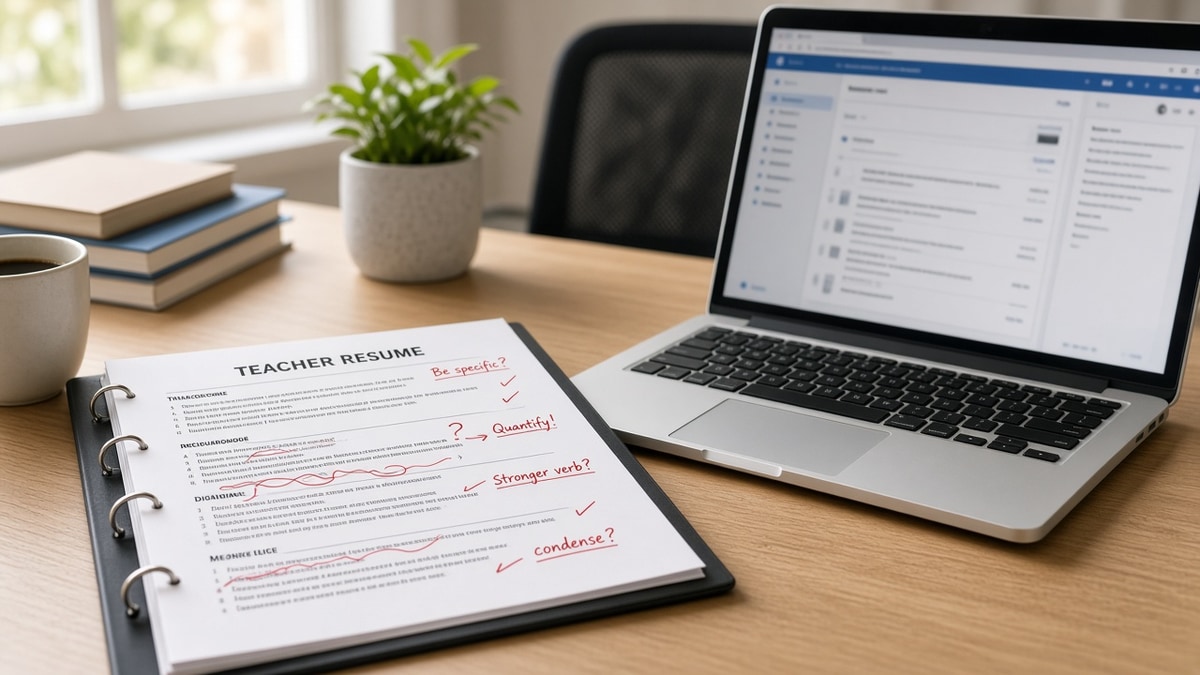
11 min read · License block, one column, posting match
Your portfolio pdf looks warm and human. The district portal runs on Workday or iCIMS and reads top to bottom like a receipt. When the parser meets two columns, your ESOL endorsement can land under Skills while your current school sits at the bottom. You're qualified. The file order says otherwise.
Check your resume for free against the posting you're targeting tonight. You don't need a new design tool. You need six ordered edits, two layout fixes, and a copy-paste header block that keeps license lines where filters search first.
Job searching in education is slow enough without guessing whether silence means fit or format. This won't fix applying to the wrong license band. It stops a qualified teacher file from dying before a coordinator opens it.
Below you'll walk the posting pull, license stack, bullet rewrite, export test, and preview check. Numbers inside sample bullets are illustrations only, not district statistics.
Quick Wins
- License and endorsements directly under email and phone.
- Current school listed first with Month Year dates on every role.
- Select-all PDF paste into Notepad before you upload.
What district ATS reads before your cover letter
School employers receive stacks of applications per opening. The ATS extracts text, maps sections, and lets coordinators search by license type, grade band, and subject strings. Humans still decide fit. They often never see files the parser mangled.
License lines beat philosophy paragraphs. Filters look for state certification, special education endorsement, ESOL, or bilingual credentials as typed words. A summary that opens with adjectives but omits "Grade 6 to 8 Mathematics, Florida certified" leaves match on the table.
Edge case: you are licensed in one state and moving to another. List the active license plus "Eligible for [state] reciprocity pending" only when the posting allows it. Edge case: long-term substitute work. Label roles honestly as Substitute Teacher or Long-Term Sub with dates and school so gaps do not look like unemployment.
Read Workday resume format rules when the district careers site runs Workday. The single-column and date rules there apply to teacher files the same way they apply to corporate roles.
How to Write a Teacher Resume That Passes ATS: six steps tonight
Work in order. Stop early if a step fails the check so you are not polishing text inside a broken layout.
Step 1: Pull must-haves from the posting
Open the job description. Highlight grade band, subject, required license, bilingual need, and three repeated verbs such as co-teach, differentiate, or progress-monitor.
Before: You skim the posting and tweak a generic resume you used last year.
After: You have a short list of ten words that must appear in license lines or bullet one under your current school.
Save that list in the notes app. You will reuse it in steps three and six without stuffing every synonym into a skills cloud.
Step 2: Rebuild the license and contact header
Name, phone, email, city and state on line one. Certifications block next with full credential names.
Before: License sits on page two below student teaching from 2014.
After: Texas EC-6 Generalist, ESL Supplemental, expires August 2028 appears under contact info in plain text.
Use spelled-out section labels. Certifications and Licenses, Professional Experience, Education. Avoid icons or colored bars as section dividers.
Step 3: Rewrite your current role for grade and subject
Title line includes grade band and subject when the posting does. Example title: Grade 4 Elementary Teacher, not Classroom Lead.
Bullet one should land a posting verb in the first eight words. Sample bullet for illustration only: "Differentiated reading instruction for 26 fourth graders, raising MAP reading growth from 42nd to 58th percentile in one year." That number describes a fictional résumé line, not a national average.
I've screened teacher packs in Workday where the parser showed a pretty sidebar and hid the math endorsement entirely; the fix was always moving credentials above the summary, not adding more keywords at the bottom.
Step 4: Flatten layout to one column
Remove tables that split dates to the right margin. Delete text boxes for philosophy quotes. Drop photos and school logos from the upload version.
Each job is four lines: Title, School, City or Remote, Month Year to Month Year or Present. Bullets follow immediately under that block.
Edge case: you taught multiple grades in one year. Split bullets by grade band instead of merging into a vague paragraph. Edge case: coach and teacher duties. List the primary teaching title first and add coaching as a second bullet with season dates.
Step 5: Export and run the select-all paste test
Save from Word or Google Docs. Open the PDF, select all, paste into Notepad on Windows or TextEdit plain mode on Mac.
Fail when paste is empty or symbols only. Re-export DOCX and try again before you blame the district site.
Match filename to Firstname-Lastname-Resume.pdf with no spaces when the portal allows.
Step 6: Upload and read the preview when offered
Many portals show parsed order before submit. Current school should sit on top. Certifications should not appear inside Education.
If preview scrambles order, switch to DOCX or simplify further. Do not submit the same decorative PDF twice hoping it changes.
Copy-paste header and experience skeleton
Copy-paste blocks below into your master file, then tailor words from step one.
Copy-paste contact and license block
[Your Name]
[Phone] | [Email] | [City, ST]
Certifications and Licenses
[State] [Grade band] [Subject] Certificate, expires [Month Year]
[Endorsement: ESL, SPED, Gifted, etc.]
Copy-paste current role skeleton
[Grade and Subject] Teacher | [School Name] | [City, ST] | [Month Year] to Present
• [Posting verb] + [student count or class count] + [outcome number in one year].
• [Tool from posting: Google Classroom, Canvas, IEP platform] + [what you did with it].
• [Collaboration line: co-taught, PLC, parent conference cadence].
For keyword placement without overload, read why your resume never reaches a human when silence follows every upload. Parser failure and mismatch look the same from the outside; the paste test tells you which you are fighting.
Teacher layout traps that drop scores early
Two-column resume templates. Skills and endorsements slide left while experience sits right. Parsers read columns out of order and drop grade level context.
Graphics for classroom themes. Borders, chalkboard headers, and clip art become empty boxes in Taleo. Coordinators see gaps, not personality.
Headers and footers with your name repeated. Some systems inject footer text into every section break and duplicate school names.
Abbreviating the license once then never again. Write the full certificate name once, then stay consistent. Mixed abbreviations look like different credentials to a literal search.
Listing every workshop you ever attended. Professional development belongs when the posting names a method you trained on. Otherwise it buries current teaching proof.
Uploading the portfolio PDF as your resume. Lesson samples belong in a separate link or attachment field when allowed. The resume field needs the plain file from step five.
Tools before you hit apply
Run the posting against your export on the free ATS resume checker before you burn an application on a scrambled upload. Confirm page one shows license, current school, and grade or subject language the posting repeats.
If you're rebuilding from scratch, the free resume builder outputs single-column sections that map cleanly to district portals.
Submit checklist tonight
Open the posting list from step one. Confirm license lines sit under your phone number. Confirm bullet one under your current school uses a posting verb. Run the paste test. Only then hit submit.
- One column, no tables, Month Year on every role.
- Grade band and subject visible in title or bullet one.
- Preview shows current school on top when the portal allows.
When you are ready to send, run a free resume check on the exact file you will attach so you are not guessing whether the parser sees what you see. If the district also wants a letter, draft it with the cover letter generator after the resume passes the paste test.
Read more
Frequently asked questions
No for the first upload. District portals on Workday, iCIMS, and Taleo read plain text order. Colored sidebars, icons, and photo headers often scramble where your license and current school land. Build a boring single-column file first. You can hand a designed version to a principal in person later if they ask.
Directly under contact info or in a header labeled Certifications and Licenses. Write the full credential name, state, grade band, and subject endorsement on separate lines. Do not bury the license at the bottom. Many district filters search that block before they read your philosophy paragraph.
Follow the posting. When it is silent, upload a text-based PDF exported from Word or Google Docs. Run the select-all test: copy the PDF text into Notepad. If the paste is blank, the file is image-based and the ATS cannot score it. Switch to DOCX when the preview garbles order.
One page is enough for most teachers with under about ten years in the classroom. Two pages is fine when every line ties to the posting. Parsers do not reward length. Humans skim the first screen. Lead with license, current role, and grade or subject match.
Not as a substitute for proof. A long skills list without grade level context scores weakly. Put methodologies and tools inside bullets tied to a school and date. Keep a short skills section only when the posting repeats the same tools and you have room after experience.