9 min read
Optional doesn't mean invisible. When hiring teams open attachments, they'll judge format before they admire your story.
Most ignored letters fail for boring reasons: decorative headers that parse empty, walls of text with no role name in the first screen, or a duplicate of bullet points already on the resume. You can't win on voice if the preview pane never shows your job title.
Fix the resume import first. Check your resume for free on the file you'll pair with the letter. A clean profile makes the letter worth reading, and you won't waste an hour polishing prose on a broken upload.
Follow the six steps below to build a parser-safe cover letter format tonight, then export once. It's the same discipline as a flat resume: plain text first, personality inside sentences, not inside shapes. You don't need a designer; you need a layout that still reads when the portal strips the top half.
Quick Wins
- Match contact lines to your resume spelling.
- Name the role and company in paragraph one.
- Keep three body blocks under four sentences each.
- Paste the export into Notepad before you upload.
Why format beats flair on cover letters
Preview panes crop the top. Greenhouse and Workday often show the first chunk of text beside the resume profile. If your role name sits below a graphic banner, the recruiter sees a generic greeting.
Parsers treat cover letters like long text fields. Tables split cells. Text boxes vanish. Centered headers sometimes export out of order. The cover letter format that doesn't get ignored is the one that still reads correctly as plain text.
Content still matters, but content inside a broken layout never arrives. You're not writing a novel. You're writing a short business note that survives upload.
Think of the letter as a caption for your resume, not a second document. It should explain motivation, context, or a gap the resume cannot carry in a bullet. If every sentence could live on the resume, move it there and shorten the letter.
Spacing matters for human eyes. Single space inside paragraphs, blank line between blocks. Dense letters look like walls even when the parser accepts them.
For when to send one at all, read do cover letters still matter for ATS . This page assumes you've decided yes and need the skeleton.
Six-step cover letter format
Step 1: Plain contact block
Top left: full name, city and state, phone, email, LinkedIn URL spelled out. Same order as your resume. No icons, no color bars, no two-column header.
Font: 11 or 12 point Calibri, Arial, or Times New Roman. Margins one inch. Left align everything. Double-check the phone number digit by digit. A typo here ends the thread before anyone reads paragraph two.
Skip photos, social icons, and personal websites unless the posting asks for a portfolio link. Extra URLs in the header often parse as broken lines in preview mode.
Step 2: Date and employer lines
Blank line, then today's date. Blank line, then hiring manager name if you have it, else Hiring Team. Next line: company name. Next line: city and state if listed on the posting.
Do not put this block inside a table. Tables are the fastest way to scramble salutation and company name on import.
Step 3: Salutation and opening
Dear Ms. Lee: or Dear Hiring Team: on its own line. Opening paragraph: state the exact job title, company, and where you saw the posting. Add one sentence on why that team or product fits your background. Three sentences max.
Example skeleton: I am applying for the Customer Success Manager role at Northwind Software, posted on your careers site. I have spent four years supporting B2B SaaS accounts with renewal queues and onboarding playbooks.
Step 4: Two proof paragraphs
Paragraph two: one achievement with scope. Pull a metric from resume bullet one, not the whole skills list. Paragraph three: a different angle, such as cross-team work or a gap you need to explain in prose.
Before: paragraph two lists every certification you've earned since 2018 with no tie to the req.
After: paragraph two cites one onboarding project that cut time-to-value for mid-market clients from twelve weeks to nine.
Before: paragraph three repeats resume bullets with different punctuation.
After: paragraph three explains why you're moving from support leadership into customer success with one sentence on renewal scope you already own.
Each paragraph stays under four sentences. You're giving evidence, not retelling every job since college.
Step 5: Close with one action line
Final paragraph: restate interest in one sentence, invite a conversation, thank them briefly. Sign off with Sincerely, blank line, typed full name. No clipart signatures.
Avoid passive closings that only thank them for their time. You're not writing a receipt. You're asking for a next step while staying polite. One sentence on availability is enough.
Match the sign-off to US business norms unless the company is clearly informal in the posting. Sincerely and Best regards still work in corporate portals. Save casual tone for email intros to a known contact.
Step 6: Export and Notepad test
Save as DOCX or PDF with selectable text. Select all, paste into Notepad. Read top to bottom. If the company name appears after your closing, rebuild without floating boxes.
Filename: FirstName_LastName_Cover_Letter.pdf. Match the resume filename pattern so coordinators can pair files.
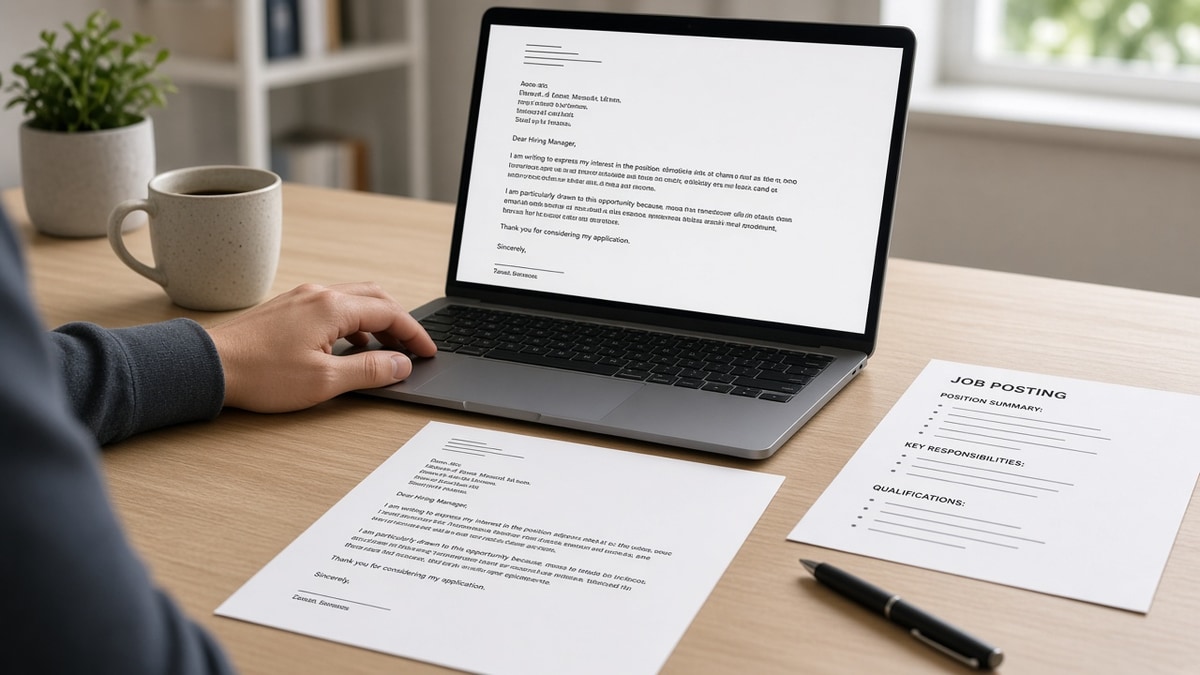
Copy-paste cover letter skeleton
[Your name]
[City], [State] | [phone] | [email]
LinkedIn: https://www.linkedin.com/in/[handle]

[Month Day, Year]

[Manager name or Hiring Team]
[Company name]
[City], [State]

Dear [Name]:

I am applying for the [Job title] role at [Company]. [One sentence on fit.]

[Proof paragraph with one metric from your resume bullet.]

[Second proof or gap explanation in plain prose.]

I would welcome a conversation about [specific team goal]. Thank you for your time.

Sincerely,
[Your name]
When a posting is US-specific on spelling, mirror US cover letter format that doesn't get ignored for date and address norms without duplicating your resume bullets.
Layouts recruiters close without reading
- Resume repeat: every accomplishment copied from bullet points with no new context.
- Generic openers: To Whom It May Concern with no role title in paragraph one.
- Design templates: Canva letterhead that exports as an image band with no searchable text.
- Bullet lists in the body: parsers treat them as stray characters; humans see a second resume.
- Wrong company name: leftover merge field from another application.
- No white space: single block of twelve sentences with no paragraph breaks.
I've skimmed optional letters in Workday where the first visible line was a logo placeholder and the role name never appeared. That's an instant close, even when the resume was strong.
Another fail: opening with what you want from the employer instead of what you bring to the req. Flip the first sentence to their title and your proof.
This won't rescue a resume that fails import. It stops a good profile from looking sloppy in the attachment slot.
Long letters also die in mobile previews. Recruiters review on phones between meetings. If paragraph one doesn't fit above the fold, they may never scroll. Keep the opening tight and front-load the role name.
When a posting says cover letter optional, treat that as a format test, not permission to skip structure. The candidates who upload a clean one-page letter often look more serious than the crowd that leaves the field blank.
Paste boxes vs file uploads
Some Greenhouse and Lever flows ask you to paste letter text instead of attaching a file. Strip smart quotes, emojis, and bullet characters before you paste. Use straight apostrophes and plain hyphens.
Keep a plain-text version in a notes app with the same paragraph breaks as your DOCX. Pasting from PDF often inserts hard line breaks mid-sentence. Pasting from Word is safer after you save once as .docx without text boxes.
If the portal limits characters, cut paragraph three first, not paragraph one. Never delete the role title line to save space. Shrink proof, keep identity.
Email applications to a founder are the exception: you may send a slightly warmer tone in the body. Still keep one screen of text and mirror the subject line to the role title so threads stay searchable.
Academic cover letters for industry roles need the same plain skeleton. Faculty habits like long headers and centered titles break in corporate uploads. Translate content, not layout.
Draft and export with the same posting
Start from the job description you already used to tailor bullets. The letter should echo bullet one, not invent a new career.
Generate a cover letter from the posting, then strip any decorative formatting the tool added. Paste into Word or Docs for the Notepad test.
Score your job match on the resume first. Align letter nouns with the same three must-haves you proved in experience.
Run the free ATS checker on the resume attachment. Letters are secondary; fix profile fields before you polish prose.
Do this now: Read only paragraph one on your phone screen. If you cannot tell which role you're chasing, rewrite the opening before you tweak adjectives.
Store the final letter next to the resume in a folder named with the company and date. Reuse the skeleton for the next application, swap employer lines, and re-run the Notepad test. Format discipline is repeatable once the template is boring.
If you're returning to work after a gap, use paragraph three for one honest sentence on what you did during the break, then pivot back to skills that match the req. Keep dates on the resume; the letter adds narrative, not a second timeline table.
Cover letter format checklist
A cover letter format that doesn't get ignored is plain, short, and front-loaded with role and company names. Build the letter after the resume imports cleanly.
- Contact block matches resume lines.
- Role and company appear in paragraph one.
- Two proof paragraphs, no bullet lists.
- Notepad read matches intended order.
Generate a cover letter when you're ready, then check your resume for free so both files tell the same story.
Read more
Frequently asked questions
Aim for one page with about 250 to 400 words in three body paragraphs plus header and close. Longer letters often get truncated in preview panes. If the portal offers a paste box, use the same length and strip bullets or tables.
Yes on name, phone, and email. Use the same spelling and line order so a recruiter can match files. Do not embed logos or icons in the letter header. Plain text lines parse the same way as your resume contact block.
Follow the posting. When both are allowed, use the same export rules as your resume: single column, standard font, no text boxes. If the site has a paste field, paste plain text without special bullets.
Sometimes, after the resume ranks. Many optional letter fields sit unread on high-volume reqs. Format still matters because a garbled letter signals carelessness when a human does open it. Write for the manager screen, not for keyword density alone.