14 min read
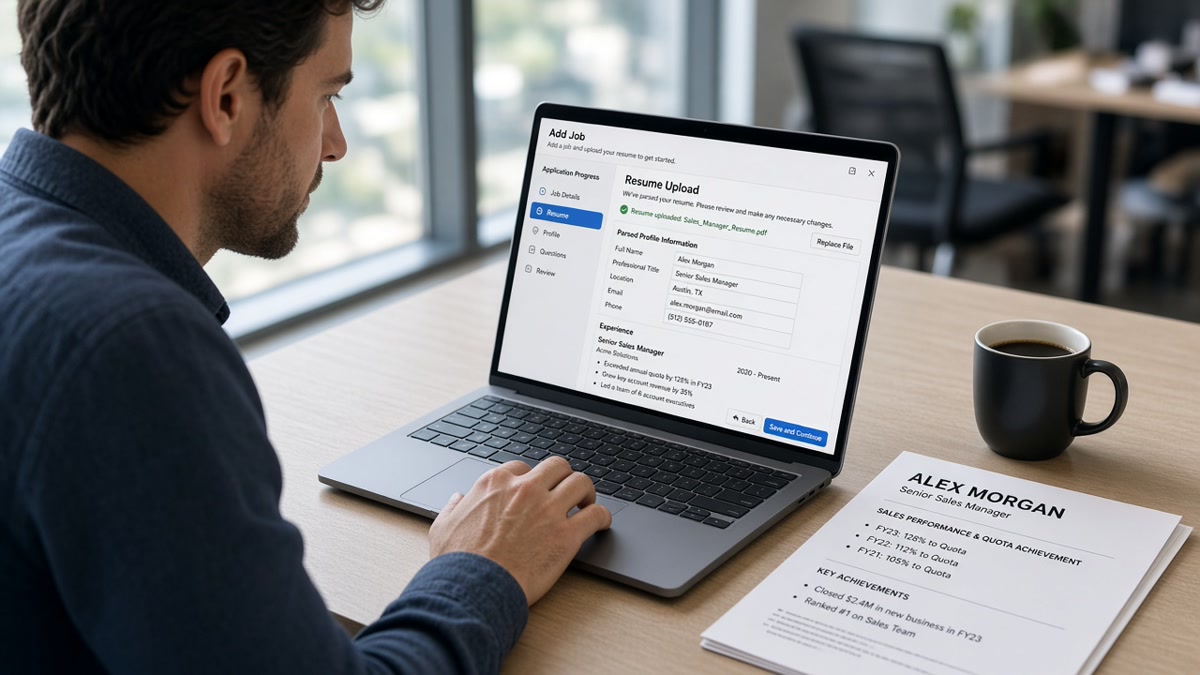
Your Workday preview shows half a resume. Quota bullets that looked sharp in a table are gone. Salesforce sits in a sidebar the importer skipped. Your Northeast enterprise patch reads like random words at the bottom of the file. That's not a keyword problem yet. It's a layout problem, and mid-level US sales candidates hit it more than most because the resume template industry loves tables for numbers.
You're not failing because you missed quota. You're losing ground when the parser drops CRM tools and territory lines before a recruiter opens the profile. Before you send another application, check your resume for free with the posting pasted in. The checker flags whether quota metrics and CRM names still sit in readable lines.
Job hunting while you're carrying a number is draining enough. You don't need a lecture on personal branding. You need a file layout that survives Workday import and still reads like a seller wrote it. I've screened mid-level sales files in Workday where the preview showed empty quota rows the PDF carried in full color.
This guide walks through three parsing failures that show up on US mid-level sales resumes, how to tell which one is yours, and the exact text changes that fix the preview recruiters actually screen.
Quick Wins
- Single column. No quota tables in the margin.
- Month Year on every role. Same format throughout.
- CRM tool beside the job where you used it.
- Territory in bullet one, not a text box footer.
- Read the Workday preview before you click Submit.
Three Workday parsing failures on mid-level US sales resumes
Workday does not read your resume like a sales leader skimming pipeline notes. It chunks the file into employer, title, start date, end date, education, and bullet text. Mid-level US sales resumes often arrive with quota grids, CRM skill sidebars, and territory blocks tucked in text boxes. The parser reads those blocks out of order or drops them entirely.
The preview screen is the resume recruiters screen. When 118% quota vanishes from Experience and lands nowhere, or your patch description reads as scrambled words, you look underqualified next to a candidate with a boring layout and the same numbers spelled in plain text.
Failure one: quota bullets trapped in tables
Sales resume templates love a two-row table: Year, Quota Attainment, Rank. It looks clean on PDF. Workday often skips table cells or merges them into one undated line. Recruiters then see blank performance data where you thought the numbers would sell the file.
Mid-level sellers usually have three to five years of ramp and a full quota year or two. That is exactly when attainment tables feel necessary. The parser does not care about your rank against peers. It needs Month Year on a role and plain bullet text attached to that role.
Failure two: CRM tools stuck in a sidebar
Salesforce, HubSpot, Outreach, and Gong icons in a right rail look modern. Workday reads the left column first. Tools in the sidebar import as orphaned keywords with no job anchor. The posting asks for Salesforce pipeline management. Your preview shows Salesforce once under Skills with no dates.
US mid-level sales postings often list a CRM plus a sales methodology in the same paragraph. When both sit in a skill cloud, matchers cannot tie them to your current employer block. You lose credit for tools you used daily.
Failure three: territory text scrambled on import
Territory descriptions often live in a header text box: Enterprise SaaS, 40 accounts, NY/NJ/CT. Parsers read text boxes after the body or skip them. The preview might show CT Enterprise NY SaaS 40 as one jumbled string, or drop the block entirely.
Territory matters for mid-level roles because patch size signals scope. A scrambled line makes you look like an inside rep when you carried a named account list. Fix the container, not the adjectives.
For how matchers use keywords after layout is clean, read how ATS matches resumes to job descriptions . Parsing fixes come first. Matching language second.
How to optimize resume Workday ATS US sales parsing failures
Match the fix to the failure you saw in preview. One layout pass saves a night of keyword edits the parser never reads.
Account executive, SaaS, full quota years
Posting wants enterprise SaaS, Salesforce, and documented quota attainment for a Workday employer in Austin.
Before: Two-column Canva PDF. Quota years sit in a table under the header. Salesforce appears only as an icon in a skill sidebar. Dates show as 01/22 and Present in mixed formats.
After: CloudRoute Inc, Austin, TX. Account Executive | January 2022 to Present. Enterprise SaaS, 38 named accounts, Texas and Oklahoma patch. Exceeded annual quota at 118% in FY 2024; ranked 3 of 14 on the regional team. Ran full sales cycle in Salesforce with MEDDPICC notes on deals above $80k ARR.
Regional sales manager after IC promotion
Posting lists team leadership, HubSpot reporting, and new-logo hunting for a mid-market firm using Workday in Chicago.
Before: HubSpot and Salesforce buried in a Skills table. One employer line reads Sales Leadership with no dates. Quota numbers float in a colored banner.
After: Northline Systems, Chicago, IL. Regional Sales Manager | March 2023 to Present. Led six AEs on mid-market manufacturing vertical; team quota attainment 104% in 2024. Account Executive | June 2020 to February 2023. Closed 22 new logos in HubSpot-tracked pipeline worth $2.1M TCV; held personal quota at 111% in 2022.
Inside sales rep moving to field hybrid
Posting wants outbound prospecting, Salesforce cadences, and SDR-to-AE progression proof.
Before: SDR metrics listed in a three-column table. Outreach and Salesforce only in a tag cloud at the bottom.
After: BrightLedger, Denver, CO. Inside Sales Representative | August 2021 to Present. Outbound SaaS prospecting to CFO and controller titles; booked 14 qualified meetings monthly in Salesforce via Outreach sequences. Sales Development Representative | January 2020 to July 2021. Hit 103% of qualified-meeting target for six consecutive quarters.
Channel account manager with partner logo row
Posting searches partner sales, co-sell motions, and territory growth in healthcare tech.
Before: Partner logos in an image row. Territory described in a footer text box. No Month Year on the channel stretch.
After: MedBridge Partners, Boston, MA. Channel Account Manager | April 2022 to Present. Healthcare ISV patch, 55 partner accounts across New England. Grew co-sell sourced pipeline 19% in 2024 through joint Salesforce campaigns with three strategic VARs. Partner Sales Specialist | September 2019 to March 2022. Onboarded 12 new reseller partners; averaged 9-month active sell-through per partner.
Enterprise AE with stacked title at one employer
Posting wants complex deal cycles, multi-year contracts, and C-suite access language.
Before: Account Executive listed twice under one date range with identical bullets copied from the commercial stretch.
After: Apex Data, San Francisco, CA. Enterprise Account Executive | January 2023 to Present. Named enterprise accounts, Bay Area and Pacific Northwest; closed $1.4M ARR in 2024 with average cycle length 7 months. Commercial Account Executive | July 2020 to December 2022. Grew territory from 18 to 31 logos; exceeded quota at 109% in FY 2022.
Copy-paste block: US mid-level sales resume skeleton for Workday
YOUR NAME
City, ST | phone | email

Professional Summary
Two lines max. One posting keyword in sentence one.

Professional Experience
Employer Name, City, ST
Job Title | Month Year to Present
• Territory scope in first eight words + quota or pipeline result
• CRM name (Salesforce, HubSpot) tied to deal motion and outcome

Earlier Title | Month Year to Month Year
• IC-scope bullet with metric

Education
Degree, University | Year

Skills
Plain comma list only if tools are not already in Experience bullets
Export that skeleton from Word, not a design tool, when Workday offers DOCX upload. If you are PDF-only, print to PDF from Word so the text layer stays selectable. Scanned exports fail before a human opens the file.
Spell employers the way the careers site does. Recruiters notice when your resume says ApexData while the application form auto-filled Apex Data from an old parser read.
When you need to optimize resume Workday ATS US sales files for a specific posting, mirror the job title once in parentheses if your internal title was nonstandard: Account Executive (Client Advisor). The parser needs a recognizable title line.
For file-type questions after you flatten layout, see why your Workday resume looks different after upload . The same rules apply even when the posting label says resume instead of CV.
When a plain sales resume still fails the Workday preview
Exceptions matter because sellers are told to stand out visually. Sometimes the fix is not more design. It is knowing which rules bend and which ones do not.
Quota in the summary only. A summary line that says Top performer, 120% quota does not replace dated bullets. Move the number under the role where you earned it. Summaries are optional. Experience dates are not.
Mixed date formats on one page. January 2022 beside 01/22 beside 2022 tells the importer three different things. Pick Month Year everywhere. For US roles, spelling the month avoids day-first confusion on some builds.
Creative job titles HR never used. Revenue Ninja or Client Whisperer might be your internal string. Mirror the posting title once in parentheses: Account Executive (Client Advisor). The parser needs a recognisable title line.
Methodology acronyms without context. MEDDPICC, BANT, and SPIN sitting alone in Skills import as noise. Tie each method to one bullet: Ran MEDDPICC discovery on six-figure renewals; cut slip deals 12% in Q4 2024.
Keyword stuffing in white font or tiny footer text. Workday still reads hidden strings sometimes, and recruiters flag the file when they open the native PDF. Put each tool once beside the role where you used it.
Exception: some employers run an older Workday build that strips PDF hyperlinks but keeps plain text. If your preview drops linked case study URLs, paste the URL as visible text once. Do not rely on blue underlined text alone.
Exception: if you applied through a job board that re-uploads your file, the board may compress formatting before Workday sees it. When the preview looks wrong and your source DOCX is clean, re-apply on the company careers site with the same file.
This will not fix applying to roles where you lack must-have CRM or vertical experience. It stops a qualified seller from looking empty because the parser ate the quota table.
Test your sales resume before the next Workday upload
Upload your flattened DOCX and the posting to HireFlow's free ATS resume checker . You will see whether Experience still carries distinct Month Year ranges and whether CRM tools sit in readable lines.
When the role is a stretch but your pipeline story is strong, run score your job match after the layout pass. Parsing fixes visibility. They do not invent skills the posting lists in bullet one.
Do this now: Flatten to one column, fix Month Year dates, move quota and CRM names into dated bullets, export DOCX, read the Workday preview, then submit once.
What to do now
To optimize resume Workday ATS US sales outcomes, fix layout before you tweak keywords. One column, Month Year strings, quota beside the role that earned it, CRM tools in plain bullets, and a preview read before Submit.
- Strip quota tables, CRM icon rows, and territory text boxes from the master file.
- Put posting keywords in bullet one under your current role.
- Label promotions with honest Month Year lines at the same employer.
- Export DOCX from Word when the portal allows it.
- Run a free ATS check after export, not before you fix dates.
Open the posting you want most. Run a free ATS check , confirm the importer shows your latest title and quota lines, and send one clean upload.
Read more
Frequently asked questions
DOCX is the safer default when the portal accepts it. A plain Word file with single-column headings survives import better than a designed PDF exported from Canva or a resume builder with hidden tables. If the employer lists PDF only, export from Word with standard fonts and no text boxes, then read the parser preview before you submit.
Page count alone does not break the parser. What breaks it is two-column contact rows, quota tables in the margin, and CRM icons where plain text should sit. A dense two-page resume with clean Month Year dates imports fine. A one-page resume with Salesforce and HubSpot trapped in a sidebar often does not.
Put quota metrics inside Experience bullets under the role where you earned them, not in a separate table or infographic row. Workday attaches numbers to dated jobs when they sit in plain bullet text. A table that lists 112% quota for three years often imports as blank cells recruiters never see.
Territory text scrambles when it sits in a text box, footer, or second column the parser reads last. Move patch size and vertical into bullet one under the employer line: Enterprise SaaS, Northeast patch, 42 named accounts. Spell states in full on first mention if the posting uses full state names.
When the Workday portal has a cover letter field, use it. The resume proves CRM tools and dates. A short letter names the deal motion the posting wants and repeats employer spelling exactly as it appears in Experience. Mismatched company names between files are a common reason recruiters pause even when parsing looks fine. Draft one with the cover letter generator using the same job description.