By Peter Miller · Published March 24, 2026 · Last updated: October 4, 2026
8 min read
You applied twice, nailed the bullets, and still got crickets. Sometimes the file never attached your phone number to your profile, so the recruiter literally couldn't call.
That's not a mystery curse. Parsers often skip contact lines locked in Word headers, footer bands, or icon rows. Humans see them. Workday and Greenhouse sometimes don't.
If you're exporting from Canva or a two-column template, you're not doing anything wrong. The layout is just storing reachability where the import doesn't look.
Check your resume for free on the PDF you plan to upload. If imported contact fields are blank while your design looks perfect, fix layout before you tweak keywords again.
Below you'll see why the header trap happens, which fields belong on the line, a five-step format pass, mistakes that still look professional, and a plain-text test you can run in ten minutes.
Quick Wins
- Move name, phone, and email out of the Word header into the body top.
- Use one phone format and the same email on the resume and application form.
- Paste the PDF into Notepad and read the contact line before you hit submit.
Why contact lines disappear in ATS imports
Parsers read the body first and treat headers as optional. Canva and Word templates love putting your name in a colored band. That band often exports as a background object, not selectable text.
When contact data never lands in the candidate record, you show up as a name with no phone. Recruiters are not ignoring you. The system did not hand them a dialable field.
Two-column contact blocks cause a second failure mode. Email sits in a left cell, phone in a right cell, and the import reads them out of order or drops one side entirely.
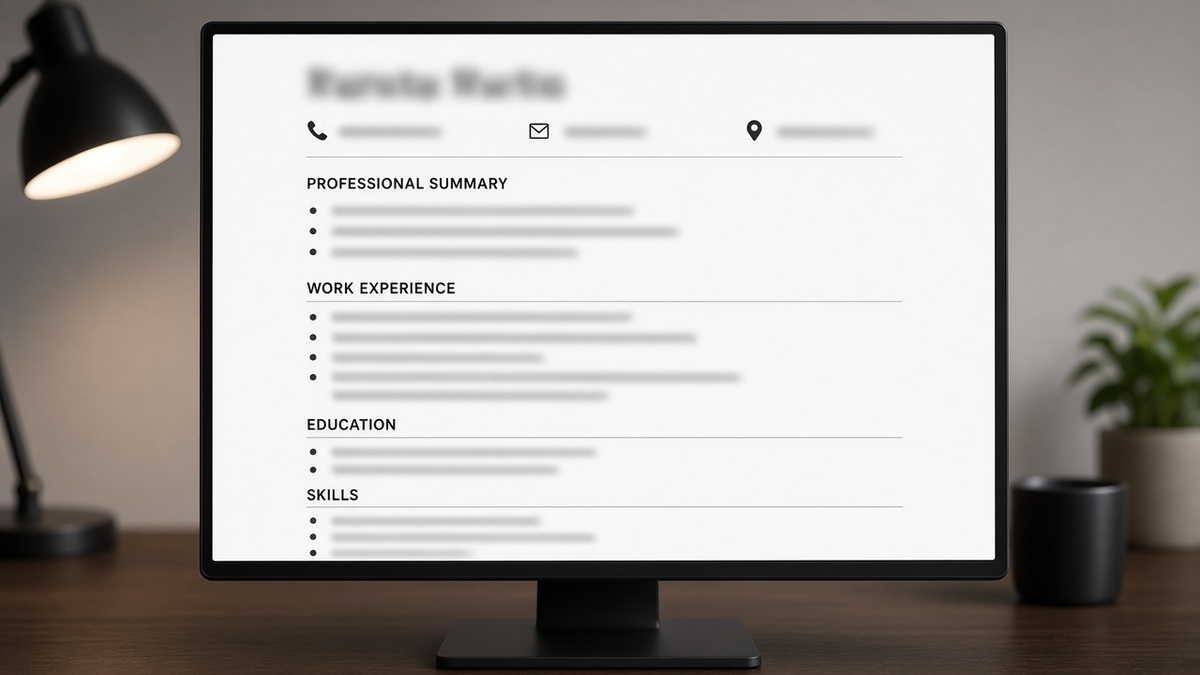
Icons make it worse. A phone glyph is not the digit string Greenhouse stores. Type the number. Same rule for mail icons and location pins.
Job searching is already draining. Separating a layout bug from a fit problem saves you from rewriting bullets that were never the blocker.
For wider parser damage, read resume formatting errors that break ATS parsing . For file type choices after contact is fixed, see PDF vs Word resume for ATS .
Fields worth keeping on the contact line
You do not need ten labels. Recruiters and parsers both want a short block they can copy into a CRM without cleanup.
| Field | Include? | Format note |
|---|---|---|
| Full name | Yes | Line one, matches ID and LinkedIn |
| Mobile phone | Yes | One number, US style, no extension in the main line |
| Yes | Personal domain, no spaces, matches the form | |
| City, state | Usually | Chicago, IL style; skip street address |
| LinkedIn URL | Optional | Full linkedin.com/in/ path, not a short link |
| Portfolio or GitHub | Role-dependent | Only if the link is current and loads fast |
Before: Name inside a header image, email as a blue hyperlink only, phone missing in plain text.
After: Jordan Lee on line one; Austin, TX | 512-555-0182 | [email protected] | linkedin.com/in/jordanlee on line two as typed text.
Before: Ms. Jordan Lee, MBA plus title stacked under the name.
After: Jordan Lee on line one; degrees and headline move below contact or under Experience where parsers expect narrative text.
Remote candidates can list city and state where they pay taxes or where they will work, not a PO box. International candidates add country when the role is global; keep the phone in E.164 only if you will actually answer that way.
Titles like CPA or RN belong next to the name only when licensing rules for your field expect it on page one. Everyone else should move credentials to a Licenses line so parsers do not treat them as part of your email field.
And if you're tempted to add a photo, remember many US employers discard images for compliance reasons. A photo in the header can also shove text into a side column that parsers read last.
How to format contact info so ATS reads it
Run these five steps in order on your master DOCX. Do not swap templates until the contact block survives a plain-text paste.
Step 1: Pull contact out of the header band
Open the template in Word or Google Docs. Double-click the header area. Cut name, phone, and email. Paste them at the very top of the body, above Summary or Experience.
Turn off different first page header if it hides duplicates. You want one visible block recruiters can highlight with a cursor.
Step 2: Build one or two plain lines
Line one is your name in 14 to 16 point Calibri or Arial. Line two strings city, phone, email, and optional LinkedIn with pipes or commas.
Before: Phone inside a table cell with a phone icon font.
After: 617-555-0144 typed next to the email, no icons, no nested table.
Step 3: Align portal fields before you export
Open the last application you filed. Compare phone and email in the form to line two on the resume. Fix the resume first, then update saved profiles on Lever or iCIMS so every upload matches.
I've opened Greenhouse profiles where the PDF showed a mobile number but the imported field was empty because the digits lived in a footer, and that gap is exactly when a coordinator stops trying to reach out.
Step 4: Export and run the plain-text test
Save as PDF. Paste into Notepad or TextEdit. The first lines should read your name, then city, phone, and email in order. If Experience appears before email, the parser will too.
Before: Plain-text paste starts with Professional Summary while phone never appears.
After: Paste shows name, contact line, then Summary or Experience in that order.
Step 5: Confirm import on the file you will send
Upload that PDF to the checker. Read contact fields beside the experience import. Blank phone after a clean paste means layout is still wrong, not that you need a new summary.
Copy-paste: ATS-safe contact block
Alex Morgan
Denver, CO | 303-555-0199 | [email protected] | linkedin.com/in/alexmorgan

Optional third line for portfolio only when relevant:
alexmorgan.design
Edge case: married name change mid-search. Pick one spelling for resume, email display name, and LinkedIn. Note the legal name in the form if it differs, but keep the PDF consistent so imports merge.
Edge case: Google Voice or secondary line. List the inbox you check during business hours. Put the backup number in the application optional field, not on line two of the resume.
Edge case: academic CV habits. Faculty CVs stretch for pages and repeat contact in running headers. Corporate ATS uploads want a one-page or two-page resume with the same body-top rule. Strip running headers before you convert.
Edge case: staffing agency submittals. Agencies sometimes prepend their logo header. Ask for a version without their banner before the client ATS sees it, or your contact line drops below their table again.
When Taleo or Workday previews show your name but blank phone, do not assume the req is closed. Re-upload after you move digits into the body. Most coordinators will not hunt through a PDF manually if the CRM field is empty.
Layout traps that still look professional
Designer headers with your name as an image. Pretty, not selectable. Recruiters screenshot it; parsers skip it.
Splitting email and phone across lines without labels. Some stacks pair line one with name only. Keep phone and email on the same line when space allows.
Hyperlink-only email. Display text can differ from the underlying mailto. Type the address visibly.
Using a work address line. Signals job search on employer time and breaks when access is revoked.
Stuffing pronouns, titles, or certifications into contact. Parsers map that block to name and reach fields, not your MBA.
Repeating contact in every page footer. Some imports pick the footer copy and overwrite the body line with an old number you forgot to update.
Using gray text for contact. Light gray looks elegant in PDF viewers and disappears when a stack converts to black-and-white fax-style previews.
This will not fix applying to roles you cannot run. It stops qualified people from vanishing because a coordinator had no phone field to click.
Verify the import before the next apply
Contact work is binary. Either the parser captured phone and email or it did not. Eyeballing the PDF in Preview hides that answer.
Run the ATS checker on the export you will attach. If fields are blank, fix the body placement and re-export once, not five keyword tweaks later.
When your template fights you, build your resume in a single-column layout with contact typed at the top. Then paste the posting into score your job match after contact imports cleanly.
Do this now: Move contact to the body top, paste plain text, run the checker once, and log which file version passed before you favorite another req.
Reachability beats decoration
A boring contact block is the goal. Name, one phone, one email, city, and an optional LinkedIn URL typed in the body top survives most corporate parsers.
Fix that block once on your master file, align the application form, and reuse the version that passes plain text and the checker. Then spend your energy on bullets, not another header color.
When the file parses and silence continues, read why online applications fail even for qualified candidates for funnel issues beyond contact formatting.
Need a short note that matches the same phone and email? Use the cover letter generator so nothing contradicts line two on your resume.
Frequently asked questions
No for most uploads. Many parsers treat headers and footers as optional. Name, mobile number, and email belong in the main body on line one or two as plain text. If your template puts them only in the header, duplicate them in the body before you export.
Pick one style and repeat it everywhere. 555-123-4567 or (555) 123-4567 both parse when they sit on one line with your email. Avoid extensions, country codes you do not need, or icon fonts pretending to be digits.
City and state or city and country is enough for corporate US roles. Full street lines rarely help matching and can create privacy risk. Put a complete address in the application form when the employer requires it, not on the PDF you attach.
Use a personal inbox you control. Work domains signal active job search on company equipment and break when you leave. Gmail or Outlook on your name is fine. Match that same address on the application form and in any portal profile.