7 min read

How Resume Simplicity Improves Parsing: ATS-Friendly Formatting Guide

September 2, 2026

Learn how resume simplicity improves parsing and ATS screening. Discover formatting rules, common mistakes, and best practices to boost your job application success.

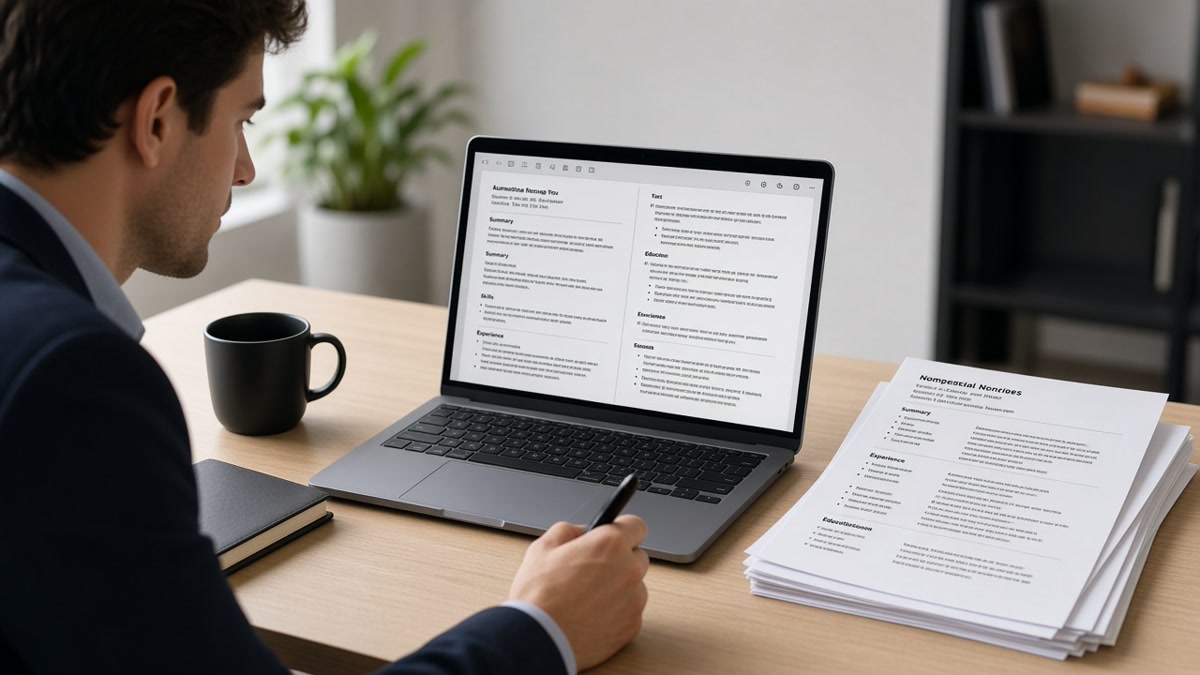
Your resume is scanned by machines before humans ever see it. How resume simplicity improves parsing is the difference between landing an interview and being automatically rejected. Applicant Tracking Systems (ATS) parse thousands of resumes daily, extracting key information in milliseconds. If your resume is cluttered with complex formatting, unusual fonts, or confusing layouts, the ATS may fail to read it correctly—or skip it entirely.

This guide reveals exactly how resume simplicity affects ATS parsing, why formatting matters more than you think, and the specific changes that improve your screening rate.

What you'll learn:

  • Why ATS systems struggle with complex resume designs
  • How simple formatting improves parsing accuracy
  • Common formatting mistakes that break ATS parsing
  • Best practices for ATS-compliant resume structure
  • Step-by-step formatting checklist
  • Real examples of what works and what doesn't

Why Resume Parsing Matters for Your Job Search

Resume parsing is the automated process of extracting information from your resume—name, contact details, work history, skills, education—and storing it in a database. ATS systems rely on parsing to organize candidate data, match keywords to job descriptions, and rank applicants.

When parsing fails, recruiters never see your resume. Your contact information might be misread, your job titles scrambled, or your skills completely missed. Studies show that 75% of resumes are rejected by ATS before a human reviews them. Poor formatting is one of the top reasons.

Simple, clean formatting dramatically improves parsing accuracy. When your resume is easy for machines to read, it's also easier for recruiters to scan. This dual benefit—better ATS performance and better human readability—makes simplicity the foundation of modern resume strategy.

Key Elements That Improve Resume Parsing

Clear Section Headers

ATS systems scan for standard section headers: "Experience," "Education," "Skills," "Contact Information." Use these exact terms or common variations. Avoid creative headers like "Professional Journey" or "Core Competencies" unless followed by the standard term. Clear headers act as anchors that help parsers organize information correctly.

Place your name and contact information at the top in a simple format. Include phone number, email, and LinkedIn URL (if applicable). Avoid graphics, icons, or decorative lines that parsers cannot read.

Consistent Date Formatting

Use one date format throughout your entire resume. "January 2022 – March 2024" is clearer than mixing "1/2022 – Mar 2024" or "2022-2024." Consistent formatting helps ATS extract employment dates accurately, which affects career timeline evaluation and seniority assessment.

Always include months and years for employment history. This prevents parsing errors and gives recruiters precise tenure information. For current positions, use "Present" or "Current" instead of leaving the end date blank.

Simple Font and Layout

Use standard fonts: Arial, Calibri, Times New Roman, or Helvetica. Avoid decorative fonts, script styles, or unusual typefaces. Font size should be 10–12 points for body text, with headers slightly larger. Single-column layouts parse better than multi-column designs because parsers read top-to-bottom, left-to-right.

Avoid tables, text boxes, and graphics. These elements confuse ATS parsers, which expect linear text. If you must use a table, ensure it's simple and properly formatted. Better yet, convert table content to bullet points.

Proper Bullet Point Structure

Use standard bullet points (•, -, or *) for achievement lists. Each bullet should start with an action verb and describe a specific accomplishment. Avoid nested bullets or sub-bullets, which can confuse parsers. Keep bullets concise—one to two lines each.

Format: "[Action Verb] + [Task/Skill] + [Result/Impact]." Example: "Optimized database queries, reducing page load time by 40%." This structure is both ATS-friendly and human-readable.

Common Formatting Mistakes That Break Parsing

  • Using headers and footers: ATS parsers often miss text in headers and footers. Put all critical information in the main body of the document.
  • Inserting graphics, logos, or icons: Parsers cannot read images. If you include a LinkedIn icon or company logo, ensure it doesn't replace text. Text-based links are better.
  • Using multiple columns: Two-column or three-column layouts confuse parsers, which read sequentially. Stick to single-column design.
  • Applying colored text or backgrounds: While color may look professional, some ATS systems struggle with it. Use black text on white background for maximum compatibility.
  • Saving as PDF with embedded fonts: PDFs can cause parsing issues if fonts aren't embedded correctly. Word documents (.docx) or plain text are safer. If submitting PDF, use standard fonts and test before sending.
  • Using special characters or symbols: Avoid bullet points that aren't standard (◆, ★, ►). Stick to basic symbols: •, -, or *.

Best Practices for ATS-Friendly Resume Formatting

  1. Use a single-column layout: Keep everything in one vertical column. This ensures parsers read information in the correct order.
  2. Start with contact information: Name (largest font), phone, email, city/state (optional), LinkedIn URL. No graphics or icons.
  3. Use standard section headers: Contact Information, Professional Summary (or Objective), Experience, Education, Skills, Certifications. Avoid creative variations.
  4. Format job titles clearly: "Job Title | Company Name | City, State | Month Year – Month Year." Keep this consistent across all positions.
  5. Write concise bullet points: 5–7 bullets per job, each one or two lines. Start with action verbs. Focus on results and impact.
  6. Include relevant keywords: Mirror language from the job description. ATS matches keywords, so use terminology from the role you're applying for.
  7. Keep margins standard: 0.5–1 inch on all sides. Avoid narrow margins that may cause text to be cut off or misread.
  8. Limit resume length: One page for entry-level, two pages for experienced professionals. Longer resumes increase parsing errors.

Step-by-Step Resume Formatting Checklist

Follow this checklist to ensure your resume parses correctly:

  1. Choose your format: Word (.docx) is safest. If using PDF, ensure all fonts are embedded and standard.
  2. Set up single-column layout: Remove any tables, text boxes, or multi-column sections.
  3. Add contact information: Name, phone, email, LinkedIn URL. No graphics or decorative elements.
  4. Create standard section headers: Use exact terms: "Professional Experience," "Education," "Skills." Make headers bold and slightly larger than body text.
  5. Format job entries: Job Title | Company | Location | Dates. Use consistent formatting for all positions.
  6. Write achievement-focused bullets: Start with action verbs. Include metrics and results. Keep to 1–2 lines each.
  7. Add a skills section: List relevant skills separated by commas or as a simple bulleted list. Include technical and soft skills.
  8. Review for special characters: Replace decorative symbols with standard bullets (•, -, *).
  9. Check margins and spacing: Use 0.5–1 inch margins. Single-space within sections, add one blank line between sections.
  10. Test the document: Open it in different programs (Word, Google Docs, email client) to ensure formatting holds.
  11. Save with a clear filename: "FirstName_LastName_Resume.docx" is better than "Resume_Final_v3.docx."
  12. Proofread for errors: Typos and inconsistencies confuse parsers and hurt your credibility.

What Simple Formatting Actually Looks Like

Correct Format (ATS-Friendly):

John Smith
555-123-4567 | [email protected] | linkedin.com/in/johnsmith

Professional Experience
Senior Software Engineer | Tech Company Inc. | San Francisco, CA | January 2020 – Present
• Designed and deployed microservices architecture, reducing API response time by 35%
• Led team of 5 engineers on cloud migration project, completed 2 months ahead of schedule
• Mentored 3 junior developers, improving code review quality and team velocity

Incorrect Format (Parsing Problems):

JOHN SMITH ★ [email protected] ★ (555) 123-4567
[LinkedIn Icon] [GitHub Icon]

**Core Competencies**
Column 1: Python, JavaScript, React | Column 2: AWS, Docker, Kubernetes

The incorrect example uses decorative symbols, graphics, multi-column layout, and non-standard section headers—all of which confuse ATS parsers.

Simplicity isn't boring. Learning how to write resume experience ATS understands means focusing on clarity and impact, which naturally makes your resume more compelling to both machines and humans.

Conclusion: Simplicity Is Your Competitive Advantage

How resume simplicity improves parsing is straightforward: clean formatting, standard fonts, clear section headers, and logical structure make it easy for ATS systems to extract and organize your information. When your resume parses correctly, recruiters see accurate data, your keywords are matched properly, and your qualifications are presented clearly.

The best resumes aren't the most visually impressive—they're the ones that work. Simple, ATS-friendly formatting ensures your resume gets past automated screening and into the hands of hiring managers. Combined with relevant keywords, strong accomplishments, and tailored content, simplicity becomes your competitive advantage.

Next steps: Audit your current resume against this checklist. Remove complex formatting, simplify your layout, and ensure all section headers are standard. Test your resume in Word and PDF formats. Then, customize it for your next application by mirroring keywords from the job description. Small formatting improvements compound into significantly better results.

Frequently asked questions

Word (.docx) is generally safer for ATS parsing because the format is more standardized and easier for parsers to extract text from. PDFs can cause issues if fonts aren't embedded correctly or if the PDF was created from a scanned image. However, if the job posting specifically requests PDF, submit PDF. If it doesn't specify, use Word. Always test your resume in both formats before submitting to ensure formatting holds. PDF vs Word resume for ATS has more detailed guidance on this decision.

Avoid colored text and background colors in your resume. While color may look professional in a printed copy, ATS parsers sometimes struggle with it, and colored text may become unreadable when extracted into a database. Stick to black text on a white background. If you want visual interest, use bold formatting for headers or slightly larger font sizes. Your content and clarity matter far more than color.

One page is ideal for entry-level candidates and those with less than 5 years of experience. Two pages is acceptable for mid-career and senior professionals. Avoid three or more pages—longer resumes increase the risk of parsing errors and are less likely to be fully read by recruiters. Be concise and focus on relevant experience. Remove outdated jobs or those unrelated to your target role.

Yes. A dedicated skills section helps ATS match your resume to job descriptions and makes it easy for recruiters to scan your capabilities. List 10–20 relevant skills, separated by commas or as a simple bulleted list. Include both technical skills (programming languages, software) and soft skills (leadership, communication). Place the skills section near the top, after your professional summary or experience, so it's easy for parsers to find.

If your resume doesn't parse correctly, your information may be stored incorrectly in the ATS database, making it harder for recruiters to find you. Your contact information might be scrambled, your job titles misread, or your skills missed entirely. This can result in automatic rejection or your resume being ranked lower than it deserves. To prevent this, test your resume in multiple formats and programs before submitting. Use simple formatting, standard fonts, and clear section headers. If possible, apply directly through the company's website rather than job boards, which may have stricter parsing requirements.

Yes. Customizing your resume for each role improves ATS matching and shows recruiters you're genuinely interested. Mirror keywords from the job description in your resume—especially in your skills section and job descriptions. Reorder your bullet points to highlight the most relevant accomplishments first. Keep the same clean, simple format, but adjust content to match the role. This takes more time but significantly improves your chances of passing ATS screening and getting interviews.

Tags

resume simplicityresume parsingATS parsingresume formattingATS-friendly resumeresume structurejob applicationresume optimizationATS resumeresume readability