10 min read
You've polished the PDF. You hit submit. Then your application sits in a void while someone with a thinner resume gets called. It feels random until you see what recruiters actually open on Monday morning. It's rarely your attachment first. It's a filtered list inside hiring software that already decided who is easy to find. You're not crazy for suspecting the upload broke somewhere, and you don't need a new career to fix it.
Before you rewrite your whole career story, check your resume for free against the posting and confirm parsers can read your employers and dates. That ten-minute pass tells you whether hiring software can even store your file in a searchable profile.
This page explains how hiring software supports recruiters in practice, and which layers silently drop qualified applicants before a human reads a single bullet. You'll learn what to fix tonight so your name shows up when someone types a skill into a search bar.
Quick Wins
- Paste your PDF into Notepad and confirm employers and dates imported in order.
- Ctrl+F three must-have skills from the posting inside your plain text export.
- Reopen the application and verify knockout answers on sponsorship and location.
What hiring software supports recruiters with every morning
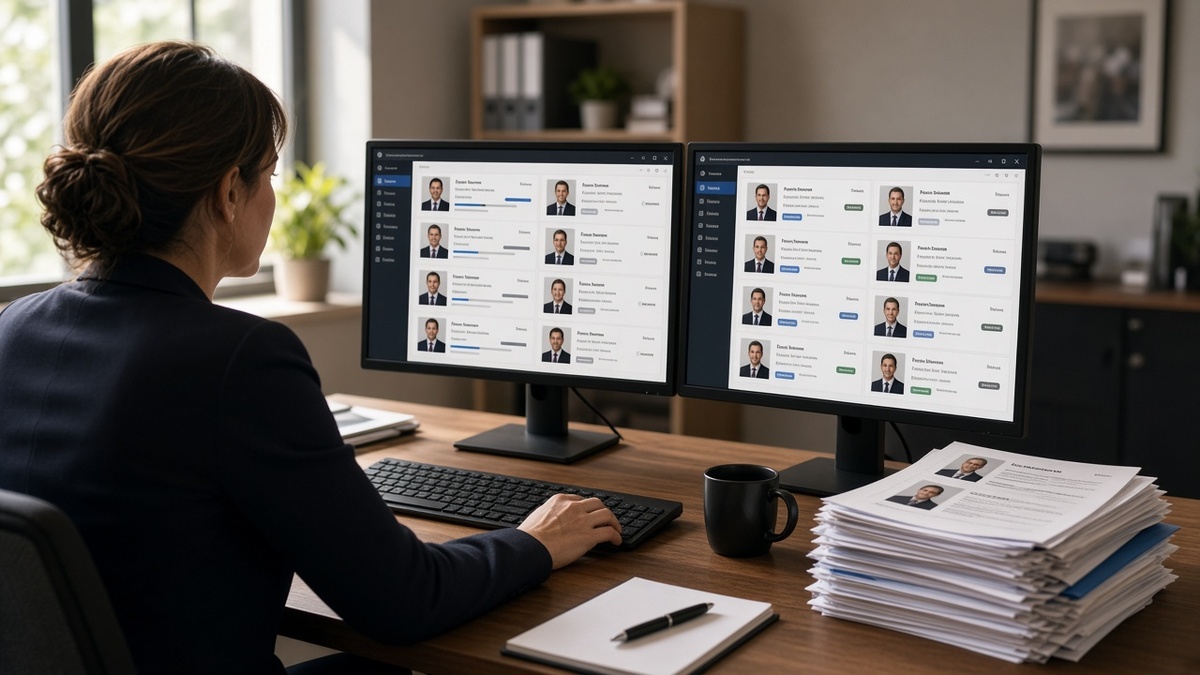
Recruiters do not live inside your PDF. They live inside Workday, Greenhouse, Lever, or iCIMS views built for volume. Hiring software supports recruiters by parsing uploads into profiles, tagging stages, running searches, and sharing shortlists with hiring managers. Your job is to survive those tools long enough for a human to agree you are worth a screen.
The recruiter screen is a database row, not a document. I've opened reqs with four hundred applicants and started with filters: keyword, location, years of experience, application date. Candidates who never parsed into complete fields fall out before I scroll.
Collaboration features matter too. Notes, scorecards, and forwarded profiles travel inside the ATS. A hiring manager may never download your PDF. They read the parsed summary and two bullets a recruiter pinned. If your best proof never imported, the conversation ends there.
Scheduling and email automation keep candidates moving between stages. That is why silence sometimes means you are stuck in an early bucket, not that nobody liked your design. The software supports workflow speed. Your file has to keep pace with that speed.
Reporting dashboards show funnel drop-off by stage. Hiring managers ask why phone screens stalled. Recruiters pull lists filtered by source, referral flag, or diversity slate requirements depending on company policy. You cannot see those views, but you can infer them when certain application sources move faster.
Bulk actions matter at scale. A recruiter may advance twenty profiles to phone screen in one click after a keyword search. If your skills never imported, you are not in that batch. That is how hiring software supports recruiters during crunch weeks without reading four hundred PDFs cover to cover.
Compliance and audit trails also live in the ATS. Consent checkboxes, EEO data, and document versions stay attached to your profile. Reuploading slightly different files without fixing parse issues creates duplicate rows in some systems. Stick to one corrected master per req when possible.
Three layers where hiring software drops your file
Layer 1: Parsing stores blank or scrambled fields
Symptom: you hear nothing, or a portal preview shows empty experience while your PDF looks perfect. Cause: tables, columns, icons, headers, and text boxes break field extraction. The recruiter search bar cannot find skills that never landed in the Skills field.
Before: marketing coordinator resume with Canva sidebar skills and dates trapped in invisible table cells. Greenhouse profile shows one job with no dates.
After: single-column DOCX export with Skills line "Google Analytics, HubSpot, SQL, A/B testing" and dates inline with each title.
Fix: run the Notepad test, rebuild plain, reupload once. Read resume rejected by ATS when parsing fails before keyword work helps.
Layer 2: Keyword and req filters hide you from search
Symptom: parsing looks fine but you never appear when recruiters filter on must-have tools. Cause: you used synonyms the req did not use, or skills sit only in a cover letter field nobody searches.
Recruiters save boolean searches inside the ATS: title plus skill plus location. Hiring software supports recruiters by returning ranked lists in seconds. Your synonyms might be accurate English and still miss the saved query.
Before: data analyst file says "built dashboards" with no Looker or SQL while the req repeats both terms six times.
After: first bullet under current role reads "Built weekly churn dashboards in Looker with SQL models; cut ad-hoc report requests from twelve per week to three."
Before: registered nurse resume lists "patient care" ten times with no Epic mention while the posting requires Epic proficiency.
After: bullet reads "Documented care in Epic on 32-bed med-surg unit; precepted four orientees on fall-prevention workflows."
Mirror posting language in Skills and top bullets. Hiring software supports recruiters by making search fast. Give them strings they already type.
Layer 3: Knockout questions reject before resume scoring
Symptom: instant rejection email or status never moves past Received. Cause: sponsorship, salary above band, clearance, or location mismatch on the form. The resume never enters the ranked list recruiters actually browse.
Fix: save screenshots of your answers, align salary with posted range when honest, and reapply on a fresh profile if the portal allows. A perfect PDF cannot override a hard knockout when the req enforces it.
How to tell which layer failed you
Start with parsing. If Notepad paste scrambles employers, stop and fix layout. If Notepad is clean, map must-haves with Ctrl+F. If both pass and you still auto-reject, audit knockout answers. If a recruiter viewed your profile but you got no call, shift to proof and fit rather than software settings.
Copy-paste profile audit
"Notepad test pass; Skills field lists posting must-haves verbatim; top bullet names the top repeated tool; knockout answers screenshot saved; portal preview fields match PDF; checker run with posting pasted."
Work top to bottom. Skipping to keyword stuffing while dates are blank wastes an evening. Most silent applications I see are parsing first, search second, knockouts third.
Edge case: referral bypasses early filters
A referred candidate may land directly on a recruiter desk with a broken parse. Do not rely on that. Referrals still get uploaded, and a hiring manager opening a blank profile hurts you anyway.
Edge case: internal transfer on same platform
Employees sometimes already exist as candidate records. External applicants still compete on parsed fields and req filters. Treat the upload like any other application.
Edge case: agency recruiter vs corporate ATS
Staffing agencies often re-key your resume into their own ATS before it reaches the client system. Plain text exports survive that handoff better than design-heavy PDFs. Ask which format the agency prefers if uploads keep failing.
Edge case: workday duplicate profiles
Workday sometimes creates a new candidate profile per application instead of merging history. Inconsistent employer names across uploads split your experience across rows. Standardize company spelling every time you apply at the same employer on Workday.
What good looks like in a recruiter search result
Current title matches or clearly maps to the req. Last employer parses with dates intact. Top skills from the posting appear in the preview snippet. Location and work authorization answers align with the role. That row gets opened. Everything else waits.
Build your file so the preview snippet alone sells the screen. Hiring managers skim the same snippet before they approve your name for interview. You are optimizing for two quick reads, not one long study session.
Mistakes when you ignore how hiring software supports recruiters
Designing only for human eyes. Pretty two-column PDFs often fail the database layer recruiters search.
Assuming arrival order matters. Newest application does not top the list. Match score and filters do.
Hiding skills in the cover letter alone. Many recruiters never search that field on the first pass.
Reuploading the same broken file daily. Change the parse result once, then submit.
Blaming the recruiter for software limits. Fix what the system can read, then improve proof for the human pass.
Treating every silence as a formatting problem. Sometimes the req closed, the band filled, or knockout answers filtered you. Check status and answers before your fifth identical upload.
Skipping the preview field when the portal offers it. Some employers show parsed employers and dates immediately after upload. That preview is the closest thing you get to a recruiter search snippet. Read it before you click final submit.
Ignoring stage notes recruiters leave. If you reach a phone screen, ask what they saw in your profile. That feedback tells you which fields parsed correctly.
Optimizing for one platform while applying on another. Greenhouse and Workday read files differently. Keep a plain master and tweak exports when previews differ.
Read why ATS rejects resumes for the handoff between software filters and human review.
Test your file the way hiring software will
Upload your resume and posting to HireFlow's free ATS resume checker and confirm parsing gaps close before you compete in a recruiter search list.
Use job match score to see whether missing must-haves are worth a tailor pass on this req or a skip to a better fit.
When a posting asks for a short note, draft a tailored paragraph with the cover letter generator and paste proof that mirrors the same keywords you fixed in the resume body.
Make hiring software find you on purpose
How hiring software supports recruiters is not a mystery once you treat your application as data first and design second. Parse cleanly, mirror req language in searchable fields, and clear knockout questions honestly. That is how you get from uploaded to opened.
Start with one target req tonight. Run Notepad on your PDF, fix the worst parse gap, mirror three must-haves in Skills and your top bullet, then score the file before reapply. Small mechanical fixes compound when recruiters run the same search every morning.
Track which employers show broken previews versus clean imports. Patterns emerge fast: one column template fails everywhere, while a plain export survives Greenhouse and Workday alike. Keep that plain master as the source of truth and tailor keywords per posting instead of redesigning layout each time.
When you do reach a recruiter, ask what they saw in your profile preview. Their answer tells you whether layer one, two, or three was the blocker last time. Most candidates never get that feedback because they assume silence means bad luck. Treat silence as a diagnostic signal instead.
Save a screenshot of any broken preview next to your plain export so you can compare field by field on the next application. That side-by-side habit catches sidebar skills and header phone numbers that parsers drop even when the PDF looks polished on your screen. Keep both files in a folder named with the company and date so you reapply with the version that already passed the Notepad test and checker.
- Confirm parsers store employers, dates, and skills in order.
- Mirror posting must-haves in searchable fields, not only the PDF margin.
- Score the fixed file before a second submit on the same req.
Run the profile audit tonight, fix the layer that failed, and run the free resume check before your next submit. Recruiters want qualified people. They just cannot call you if the system never stored your skills where they search each busy Monday morning.
Read more
Frequently asked questions
Usually yes. The upload is parsed into fields, scored or tagged against the req, and stored in a searchable profile. Recruiters often open a list sorted by match, date, or stage rather than every PDF in arrival order. A file that never parses cleanly may never enter that list.
Most systems keep the PDF attachment, but daily workflow runs on parsed fields, notes, and filters. If your skills sit only inside a graphic sidebar that did not import, the recruiter search bar will not find them even when the PDF looks fine on screen.
Req settings, knockout questions, keyword weights, and recruiter search habits differ by team. Two people with similar backgrounds can land in different buckets when one file parsed with complete dates and the other imported blank experience rows.
Both, in sequence. Plain layout and complete parsed fields get you into recruiter search results. Strong bullets and proof get you the call once someone opens the profile. Optimizing only for pretty PDF design often fails step one.