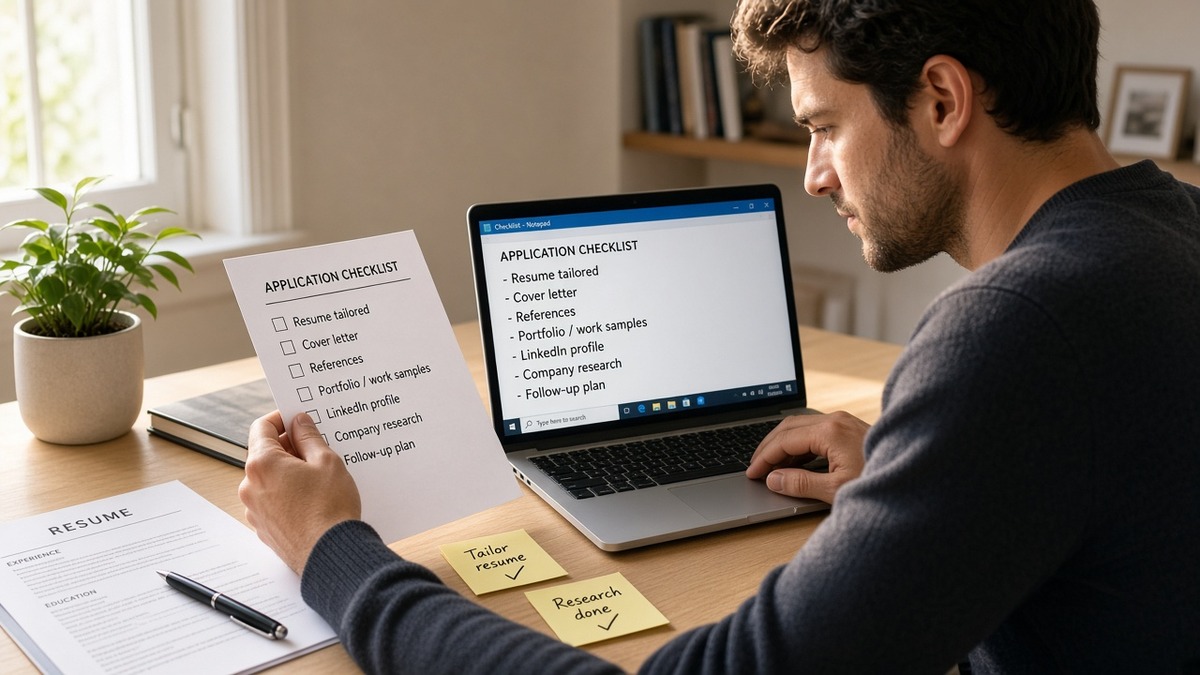
7 min read
You're about to click submit and notice the PDF still has a sidebar from an old template. Most rejections on corporate reqs trace to parse order, not missing talent. This checklist is the last pass before the portal eats your file.
You don't need a new template tonight. You need a yes-or-no pass on the items parsers break most often. If you're tired, do file and layout first. Don't skip straight to keywords.
Start with check your resume for free on the export you'd upload. You'll see scrambled fields before a recruiter does.
Work through the groups below in order. Skipping straight to keywords is how qualified people lose a week on silent screens.
Quick Wins
- Rename file FirstName_LastName_Resume_2026-10-09.docx.
- Paste into Notepad. If dates jump employers, fix columns first.
- Mark bullet one rewritten Y/N on your tracker before submit.
What the final ATS resume checklist is for
Applicant tracking systems read text in order. They do not admire design. This checklist confirms the parser will see your employers, dates, and bullet one in the sequence a recruiter expects in Workday, Greenhouse, or Lever.
Before: Skills column mirrors the posting; Experience still uses a two-column table from a Canva export.
After: Single-column body; must-have tool appears in bullet one under the current job.
Before: Phone number lives in a footer graphic.
After: Contact block sits under your name in the main body as plain text.
For format debates, read PDF vs Word resume for ATS and why resume keywords alone do not get interviews .
Grouped checks before you upload
File and naming
- Save as DOCX or text-based PDF per posting instructions.
- Filename: FirstName_LastName_Resume plus optional date stamp.
- No password protection or scanned image-only PDFs.
Layout and labels
- Single column; no text boxes, tables for layout, or sidebars.
- Standard headings: Experience, Education, Skills.
- 11-point Calibri or Arial; black text; simple bullets.
Creative section titles break some parsers. If you want personality, put it in bullet wording, not in a heading the ATS must guess.
Photos, icons, and QR codes don't help corporate screens. They often trigger parse skips. You're not applying to a design contest.
Dates and contact
- Month Year format consistent end to end.
- Email and phone in the body, not header/footer art.
- City and state line matches what you'll enter on the application form.
Gaps need honest month labels. A missing year on one role can attach the next job to the wrong employer in import previews. Fill gaps with contract or project labels when that's the truth.
LinkedIn URL is optional on many reqs. If you include it, use the full https line as plain text, not a blue hyperlink icon that some parsers skip.
Posting alignment
- Bullet one under current role cites a must-have from paragraph one.
- Acronyms spelled once if the posting uses the long form.
- Skills list includes tools you can defend in an interview.
| Check | Pass signal |
|---|---|
| Paste test | Employers and dates read top to bottom without gaps |
| Section labels | Experience and Education parse as plain words, not graphics |
| Bullet one | First bullet under current job names a posting tool or method |
| Portal fields | City on the form matches the header line on the file |
Copy-paste block: fifteen-minute pass
Copy-paste checklist row
Parse clean (Y/N) | Bullet 1 match (Y/N) | Filename dated (Y/N) | Portal location matches header (Y/N)
I've watched Taleo imports drop entire roles when a candidate used a decorative template five minutes before deadline. The final ATS resume checklist exists so you don't discover that after submit.
Plain-text paste test (non-negotiable)
Copy the whole export into Notepad or a blank doc. If employer names stick to dates or sections vanish, the ATS sees the same damage. Fix the source file, don't upload and hope.
Check that phone and email appear once, near the top. Duplicate contact blocks confuse some parsers and look sloppy on the human pass.
Scan for odd symbols in bullets. Replace fancy bullets with a simple hyphen if paste shows question marks or empty squares.
Last-minute traps on the checklist
Keyword stuffing skills at 11 p.m. Parsers still read Experience first. Fix bullet one instead.
Trusting the on-screen PDF. Always paste plain text. Gibberish in Notepad equals gibberish in the ATS.
Mixing file versions. Upload the same dated export you checked, not an older attachment from email.
Skipping the posting's format line. When the req says DOCX only, don't upload a designed PDF because it looks prettier on your screen.
Rushing cover letters when the resume still fails paste test. Fix the primary file first. Letters don't repair scrambled experience blocks.
Before: Checked keywords only; skipped paste test.
After: Paste test failed; rebuilt single column; same keywords now rank with readable dates.
Automate the paste test
After the manual pass, run the export through a checker preview. It flags missing sections faster than eyeballing a PDF.
Run a free ATS check on the dated file. If the posting requires a letter, generate a cover letter with one metric from bullet one instead of repeating the skills list.
Submit once, cleanly
Run the final ATS resume checklist in order every time. Parse first, keywords second, portal third. One clean upload beats three frantic revisions on the same req.
Save the dated export you checked. If a portal lets you replace a file, upload the same version you pasted. Mixing versions is how bullet one and skills fall out of sync.
When you're done, mark the checklist row green in your tracker so tomorrow's you doesn't repeat the same parse mistake on a different company.
Read more
Frequently asked questions
Follow the posting when it names a format. When it is silent, DOCX usually parses more predictably than a designed PDF. Either way, run a plain-text paste test before upload.
Fifteen minutes once you have a master file. Five minutes on layout and dates, five on bullet one against paragraph one, five on paste test and filename.
Many parsers skip or scramble footer content. Keep contact lines in the body under your name. Do not rely on a footer for phone or email.
In bullet one under the employer that owns the work, plus the skills section for tools you truly used. Repeating terms only in skills without experience proof weakens the human read.