11 min read
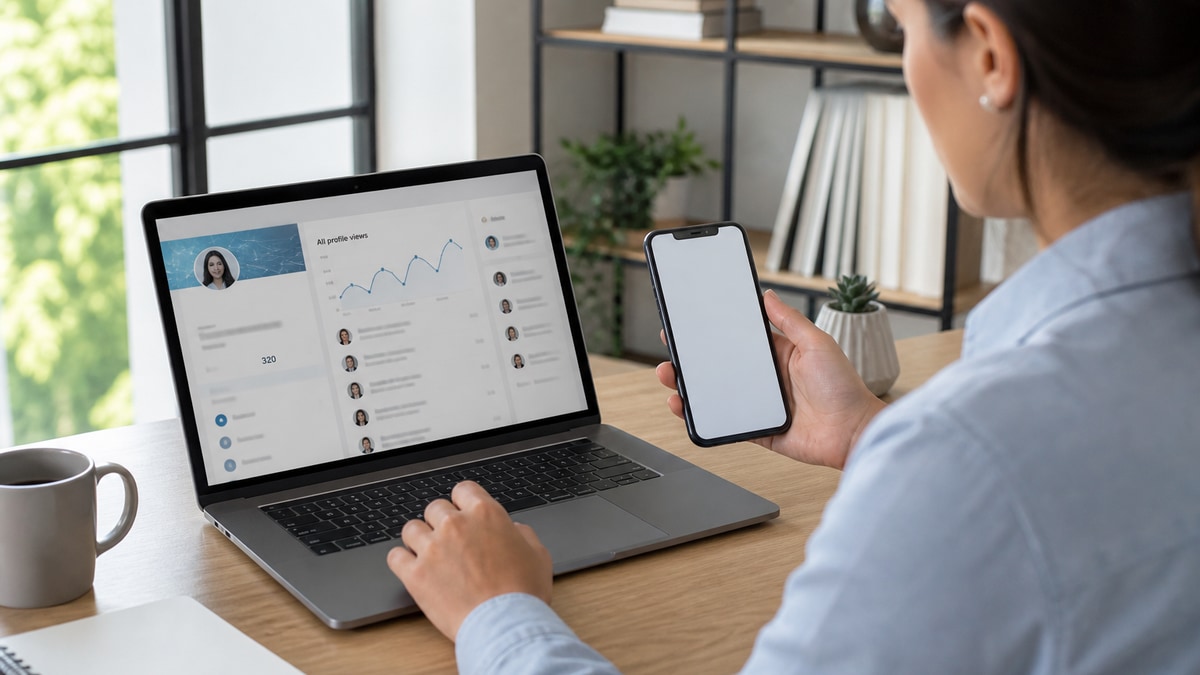
Your LinkedIn gets views but no messages. The analytics tick up every week. Recruiters, hiring managers, and random connections open your profile. Then nothing lands in your inbox. You're not invisible. You're visible and forgettable in the same six seconds everyone else gets. That's not a you problem. It's a layout problem on the profile.
Check your resume for free on the PDF you link from your profile. Most people fix the banner photo and keywords while the headline still reads "Professional | Problem Solver | Coffee Enthusiast." Viewers don't message that. They message the profile where the first line names the role they're filling and the Featured section proves scope in one glance.
Below: the symptom when LinkedIn gets views but no messages, three causes behind the silence, how to tell which one is yours, fixes for each, before and after headline pairs, and copy-paste outreach you can send tonight. Job searching is draining enough without treating view count as interview pipeline.
This isn't a lecture on personal branding. It's what US corporate recruiters actually do after they click your name from a search result or an applicant list in Greenhouse.
Quick Wins
- Rewrite headline to Job Title | Core stack or scope | Industry (max 220 characters).
- Pin one Featured item: resume PDF, deck, or case study with a metric in the title.
- Move your best bullet to the top of current role in Experience; don't bury proof.
- Send three targeted notes to viewers in your industry this week instead of waiting.
The symptom when LinkedIn gets views but no messages
The pattern looks like this. Search appearances or profile views climb. Connection requests stay flat. Recruiter InMail stays empty. You might get a like on a post from a former coworker. Nobody asks for a call.
What views are not: proof that your profile is optimized. Views mean someone clicked. They do not mean you passed a screen. A recruiter filling a Senior Product Manager req can open thirty profiles in ten minutes. They message two. The rest were curiosity clicks, comparison shopping, or "maybe" tabs they never returned to.
From the employer side, I've opened strong applicants in Greenhouse, clicked their LinkedIn, and closed the tab when the headline didn't match the resume title or the About section read like a novel with no numbers. No message gets sent. You won't know that happened. You only see another view on your dashboard.
US corporate hiring runs on speed. Recruiters message people who look placeable immediately. If your profile forces them to dig for what you actually do, they dig on the next candidate instead. That's the gap between views and messages.
Edge case: views spike after you post content but messages stay flat. Your audience is peers, not buyers of your labor. Edge case: views come from one company repeatedly. That often means an internal debate, not a solo recruiter ready to write. A short note referencing their open role can break the stalemate.
Three causes when your LinkedIn gets views but no messages
Cause 1: Headline doesn't name a placeable role
Recruiters search job titles and skills, not adjectives. A headline full of "passionate," "innovative," or "seeking opportunities" tells them what you feel. It doesn't tell them what req to put you on.
Before: Marketing Professional | Brand Storyteller | Open to new challenges
After: Demand Gen Manager | B2B SaaS | HubSpot, paid social, pipeline from MQL to SQL
Before: Software Engineer at Tech Company | Building the future
After: Backend Engineer | Python, AWS, PostgreSQL | Fintech APIs and on-call rotation
Fix: Copy the job title from the last three postings you saved. Use that exact phrase in your headline. Add two tools or scope nouns from the must-have line. Drop everything that isn't searchable. Recruiters filter on title first. Your headline is the filter key.
Cause 2: No proof above the fold
Viewers land on your photo, headline, and About. If the next scroll is a wall of text or empty Featured section, they bounce. Proof belongs where eyes go first: Featured link, top Experience bullet, and the first two lines of About.
Before: About section is four paragraphs on leadership philosophy. Featured is blank. Current role has no description.
After: About opens with "I run paid social for B2B SaaS teams ($2M annual spend)." Featured pins a one-page case study PDF. Current role bullet one names channel, budget band, and pipeline outcome.
Before: Experience lists job titles only. Recruiter must open each role to find skills.
After: Each role has two bullets with tools and outcomes. Most recent role shows full bullets; older roles collapsed to one line each.
Fix: Add one Featured item recruiters can open without requesting access: sanitized resume, portfolio slide, or GitHub readme with a clear README line. Rewrite About line one as a scope statement, not a career objective. Mirror your resume's top bullet so both files tell the same story.
Cause 3: Discovery without an outreach hook
Some profiles are findable but passive. Open to Work is set to recruiters only, contact info is hidden, and you never message viewers back. US recruiters expect either a clear inbound hook ("DM me for portfolio") or proactive notes from serious candidates on warm reqs.
Before: Open to Work off. No custom URL. No note on profile about target roles or geography.
After: Open to Work on with three exact titles. Custom URL matches resume name. About ends with "Open to remote US roles in fintech compliance."
Before: Viewer from target company appears in "Who viewed your profile." No follow-up.
After: Same viewer gets a note within 48 hours referencing their open req and one proof line. Connection request includes context, not the default blank invite.
Fix: Turn on Open to Work with titles that match your headline, not a wish list of five levels. Check weekly who viewed you from companies on your target list. Send a short note. Waiting for inbound after a view is a coin flip. A targeted note after a view is a second chance at the same recruiter.
How to tell which cause is yours
Headline problem: Search your headline text in a job board. If zero live postings use that phrase as a title, cause one.
Proof problem: Ask a friend to open your profile cold for six seconds and repeat what you do. If they can't, cause two.
Hook problem: Views cluster on posting days but inbox stays empty and you've sent zero outbound notes this month. Cause three.
Edge case: all three at once on a career-change profile. Fix headline first, add Featured proof second, send five notes third. Edge case: you're employed and can't use Open to Work. Use headline and Featured only; outreach becomes more important, not less.
Copy-paste note after a profile view
Hi [Name], I noticed you viewed my profile. I'm targeting [exact job title] roles at [Company] and recently [one metric bullet from your resume]. If you're staffing [team or req name from posting], I'd welcome ten minutes to see if my [skill from posting] background fits. Thanks for considering.
Swap brackets for real values from the live posting. Keep it under 400 characters if you're using a connection request. Longer notes work in InMail when you have credits or a mutual connection.
Pair profile fixes with generate a cover letter draft for the same req so your application file matches the headline you just fixed. Mixed signals between profile, resume, and letter kill messages faster than a quiet week.
What silent LinkedIn profiles share
Treating views as pipeline. Track messages and replies, not vanity metrics. Ten views and two conversations beat fifty views and zero.
Keyword stuffing the About section. Repeating "Agile, Scrum, Agile" doesn't replace a bullet that says you shipped two releases per quarter.
Headline that disagrees with your resume. Recruiters notice when LinkedIn says Project Manager and the PDF says Program Coordinator.
Featured section full of memes or certificates only. Certs support proof. They don't replace scope. Pin work output.
Blank connection requests to recruiters who already viewed you. That's a second impression wasted. Say why you're writing.
Ignoring US time zones in outreach. Notes sent at 2 a.m. local get buried. Send Tuesday through Thursday morning in the recruiter's time zone when you can.
Read how recruiters validate experience on LinkedIn for what happens after the view when they cross-check your timeline against an application in Workday.
Align resume and profile before the next view
Run the resume PDF you link in Featured through the free ATS checker. Confirm parse order and that your headline title matches the resume header word for word.
Then score your job match on that same file against your top target posting. Gaps belong in Experience bullets on both resume and LinkedIn, not as extra buzzwords in About.
Save a screenshot of your updated headline and Featured section beside the application log entry. When a view converts to a message, you'll know which version worked.
Make the next profile view worth a message
When your LinkedIn gets views but no messages, the fix is rarely more activity. It's a headline that matches live postings, proof above the fold, and a short note when the right viewer shows up. Do those three tonight and watch whether replies track with views next week.
Open your profile in an incognito window. Six seconds. If you wouldn't message yourself, rewrite headline line one and pin one Featured item before you post again.
And if a recruiter viewed you twice from the same company, send the note. The second view might be them checking whether you're still available. Don't waste it waiting for a third.
Read more
Frequently asked questions
Views only mean someone opened your profile. Recruiters scan dozens per hour. They message when the headline names a role they are filling and the first screen shows proof. A view without a message usually means you passed the search filter but failed the six-second skim, not that they rejected your whole career.
Turn it on with the correct job titles and remote or on-site preference that matches your target market. Open to Work helps discovery. It does not replace a headline that says what you do in the employer's language. Recruiters can still view you with Open to Work off if you appear in search. Messages require a clear hire signal on the profile itself.
Their headline likely mirrors posting language and their Featured section shows scope numbers. If your About reads like a mission statement and Experience bullets are hidden behind collapsed roles, viewers leave without a reason to write. Match their proof density, not their connection count.
Yes, if your note references their open req and one proof line from your profile. Blank connection requests after a view rarely convert. A three-sentence note with role name, one metric, and a ask for a ten-minute call beats waiting for inbound when your headline is still generic.
Recruiters who view your profile often click through to your resume PDF or application history next. If your resume headline disagrees with your LinkedIn title or your PDF parses scrambled in Greenhouse, they stop there. Align both files on the same target role and run a parse check before you blame the algorithm.