By Peter Miller · Published August 10, 2026 · Last updated: September 19, 2026
8 min read
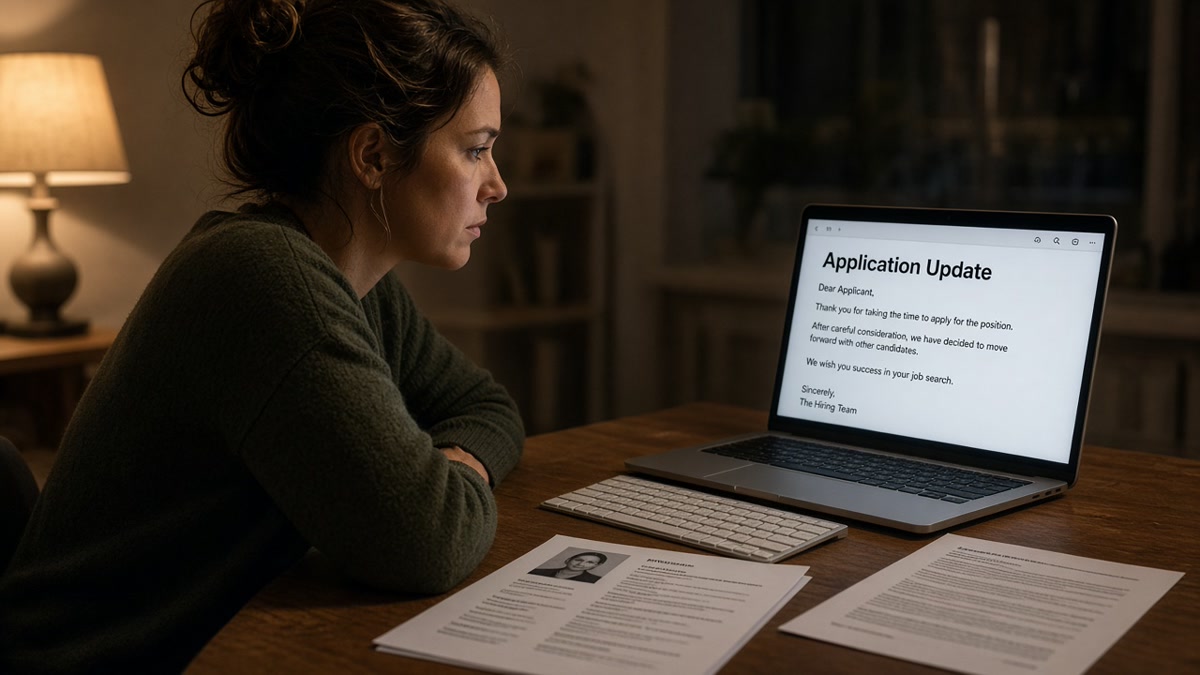
You hit submit and the rejection lands before you've closed the tab. That's not a recruiter speed-reading your life story. It's usually software finishing a checklist you never saw, and you won't get a personalized note explaining which gate you failed.
If you're applying after a layoff, the speed can feel personal. It isn't. High-volume roles run automated first passes because no team can read every file by hand. Your job tonight is to find out whether you lost on format, filters, or fit.
Check your resume for free against the posting you just applied to. If the parser can't read your dates or title, no amount of networking fixes that file tonight.
Why job applications are rejected in minutes comes down to three gates: can the system read the file, do you pass hard filters, and does your profile look close enough to the posting for a human to bother. Most fast losses die on gate one or two.
Pair the file check with a short note from the cover letter generator when the portal allows it. You're not chasing magic keywords. You're making sure the machine and the recruiter see the same story.
Quick Wins
- Paste your export into Notepad and read job titles aloud in order.
- Rewrite bullet one so a posting must-have lands in the first eight words.
- Log the role before you close the tab so you don't double-submit tomorrow.
Three gates every application hits first
Gate 1 is parsing. Workday, Greenhouse, Lever, and iCIMS import your upload into fields. If the import scrambles your job title or drops your dates, the rest of the profile looks empty.
Gate 2 is knockout logic. Sponsorship, location, years of experience, and license questions can archive you instantly when the answer does not match the posting.
Gate 3 is match depth. Recruiters sort by how closely your imported profile mirrors must-haves. Thin keyword overlap or generic bullets push you to the bottom even when you're qualified on paper.
I've screened stacks of these in Greenhouse, and the files that never reach a human almost always failed parsing or a knockout before anyone read bullet two.
Two-column layouts are the classic parser trap. Your eye reads across columns. The software often reads straight down one column, so skills land before your current title in plain text.
Scanned PDFs fail silently. The thumbnail looks crisp. Search inside the file for your phone number. If find does not work, the parser is guessing.
For a deeper parser teardown, read what makes an ATS resume professional . Tonight you only need to know whether your file is readable, not pretty.
Knockout questions deserve their own mention. Some postings require five years in a niche tool you have three of. Answering honestly can end the run immediately. That hurts, but mislabeling your experience does not change the filter and can burn trust if a human later reviews the file.
Location and work authorization knockouts are just as fast. Remote-friendly titles still attach to tax and legal rules. A wrong state or sponsorship answer archives you before resume content matters, even when your bullets are strong.
When the file parses cleanly but you still hear nothing, the queue is full and your match looks thin next to applicants who mirrored the posting language in dated bullets. That is gate three, and it is where tailoring actually pays off.
Ten-minute rescue plan before you apply again
Step 1: Paste test the export
Export a single-column DOCX or text-selectable PDF. Paste into Notepad. If job titles and employers are not on consecutive lines, fix layout before you touch wording.
Step 2: Fix contact placement
Put name, phone, and email in the body, not only in a header graphic. Parsers often skip header regions entirely.
Step 3: Tailor bullet one
Before: "Responsible for client projects and stakeholder communication."
After: "Owned Salesforce renewals for 42 mid-market accounts; rebuilt QBR decks in Looker to flag churn risk."
Before: Two-column Canva template with skills in a left sidebar.
After: Single-column Word file with Skills after Experience and tools repeated inside dated bullets.
Copy-paste pre-submit checklist
Before you hit submit:
[ ] Plain-text paste shows titles before skills
[ ] Phone number is searchable inside the PDF
[ ] Knockout answers match the posting honestly
[ ] Bullet one names a must-have from the job description
[ ] Application logged with date and resume version
Score your job match on the posting before you mass-apply. One tailored bullet beats ten generic uploads.
Save the job link in your tracker the same minute you submit. When a recruiter emails three weeks later, you want the posting text one click away so your reply references the right must-haves and you do not confuse two similar titles at the same company.
What looks fine on screen but fails in the queue
Re-applying with the same broken PDF. If parsing failed once, the same layout fails again. Fix structure first.
Keyword stuffing without proof. Repeating a tool name in Skills without a dated bullet reads as empty to recruiters and risky to parsers.
Ignoring knockout questions. Wrong years of experience or location answers archive you before resume content matters.
Double-submitting the same role. Track what you sent. A duplicate upload can trigger an auto-reject you interpret as a fast ATS score.
Assuming silence means rejection. Some systems batch emails. A quick portal status change might mean archived while your inbox stays quiet for a day. Log the submission time so you are not refreshing every hour.
Blaming keyword density alone. A readable file with one tailored bullet often outruns a stuffed Skills section that imports before your job title. Order and proof beat repetition.
Run the file check before the next submit
Upload the same file you plan to send. If category feedback flags columns, tables, or missing contact fields, fix structure before you tweak wording again.
Run a free ATS check and keep the posting open beside it. Match one bullet, re-run, then apply once.
Fast rejection is usually a file problem
Why job applications are rejected in minutes is rarely a secret blacklist. It is parsing, knockouts, or a thin match on must-haves. Fix the upload, answer filters honestly, and put posting language in bullet one before you rewrite your whole career story.
Job searching is exhausting enough without blaming yourself for a scrambled import. Run the paste test, tailor once, apply once, and track what you sent.
When you get a second look at the same employer later, bring a cleaner file, not the same template with a new date. Hiring teams remember uploads even when the portal does not show you their notes.
Start with the application you care about most this week. Fix that one file end to end, submit once, log it carefully, and move on. Momentum comes from fewer, better applications, not from guessing why the last one vanished in silence overnight.
Read more
Frequently asked questions
Yes. Parsing, knockout questions, and keyword filters run as soon as you submit. A broken file or a missing must-have can archive the application before a recruiter opens the queue. The email might arrive later, but the decision often happens in the first pass.
Screen layout and parser layout are different. Columns, tables, and headers can scramble text in the import while the PDF still looks polished. If the system cannot read your title or dates, you look underqualified even when you're not.
Not always. Some portals send generic rejections on a schedule. Others reject instantly when you fail a knockout question, upload an unreadable file, or apply from a blocked location. Check whether the posting had hard filters before you rewrite the whole resume.
Only after you fix the likely cause. Re-uploading the same two-column PDF to the same posting rarely changes the outcome. Run a plain-text paste test, answer knockouts honestly, and tailor bullet one to a must-have from the posting first.