11 min read
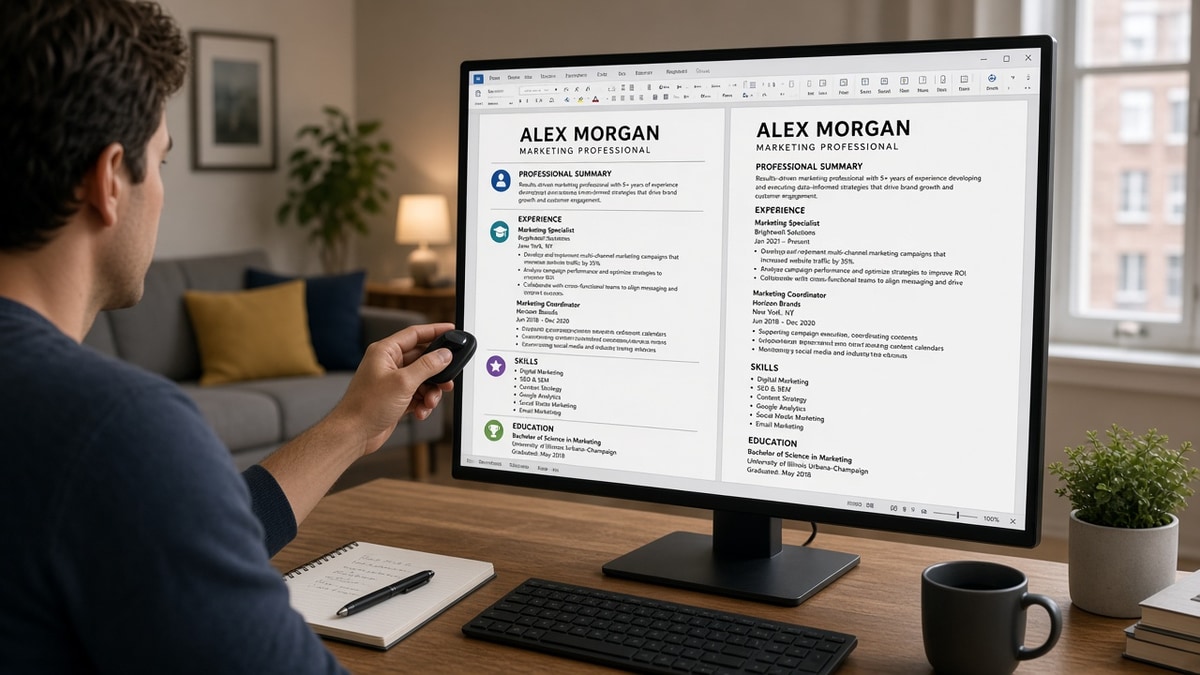
Icons and graphics hurt ATS in US applications because parsers read plain text, not design. A phone glyph beside your email becomes a blank box. Wingding bullets drop whole lines. Logo watermarks scramble employer names. Workday and Greenhouse build a text profile on upload. When visuals break field mapping, your skills vanish before a recruiter opens the file.
Check your resume for free on the same export you're about to upload. If contact lines or bullet lists already look thin in plain text, icons are eating the words parsers need. You're not imagining it when a pretty Canva file doesn't survive the preview. I've passed on files that looked sharp in PDF and empty in the parsed profile because every skill sat behind a star icon.
Below you'll see why parsers treat visuals as noise, which design choices sometimes survive, what to change tonight, and where files still fail after you swap icons for text. Job searching's draining. This page is about fixing the file, not debating whether ATS is fair.
And if the portal asks for a cover letter after upload, don't paste lines that repeat scrambled contact fields. You can't keyword-stuff your way past a missing email. Generate a cover letter from the corrected plain-text resume so the note matches the employer order you fixed in Word.
Quick Wins
- Replace icon contact rows with name, phone, and email on plain lines in the body.
- Swap wingding or checkmark bullets for standard round bullets or hyphens.
- Delete star ratings; write skill level in words inside dated bullets.
- Copy the export into Notepad once and confirm every employer line survived.
Why icons and graphics hurt ATS parsing in US portals
US corporate reqs on Workday, Greenhouse, Lever, Taleo, and iCIMS do not score your design taste. They extract text into profile fields recruiters scan in list view. Icons, charts, colored skill bars, and embedded logos are invisible to that pass. Worse, they often insert characters that break the line before or after them.
The standard your file is judged against: a plain-text paste reads in the same order a human would skim. Name and contact on top. Standard section headers. Month Year dates beside employer and title. Bullets as normal sentences. No pictograms where words should be.
A composite marketing manager whose skill section uses five-star icons for HubSpot and SQL looks unskilled in the parsed profile. The stars never became text. The tools never attached to a dated role. Same person, same career. Different screen because graphics replaced words.
Infographic resumes are the extreme case. Charts and icon timelines export as scattered fragments. Parsers may treat the file as corrupted or attach random strings to the wrong fields. Recruiters who never open the attachment still see an empty Skills row.
Read resume formatting errors that break ATS parsing for tables and columns. This page is the icon, logo, and graphic layer on top of that layout story.
Edge case: you're in a design or brand role and your portfolio is the product. You still need a plain-text upload for the ATS gate. Keep the visual resume for the portfolio link in line three under your email, not embedded in the submission file.
Edge case: you used icons only in the header for phone and location. Those lines often parse before your name and land in summary or education fields. Move every contact detail into the body under line one. Delete the icon font entirely.
Strip icons and graphics without losing your proof
Each pair shows a visual habit, what US parsers tend to do with it, and the text swap. Illustrative roles only. Paste your employers and metrics into the After lines.
Pair 1: Icon contact row
Before: Phone, email, and city each prefixed with a small glyph in a colored header bar.
After: Jane Doe on line one. Chicago, IL · 312-555-0142 · [email protected] on line two. No icons, no header bar, all in the document body.
Parsers read header graphics first and map stray characters into name fields. Your email can split across two boxes. Recruiters cannot reply.
Pair 2: Star-rated skills rail
Before: Left column lists Python, Tableau, and Salesforce with five-star icons. Experience sits in the right column.
After: Single column. Under Data Analyst, RetailCo, Jan 2022 to Present: Built Tableau dashboards for 12 regions; automated Python ETL cutting manual pulls 9 hours per week; administered Salesforce reports for 40 field reps.
Stars never become keywords. Tools trapped in an icon rail do not pair with an employer. Flatten the column and name each tool inside a bullet with scope.
Pair 3: Wingding bullets and employer logo
Before: Checkmark wingdings as bullets. Company logo watermark behind the experience section.
After: Standard round bullets. Employer name spelled out: Program Manager, LogisticsCo, Mar 2021 to Present. No watermark.
Custom bullets sometimes skip entire lists in Greenhouse. Watermarks sit behind text and reorder lines on export. Boring bullets win.
Pair 4: Infographic timeline
Before: Horizontal timeline graphic with icon milestones for each job. Dates float in circles above role titles.
After: Vertical stack. Sep 2019 to Jun 2021 · Analyst · FinanceCo · [bullet]. Jul 2021 to Present · Senior Analyst · FinanceCo · [bullet].
Timelines built as shapes do not export as sequential text. Workday may read circle labels as random words detached from employers.
Pair 5: Nurse resume with certification icons
Before: ACLS and BLS shown as heart and lung icons in a badge row above clinical roles.
After: RN, ACLS, BLS on line two under name. Staff RN, Med-Surg, County General, Jun 2020 to Present · 32-bed unit, 6:1 ratio; precepted 4 orientees and maintained fall-rate below unit average in FY24.
Certification icons do not map to license fields. Spell credentials in text recruiters and parsers can copy.
Pair 6: Software engineer with stack icons
Before: AWS, Kubernetes, and Terraform logos in a left rail beside a two-column project history.
After: github.com/handle on line three under email. AWS and Kubernetes inside bullets under the employer where you ran production traffic, with Month Year dates on each role line.
Logo rails parse like mystery words. A recruiter preview may list kubernetes_logo before your current title. Put stack names in sentences under the job that used them.
Copy-paste contact and section header block
Paste this at the top of a blank Word doc. No icons, no text boxes, no watermark:
[Full Name]
[City, ST] · [Phone] · [[email protected]]
[Optional portfolio URL as plain text]
Professional Experience
[Month Year] to [Month Year or Present] · [Employer] · [Title]
· [Bullet with verb, scope, tool, and outcome]
· [Second bullet with metric from that role]
Export PDF from this file only. Copy all text into Notepad. If wingdings or empty boxes appear, you still have hidden graphics. Delete them in Word and export again.
See resume rejected by ATS when the plain-text pass looks fine but screens still stall. Icons are one gate. Keyword placement in bullets is the next.
When a graphic resume still looks fine on your screen
Trusting the PDF because it previews cleanly in Acrobat. Acrobat renders graphics. Workday does not. Open the portal preview or paste into Notepad before you assume the upload worked.
Replacing icons with emoji. Emoji are still special characters. Some parsers strip the whole line. Use words and standard bullets only.
Keeping skill charts because they fit on one page. A pie chart of skills is zero skills to an ATS. Move each slice into a bullet under the role where you proved it.
Using Canva or design-builder exports without a plain-text check. Builders hide icon fonts behind pretty layers. The export often keeps them as unreadable shapes.
Submitting a scanned image of a designed resume. OCR guesses at characters. Employer names and phone digits are the first casualties. Never upload a photo of a resume for a US corporate req.
Assuming one-column text fixes icon damage in the header. A clean body with a graphic contact bar still breaks field mapping. Strip the header art first.
Stuffing keywords into icon labels. A skill icon labeled Python still is not a bullet. Write Python inside Experience with a dated employer line.
Skipping the preview on mobile. Wait until you can open the desktop Workday or Greenhouse preview once. A scrambled upload is harder to fix after submit on some reqs.
Verify plain-text export before you hit submit
Run the file through the free ATS checker with the job description pasted in. You're confirming contact lines, employer-title pairing, and whether skill words landed in Experience, not chasing a perfect score on a pretty layout.
Then build your resume in a single-column template if you're starting from a design file you cannot salvage. Parse-safe structure first. Tailor bullets second. A visual template you have to rebuild is still faster than another month of silence from scrambled uploads.
What to do now
Icons and graphics hurt ATS in US applications when they replace words parsers need or inject characters that break field mapping. You don't need a new career story. You need a boring export: plain contact lines, standard bullets, spelled-out employers, and skills inside dated roles.
Open your current file tonight. Delete every icon, star, logo, and chart. Paste the copy-paste header block if you're rebuilding from scratch. Run a free ATS check. Upload when Notepad shows the same employer order you see in Word.
This won't turn an unqualified application into a hire. It does stop qualified candidates from losing screens because a phone glyph ate their email while a star rating hid their best tool.
When the next req opens, fix graphics before you tailor keywords. Parse order first. Decoration never survives the upload.
Read more
Frequently asked questions
Treat employer logos like any other image: the parser cannot read them. A logo beside a job title often drops the title or attaches it to the wrong employer line in Workday or Greenhouse. List the company name as plain text on the same line as your title and dates. Save the logo for a portfolio site you link in the body, not embedded in the file.
No reliable pattern. Star icons, progress bars, and colored skill dots export as empty boxes, wingdings, or stray Unicode. The ATS sees no skill level and may skip the whole row. Write Proficient in Python or Advanced SQL in a bullet under the role where you used the tool. Text beats decoration every time on US portals.
Only if you removed every icon, watermark, and custom bullet before export. PDF does not magically flatten graphics into readable text. Many icons survive as vector shapes the parser ignores. Open the PDF, select all text, copy into Notepad, and read what remains. If stars or phone glyphs vanish, the ATS lost them too.
When a human asks for it directly and no ATS sits in front of you: some creative agencies, design studios, or in-person networking handoffs. For Workday, Greenhouse, Lever, Taleo, or iCIMS uploads on US corporate reqs, assume plain text is the only channel that counts. Build a boring parse-safe file for the portal and keep the designed version for email follow-up if a recruiter requests it.
Emoji are still non-standard characters. Some parsers render them as question marks or strip the line. Replace emoji section headers and checkmark bullets with standard words and round bullets or hyphens. Your file should read cleanly in Notepad with zero symbols that are not letters, numbers, or basic punctuation.