11 min read
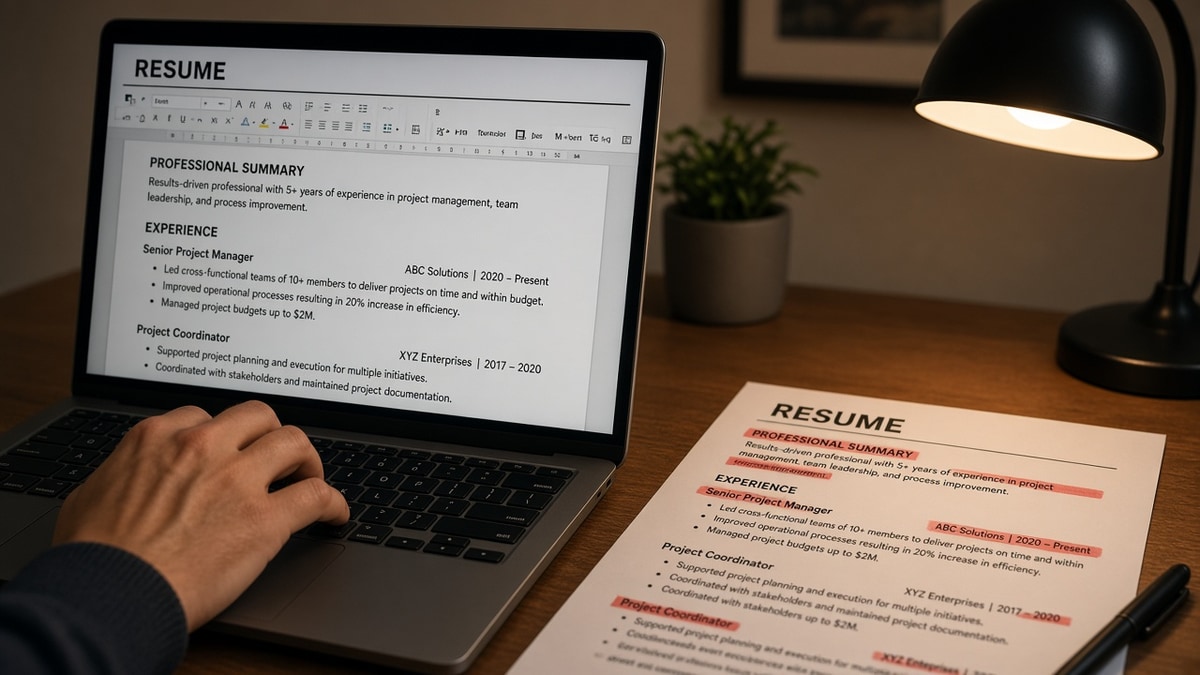
Most ATS pain isn't missing keywords. It's extra layout the parser reads first. When you remove from your resume the columns, tables, icon rows, and keyword footers that reorder text, scores and recruiter previews often improve before you add a single new bullet.
Check your resume for free on the file you're about to trim. You need a before snapshot. Otherwise you'll delete proof lines that were carrying match weight while keeping the sidebar that made Workday think your skills block is your current employer.
Job searching is draining enough without a scavenger hunt through Canva templates. This page is a six-step removal procedure: what to cut, what to keep, before/after pairs across roles, and how to verify parse order when you're done. Subtraction first. Tailoring second.
And when a posting still asks for a cover letter after you upload the cleaned file, don't paste the old keyword footer into the note. Generate a cover letter from the trimmed resume text so both files describe the same employer order.
Quick Wins
- Flatten two-column templates before you touch bullet wording.
- Delete skills tables when the same terms already sit in Experience.
- Move contact info out of Word headers into the body once.
- Paste the export into Notepad and read employer order top to bottom.
Why removal beats adding another skills block
Parsers do not reward word count. They reward readable order. A marketing manager whose left rail lists twenty tools can look like their first job is HubSpot, SQL, and Google Analytics while the real employer line drops to row four. Same person. Lower effective match because layout drove parse sequence.
Cutting clutter is not the same as hiding experience. You are deleting objects that scramble extraction, duplicate terms without proof, or bury dates. You are not deleting the contract role that closes a six-month gap.
I've forwarded files after candidates removed a pretty sidebar and lost zero proof. I've passed on dense keyword footers that made the profile unreadable even when the PDF attachment looked fine.
Read resume rejected by ATS for the wider filter story. This page is the cut list that fixes parse order before you tailor keywords.
Edge case: you're a career changer with a skills-heavy top section. Remove the table, not the proof. Put one dated contract or project line above the skills list so parsers attach tools to a real employer.
Edge case: you're a senior candidate trimming a twenty-year file. Remove pre-2010 bullets with no metrics, not the employer line. One line per old role preserves timeline without feeding parsers a novel on page three.
Edge case: you're applying through a portal that strips hyperlinks. Remove blue underlined URLs in the body unless the posting asks for a portfolio link. Plain text github.com/handle on its own line parses cleaner than a styled hyperlink wrapped around a logo image.
Edge case: you use a Europass or government CV template with fixed tables. Export to Word, flatten to one column, and delete the grid before you upload to a corporate ATS. The template that satisfied a public-sector form often breaks Workday parsing at a multinational.
What to remove from your resume in six passes
Work top to bottom. Do not rewrite bullets until pass six. Each step targets one failure mode parsers share across Workday, Greenhouse, Lever, Taleo, and iCIMS.
Step 1: Strip columns and sidebars
Before: Left column holds Skills, Certifications, and Languages. Right column holds Experience.
After: Single column, 11-point Calibri or Arial. Skills appear inside dated bullets or one short list after Experience.
Parsers often read down the left column first. Your Tableau line becomes the opening job. Delete the column, not the tool name. Move Tableau into the bullet where you built the dashboard.
Step 2: Remove tables and text boxes
Before: Three-column skills table and a gray summary box beside your name.
After: Summary as normal paragraphs under contact lines. Skills as comma-separated terms or inside role bullets, no grid.
Tables flatten into run-on lines or reorder cells by row. A data analyst's Looker proof can separate from the employer that used it. Text boxes parse last or vanish.
Step 3: Cut header and footer contact blocks
Before: Phone, email, and city in a Word header on every page.
After: Name on line one, city and phone on line two, email on line three, all in the body. No header or footer content.
Headers parse early. Workday may map your mobile number into a name field while your summary shifts below Education. One body block only.
Step 4: Delete keyword footers and icon skill rows
Before: White 6-point footer paragraph listing forty ATS keywords. Font Awesome icons for AWS, Jira, and Salesforce in a left rail.
After: Terms appear once inside Experience bullets with verbs attached. No hidden text. No icon fonts.
Keyword footers do not trick modern parsers. They create duplicate noise and sometimes trigger garbled extraction. Icons often paste as blank squares in plain text.
Step 5: Trim old roles without breaking the timeline
Before: Four bullets for a 2012 internship. Full page of college leadership lines above Experience.
After: Internship compressed to one line with Month Year dates. College leadership gone when you have eight years of paid proof.
Remove prose, not employers. A one-line early role still closes parser gaps. Deleting the employer entirely while keeping later jobs can look like a missing year.
Step 6: Verify with plain text and a checker
Export PDF. Paste into Notepad or plain text view. Read top to bottom once. If Skills still appear before your current title, return to step one. When order is clean, run the checker with the posting pasted in.
Before/after: project manager resume
Before: Wingding bullets, logo watermark, two-column project history with dates in the left margin.
After: Standard bullets. Month Year dates at the start of each employer line. One column, no watermark.
Before/after: nurse clinical resume
Before: ACLS and PALS in a bordered table above Experience. Unit types in a second table beside hospital roles.
After: RN license and ACLS on line two under name. Each hospital role lists unit type and ratio in bullet one with Month Year dates.
Before/after: software engineer resume
Before: github.com/handle and portfolio URL in a footer on every page. AWS, Kubernetes, and Terraform icons in a left rail.
After: github.com/handle on line three under email in the body. AWS and Kubernetes inside bullets under the employer where you ran production traffic, with Month Year dates.
Footers compete with Education for the last parse pass. A recruiter preview may show your repo link as a stray sentence while your current title drops off page two.
Before/after: sales resume with quota callout
Before: Right rail text box: FY24 quota 118%, $2.1M closed. Main column lists employers without metrics in bullets.
After: Quota and attainment inside bullet one under the current employer with Month Year dates and CRM named in the same line.
Side callouts detach from employers. Workday may show attainment with no company name attached. Recruiters cannot tell which role earned it.
Copy-paste removal checklist
Run down this list before you tailor keywords:
[ ] Single column throughout
[ ] No tables, text boxes, or floating shapes
[ ] Contact details in body only, one block
[ ] No keyword footer or white micro-text
[ ] No icon fonts for skills
[ ] Old roles shortened, timeline intact
[ ] Plain-text paste reads: name, contact, Experience with dates, Education, Skills
See Workday: why your resume looks different after upload when the portal preview still scrambles employers after you cut clutter.
Where trimming still goes wrong
Deleting proof bullets to hit one page. A shorter file that lost your only Salesforce bullet is worse than a two-page file with parse-safe layout.
Keeping the skills table because it looks organized. Organized for human eyes. Parsers read it as your first job. Flatten or inline.
Removing dates to hide short tenure. Parsers and recruiters both flag missing Month Year. Trim bullets, not timelines.
Fixing only page one. A clean first page with a two-column page two still fails. Scroll the entire doc.
Adding keywords after a failed upload without cutting layout. More text in the wrong column makes order worse. Subtract first.
Trusting the PDF because it looks fine on your screen. Recruiters may read the parsed profile first. If that view is soup, the attachment may never open.
Using creative section headers. My Journey and Expertise don't map to Experience and Skills in most parsers. Standard labels are boring on purpose.
Uploading a scan after you delete digital clutter. OCR guesses characters. Employer names and dates are the first casualties. Export text-based PDF from Word.
Leaving repeated section headers on page two. Experience appearing twice because you copied a template block reads as duplicate employers in some parsers. One header per section across the full document.
Removing volunteer work that proves a career pivot. If your paid titles are unrelated to the posting, one dated volunteer line with relevant tools can stay. Delete only when it repeats paid proof.
Verify after you cut
Run the trimmed file through the free ATS checker with the job description pasted in. You're confirming employer-title pairing and whether skills landed under Experience, not chasing a perfect score on the first pass.
Then score your job match on the same plain-text order. Keywords only help after the parser can attach them to the right job line. A high match on a scrambled file still loses to a readable lower score.
Run the cut list tonight
When you remove from your resume the layout objects that reorder parsing, ATS scores and recruiter previews often improve before you write a new bullet. Columns, tables, headers, keyword footers, and icon rows are the usual suspects. Proof stays. Decoration goes.
Open your file. Run the six passes in order. Paste into plain text. Check employer pairing. Tailor keywords only after order is clean. That sequence beats adding a fourth skills block every time.
This won't fix applying to roles you're not qualified for. It stops qualified files from dying because the parser thought your skills sidebar was your current employer.
When you need a clean single-column base before the next apply wave, build your resume without tables or sidebars, then run the removal checklist once more before upload. Subtract layout. Keep proof. Then tailor.
Read more
Frequently asked questions
Only if you delete proof. Cutting a skills table that duplicated terms already in Experience bullets often raises match quality because the parser attaches keywords to the right employer line. Removing thirty soft skills you never used in a job is not a loss. Removing the bullet that proves Salesforce CPQ is.
Yes for US corporate portals and most EU multinational ATS uploads. Photos and icon fonts do not add parseable text. Some design elements break extraction order. Keep a plain text body with standard section labels. Save the designed version for networking PDFs only when the employer accepts email attachments outside the ATS.
Yes when page two is dated Experience with outcomes, not repeated skills blocks and old volunteer lines from college. Parsers read top to bottom. Page two full of tables can still scramble order. Cut layout traps on every page, not only page one.
Month Year dates on employer lines, your name and contact in the body, and bullets that prove scope with tools named. Do not delete weaker jobs if they close a gap shorter than six months without replacing the timeline. Do delete decorative lines, keyword footers, and repeated headers.
Paste the export into plain text and read employer order once. Run the file through a free ATS checker with the job description. If your current title pairs with the right bullets and must-have terms land under Experience, you are done trimming. If skills still parse as your first job, keep cutting layout, not bullets.