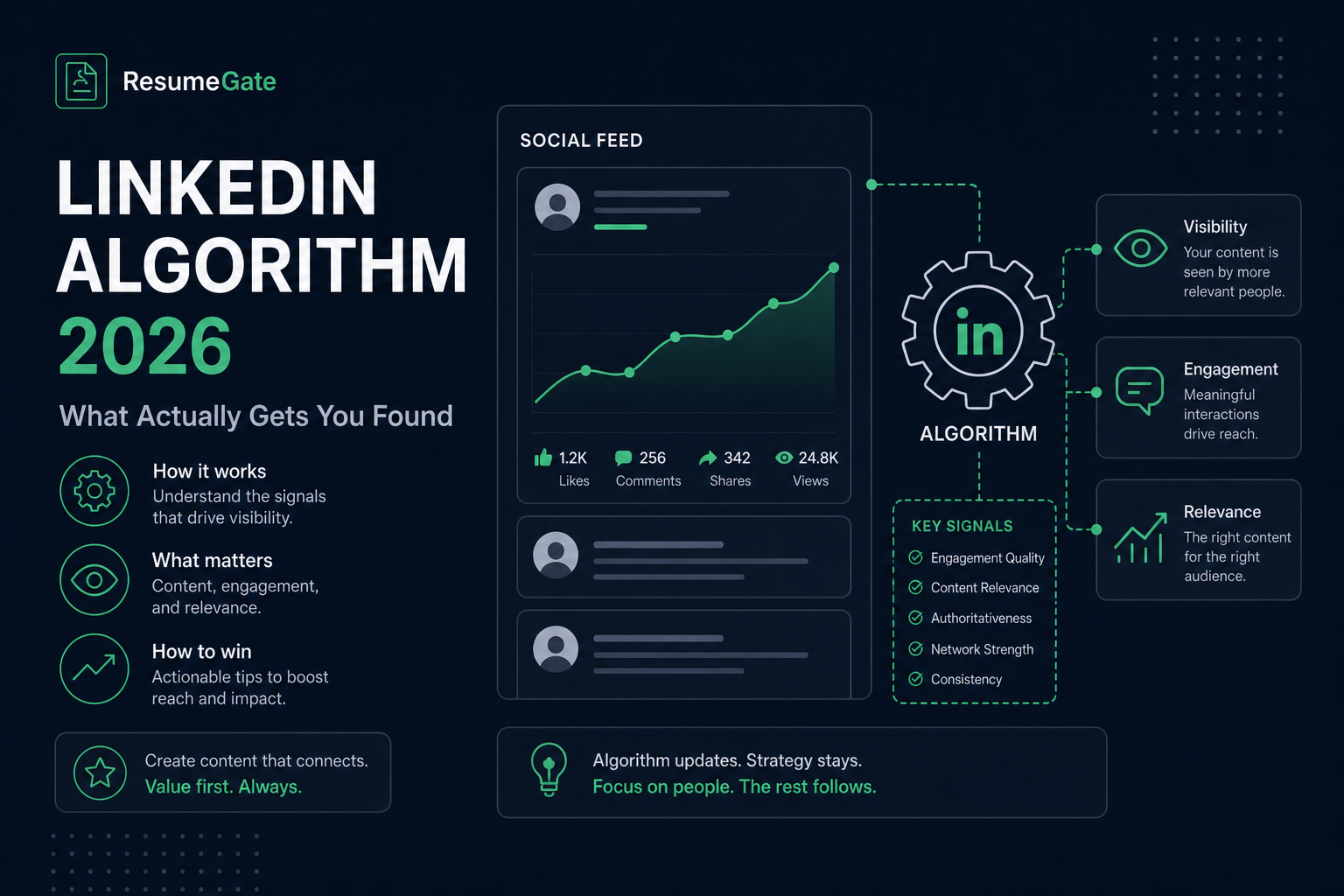
LinkedIn's recruiter-search ranking algorithm in 2026 responds to profile keywords, completeness, recency of edits, open-to-work settings, and network overlap—not to how many likes your last post received. The feed algorithm and the talent-search algorithm are separate systems optimized for different outcomes. Job seekers who post daily but never update their headline are optimizing the wrong surface.
When a recruiter opens LinkedIn Recruiter and searches "senior data engineer remote Python," the platform ranks candidates by static profile data: headline, current title field, skills, About text, location, and whether you have signaled open-to-work. Engagement metrics from your content feed barely register in that ranking. This guide covers the signals that actually move you up in recruiter search, what posting does and does not do, before/after profile fixes, and how to align your profile with the resume you will send through Workday or Greenhouse.
Key Takeaways
- Recruiter search and feed algorithms use different signals
- Exact job title in headline is the highest-weight keyword match
- Open-to-work job titles feed directly into search ranking
- Posting helps network warmth, not recruiter boolean visibility
- Profile keywords should mirror your ATS-tailored resume
Two different algorithms candidates confuse
LinkedIn runs at least two distinct recommendation engines. Treating them as one system is why many candidates invest hours in content and see no change in recruiter inbound.
The feed algorithm decides what content appears on connections' home screens. It rewards early comments, reactions, shares, and dwell time. Creator-mode profiles, polls, and native documents often get wider initial distribution because the platform benefits from scroll time. This is what personal branding coaches mean when they say post three times weekly and reply fast.
The recruiter-search ranking algorithm is separate. When a sourcer types a job title plus skills—or runs a boolean string across profiles—results rank by profile-relevance, not post engagement. Inputs are headline, title fields, skills, About text, location, open-to-work settings, network proximity, and completeness score. Post volume is essentially irrelevant here.
LinkedIn's own help documentation on profile completeness emphasizes filling standard sections—a signal that overlaps with recruiter-side ranking because incomplete profiles surface less often in talent search.
Key Takeaway: if your bottleneck is zero recruiter InMails, fix headline and skills before you invest in a posting calendar.
What actually moves recruiter-search ranking
LinkedIn does not publish the full formula, but recruiter-tool training materials and structured testing by talent teams show a consistent signal hierarchy:
| Signal | Weight | Practical action |
|---|---|---|
| Exact keyword match in headline + current title | Highest | Lead headline with posting title phrasing |
| Profile completeness (All-Star tier) | High | Fill summary, experience, skills, education, photo |
| Open-to-work titles selected | High | Add every relevant title variant, not just one |
| Recent profile edit | Moderate | Substantive update when targeting new role cluster |
| Network overlap with searching recruiter | Moderate | Connect with recruiters in target industry over time |
| Skill endorsements per keyword | Low | Pin top skills; do not chase hundreds of endorsements |
Location filters apply before keyword ranking in most recruiter searches. A profile that omits "Remote" when you are open to remote work will not appear in remote-filtered results even if every skill matches.
Common Mistake: creative headlines like "Builder | Operator | Problem Solver" that never include the searchable job title recruiters type.
Does posting content actually help your job search?
Yes—but narrowly, and mostly not through recruiter search ranking.
What posting helps: visibility with first-degree connections who might refer you or forward openings. A recruiter who already follows your content may reach out warmer than one encountering a cold profile. That compounds over months, not days.
What posting does not do: raise your rank when a sourcer searches "data engineer remote" in LinkedIn Recruiter. Feed and talent-search systems do not share ranking signals in a meaningful way. A viral post does not put you on page one of a boolean search.
Time tradeoff: one substantive post per week often takes two to four hours including engagement. The same window spent on headline rewrite, skills pinning, and open-to-work configuration typically produces faster inbound from recruiters for active job seekers. Post if you enjoy it and your network includes referrers—not as a substitute for profile keyword work.
Pro Tip: one strong comment on a hiring manager's post can beat ten generic feed posts for a specific role—but only after your profile passes a five-second skim test.
Profile field-by-field: what recruiters actually index
Headline (220 characters)
Highest-weight field. Lead with the exact title from target postings—"Senior Product Manager" not "Passionate product leader." Add one domain or stack phrase after a pipe if space allows: "Senior Product Manager | B2B SaaS | Open to Work."
Current title field
Must align with headline for consistency. Recruiters filter on this field separately. If you are between roles, use a clear title like "Senior Software Engineer (seeking new role)" rather than leaving a vague consulting label.
About section
Full-text indexed. Include target title once, top four or five searchable skills, and one metric-backed outcome. Write for humans, but ensure a recruiter's boolean string would find the words they type.
Experience bullets
Mirror job posting language the same way you tailor a resume for Greenhouse or Workday. If postings say "cross-functional stakeholders" and your bullets say "worked with other teams," keyword match is weaker than necessary.
Skills (pin top three)
Pin the three skills that appear most in required qualifications for roles you want. Endorsements on pinned skills carry slightly more weight than buried skills.
Quick Check: search your headline text in LinkedIn's people search as if you were a recruiter—if your phrasing does not match common queries, rewrite it.
Before/after: profile text recruiters actually search
These rewrites are not longer—they replace branding slogans with searchable titles and proof, the same principle as ATS resume bullet fixes.
| Before (low search visibility) | After (recruiter-search optimized) |
|---|---|
| Headline: "Creative problem solver | Lifelong learner | Open to opportunities" | Headline: "Senior Data Analyst | SQL, Python, Tableau | Healthcare analytics" |
| About: three paragraphs on passion and culture fit with no technical terms | About: "Senior Data Analyst with 6 years in healthcare claims and revenue cycle. Built SQL dashboards cutting denial review time 22%. Python, Tableau, Epic Clarity." |
| Experience bullet: "Worked on various projects with stakeholders" | Experience bullet: "Led cross-functional rollout of Workday reporting for 3,200 employees; partnered with HRIS and finance on requirements and UAT" |
Common Mistake: keyword-stuffing the About section until it reads robotic. One natural mention per core term beats a block of comma-separated skills.
When recruiters request your resume, it needs the same keyword clarity as your profile. Run a free scan with HireFlow's ATS checker before you send it—Workday and Greenhouse parse resumes differently than LinkedIn indexes profiles.
A 15-minute profile audit
- Headline: copy title phrasing from three target postings; lead with that exact string.
- Pinned skills: pin the three most frequent required skills from those postings.
- About: confirm target title and top skills appear in readable prose.
- Experience: align two bullets per recent role with posting language.
- Open-to-work: enable, select all relevant title variants, add Remote if applicable.
- Save twice: make a small final edit and save again to refresh recency.
For deeper profile-to-resume alignment, use HireFlow's LinkedIn profile optimizer alongside how to pass an ATS checker so inbound interest converts when you apply through corporate portals.
Key Takeaway: fifteen minutes on headline and open-to-work beats a month of daily posting for recruiter-search visibility.
Aligning LinkedIn visibility with ATS resume parsing
Recruiters who find you on LinkedIn will ask for a resume that uploads into Workday, Greenhouse, Lever, or iCIMS. Those systems extract text from files—not from your LinkedIn URL. Profile optimization gets the conversation; resume optimization closes the loop.
The Bureau of Labor Statistics monthly employment report reminds us hiring volume shifts by sector—your title keywords should match the postings active in your target market this quarter, not last year's generic label.
- Same job title string on headline, resume header, and open-to-work selections
- Skills on profile reflected as plain-text words in resume Skills section
- Metrics in experience bullets consistent across both surfaces
- Resume file tested for parse errors before replying to recruiter InMail
Pro Tip: when a recruiter InMails you, reply within 24 hours with a tailored resume attached—speed plus keyword match beats a perfect profile with a stale generic PDF.
Open-to-work settings: public ring vs private recruiter-only mode
Open-to-work is one of the strongest recruiter-search signals because it tells the platform you are actively available and feeds your selected job titles directly into matching logic. The choice between public and private is a visibility tradeoff, not a ranking tradeoff for most recruiter searches.
| Setting | Who sees it | Best for |
|---|---|---|
| Public open-to-work (green ring) | All LinkedIn members | Unemployed seekers, contract endings, cultures where job search is normal |
| Private open-to-work | Recruiters with paid talent tools only | Employed candidates exploring quietly |
| No open-to-work | N/A | Passive candidates relying on network only—lower recruiter-search boost |
Select multiple title variants in open-to-work settings—Product Manager, Senior Product Manager, and Director of Product are three separate matching surfaces. Add every location type you will accept, including Remote and hybrid cities. Recruiters often filter location before keyword ranking runs; a perfect skill match in the wrong city never appears.
Pro Tip: after enabling open-to-work, update your headline the same day so title keywords and availability signal change together—recruiters notice both.
LinkedIn visibility mistakes in 2026
- Optimizing feed, ignoring search. Posts do not replace headline keywords.
- One open-to-work title only. Add title variants recruiters might search.
- Missing Remote in locations. Filtered out before keyword ranking applies.
- Creative headline with no job title. Invisible to title-first searches.
- Profile-resume keyword mismatch. Strong LinkedIn, weak Workday parse.
- Paying for Premium expecting higher search rank. Subscription does not change recruiter-search position.
Common Mistake: setting open-to-work once and never revisiting when you pivot from individual contributor to management targets—title selections must match your current search.
A realistic weekly routine for active job seekers
You do not need daily profile edits or a content calendar to stay visible in recruiter search. A sustainable weekly rhythm looks like this:
- Monday: review three new target postings; note title and skill phrasing differences from last week.
- Tuesday: if phrasing shifted, update headline, pinned skills, and one experience bullet—then save profile.
- Wednesday–Thursday: apply with ATS-tailored resumes; accept connection requests from recruiters in your industry.
- Friday: optional—one thoughtful comment on a hiring leader's post, not a full article.
This routine prioritizes recruiter-search signals over feed engagement. Most candidates see more inbound from Tuesday's keyword edit than from five feed posts combined—because recruiters search profiles; they do not scroll your content history looking for candidates.
Key Takeaway: batch profile updates when your target role cluster changes, not on a arbitrary daily schedule.
Recruiter search vs feed algorithm: optimize the right system
LinkedIn runs more than one ranking system. The feed rewards engagement on posts. Recruiter search (LinkedIn Recruiter and many company seats) ranks profiles by title, skills, location, and boolean filters. Mixing those goals is why strong posters still get zero inbound.
If your goal is inbound interviews, treat the profile as an ATS record that happens to live on LinkedIn. Match the same keyword discipline you use for Workday and iCIMS applications: exact job titles in Experience, skills that appear in target JDs, and a headline that names the role cluster—not a witty slogan. Feed posts can support brand, but they rarely override a blank skills section when a recruiter searches "Salesforce Administrator AND Experience Cloud."
- Align Open to Work settings with the roles you actually want; broad flags increase noise messages and dilute relevance signals.
- Keep Experience bullets metrics-first and keyword-honest—recruiters paste profile text into notes and screening tools.
- When you change target roles, update headline + Featured skills the same week you rewrite your resume for Greenhouse applications so both channels tell one story.
Practical test: ask a trusted peer to search LinkedIn for your target title plus one must-have skill in your metro. If your profile does not appear in the first few pages of relevant results, fix headline and Featured skills before writing another feed post. Then mirror those same phrases on the resume you upload to Greenhouse or Lever so inbound and outbound applications stay consistent.
Also audit vanity metrics. Profile views from random viral posts rarely convert. Message reply rate from recruiters in your industry, interview invites, and saved searches that match your title are better north stars. If those stay flat for two weeks after a keyword update, your title cluster may be too broad or your location filter may exclude hybrid roles you would accept—tighten one variable at a time.
Key Takeaway: win recruiter search first; use the feed as optional amplification, not as your primary job-search engine.
Before and after (ATS-safe wording)
Key Takeaway: keep the same fact, add the tool name and a number.
| Before | After |
|---|---|
| Responsible for reports and team support. | Built weekly Workday headcount reports that cut manager follow-ups by 30%. |
| Used office software and helped customers. | Processed 40+ Greenhouse tickets/week in Zendesk with 96% CSAT. |
| Improved processes across the department. | Mapped the Taleo requisition workflow and cut time-to-post from 5 days to 2. |
Recruiter-search visibility starts with profile keywords; it converts when your resume parses cleanly in the ATS behind the application. Scan yours free on HireFlow , build a matched file in the free resume builder , and read what recruiter AI copilots see in 2026 to understand how inbound interest gets evaluated after you are found.
Frequently asked questions
The public green ring is visible to everyone on the platform, including colleagues and managers at your current company. Whether that is a practical risk depends on workplace culture—at some companies it is unremarkable; at others it creates tension. LinkedIn offers a private open-to-work setting visible only to recruiters using paid talent-search tools. It provides most of the search-ranking benefit of the public ring without visibility to current colleagues. If the public ring is a real risk, use the private setting—the ranking boost is roughly comparable.
Both. Agency sourcers and technical recruiters filling specialized roles write precise boolean strings—required titles, must-have skills, excluded terms, location filters. Corporate talent acquisition teams filling higher-volume roles more often use guided filters (title, skills, location, industry) without full boolean syntax. Both methods rank profiles using the same underlying relevance model, so headline keywords and completeness signals matter regardless of search style.
For recruiter-search ranking, the private setting is nearly as effective as the public ring. Both signal active job search and feed selected job titles into the ranking model. The private setting is only visible to recruiters with paid tools—it will not generate inbound from hiring managers or peers without recruiter access. If your inbound interest comes from network members rather than recruiters, the public ring may produce more total contacts.
They contribute modestly. Endorsements factor into relevance for a specific skill—a profile with forty Python endorsements ranks slightly higher for Python searches than an identical profile with zero—but marginal value drops after the first ten to fifteen per skill. Written recommendations add indexed text and support All-Star completeness, but headline and title field optimization matter more if time is limited.
Premium does not show your search position for specific queries. It offers InMail credits, limited viewer data, and applicant counts on some postings—none of which directly improve recruiter-search ranking. Free profile optimizations in this guide have more impact on visibility than a subscription. Premium is more defensible if you actively cold-outreach hiring managers where InMail credits add capability you lack otherwise.
Not directly. Feed engagement does not raise your rank in LinkedIn Recruiter keyword searches. Posting can warm your network and generate referrals from people who already know you, but it is not a substitute for headline, skills, and open-to-work optimization. Fix profile search signals first; add posting only if you have time after that foundation is solid.
Yes. Recruiters who find you on LinkedIn will request a resume that goes through Workday, Greenhouse, or Lever—the same title and skill language should appear on both surfaces. Misalignment creates friction: strong profile, weak resume parse, or missing keywords on the application side. Treat profile and resume keyword work as one project.
{faqs[7].answer}