9 min read · Pick a format that'll parse
Combination templates promise the best of both worlds: skills up front, history underneath. ATS doesn't hate that idea. It hates how most templates implement it, and you'll feel that pain the first time a portal preview scrambles your competency block.
Check your resume for free after you flatten the layout. Hybrid value disappears if parsers read your competency grid after employment or drop it entirely, and that's a fix you can make tonight.
We'll compare hybrid against chronological on parsing, recruiter skim, and career-change use cases, then walk through fixes that keep your skills story without sacrificing dates. You won't need two completely different careers on paper, and you'll know which export to upload before the req closes tonight.
Hybrid resume vs chronological for ATS screening
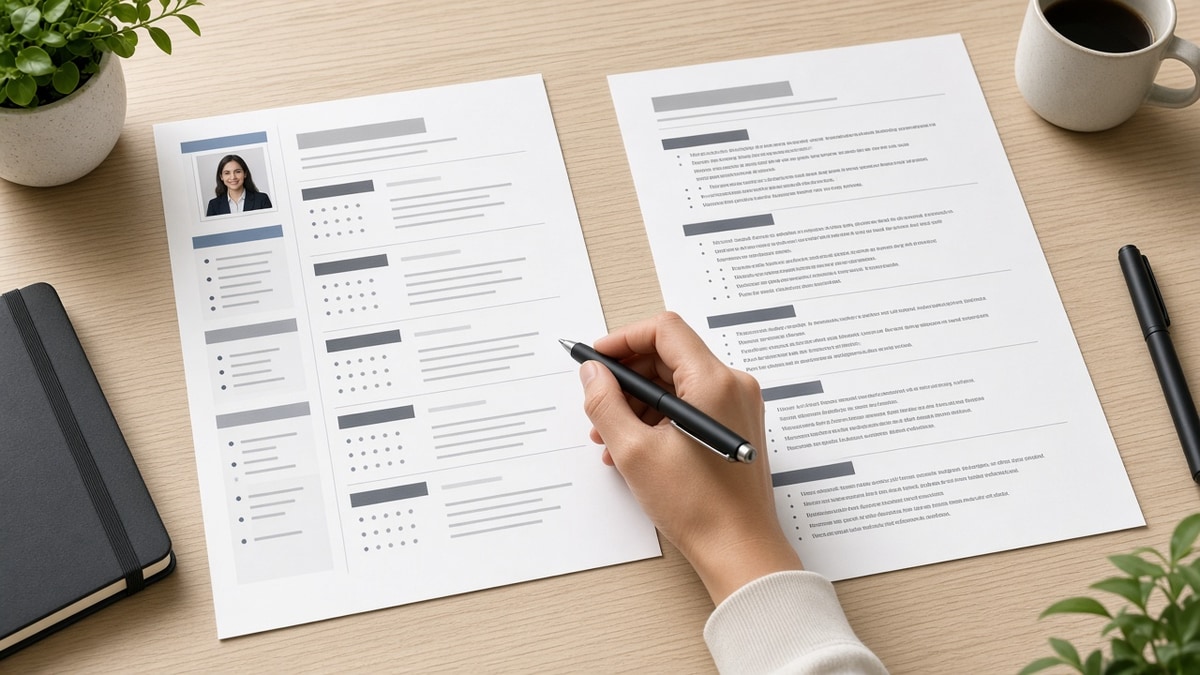
A chronological resume stacks employers by date with bullets underneath. A hybrid resume adds a competency block before that stack. Parsers treat both as one text stream if layout stays single column.
| Factor | Chronological | Hybrid (combination) |
|---|---|---|
| Parser risk | Lowest when plain | Low if single column; high with sidebars |
| Career change | Needs strong headline and first bullet | Skills map can translate vocabulary early |
| Recruiter skim | Dates and titles immediately visible | Risk of keyword cloud without proof |
| Consultant history | Long client lists can bury themes | Thematic skills block can unify engagements |
I've passed hybrid files in Workday when the skills section was six lines of plain text, not a colored grid. The same candidate resubmitted with a two-column Canva export and the profile parsed empty on half the roles.
Read chronological vs functional resume for ATS if you're tempted to hide dates entirely. Functional format fails more often than hybrid.
How to use a hybrid resume and still pass ATS exports
Step A: Write a six-line competency header
Group three to four themes from the posting: platform, domain, methods. Keep each theme on its own line with comma-separated tools you will repeat in experience.
Step B: Mirror each theme in dated bullets
Before: Skills block lists "Agile, Jira, SaaS onboarding" with no matching bullets above the fold.
After: First bullet under latest role: "Ran Agile ceremonies in Jira for SaaS onboarding across 40 enterprise accounts."
Step C: Keep one column end to end
Before: Skills sit in a left rail while jobs sit on the right.
After: Skills heading, six lines, then Experience heading with the same width as contact info.
Copy-paste hybrid layout skeleton
Copy-paste skeleton
Name / title line / contact (single stack)
Core competencies (3–4 lines, plain text)
Professional experience (reverse chronological)
Education / certifications
Optional: one-line tools list mirroring competencies
When columns are the hidden issue, see why ATS rejects resumes with columns before you blame the hybrid label.
Hybrid traps that look modern but break parsing
Skill meters and star ratings. Graphics drop on extraction, taking keywords with them.
Competency tables with empty cells. Parsers read cells out of order just like columns.
Functional-style gaps. Hybrid is not permission to remove dates. Employers still want chronology.
Duplicate keyword blocks. Skills up top plus the same nouns pasted in summary and skills footer triggers human skepticism.
Uploading the pretty version only. Keep a parser-safe PDF for portals even if you email a designed file to a contact.
When chronological is the better bet
If your last two employers and titles already mirror the posting, a hybrid front block adds little except repetition. Put your energy into bullet one under the current role and a headline tweak instead of maintaining a parallel skills essay.
Early-career candidates with one or two internships often parse cleaner chronologically because there isn't enough history to summarize. A short skills line under contact info is enough without a full hybrid chapter.
When hybrid earns its keep
Career changers moving from teaching to instructional design, or from military roles to logistics leadership, need translation before dates. Six lines of themed competencies give recruiters a map before they hit unfamiliar job titles.
Independent consultants with twenty short engagements benefit when a competency header groups projects by outcome instead of forcing recruiters to infer themes from client names alone.
Whichever format you pick, run the same Notepad test on the file you upload. Hybrid and chronological both fail when columns sneak back in through a template update you didn't notice.
Test exports before you pick a format
Run the free ATS resume checker on both your chronological and hybrid drafts against the same posting. Compare whether competencies appear in extracted Experience and Skills fields.
Use Score your job match to see if hybrid wording moved must-haves into body text or only into the top block parsers weight less.
Choose and ship
How to use a hybrid resume and still pass ATS comes down to layout discipline: one column, short competency header, mirrored bullets, honest dates. If your recent roles already tell the story, chronological is less work with equal parser odds.
- Pick hybrid when you must translate vocabulary before dates.
- Mirror every competency line in a dated bullet.
- Notepad test the PDF you will upload.
- Keep a chronological master even if you ship hybrid exports.
Before portals close, run a free resume check on the parser-safe export. Add a letter with the cover letter generator when the req asks for one, using the same competency themes you proved in experience.
Read more
Frequently asked questions
A hybrid resume, sometimes called combination format, leads with a skills or summary block, then lists work history in reverse chronological order. It tries to foreground competencies while keeping dated employers visible.
It is not automatically bad. It fails when skills live in columns, tables, or text boxes that parse after experience, or when the skills section repeats keywords without dated proof. A single-column hybrid with mirrored bullets usually parses like a chronological file.
Hybrid helps career changers and consultants who need a short competency map before a long client list. Pure chronological wins when your last two roles already match the req and you do not need a front-loaded skills story.
Yes, if the same terms appear in experience bullets with dates. Skills up top alone look like keyword clouds to recruiters even when parsers count them.
Keep one master with full history, then export a single-column PDF for portals. Design-heavy versions are fine for networking email if you also have a parser-safe attachment.