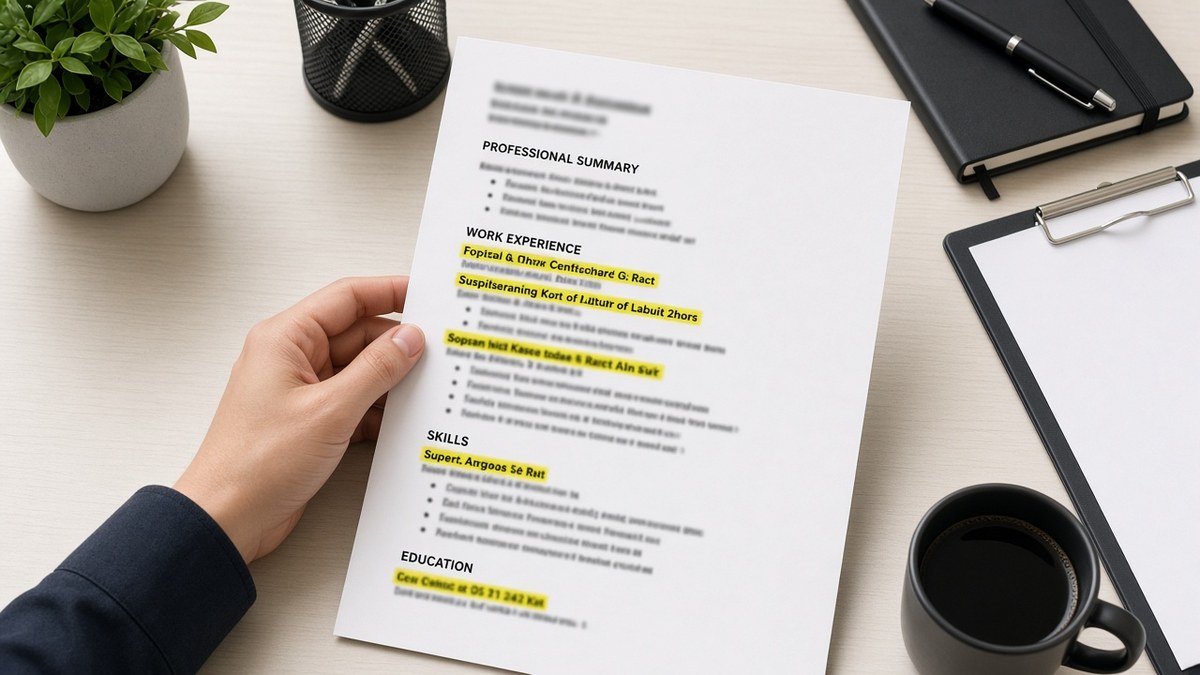
11 min read
You don't win the first screen with prettier fonts. You win when a recruiter's eye can travel in a straight line: current title, first bullet with a number, second bullet with a tool name, done. That's what skimmable means in Workday and Greenhouse, and most files still open on a wall of text. The parser already decided whether your Experience section imported in order. The human screen gives you ten seconds after that.
Before you rewrite bullet three for the fourth time, check your resume for free against the posting you're targeting. You'll see whether must-have terms sit in dated bullets or only in a Skills sidebar the importer skipped.
Job searching is draining when you're qualified and still getting silence. You're not failing because you lack experience. Your file might be asking the reader to work too hard before proof shows up. This page walks through layout, bullet leads, white space, and the mistakes that make qualified candidates look blurry on a fast scan.
Quick Wins
- Single-column DOCX. No sidebar Skills, no icon headers.
- Outcome in the first eight words of bullet one under your current job.
- Three to five bullets per recent role. Two lines max each.
- Export plain text and read top to bottom before you upload.
What recruiters actually scan before they close the tab
Skimming is not speed-reading your whole story. It is pattern matching: does the headline match the req, does the current employer look relevant, does one bullet prove the must-have skill. Recruiters in Greenhouse often open the PDF beside the posting and scroll with the mouse wheel stopped three times. Title. Company. First two bullets. Maybe Skills if bullets disappointed.
Parsers skim too, but they read character order, not design. A two-column template can look modern and still dump your 2024 role below volunteer work in the parsed text. Humans never see the proof line because the importer buried it. Skimmability starts with import order, then visual scan path.
The eye follows anchors: bold section headers, numbers, familiar tool names, dates in Month Year format. Walls of unbroken paragraph text have no anchors. Duty bullets that start with Responsible for or Assisted with force the reader to finish the sentence before learning what changed. That is extra work nobody budgets time for on applicant forty of the morning.
Edge case one: you're a designer with a portfolio link. The resume still needs skimmable bullets; the portfolio is proof on click, not a substitute for Experience text parsers index. Edge case two: you're a senior leader with twenty years of history. Skimmable means ruthless trimming, not smaller font. Edge case three: academic CV norms with publications listed first. Corporate reqs want Experience before publications unless the posting says otherwise.
When layout is clean but keywords still feel thin, read how ATS matches resumes to job descriptions after you fix scan path here. Structure first, match score second.
How to make your resume easier to skim: six layout and bullet fixes
Work in this order. Changing font color before you fix column layout wastes a pass. Each step targets what recruiters and parsers look at in the first pass.
Step 1: Flatten to a single column
Open your file in Word or Google Docs. Remove text boxes, tables used for alignment, and sidebar Skills panels. Set body text to 11pt Calibri or Arial with one-inch margins.
Before: Two-column Canva layout with contact info in a colored left rail and Experience on the right.
After: Name and contact on line one. Experience header full width. Each job block stacked: title, employer, city, Month Year range, then bullets.
Export to plain text. If your current job title appears below an old internship, the column fix is not done yet.
Step 2: Rewrite bullet leads with outcomes first
Under your current role, bullet one must answer why you're in the pile for this posting. Lead with verb, scope, tool, outcome. Illustrative metrics inside bullets describe your project, not the job market.
Before: Responsible for managing vendor relationships and improving procurement workflows.
After: Renegotiated twelve vendor contracts in NetSuite; cut annual SaaS spend $240K while keeping uptime SLAs at 99.9%.
Before: Helped the nursing team with patient intake and documentation.
After: Precepted four orientees on a 32-bed med-surg unit; cut average intake documentation time from 18 to 11 minutes using Epic flowsheets.
Step 3: Control white space and bullet length
Recruiters use white space as a stop sign between jobs. Cramming eleven bullets under one employer looks like you never edited. Aim for three to five bullets on the current job, two to four on the prior one.
Before: Six dense bullets, each four lines, no blank line between employers.
After: Four bullets max two lines each, one blank line between jobs, section headers in 12pt bold.
Step 4: Order sections for the scan path
Default order for most US corporate reqs: Experience, Education, Skills, Certifications. New grads can put Education first with internships directly underneath. Do not park a half-page summary above Experience unless it names target title and one metric in two lines.
Skills lists are skim aids, not proof. Mirror posting keywords once in Skills, then prove each in a dated bullet. A Skills block with twenty tools and no employer attached reads like a word cloud.
Step 5: Trim history that dilutes the scan
Every line competes for the same ten seconds. Internships from fifteen years ago, unrelated part-time jobs, and bullet points about high school awards steal anchors from current proof.
Before: Page two lists six early-career roles with three bullets each for a senior applicant.
After: Last ten to twelve years in detail; older roles collapsed to title, employer, dates, one line max.
Step 6: Test import, then upload the same file
Run your DOCX through an ATS check with the posting pasted in. Confirm Experience imports with current role on top and must-have terms in body text. Upload the exact version you tested.
If the portal wants PDF, export PDF from the tested DOCX, not from a design tool that reflows columns.
Edge case: career change with unrelated job titles
A teacher moving into corporate training needs a headline that names the target lane and bullets that translate classroom scope into business metrics. Skimmable here means the first bullet uses employer language from the posting, not education jargon alone.
Before: High School English Teacher bullets only mention lesson plans and parent conferences.
After: Designed quarterly curriculum for 120 students; adopted district LMS workflows later mirrored in corporate onboarding decks at the target company scale.
Edge case: contractor with six clients in two years
Skimmable does not mean hiding agency work. It means each client gets Month Year dates, stack in one line, and two bullets max so the block does not read endless.
Copy-paste block: ten-second skim checklist
SKIM CHECK (yes/no each):
[ ] Single column, 11pt Calibri or Arial
[ ] Current role title matches posting family
[ ] Bullet 1: outcome in first 8 words
[ ] 3–5 bullets on current job, ≤2 lines each
[ ] Blank line between employers
[ ] Skills mirror posting once; proof in Experience
[ ] Plain-text export: dates in order top to bottom
[ ] No graphics, tables, or text boxes

FAIL 2+ boxes: fix layout before word-smithing.
I've screened stacks of these in Greenhouse, and the file that earns the full ten-second pass almost always has a number in bullet one before the reader reaches line three.
For section order when you're unsure how far back to go, see how far back your resume should go in 2026 . Trim ancient roles before you shrink font to fit more text nobody will read.
Where readable files still lose the first screen
Bold on every keyword. When everything screams, nothing guides the eye. Fix: bold one metric or tool per bullet, not the whole line.
Tiny margins to fit more text. Dense pages feel like homework. Fix: cut bullets, don't shrink font below 10.5pt.
Graphics for visual interest. Charts and skill bars break parsers and do not replace proof. Fix: one number in text beats a pie chart ATS cannot read.
Keyword lists without verbs. Skills sections that repeat the posting verbatim with no Experience line look manufactured. Fix: one dated bullet per must-have term.
Headers and footers with contact info. Some importers drop header text entirely. Fix: contact block in body line one, not in the margin.
Uploading a different file than you tested. Recruiters open the version in the system, not the one you fixed locally after export. Fix: lock the file name and hash before submit.
Exception: federal resumes and academic CVs follow different length norms. Corporate tech and business roles still reward the ten-second scan path above. Another edge case: creative roles that request work samples. Skimmable resume plus portfolio link beats a designed resume that fails import.
Test skimmability and keyword fit before upload
Upload your flattened DOCX and the target posting to HireFlow's free ATS resume checker . Confirm Experience imports in order and must-have skills appear in bullets recruiters will actually scroll to.
When the layout passes but you need a one-page employer note, use the free cover letter generator with the same posting. Keep sentences short there too; recruiters skim emails the same way they skim resumes.
Do this now: Run the skim checklist on your current file. Fix column layout and bullet one before you touch anything else, then checker-test the same DOCX you'll upload.
What to fix tonight
Learning how to make your resume easier to skim is mostly subtraction. Flatten columns, shorten bullets, move proof up, and test import before you chase another template.
- Export single-column DOCX and read plain text top to bottom.
- Rewrite bullet one under your current job with outcome in eight words.
- Cut bullets and margins before you shrink font.
- Run the skim checklist, then ATS check on the same file.
Open the posting you care about. Run a free ATS check , confirm the importer sees your current role first, and send a file that earns the full ten-second scan.
Read more
Frequently asked questions
Long enough to read your headline, current employer, and the first two bullets if the layout cooperates. That is not a full page read. It is a zigzag down the left margin looking for title fit and one proof line. When bullets run six lines deep or sections hide inside a sidebar, the screen ends before your best work shows up.
For most mid-career US applicants, a two-line summary works only when it names target title and one metric. Otherwise lead with Experience. Parsers in Workday and Greenhouse often weight dated job rows higher than summary blocks, and recruiters scroll to your current role first anyway. A dense summary above the fold steals space from bullets they would have skimmed.
Yes for parsers, and often for humans too. Two-column layouts split contact info from body text or park Skills in a sidebar the importer reads last. Your 2024 manager title can land below a 2019 internship in the parsed view. Single-column DOCX at 11pt Calibri or Arial keeps the scan path one straight line down the page.
Three to five for your current role, two to four for the prior one, fewer as you move back. Each bullet should be one to two lines when printed. More than six bullets under one employer signals you have not prioritized, and the recruiter stops reading halfway through the block. Trim old internships before you add adjectives to recent work.
No. Bold everything and nothing stands out. Bold one phrase per bullet at most, usually the metric or tool name. Keyword bolding across the page looks like SEO paint and slows the eye. Put must-have terms in the first eight words of a bullet instead; that is where both parsers and humans anchor.