9 min read
You didn't imagine it. The same resume that vanished at Company A got a screen at Company B. How automation creates variability isn't random luck. Each employer runs its own filter stack on top of the same platform name you see on the careers page.
Check your resume for free against the posting you're applying to tonight. Then read which cause below matches your last rejection pattern. You can't reprogram their ATS. You can stop losing on parse and keyword gaps that show up only at certain configs.
Below: the symptom, three causes employers control, how to tell which one bit you, fixes for your file, and what still won't change no matter how clean your export is.
Job searching is exhausting when outcomes feel inconsistent. Most of that inconsistency sits in settings you'll never see, not in some hidden flaw only you have.
Quick wins
- Paste your upload PDF into Notepad before every apply. If reading order scrambles, switch to a single-column export.
- Mirror the posting's top duty in the first eight words of bullet one under your current role.
- Read minimum years and work authorization on the form before you spend twenty minutes tailoring.
What automation variability means in hiring
Automation variability is the gap between what your resume file contains and what an employer's configured system actually records, scores, and routes. Same PDF, same Tuesday night, different filter stacks. Workday at a regional bank and Workday at a SaaS shop share a logo. They do not share the same knockout questions, parse maps, or recruiter sort order.
This is not the same as recruiter preference. Preference shows up when a human opens your row. Variability shows up earlier: blank employer fields, auto-rejects from a dropdown, or a keyword score that never surfaces your file in the daily batch. I've screened queues where two candidates uploaded identical role titles but one file imported with SQL on the wrong job row and one didn't. The weaker candidate on paper got the screen because parse held.
What it is not: a hidden universal grade, a single ATS secret score, or proof that automation is broken everywhere. It is local configuration. Your job is to make the file boring enough to survive most configs and tailored enough to clear the keyword layer at the ones you actually want.
The symptom: same file, different silence
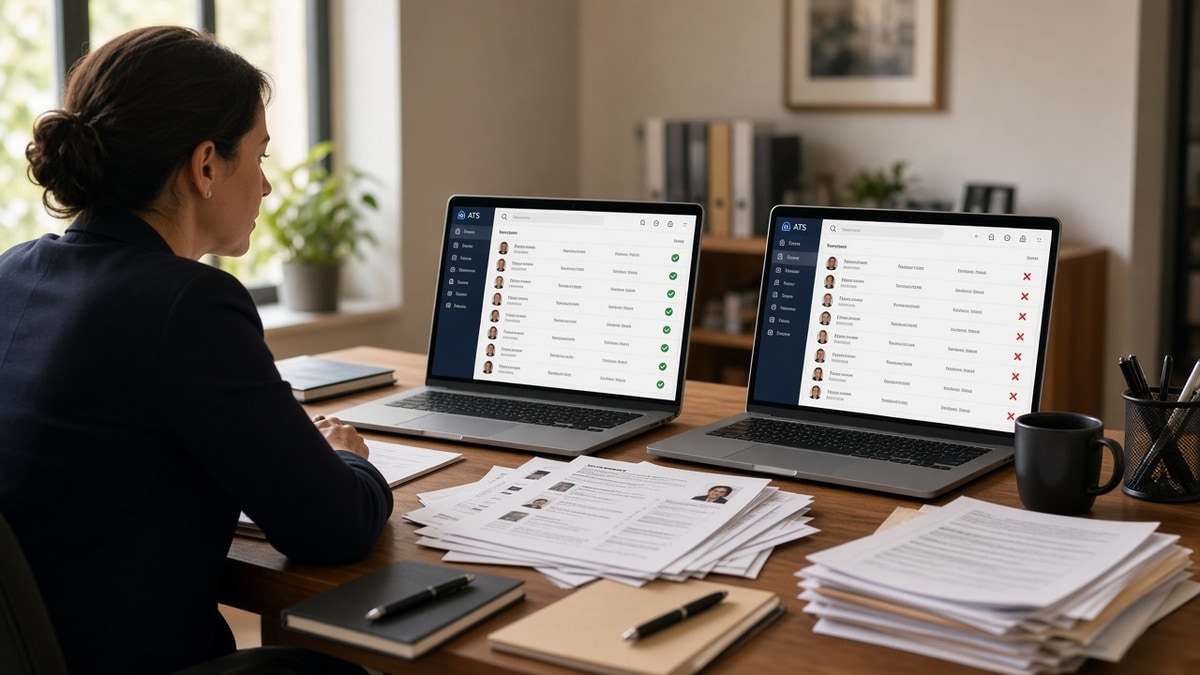
A mid-level analyst uploads one PDF to five reqs. Two portals show a parsed profile with full job history. Two show blank employer rows. One sends a rejection in four hours. The resume didn't change between tabs. The employer configuration did.
What variability means here: automated steps between upload and human review produce different results for the same candidate file. Parsing, knockout questions, keyword filters, and queue timing all differ by company even when the software logo matches.
Read how automation changed resume standards for the longer shift in what files look like now. This page is about why two clean files get treated differently on the same Tuesday night.
Recruiters inherit whatever the system imported. When parse fails, your bullet about SQL never attaches to a job row. When knockout rules fire, you never reach the recruiter's sorted list. Both feel like ghosting. The fix path differs.
Track three signals after each upload: did the preview populate, how fast did status change, and did the posting list hard minimums you missed. Two weeks of notes beats guessing whether you're unlucky or misconfigured.
How automation creates variability: three employer causes
Cause 1: Parse rules differ by portal build
Workday, Greenhouse, Lever, Taleo, and iCIMS all import resumes into fields. Each company's instance maps sections differently. A two-column Skills sidebar that parses fine at one Greenhouse tenant scrambles job order at another.
Before: Designed PDF with icon header. Portal preview shows empty phone field.
After: Single-column DOCX. Contact lines in body text. Paste test passes in Notepad.
Fix on your side: Upload the plain export everywhere. Keep the pretty PDF for email networking only.
Cause 2: Knockout filters and mandatory fields
Some reqs auto-reject when years of experience, work authorization, or salary answers fall outside a band. Your resume never reaches a human because a dropdown answer failed, not because bullet two was weak.
Before: Applying to a senior title with three years when the form requires five.
After: Target reqs where your years match the posting range, or answer honestly and accept faster auto-no.
Fix on your side: Read minimum years in the posting before you spend twenty minutes tailoring.
Cause 3: Keyword weight and recruiter queue order
Even after parse succeeds, some teams sort by keyword match score or application date. A file that cleared automation Friday may sit under Monday's batch. Another company surfaces newest uploads first. Same resume, different queue physics.
Before: Generic summary. Posting asks for HubSpot and lifecycle email. Neither word in bullet one.
After: Bullet one under current role: Ran HubSpot lifecycle campaigns for three product lines; lifted MQLs 22% in H1 2025.
Fix on your side: Mirror the posting's top duty in the first eight words of bullet one.
Before/after: operations coordinator
Before: Responsible for vendor management and scheduling.
After: Managed 14 vendor contracts in Coupa; cut invoice cycle time from 12 days to 7 in Q2 2025.
Before/after: customer support lead
Before: Handled escalations and trained new hires.
After: Resolved Tier 2 Zendesk escalations for 8 agents; held CSAT at 96% while ticket volume rose 18% in peak season.
Steps to spot which cause hit you last
You do not need access to the employer's admin panel. You need the last three applications and honest notes on what the portal showed right after upload. Walk through these in order before you rewrite the whole resume.
Step 1: Check the parse preview
Blank fields in the portal preview after upload point to cause 1. Job titles stacked under the wrong employer, skills floating without a role, or contact lines missing mean the parser read your layout out of order. Screenshot the preview when it looks wrong. That image tells you whether to fix format or keywords first.
Step 2: Match your answers to knockout rules
Instant rejection email with no recruiter name often points to cause 2. Compare your years, work authorization, and salary band answers against the posting minimums. If you were honest and outside the band, the system did what it was told. Target reqs where your answers clear the filter instead of fighting the same auto-no twice.
Step 3: Read silence against queue behavior
Long silence with an open req and a parsed profile points to cause 3 or queue timing. Note apply date, whether the req reposted, and whether bullet one mirrored the top duty. A clean parse with weak keyword alignment often sits below newer uploads when teams sort by date or match score.
Copy-paste variability check before apply:
1. Paste upload PDF into Notepad. Reading order intact?
2. Read posting minimum years and work auth. Do you qualify?
3. Highlight three required tools or duties from the posting.
4. Does bullet one include the top duty in the first eight words?
5. Retype contact into portal fields after upload.
6. Save answers to knockout questions before you attach the file.
7. Scan file against posting text before submit.
8. Note apply date if req is older than two weeks.
Edge case: internal referral at Company B bypasses some filters that blocked you at Company A on the same platform. Referrals change queue order; they don't fix a scrambled parse.
Edge case: staffing agency forwards your resume to multiple clients. Each client re-parses the attachment. Use the plain master file so every re-upload starts clean.
Mistakes that make variability feel personal
Most candidates blame the wrong layer when outcomes swing. That sends you rewriting summary prose when the portal never imported your current title correctly. These four mistakes widen the gap between Company A silence and Company B screen even when you're qualified.
Mistake 1: One pretty PDF for every portal
Icons, text boxes, and two-column skill sidebars look fine in Preview. They break import on half the tenants you'll touch this month. Keep a plain single-column master for uploads. Save the designed version for humans who already know you.
Mistake 2: Ignoring knockout questions until after upload
Candidates attach the file first, then rush through years and authorization answers. A mismatch auto-closes the req on your row before parse finishes. Read minimums on the posting, answer honestly, and accept that some reqs were never a fit.
Mistake 3: Same bullet one on every req
Keyword weight varies by team. A generic opener clears automation at a loose config and vanishes at a tight one. Swap only bullet one and the skills block when the posting names different tools. You don't need a new resume. You need a new first line.
Mistake 4: Treating fast rejection as proof you're unqualified
Auto-no in four hours often means filter mismatch, not a recruiter who hated your brand colors. Log which layer failed: parse preview, knockout answer, or queue silence. Fix the layer, not your entire career story.
Before: One resume file, five portals, no notes on what each preview showed.
After: Plain master file, bullet one tailored per posting, three-line log after each apply: preview OK, knockout cleared, req age.
What you can fix tonight (and what you can't)
You can fix: parse order, keyword alignment in bullet one, knockout answers, and which reqs you target.
You can't fix: how a bank configured Workday in 2019, a team's daily review cap, or a hiring freeze after you applied.
This won't turn a stretch role into a fit. It stops a qualified file from dying because Company A's parser read your sidebar before your current job title.
Pair with why ATS prefers text-based resumes when cause 1 keeps showing up across multiple portals.
When cause 3 is the blocker, spend ten minutes on the cover letter only if the posting asks for one. A short letter that names the same duty terms as bullet one gives the recruiter a second place to see fit. Draft a cover letter from the posting text so you are not guessing which phrases the team repeated on purpose.
Before: Upload, hope, refresh email for a week.
After: Run the copy-paste check, log preview result, tailor bullet one, apply once with clean answers, follow up once if the req stays open.
Scan the file against each posting
Variability drops when parse is stable and duty terms match. Score your job match on the posting you have open before you upload. The scan won't change their Workday settings. It flags missing duty terms before you waste a strong file on a tight keyword config.
Rebuilding from scratch? Build a plain single-column resume once, then tailor bullet one per req instead of redesigning the whole layout.
Cover letters still matter on reqs that ask for them, especially when your resume parse was messy but your experience is real. Use the cover letter generator to mirror posting language without stuffing keywords into a sidebar the parser will never read.
Stop blaming luck on your file
How automation creates variability is mostly employer configuration, not a mystery grade only some candidates receive. Parse rules, knockout answers, and queue order explain most of the gap between Company A silence and Company B screen.
Keep one plain master resume. Tailor bullet one per posting. Run the variability check before every upload. You'll still see inconsistent outcomes when reqs close or teams pause hiring. You won't lose as often to fixable file issues.
Check your resume for free on the next posting before you upload. Fix parse and keyword gaps on your side. Let employer configs explain the rest.
Read more
Frequently asked questions
Each employer configures its own ATS instance: required keywords, knockout questions, parsing rules, and recruiter review queues differ. Workday at a bank may require finance terms in bullet one. Greenhouse at a startup may weight portfolio links. Your file did not change. The filter stack did.
Related but not identical. Automation variability comes from system settings and parse quality before a human opens the file. Bias shows up later when a recruiter skims. You can fix parse and keyword alignment on your side. You cannot control how a company set its knockout rules.
Not perfectly. You can read signals: long application forms with mandatory fields, strict years-of-experience filters, and postings that repeat the same keyword ten times often mean a tight auto-screen. When the posting lists a specific ATS and niche tools, mirror those terms in bullet one before you upload.
Some teams review in daily batches. A strong file uploaded Friday night may sit behind Monday's new wave. That feels random but is queue order, not a broken resume. Follow up through the portal or a polite note after a week if the req stays open.
Use a parse-clean single-column file, tailor bullet one to each posting's top requirement, and retest paste order before every upload. Run a match scan against the posting text. You cannot standardize every employer's stack, but you can stop losing on formatting and missing duty terms.