7 min read · Three steps, not magic
You've heard the myths: a secret score, a robot that deletes you in seconds, a keyword density formula nobody publishes. Real hiring software is duller than that, and it's more predictable once you see the steps.
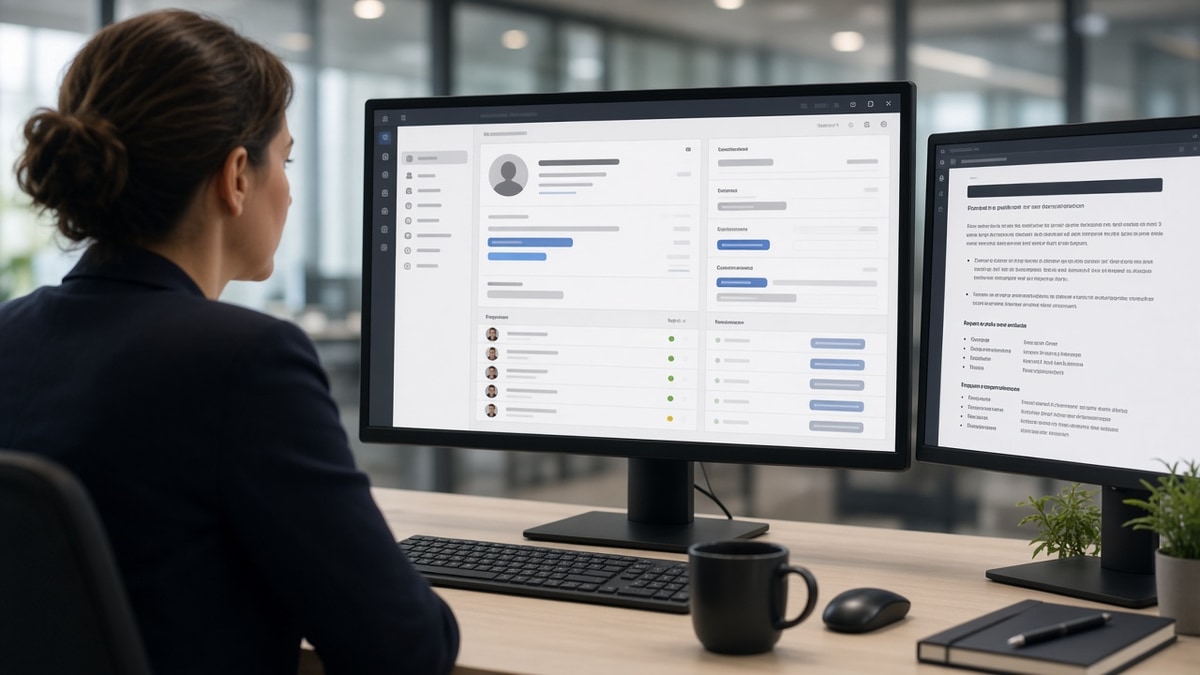
Think database plus search bar plus optional sort. Your upload becomes rows. A recruiter types what they need. Maybe the platform suggests an order. A person still picks who gets a call. There's no hidden employment judge in most stacks.
Run your file through a plain-text check first. Check your resume for free and confirm contact lines and job titles survived before you worry about ranking tricks that may not even exist on that employer's stack. Don't optimize a score until the text layer is clean.
Below is how ATS software really works in the order the system actually runs: parse, search, rank. Each section answers the question candidates ask most at that step. You'll know what to fix tonight instead of guessing.
Quick Wins
- Paste your resume into Notepad. If it is gibberish, parsing will be too.
- Put posting keywords inside bullets, not only in Skills.
- Use standard headers: Experience, Education, Skills.
- Ignore match-score obsession until text import looks clean.
What is ATS software, really?
Q: Is it an AI that hires people?
No. It is software that stores applications, tracks pipeline stages, and helps teams search a large pile. Compliance, scheduling, and email templates live there too. The resume part is closest to a contact database with a messy import button.
Q: Who actually decides?
Recruiters and hiring managers. They set filters, run searches, open files, and move cards on a board. The ATS records their choices. It does not replace them except in rare auto-rules someone configured on purpose.
Q: Why do people blame the ATS when they hear nothing?
Because the failure is invisible. A broken parse looks like a ghost application. You submitted. The database got a garbled row. Nobody searched your title because it imported as blank.
Before: "I need to beat the ATS with a 95% match score."
After: "I need selectable text, standard headers, and posting keywords in my last two roles so search finds me."
Naming the platform helps you picture the handoff. Workday and Taleo often show a parsed profile beside the original PDF. Greenhouse and Lever favor clean search across candidate tags. The sequence stays the same even when the UI changes.
How ATS software really works: parse, then search, then rank
Step 1: Parse (turn file into fields)
Q: What happens on upload?
The parser reads text in document order. It guesses which lines are names, employers, dates, and skills. Tables, columns, icons, and image PDFs break that guess. The career site preview or auto-filled application form is your proof of how well parse worked.
Before: Two-column Canva PDF with skill icons.
After: Single-column DOCX or text PDF with Experience and Education headers and Month Year dates on the left.
Step 2: Search (recruiter types, database returns)
Q: How do I get found after parse?
Recruiters search parsed text the way you search email. They type Salesforce, Python, or licensed RN. Exact terms matter more than synonyms. If the skill lives only in your head, not in a bullet, you are not in the result set.
Filters stack on top: location, work authorization, years in title, application date. Those are human-set gates, not mystical scores. Clear location and title lines keep you in the pool when filters run.
Step 3: Rank (optional sort, not a verdict)
Q: Where do match scores come in?
Some jobs show a relevance sort comparing parsed fields to the description. It is a queue order, not a hire signal. Teams still open lower-ranked files when the req is hard to fill or a manager asks for more options.
Before: Keyword list repeated in white font or a hidden Skills block.
After: "Built weekly Salesforce reports for 12 account owners, flagging renewals under 30 days" in the top bullet under your current role.
Copy-paste block: sixty-second ATS reality check
Copy-paste before you apply
PARSE: Paste resume into Notepad. Name, email, and last job title readable? No → fix layout.

SEARCH: Open posting. Highlight 6 must-have terms. Each appears in a bullet? No → rewrite top 2 bullets.

RANK: Ignore score until parse + search pass. If portal shows a sort %, treat it as queue position only.

HUMAN: Top third readable in 6 seconds? No → shorten summary and lead with outcomes.
That order is the whole game. Skip straight to rank hacks and you'll optimize a file the parser never stored correctly. For section headers parsers expect, see why resume sections should follow standards .
Workday imports and Greenhouse uploads punish the same layout sins: headers in text boxes, skills in graphics, contact info in a page footer the reader skips. Fix parse once and every search after that works harder for you.
Myths that send candidates down the wrong path
Myth: One perfect keyword density unlocks interviews.
Recruiters do not see your density chart. They see whether SQL appears in a bullet about the database you maintained. Repetition without context can hurt human skim even when search still finds you.
Myth: PDF always wins or Word always wins.
Format is secondary to text layer. An image PDF fails parse. A clean DOCX fails when someone forwards it and fonts shift. Match the upload field, then verify preview.
Myth: The ATS rejected me with no human involved.
Silence usually means low search visibility or a filter, not a robot employment judge. A human still owns the req unless the employer published an explicit knockout question you failed.
I've watched recruiters in Greenhouse run the same search three ways before they find a qualified candidate whose PDF looked fine but parsed with an empty job title. Fix the title line and the person appears. No score changed. Visibility did.
See what parse actually captured
Upload a draft to the ATS checker and read the extracted fields like a recruiter would. Missing titles mean search will miss you even with perfect keywords in the PDF view.
Rebuild broken layout in the free resume builder with single-column sections, then re-run the parse test. One source file keeps PDF and DOCX exports aligned after tailoring.
Need a short note for the same apply? Use the cover letter generator and repeat the same tool names you fixed in bullets so search and human read stay consistent.
Do this now: Highlight your email in the uploaded PDF. If you cannot select it, parsing will fail before rank ever matters. Re-export from Word or Docs before you apply again.
What to fix tonight
Run the copy-paste reality check: parse, search, rank, human skim. Stop when parse fails. No amount of keyword tuning fixes a blank job title in the database.
ATS software is not magic. It is import, index, filter, open. Your job is to make import accurate and bullets searchable. The rest is recruiting, which was never fully automated.
When silence continues after a clean parse and tailored bullets, the issue is often fit or volume, not a hidden robot. That is frustrating, but it is a different problem with different fixes.
Read more
Frequently asked questions
Most corporate stacks do not auto-reject without a human setting a rule. The usual flow is parse, store, search, optional rank, then a recruiter opens a list. You disappear when parsing fails, when filters exclude your location, or when your file never contains the terms a recruiter types into search. That feels like rejection. It is usually a visibility problem.
Parsing turns your upload into fields: name, titles, dates, skills. Ranking, when enabled, sorts parsed profiles against a job description. Search is separate: a recruiter types SQL or Project Manager and the database returns matches. A high rank does not help if nobody runs that search. Clean parsing helps every step after upload.
Match scores are sorting hints, not hiring decisions. Recruiters use them to shrink a stack of 400 applies to 40 worth opening. A middling score with strong bullets still moves when a manager asks for more names. A top score with vague content still dies on human skim. Write for the person who opens the attachment.
The form preview is the parser output. Scrambled dates, merged jobs, or blank skills mean the text layer failed. Fix the source file: single column, standard headers, selectable PDF text. Re-upload before you assume the system hates your background.
Workday, Greenhouse, Lever, Taleo, and iCIMS cover most corporate applies. You do not configure them. You feed them clean text with posting keywords in bullets. The employer's brand on the career page matters less than whether your file survives parse and shows up in search.