12 min read
You're applying across London, Manchester, and remote UK tech roles. One posting runs Workday. Another uses Greenhouse. A scale-up you like sits on Lever. Your CV hasn't changed, but the parsed profile each recruiter searches might look like three different people. That's not because you're underqualified. It's because each parser grabs text in a different order when your file still carries UK template habits.
Mid-level engineers, analysts, and product folk usually have the stack proof. The gap is testing. You don't need a lab scorecard. You need a repeatable procedure on one master file so you're not guessing which portal ate your current job title.
Before you rebuild bullet four, check your resume for free with the posting pasted in. Parsing comparisons are faster when you see missing nouns and broken order on the same screen.
This guide is archetype procedure, not a crown for one vendor. You'll build a baseline CV, run shared checks, then note what each ATS type tends to scramble on UK tech layouts. Pair it with Lever parsing fixes for UK CVs when your target is finance-adjacent tech, and Workday upload errors to avoid when the req sits inside a large enterprise tenant.
And if you've been told one ATS is always kinder to developers, ignore that until you've pasted your own export. Your two-column skills rail might behave on one portal and collapse on another with the same PDF bytes.
Quick Wins
- One master CV, single column, Experience before Skills.
- Notepad paste test on PDF and DOCX from the same source.
- Screenshot parsed preview on any req that shows fields after upload.
- Log the first scrambled field per ATS, then fix layout once.
What you're actually comparing
The bar: recruiters search current title, employer, dates, and a handful of stack nouns inside Experience. Parsing comparison means checking whether those fields survived import, not whether your Canva template looks modern.
Workday, Greenhouse, and Lever are different products with different import paths. Some Workday tenants lean on rigid profile fields after upload. Greenhouse often shows a parsed candidate record recruiters filter in list view. Lever blends CRM-style profiles with application data. You are not ranking them like phone benchmarks. You're noting which one mislabels your UK CV first when the layout is still slightly fancy.
UK mid-level tech CVs often carry habits US parsers stumble on too: degree classification beside employer tables, contract client lists in grids, and icon skill rows from popular templates. The contrast you didn't expect: Greenhouse might read your Kubernetes line as a job title while Workday still shows Software Engineer but drops your phone number because it lived in a Word header.
Composite picture: a platform engineer with four years across two UK employers applies to three similar backend roles. Same PDF. Workday preview shows blank email. Greenhouse shows Terraform as current title. Lever merges education and skills into one block. None of those outcomes mean the tools hate UK candidates. They mean the file order still fights the extractor.
This won't fix applying to staff roles when you're solidly mid-level. It stops a qualified CV from looking like a different person depending on which ATS the hiring team bought.
English CVs for UK employers should stay consistent in section headers. Mixing Welsh or bilingual headers in one upload can split parser attention even when your bullets are strong.
Remote roles that hire in GBP still use the same parsers. Location in contact lines helps humans; parsers care more about linear text than whether you wrote Greater London or Manchester.
Workday vs Greenhouse vs Lever ATS UK mid-level tech CVs: five-step test
Work the steps in order on one afternoon. If you skip the shared master file, you're comparing three different designs and learning nothing useful.
Step 1: Build one single-column master
Start in Word or Google Docs with plain headings: Profile, Experience, Education, Skills. Put email, phone, and LinkedIn URL in the body top, not a header/footer zone. For each role, write Job Title, Employer, City, Month YYYY to Month YYYY on one line, then bullets with stack proof.
Before: Two-column UK template with skills icons in the left rail and employment on the right.
After: One column where Python and AWS appear inside bullets under the fintech role where you used them in production.
Save as master_UK_tech.docx. Every comparison upload this week comes from that file, not last year's Europass export.
Step 2: Run the Notepad paste test on both exports
Export PDF and DOCX. Select all, copy, paste into Notepad or plain TextEdit. Read aloud once. Current employer should appear before a long skill list. Degree lines should sit under Education, not between jobs.
If PDF paste order differs from DOCX, remember which export you'll send to Workday when only PDF is allowed versus Greenhouse when DOCX is accepted. The paste test is the control arm of your comparison.
Before: Paste opens with fourteen tools and certifications; employer name shows on line 38.
After: Name, email, and phone in the first lines; newest job title before Skills echo lines.
Step 3: Upload once per ATS type when preview exists
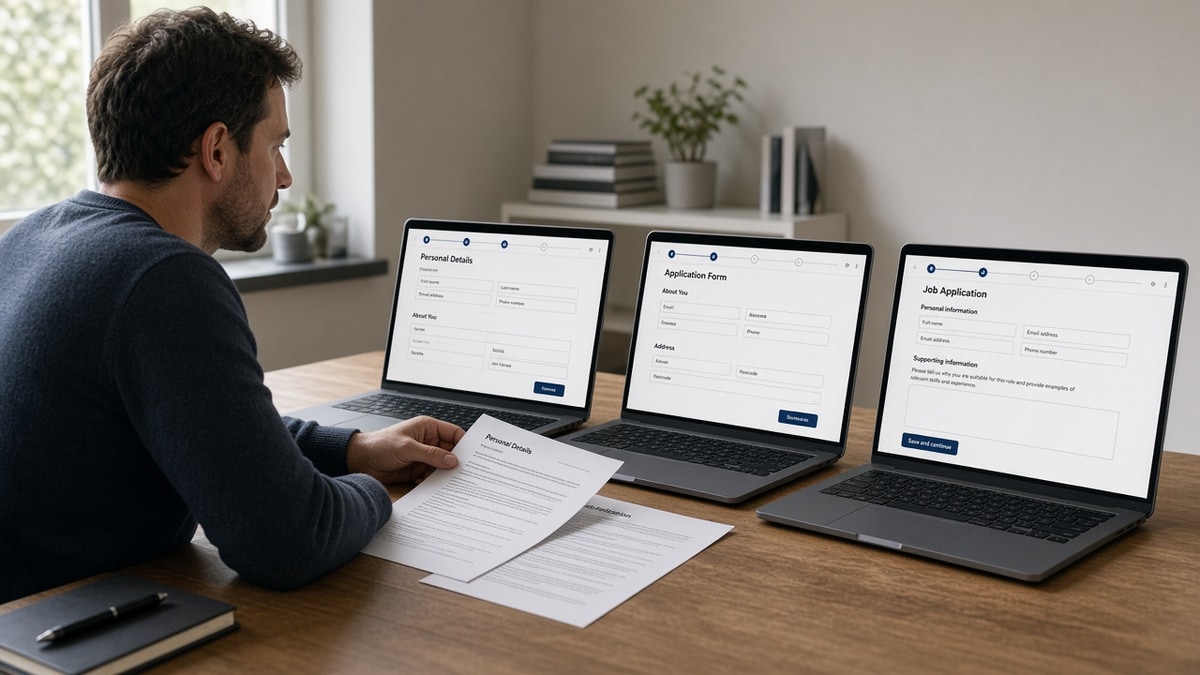
Pick one open req per stack where you've seen parsed fields or a profile preview after upload. Use the same file type that won the paste test. Do not tweak fonts between uploads. Screenshot title, employer, start date, email, and the first five imported skills.
Workday-heavy banks and retailers often show structured application data. Greenhouse startups usually expose a candidate profile recruiters search. Lever scale-ups may show a hybrid profile. If preview is hidden, rely on paste order plus recruiter feedback after a single targeted apply.
I've screened Workday and Greenhouse profiles where the human PDF showed Backend Engineer but the parsed title was a footer skill; flattening the master fixed search on the next upload, not swapping employers.
Step 4: Log the first failure mode per platform
Create a simple table on paper or in Notes with three rows: Workday, Greenhouse, Lever. Column one: first scrambled field. Column two: CV habit that caused it. Column three: fix you'll apply to the master.
Typical UK mid-level tech patterns without claiming universal ranks: Workday loses contact data in Word headers and sometimes splits long employer strings when you nested tables. Greenhouse promotes left-rail stacks or certifications above Experience when columns were present. Lever concatenates across two-column rows so client names attach to the wrong dates.
Your log beats internet folklore because it ties to your file. A colleague's CV on the same stack might break on education grids while yours breaks on contract tables.
Step 5: Fix layout once, re-export, paste again
Apply one structural fix at a time: remove columns, move contact into body, flatten project grids to bullets, spell Month YYYY dates on employer lines. Re-run Step 2. Only then batch apply to multiple reqs on the same ATS.
Edge case: IR35 contract history with ten short clients. Group under one consultancy employer with client names inside bullets so Lever and Greenhouse see linear dates.
Edge case: dual degree plus bootcamp certifications. Stack certifications under Education as plain lines, not badge graphics that import before Experience on Greenhouse.
Copy-paste block: comparison log template
CV master file: Firstname_Lastname_UK_tech.docx
Paste test winner: DOCX / PDF (circle one)

Workday req: _____________
First broken field: email / title / dates / skills
Fix applied: moved contact to body / removed table / flattened sidebar

Greenhouse req: _____________
First broken field: _____________
Fix applied: _____________

Lever req: _____________
First broken field: _____________
Fix applied: _____________

Re-paste test pass? Y / N. Do not batch apply until Y.
After the master survives Step 2 on both exports, align keywords with the posting using bullets, not footer clouds. Mid-level tech reqs still reward proof in dated roles more than repeated acronyms in Skills.
Keep a plain text backup of your master in the same folder. When a recruiter asks for Word, you send the paste-tested DOCX, not a fresh Canva pass that reintroduces columns.
UK tech CV habits that skew your comparison
Testing three different designs. If Workday got a PDF export from Canva and Greenhouse got a LinkedIn Save-to-PDF, you're measuring templates, not ATS behavior. One master only.
Declaring a winner from one apply. A single scrambled upload might reflect a tenant setting or a broken template row. Log twice when possible before you rewrite your entire CV story.
Chasing keywords before order. Adding Terraform ten times won't help if Greenhouse still thinks Terraform is your job title. Flatten first, then tune nouns inside Experience bullets.
Ignoring empty email in Workday preview. Recruiters can't call you when the parser dropped contact lines. Move phone and email into the body line one every time.
Before: Skills section titled Tech Stack with thirty acronyms and no dates.
After: Skills echo lines only for tools already proven under dated roles, max one line each.
Before: Project table with Client, Stack, Outcome in three columns across the page.
After: One bullet per client under the consultancy role: Built checkout API in Node for retail client; cut cart errors 8% in Q2.
Don't compare ATS platforms using scraped screenshots from old blog posts. Run your file on live reqs you would actually take if offered.
Photos on UK CVs are optional culturally but never replace contact text parsers can read. Keep images out of the header band where Greenhouse expects your name string.
Security-cleared roles: write clearance level as one plain sentence near contact info, not inside a shield icon row that imports as garbage characters.
When a posting says CV and another says resume, upload the same master. Parsers ignore the label on your filename if the text order is sound.
Check the file before the third upload
Run the rebuilt master through the free ATS checker with each job description you care about. Missing nouns should show up before you spend another hour comparing portals manually.
Draft a short letter that repeats the title your master survived with the cover letter generator . Match score work belongs after order is fixed; use score your job match on the survivor export, not on a file that still lists skills before employers.
Do this now: Paste-test your master, log one Workday, Greenhouse, or Lever preview, apply a single layout fix, and re-paste before you send five more applications tonight.
Pick fixes by employer, not myth
Workday vs Greenhouse vs Lever ATS UK mid-level tech CVs comparisons only matter when they change what you upload next. Build one boring master, paste-test both exports, screenshot parsed previews where you can, and fix the first scrambled field your log shows. Mid-level candidates rarely need three designs. They need one file recruiters can search.
Stack depth is your edge once title and dates import cleanly. Let bullets carry proof where keyword search runs, not a left rail the parser reads first.
- Single-column master before any ATS myth hunting.
- Same file across Workday, Greenhouse, and Lever tests.
- Layout fixes before keyword stuffing.
- Re-paste after every structural change.
Open your master doc tonight. Run a free ATS check on the export that survived Notepad, then apply to one live req with preview enabled so you see what recruiters search.
Pretty CVs that parse differently on every portal still lose to plain CVs that tell one consistent story. Be boring on structure so your UK tech proof can be loud where it counts.
Read more
Frequently asked questions
None wins on every file. The useful answer is which system breaks your specific layout first. Run the same single-column master through a Notepad paste test, then upload to one req on each stack when you can see parsed fields. Workday often drops contact lines in Word headers. Greenhouse often reads sidebar skills before your current title. Lever often merges two-column rows across the page. Fix the failure you see on the employer you are targeting.
Export both from the same rebuilt source and paste each into Notepad. Upload whichever copy keeps Experience before Skills and lists Month YYYY dates next to employers. Workday forms sometimes accept only PDF; Greenhouse often allows DOCX. Lever varies by company. File type matters less than reading order.
Two pages is normal for mid-level tech in the UK when every line is proof. Page three of old internships hurts search more than length itself. Parsers still read top to bottom. If page two opens with a skill cloud while page one ends mid-role, some systems treat the cloud as a title block. Keep roles contiguous and dated.
Build one master CV with umbrella employers or grouped consultancy lines so dates stay linear. Paste-test once. Do not maintain three design templates and expect the same parse on Workday, Greenhouse, and Lever. When client names must show, put them inside bullets under one dated employer line.
Screenshot parsed preview fields: current title, employer, start date, email, and top three skills imported. Note which section scrambled: header contact, sidebar, project table, or education grid. That log tells you whether the next fix is flattening columns or moving stack keywords into bullets, not which ATS brand to avoid forever.