11 min read
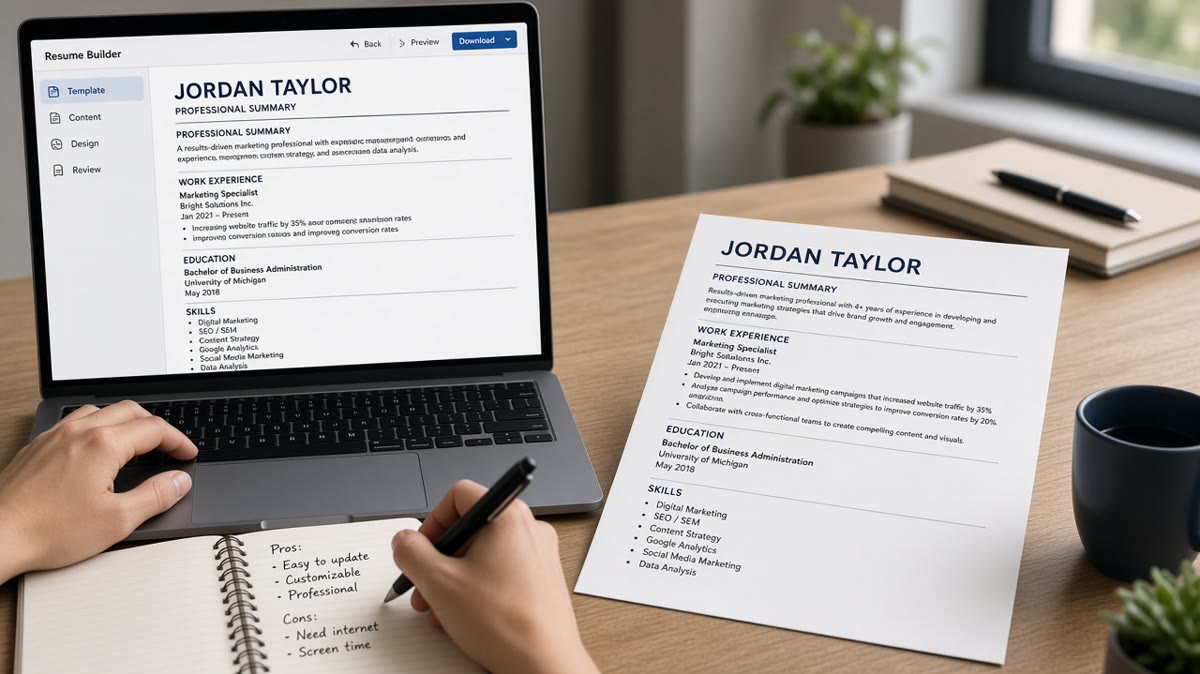
Use an ATS resume builder when your file keeps losing sections on Workday or Greenhouse upload and you need locked single-column field order on export. Use a plain template when you already flatten layout yourself and only need a visual starting point for one-off edits. That's the answer. The rest of this page explains why parsers care more about field order than design, when templates still win, and what to run before your next application.
You're not choosing between pretty and ugly. You're choosing between export guardrails and full manual control. Most rejections tied to format aren't about color. They're about dates in table cells and Skills in a sidebar the parser never attached to your name row. Before you download another template pack, check your resume for free with a target posting pasted in. You're checking whether employer rows imported intact, not whether the margin looks modern.
Job searching is repetitive enough without rebuilding layout every Sunday night. I've screened uploads where the candidate used a gorgeous two-column template and the preview showed skills first, jobs second, and no dates at all.
Below you'll see why the builder-versus-template debate matters to parsers, the exceptions where templates are faster, before-and-after export fixes, and what to do before you submit. When the req wants a cover letter in the same portal, generate a cover letter from the same plain export so formatting stays consistent across uploads.
Quick Wins
- Single column beats two columns every time for US ATS uploads.
- Paste into Notepad after every export. If order breaks, fix before PDF.
- Builders help when you reapply weekly and previews keep scrambling.
- Templates help when you know Word styles and only edit once a month.
Why ATS resume builder vs templates matters to parsers
Applicant tracking systems don't score your font choice. They ingest plain text in reading order. When that order is wrong, keywords land on the wrong rows and tenure math breaks before a recruiter opens the file.
Templates optimize for human eyes first. Builders optimize for field order first. That's the trade. A template gives you speed and visual hierarchy. A builder gives you labeled fields that export Experience, Education, and Skills in the sequence Workday expects.
Most template failures aren't malicious. They're table layouts, icon bullets, and skill clouds in sidebars. Greenhouse and Lever often recover better than Taleo or iCIMS, but none of them reward design over structure consistently.
Content still wins either way. A builder won't fix weak bullets. A clean template won't fix dates trapped in columns. Fix what you say first, then pick the workflow that keeps export stable for how often you apply.
Think of the builder as guardrails on a highway and the template as an open field. Guardrails help when you drive the same route every day and hit the same potholes. The open field works when you've mapped the terrain and don't need rails until you skid.
Recruiters rarely know which tool you used once the preview looks clean. They react when it doesn't. A scrambled preview makes you look careless even when the content is strong. That's why export testing beats debating aesthetics in forum threads.
For file-type choices after export, read how resume file type impacts screening . Pick builder or template first, then match PDF or DOCX to what the portal accepts.
Builder vs template: side-by-side export fixes
Two-column template scramble
Before: Word template with contact and Skills in a left column and Experience in a right column. PDF looks balanced. Plain-text paste puts Skills before employer names.
After: Single-column export from a builder with Summary, Experience, Skills in that order. Plain-text paste shows employer name above each role title with Month Year dates on the same line.
The fix: flatten or rebuild. Templates can be flattened manually if you delete columns. Builders skip that step when field order is preset.
Table-based dates
Before: Free template stores job title in column one, employer in column two, dates in a narrow third column. Workday preview shows titles with blank end dates.
After: One line per role: Northline Corp, Chicago IL. Analyst | January 2021 to March 2023. Builder fields export title and dates on the same row without table cells.
Template users fix this by removing tables entirely. Builder users pick a template that never used tables to begin with.
Icon and graphic bullets
Before: Canva-style template with icon bullets and a headshot circle. Parser drops icons and merges lines.
After: Plain hyphen bullets in 11-point Calibri or Arial. No icons, no text boxes, no header image embedded in the body.
Builders that block icon bullets save you from accidental reintroduction. Template users must strip graphics manually every edit.
Weekly tailoring volume
Before: Candidate duplicates a Word template per req, breaks style links, and ships a file where bullet two font differs and a table reappears.
After: Candidate keeps one builder master, swaps summary and top bullets per posting, exports DOCX with identical structure each time.
High-volume applicants benefit from builders because consistency compounds. Low-volume applicants who touch the file twice a year may prefer a template they already know.
Header and footer clutter
Before: Template adds a repeated header with name and phone on every page plus a footer URL. Plain-text paste duplicates contact info four times and pushes Experience down.
After: Contact block once at top. No running headers. Builder exports one name row unless you explicitly enable page repeats.
Duplicate contact rows confuse parsers that try to merge fields. They sometimes attach phone numbers to employer names. Strip running headers even if the template looked professional in print view.
Copy-paste block: plain-text export check
1. Export DOCX or text-based PDF.
2. Select all, copy, paste into Notepad.
3. Confirm order: Name, contact, Summary, Experience (employer then title then dates), Education, Skills.
4. If dates float alone, flatten tables or switch builder template.
5. Upload once and read the portal preview before Submit.
Run that five-step check on every new template or builder skin. Edge case: academic CV templates with publications up front need a separate US corporate export. Don't upload the twelve-page CV master to a corporate Workday req.
Edge case: federal resume builders use their own field rules. USAJOBS length and section labels differ from corporate one-page norms. Use the federal builder for federal reqs and a corporate builder or plain template for private-sector uploads.
For baseline section order on US corporate files, see the universal US resume template: what it includes . Match that skeleton whether you build or template.
Exceptions where templates still beat builders
Builders aren't mandatory. These cases favor keeping a plain template you control end to end.
You already maintain a verified plain DOCX. If your current file passes paste tests and preview checks, switching tools adds friction without parser gain. Update content, not workflow.
You apply rarely and know Word deeply. One edit every few months doesn't justify migrating fields into a new builder. Save the builder move for when previews start failing.
Your employer requires a branded template. Internal transfer forms sometimes specify a company Word file. Use their template for internal reqs and keep a plain external master for outside applications.
You need offline control on a locked network. Some candidates can't use web builders on corporate laptops. A local plain template with offline Word is valid when export tests pass.
Exception reversed: if you apply through multiple ATS portals weekly and previews scramble employers, templates cost more time in manual flattening than a builder would. The break-even point is usually three failed uploads in a row with the same template.
Before: Candidate keeps switching free templates hoping design will fix zero callbacks. Each switch introduces new table layouts.
After: Candidate picks one plain skeleton, runs paste tests, and only changes words per req. Callback rate depends on content, but previews stop lying about tenure.
This won't fix applying to roles where you're underqualified. It stops a qualified file from dying because Skills imported where Experience should be.
Don't treat builder export as proof without preview. Some portals re-parse on save. Always read the employer preview pane before Submit, regardless of which tool created the file.
Avoid template marketplaces that promise ATS-optimized in the title but ship multi-column layouts. Read the plain-text paste, not the marketing thumbnail on the download page.
Career changers sometimes keep an old industry template with color bands and logo slots. Rebuild on a plain skeleton instead of recoloring. Parsers ignore your brand palette. They read order.
International candidates exporting from CV formats with photo boxes should remove photos for US corporate uploads unless the req asks for one. Photos embedded in Word bodies break text flow in several parsers.
When a builder offers ten visual skins, pick the dullest one. Skins that reintroduce columns through hidden tables fail the same way free templates do. Boring export is the goal.
Pick a workflow and test export
Upload your current export and the posting to HireFlow's free ATS resume checker . If employer rows scramble, move to a builder with locked single-column fields. If rows hold, keep your template and stop chasing new designs.
When previews fail and you need a clean master, build your resume with Month Year fields and plain bullets, then run the Notepad paste before your next batch of applications.
Do this now: Export once, paste plain text, read the portal preview, then decide builder or template based on whether rows stayed attached.
What to do now
ATS resume builder vs templates isn't a loyalty contest. Pick builders when export order keeps breaking on upload. Pick plain templates when your current DOCX already passes paste tests and you edit rarely.
- Run the Notepad paste on your current file tonight.
- Count three scrambled previews before you switch tools.
- Strip columns, icons, and table dates if you stay on templates.
- Lock one master skeleton and swap words per req.
- Read the employer preview before every Submit.
Open the req you're targeting. Run a free ATS check , fix export order, and submit one clean upload.
Read more
Frequently asked questions
Most are not when they use columns, icons, or text boxes. ATS parsers read single-column plain text best. If you start from a decorative template, you spend more time stripping layout than writing bullets. Use a plain DOCX or a builder that exports single-column PDF without graphics.
Only if the file is one column, uses standard headings, and survives a plain-text paste test. Many free Word templates hide dates in table cells or put Skills in a sidebar. Download, paste into Notepad, and check order before you trust it. A pretty template that scrambles employer rows fails before a human opens it.
When you apply through Workday, Greenhouse, or Lever weekly and your current file keeps losing sections on upload. Builders that lock field order and export clean DOCX reduce parser surprises. They're worth the switch when you've already fixed content and still see scrambled previews.
Yes if you're fluent in Word styles and willing to flatten tables and sidebars yourself. Templates win when you need one quick edit and you run paste tests every time. Builders win when you want the export guardrails built in so you don't rebuild layout per application.
Upload what the portal asks for. Many US corporate sites accept PDF if it's text-based, not scanned. When a form offers DOCX, use DOCX from the builder. After export, paste plain text once. If dates detach from employers, fix field order before you debate PDF versus DOCX.