9 min read
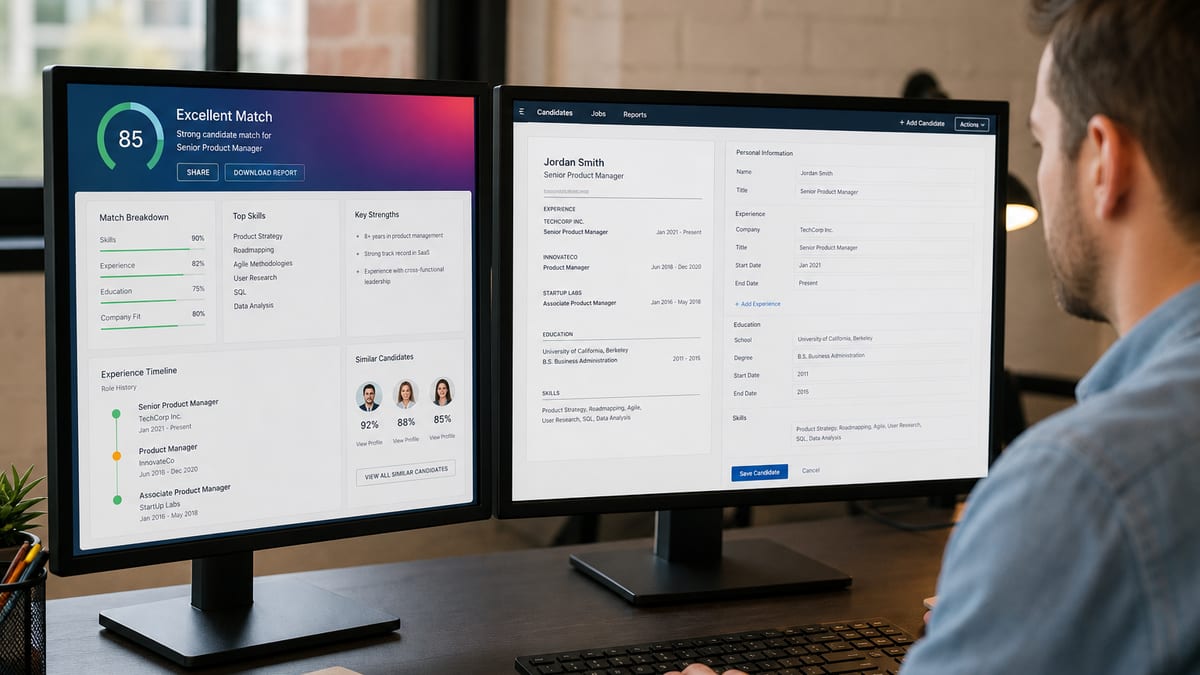
You ran a scan, got a comforting number, applied anyway, and heard nothing. That doesn't always mean the checker lied. It often means you asked a file-quality question and treated the answer like a hiring verdict.
Check your resume for free on the exact PDF or DOCX you'll attach, read ranked flags, fix structure, then decide whether the posting is a fit. That's the loop checkers are built for.
This page maps the symptom you're feeling, three reasons scores mislead, how to tell which mistake is yours, and a short workflow that keeps proxy scores in their lane.
Quick Wins
- Fix columns, contact, and dates before you chase match percentage.
- Paste the real job text you are targeting, not a similar title from memory.
- Re-scan after edits to confirm flags moved, then stop chasing a perfect score.
- Keep the percentage off the resume; keep the fixes in the file.
The symptom: trusted score, silent inbox
The checker smiled. The portal accepted your file. Replies still flatlined. The symptom feels like "are ATS checkers accurate?" but it's often "did I use the score for the wrong job?"
Proxy tools diagnose files. Employer ATS products store applications, run knockout questions, and let recruiters search parsed fields. Nobody gives a consumer checker the keys to that tenant. Accuracy has to mean "caught real risk on my attachment," not "predicted Acme's ranking model."
When candidates treat a green dashboard like a hiring promise, every silent apply looks like fraud. When they ignore a red structural flag because the number still looks okay, they waste applies on files recruiters cannot read.
I've never opened a HireFlow-style consumer score inside Workday. I open parsed name, title, dates, and the PDF. If your checker fixed those, it did accurate work even when my req filled from a referral slate you'll never see in a score report.
Pair this mental model with how ATS really works so you know what happens after upload.
Are ATS checkers accurate? Three traps and fixes
Trap 1: High match on a broken layout
Symptom: match meter looks strong while columns scramble job order in the portal preview.
Before: two-column template, checker praises keyword overlap, Workday shows skills block above current employer.
After: single column, contact in body, experience with employer and Mon YYYY dates on separate lines, then re-scan.
Fix structure first. Match accuracy without parse accuracy is a dangerous blend. See why is my ATS score low when flags persist after layout work.
Trap 2: Chasing a perfect score by stuffing keywords
Symptom: score jumps only after you paste chunks of the job description into the summary.
Before: summary reads like the posting copied twice; checker hits top band.
After: summary in your voice, missing hard skills moved into bullets where you actually used them, score settles mid-band but file reads credible.
Fix: treat overlap lists as gap notes, not paste targets. Humans notice stuffing fast once the file parses.
Trap 3: Expecting the checker to see knockouts and referrals
Symptom: clean scan, still auto-closed after apply because a required license question failed or an internal candidate already advanced.
Before: you assume a high checker score overrides knockout answers.
After: you treat portal questions and outreach as separate lanes from file diagnostics.
Fix: run the checker on file risk, then read does ATS reject resumes automatically for what portals actually gate.
Copy-paste block: preflight questions
Copy-paste before you trust a score
{`1. Did I upload the same file I will submit?
2. Are top flags about structure (columns, contact, dates)?
3. Is the pasted JD the exact role family I'm targeting?
4. Did I re-scan after fixes and see flags drop?
5. What's my outreach plan besides the score?`}
If question one is no, stop. Accuracy discussions are pointless on the wrong bytes.
False comfort and false panic
False comfort: ignoring a column warning because the headline number looks fine. False panic: rewriting nightly because two free tools disagree by a small gap while both flag the same missing phone line.
Split meters help. Structure meters ask whether sections and contact extract. Match meters ask whether your language overlaps a pasted posting. A high match on a toxic layout is inaccurate as a readiness signal even if the math inside each tool is fine. A clean structure with low overlap may be accurate about targeting, meaning you should change roles, not invent skills.
| Pattern | What it usually means | What to do |
|---|---|---|
| Both tools flag columns | High-confidence parse risk | Rebuild single column now |
| Scores differ, same structural flags | Weighting difference | Fix flags, ignore the gap |
| Top score only after JD paste into summary | Overfit risk | Move terms into true bullets |
Severity beats vanity. Critical flags are missing contact, undetected experience, image-only PDFs, and multi-column frames. Medium flags are inconsistent dates or weak overlap on the right target. Low flags are optional soft-skill synonyms when bullets already show collaboration.
Before: you treat every amber soft-skill nag as urgent.
After: you fix parse blockers, add one truthful bullet for a missing hard skill, ignore buzzword noise.
Vendor pages that promise "official Workday scores" are selling certainty nobody has. Prefer tools that show ranked issues in plain language and let you re-scan after edits.
For score bands without obsessing, read what is a good ATS score and does it matter after your file parses cleanly.
Use a checker like preflight, not prophecy
Accurate use is a short loop: upload, read flags, edit, re-scan, apply, then spend human time on targeting and messages. Inverting that loop produces beautiful scores and quiet inboxes.
Document the job text you paste each time. Otherwise you'll accuse the tool of randomness when you changed targets between scans. Accuracy is a workflow property: the same file, the same posting, the same fixes, then a fresh read of ranked issues.
When structural flags clear and overlap still looks thin, that's often an honest mismatch signal. Retarget, add proof where you truly have the skill, or walk away from a stretch req. Checkers can't invent experience; they can stop you from submitting a broken version of experience you already have.
Run the free ATS checker on your export, clear structural issues, then paste the posting into score your job match so gaps reflect the req you're actually pursuing.
Do this now: If two tools disagree slightly but both hate your columns, believe the columns. Numbers can diverge; broken reading order cannot.
Stop when flags are boring and the file reads well to you. More scans won't replace referrals, better targets, or interview prep.
Frequently asked questions
They are reasonably accurate as diagnostics for formatting, section detection, and obvious keyword gaps against a pasted job description. They are not accurate as clones of every employer Workday, Greenhouse, or Lever configuration. Treat the score as a rehearsal for file risk, not a prediction that a named company will hire you.
Different tools weight structure versus job-description overlap differently, and they use different rule sets. A modest gap between scores is normal when both flag the same structural issues. Shared red flags such as columns, missing contact, or unreadable dates are the signal to trust. Pick one primary tool for iteration so you do not rewrite all night for two vanity numbers.
No. Consumer scores stay private. Recruiters see their ATS fields and your attachment. Never print a checker percentage on the resume. The accurate use of a checker is private preflight, not a credential on the page.
No honest tool can. Volume, referrals, knockout questions, and human judgment dominate outcomes. Checkers reduce avoidable parse disasters so you can compete in the filtered set. Interview guarantees are marketing language, not methodology. Budget time for outreach after the file is clean.