8 min read

Why Job Portals Auto Reject Resumes: The Complete Guide to ATS Rejection

HireFlow Editorial Team
August 19, 2026

Learn why job portals auto reject resumes and how ATS systems filter candidates. Get actionable fixes to pass screening and land interviews.

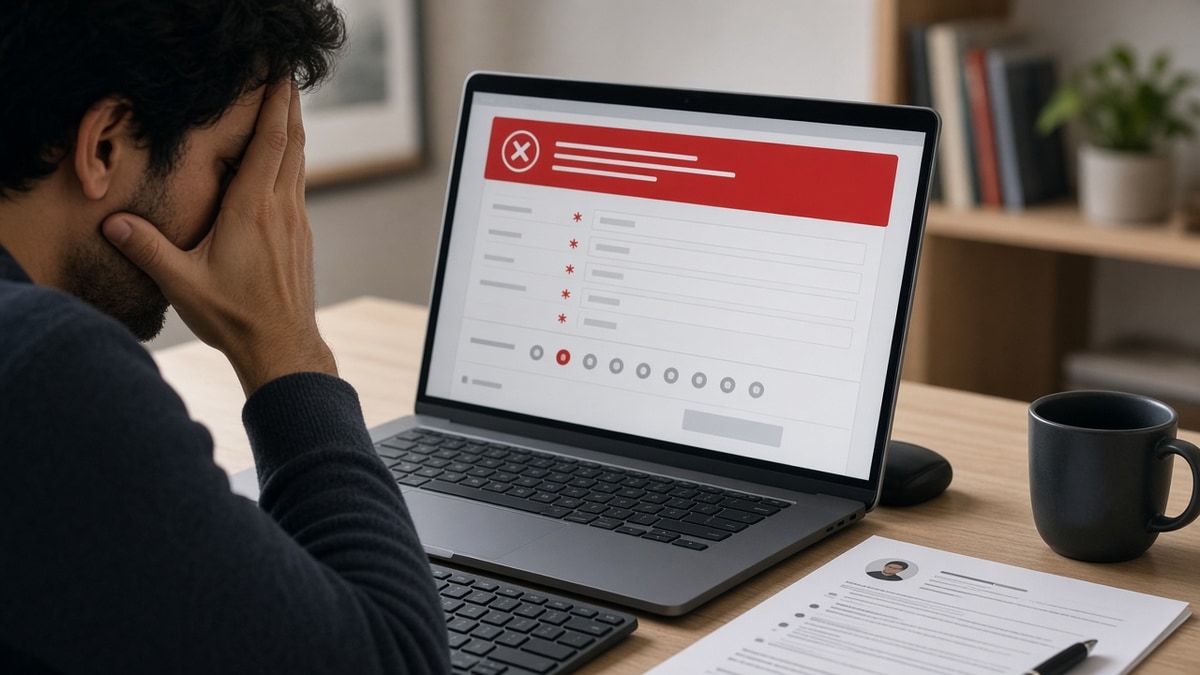
You've submitted your resume to dozens of job postings. You're qualified. You've tailored your experience. Yet rejection emails arrive within minutes—sometimes before a human ever sees your application. This isn't bad luck. Why job portals auto reject resumes comes down to one critical system: Applicant Tracking Systems (ATS).

Job portals use automated software to screen resumes before they reach recruiters. These systems parse, score, and rank candidates based on formatting, keywords, and structure. If your resume doesn't align with what the ATS expects, it gets filtered out instantly—regardless of your qualifications.

In this guide, you'll learn:

  • How ATS systems automatically reject resumes
  • The formatting and parsing errors that trigger rejection
  • Why keyword matching alone isn't enough
  • Specific mistakes that cause instant elimination
  • Proven strategies to pass ATS screening
  • How to optimize your resume for both machines and humans

Understanding Why Job Portals Auto Reject Resumes

Automatic resume rejection happens because job portals receive hundreds or thousands of applications per posting. Recruiters can't manually review every submission, so they deploy ATS software to filter candidates at scale. The system scans resumes for specific patterns, keywords, and structural elements that match the job description.

When your resume doesn't meet the ATS criteria, it gets ranked lower or rejected outright. The rejection isn't based on your actual qualifications—it's based on how well your resume data aligns with what the software is programmed to recognize. A perfectly qualified candidate with a poorly formatted resume will lose to a less-qualified candidate whose resume the ATS can parse correctly.

Key Reasons Job Portals Auto Reject Resumes

Formatting and Parsing Errors

ATS systems extract text from your resume by parsing its structure. If your resume uses complex formatting—multiple columns, graphics, tables, or unusual fonts—the parser often fails to read it correctly. Text gets scrambled, sections disappear, or the entire document becomes unreadable to the software.

Common formatting mistakes that trigger rejection include:

  • Multi-column layouts that confuse text extraction
  • Graphics, logos, or images that ATS can't process
  • Unusual fonts or special characters that don't parse
  • Headers and footers that get separated from main content
  • Tables or text boxes that break the parsing sequence

Missing Keywords and Job Description Mismatch

ATS systems use keyword matching to score resumes against the job description. If your resume lacks the specific skills, job titles, or technical terms mentioned in the posting, the system flags it as low-relevance and ranks it lower. The ATS doesn't understand context or transferable skills—it looks for exact or near-exact keyword matches.

For example, if the job posting emphasizes "project management" but your resume says "led cross-functional teams," the ATS may not recognize these as equivalent. Recruiters would understand the connection; the software doesn't.

Insufficient Contact Information or Parsing Failures

ATS systems need clear, extractable contact information to process your application. If your phone number, email, or name is formatted in a way the parser can't recognize, the system may reject the resume outright. Some ATS platforms won't advance resumes without valid contact data.

Additionally, if the ATS can't parse your resume structure—can't identify where your experience section ends and your skills section begins—it struggles to score you accurately and often defaults to rejection.

File Format Incompatibility

While PDF and Word documents are standard, not all ATS systems handle them equally. Some systems struggle with PDFs created from design software, encrypted PDFs, or Word files with complex formatting. If the job portal can't open or parse your file, your resume gets rejected before evaluation.

Common Mistakes That Cause Automatic Rejection

  • Using a creative resume template: Visually impressive resumes with sidebars, colored sections, or custom fonts often fail ATS parsing. The software extracts text in reading order, and creative layouts scramble that order.
  • Saving as PDF from design software: Resumes created in Canva, Adobe InDesign, or similar tools often produce PDFs that ATS systems can't parse correctly. Save as .docx or .pdf from Word instead.
  • Keyword stuffing without context: Listing skills without demonstrating them in your experience section raises red flags. ATS looks for keywords in context—not isolated skill lists that don't match your actual work.
  • Using abbreviations inconsistently: If the job posting says "Customer Relationship Management" but your resume says "CRM," the ATS may not recognize the match. Use both the full term and abbreviation on first mention.
  • Including graphics or logos: Company logos, QR codes, or icons in your resume break ATS parsing. Stick to text-only formatting.
  • Submitting a resume that's too short or too long: Extremely brief resumes (under 0.5 pages) or very long ones (over 2 pages for most roles) can trigger rejection filters. Most ATS systems expect 0.75–2 pages.

Best Practices to Pass ATS Screening

  1. Use a simple, clean format: Stick to standard fonts (Arial, Calibri, Times New Roman), single-column layouts, and minimal formatting. Bold and italics are fine; colored text, graphics, and tables are not.
  2. Match keywords from the job description: Read the job posting carefully and incorporate relevant keywords into your experience descriptions, skills section, and summary. Use the exact terminology the employer uses.
  3. Organize sections clearly: Use standard section headers (Contact Information, Professional Summary, Experience, Education, Skills) in a logical order. ATS systems expect this structure.
  4. Save as .docx or .pdf from Word: Avoid design software. Test your resume by opening it in different programs to ensure text remains readable and properly formatted.
  5. Include a clear skills section: List relevant skills separately from your experience section. ATS systems often weight skills heavily in scoring.
  6. Use standard bullet points: Replace custom symbols or dashes with standard bullet points. Some ATS systems don't recognize non-standard characters.
  7. Avoid headers and footers: Critical information in headers or footers often gets lost during parsing. Keep all important content in the main body.
  8. Tailor for each application: Generic resumes score lower because they lack job-specific keywords. Customize your experience descriptions and skills to match each posting.

How to Optimize Your Resume to Avoid Auto Rejection

  1. Extract keywords from the job description: Copy the posting and highlight all skills, job titles, certifications, and technical terms. These are your target keywords.
  2. Review your current resume: Check if your resume naturally includes these keywords in your experience descriptions and skills section. If not, add them where relevant.
  3. Reformat for ATS compatibility: Remove all graphics, multi-column layouts, and special formatting. Use a simple template with standard fonts and single-column design. Learn which formatting errors break ATS parsing.
  4. Test your file format: Save your resume as both .docx and .pdf. Open each version in a text editor to verify text is readable and properly ordered. If text appears scrambled, your ATS will see the same scrambled version.
  5. Verify contact information: Ensure your name, phone number, email, and location are clearly listed at the top in standard format. Avoid special characters or unusual formatting.
  6. Structure your experience section: Use this format for each role: Job Title | Company Name | Dates | 3–5 bullet points describing achievements. Avoid narrative paragraphs.
  7. Create a dedicated skills section: List 15–25 relevant skills based on the job description. Organize by category (Technical, Leadership, Tools) if helpful.
  8. Save with a clear filename: Use "FirstName_LastName_Resume.docx" instead of "Resume_Final_v3.docx." Some ATS systems parse filenames.

The ATS Screening Process: What Happens After You Apply

When you submit your resume through a job portal, here's what actually happens:

Step 1: File Parsing — The ATS extracts text from your resume file. If parsing fails, your resume is flagged as unreadable and often rejected immediately.

Step 2: Data Extraction — The system identifies and extracts key data: contact information, job titles, company names, dates, skills, and education. Parsing errors here cascade into scoring errors.

Step 3: Keyword Scoring — The ATS compares your resume content against the job description. It scores how many relevant keywords appear, in what context, and how prominently. Understand how ATS matches resumes to job descriptions.

Step 4: Ranking — Your resume receives a score (often 0–100). Resumes above a threshold move forward; those below are rejected automatically.

Step 5: Human Review — Only top-ranked resumes reach recruiters. If you didn't pass the ATS filter, a human never sees your application.

Conclusion: Taking Control of Your Resume's Fate

Why job portals auto reject resumes is no longer a mystery. Automatic rejection happens because ATS systems can't parse your resume correctly, can't find job-relevant keywords, or can't extract your data properly. The good news: you can control all three factors.

Start by auditing your current resume against the checklist above. Remove graphics and complex formatting. Verify your file saves cleanly as .docx or .pdf. Extract keywords from each job description and naturally incorporate them into your experience section. Test your resume by opening it in a text editor to see exactly what the ATS sees.

Most importantly, tailor your resume for each application. A generic resume will always lose to a customized one because job-specific keywords are the primary ranking factor. Spend 15 minutes tailoring your resume for each posting—it's the difference between automatic rejection and human review.

Your qualifications matter, but only if the ATS lets them through. Take these steps now, and you'll dramatically increase your chances of passing automated screening and landing interviews.

Frequently asked questions

Most job portals don't offer appeals for automatic rejections. Your best option is to reapply with an optimized resume if the position is reposted. However, some companies have dedicated applicant support channels—check the job posting or company website for contact information. If you know someone at the company, an internal referral bypasses ATS screening entirely, so that's worth exploring.

Automatic rejections typically arrive within minutes or hours of submission. Human rejections usually take days or weeks. If you received a generic rejection email immediately after applying, an ATS likely screened you out. If the rejection came after several days or included specific feedback, a recruiter reviewed your resume. Learn why job applications get rejected within minutes .

Most ATS systems don't automatically reject resumes for employment gaps. However, they may score you lower if the gap is significant and the job description emphasizes continuous employment. More importantly, recruiters reviewing your resume will notice gaps. Be prepared to explain them in your cover letter or interview. Understand why career gaps are not always bad .

Word documents (.docx) are generally safer for ATS compatibility because they're easier for systems to parse. However, if the job portal specifically requests PDF, use PDF. The key is to save from Word, not design software. Avoid encrypted PDFs, password-protected files, or PDFs created from design tools like Canva or InDesign. Test your file in a text editor before submitting to ensure the text is readable and properly ordered.

When applying through a company's website or ATS portal, always use an ATS-friendly format. If you're submitting directly to a recruiter via email, you have more flexibility. However, even then, prioritize readability over design. A simple, well-organized resume will always outperform a visually impressive one that's hard to parse or read quickly. When in doubt, stick with the ATS-friendly format—it works for both machines and humans.

There's no magic number, but aim to naturally incorporate 15–25 relevant keywords from the job description throughout your resume. Don't keyword-stuff—keywords should appear in context within your experience descriptions and skills section. Quality matters more than quantity. A resume with 10 naturally integrated keywords will score higher than one with 50 awkwardly inserted terms. Learn why keyword stuffing lowers resume ranking .

Done for you

Turn this advice into an interview-ready resume

Professional writers rebuild your resume for ATS + recruiters — unlimited revisions, interview guarantee.

Job match tool·Free builder

Tags

why job portals auto reject resumesATS resume rejectionautomatic resume rejectionjob portal filteringresume rejected by ATSwhy resumes get rejectedATS screening processresume parsing errorsjob application rejection