8 min read
That percentage on the screen isn't judging your worth. It's counting whether your export still reads like the posting after upload. When the number looks wrong, the fix is usually boring: one column, honest titles, and the req's tool names in bullet one.
Check your resume for free with the posting pasted in before you chase a higher match read. You'll see whether keywords landed in Experience or got stranded in a sidebar the scorer doesn't weight.
Below is how the comparison usually runs inside employer ATS and checker tools, grouped checklists you can scan tonight, and a copy-paste bullet skeleton when you're short on time. Batch applying with one file? Expect the read to swing hard between postings.
Quick Wins
- Export a single-column PDF or DOCX and confirm contact info is in the body.
- Put the posting's first required tool in the first eight words of bullet one.
- Rescore on the exact posting after each bullet pass, not once a week.
What the matcher compares before anyone calls you
Think of three passes. Pass one is parse: can the system turn your file into plain text with employers, titles, and dates on their own lines? Pass two is overlap: do required skills from the posting appear next to the jobs that prove you used them? Pass three is fit signals recruiters bolt on: title level, location, work authorization, and sometimes years in the domain.
Checker tools and career portals show you pass two early. Workday or Greenhouse may never show you a percentage at all. Recruiters still search the same text fields you are trying to align.
I've screened files in Greenhouse where the candidate had the skill but the match read looked weak because SQL only lived in a two-column Skills column, so the scorer never tied it to a dated line.
For how overall resume scores blend format and keywords, see how resume scores are calculated . This page stays on the job-specific compare, not generic formatting alone.
Job match score checklist by layer
Work top to bottom. If parse fails, lower rows will not save you.
| Layer | Check tonight | If it fails |
|---|---|---|
| Parse | Single column, standard headings, no text boxes for contact info | Flatten layout before adding keywords |
| Title and level | Headline and newest role line match the req language you can defend | Fix headers, not footers |
| Must-have tools | Each required system appears in a dated bullet under the right employer | Move terms from Skills into bullet one |
| Scope words | Verbs from the posting (own, lead, partner) show in recent roles | Rewrite top three bullets, not the whole file |
| Hard gates | Years, clearance, location, and work auth match what you cannot fudge | Decide whether to apply; do not invent credentials |
When uploads still scramble titles, read why ATS cannot read columns and icons before you trust any percentage on a broken layout.
Patterns that drag the match read down
Keyword footer after the signature line. Dense skill dumps at the bottom rarely attach to employers. They can also look like hidden text to a cautious recruiter.
Before: Skills footer lists Snowflake, dbt, and Looker with no dated proof.
After: Bullet one under your current role opens with Snowflake and dbt on a named pipeline you shipped last year.
Same tool, weaker line. The posting says Customer Success Manager; your bullet says helped clients without the title string or scope verbs.
Before: Supported enterprise accounts and escalations.
After: Owned renewal risk for 12 enterprise accounts in Salesforce, partnering with product on roadmap asks tied to NRR.
Chasing one master resume. Match scoring is always against one description. A file tuned for a backend req will look thin on a full-stack posting until you swap bullet emphasis.
Run the compare on one posting tonight
Open the req in one tab and your latest export in another. Highlight the first five must-have tools and the title string at the top of the ad.
Paste the description and your file into a matcher. Note which required terms show as missing even though you have done the work. That list is your edit queue.
Rewrite only bullet one under your current employer for each missing tool. Keep dates and company names stable. Use the posting's exact product names where honest.
Copy-paste bullet skeleton
[Verb from posting] [must-have tool] for [team or customer segment], [outcome metric or scope] in [Month Year to Month Year] at [Employer on resume].
Example inside a bullet, not a claim about outcomes in the market: Built Looker dashboards for support leaders, cutting weekly ticket review time for a 14-agent pod in Q2 2025 at Riverline Health.
Rescore on the same posting. Stop when missing items reflect real gaps, not parse noise. If you need a second opinion on overlap, generate a cover letter from the same plain-text resume so the letter does not reintroduce tools you removed from bullets.
Score the posting before you upload again
After parse is clean, score your job match on the exact req. You'll see which required strings still sit outside dated Experience lines.
Then run a quick ATS resume check on the export so headings and contact info survived upload. Match percent means little if the importer dropped your newest title.
Do this now: Highlight three must-have tools in the posting, fix bullet one for each, rescore once, then apply.
Treat the score as a language audit
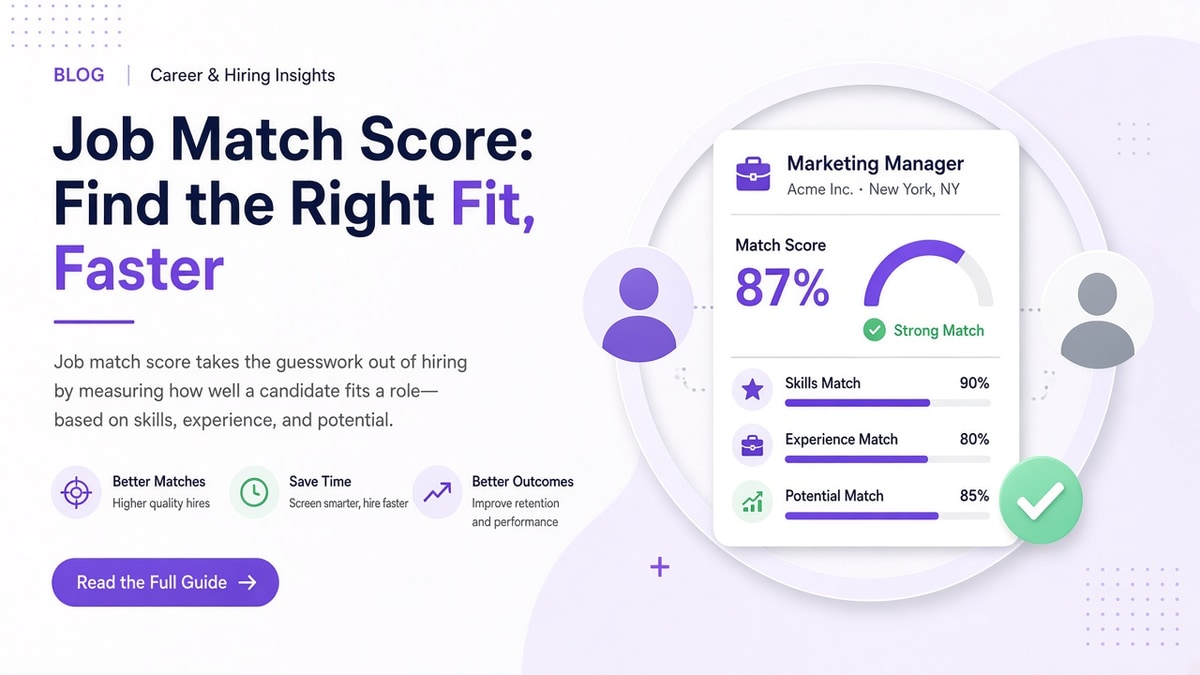
Job match score explained in one line: your resume text against one posting, with the heaviest weight on proof in dated bullets. Fix parse, align titles honestly, mirror must-have tools where you have done the work, and rescore on that req before you batch apply elsewhere.
- Run the layered checklist top to bottom.
- Stop keyword footers; move tools into bullet one.
- Rescore after each edit pass on the same ad.
- Walk away when hard gates are real, not cosmetic.
This will not fix applying to roles you are not qualified for. It stops a qualified file from looking misaligned on the compare screen recruiters use to sort the pile.
Read more
Frequently asked questions
Not always. Career-site uploads and checker tools compare your file text to one posting. The employer ATS may add filters on title, location, and required years before anyone sorts by fit. Treat the percentage as a language alignment read, not a promise about their internal queue.
Long skill lists without the same terms in dated bullets can look like padding. Many matchers weight keywords attached to employers and dates higher than orphan lines at the bottom. Move real tools into bullet one under your current role instead of growing the sidebar.
Sometimes. JS and JavaScript may map together; product names often need the exact string from the req. Mirror the posting phrase where your work supports it, especially for systems named in the first three requirements.
Run the checklist first. If parse is clean and must-haves still show as missing, fix bullets before you spend the application. If the gap is years or clearance you cannot fabricate, the score is telling you the filter will be hard even after edits.
After each bullet pass for that specific posting. Change employers or export format and you should rescore. Stop when missing items reflect real gaps in your background, not layout noise.