11 min read
You're three seconds into a recruiter skim and they're still not sure what role you want. Your resume says Project Leader in the headline but the req is Program Manager. You didn't get filtered by ATS. You got filtered by confusion before anyone read your best bullet. That's what a weak headline costs you.
I've sorted thousands of Workday queues where the headline line under the name decided whether I opened the PDF. How to write a resume headline that gets clicks isn't about clever branding. It's the target title from the posting plus one honest differentiator parsers and humans can read in one line. Before you tweak yours tonight, check your resume for free against the job description and see if your headline matches the title string you're applying to.
This guide covers headline versus summary, copy-paste formulas by level, Before and After rewrites, ATS rules, and mistakes that make strong candidates look misaligned on page one.
Quick Wins
- Lead with the exact posting title when your scope fits.
- Add one tool, cert, or scope marker after a pipe or dash.
- Keep one plain-text line parsers and recruiters can scan fast.
What a resume headline is in US hiring
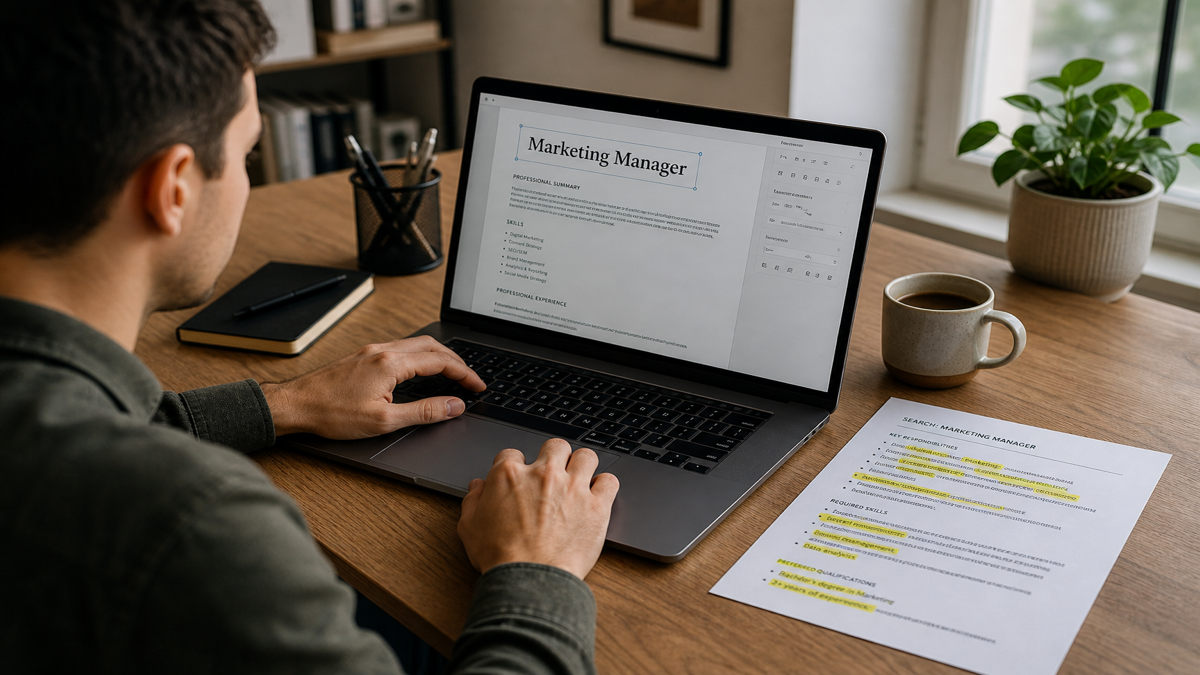
On most US corporate resumes, the headline sits under your name and contact block: one line that states the role you are targeting. Examples: Senior Financial Analyst | FP&A and Forecasting, or Customer Success Manager | SaaS Retention and Renewals. It is not a paragraph about your career goals.
Recruiters use the headline to bucket you against the req before they read dates and metrics. ATS search and rank functions also weight title-like text near the top of the file. A mismatch between headline and posting title is one of the fastest silent skips I see.
Recruiter filter: When your headline says Marketing Generalist and the req is Demand Generation Manager, I assume you didn't read the posting. I may still open the PDF, but you've already spent goodwill.
Headline is not summary. Summary is two lines with a metric proving fit. Headline names the role bucket. Read what is a resume summary and why title consistency improves resume ranking for the rest of the top-of-page stack.
Headline is also not an objective paragraph. Objectives talk about what you want. Headlines state what you are selling for this req. In 2026 corporate applications, skip objectives and use headline plus optional two-line summary instead.
Some templates call the headline a resume title or professional title line. Same job. Placement matters: directly under contact info, above summary, never buried below Skills or in a sidebar column Workday reads last.
Clicks in recruiter context means opening your PDF, moving you to phone screen, or passing you to hiring manager review. The headline does not replace metrics in Experience. It earns the six seconds where those metrics get read.
How to write a resume headline step by step
Step 1: Copy the posting title when honest
Use the exact title string from the req when your experience supports it: Sr. Data Analyst, not Data Person. Minor level tweaks are fine when scope matches: Product Manager II versus Senior Product Manager when you meet the years and scope in the posting.
Copy from the job title field, not from the marketing banner on the careers page. Those strings differ more often than you'd think. Sr. versus Senior, Roman numerals, and comma placement all show up in ATS filters. When in doubt, mirror the req title character for character.
If you're one level below the posting, don't inflate. Apply with the title you can defend on a phone screen and let bullets prove upward scope. A headline that says Director when your last title was Manager gets you opened, then rejected fast.
Step 2: Add one differentiator
Pipe or dash plus one specialty: tool, industry, certification, or scope. Salesforce Administrator | CPQ and Flow. Registered Nurse | Med-Surg and ACLS. One add-on beats three comma-stuffed buzzwords.
Pick the differentiator from the posting must-haves, not from your favorite skill. If the req leads with Snowflake and dbt, lead there when honest. If you lead with a tool not in the posting, you may click with the wrong audience.
Step 3: Keep plain text and one line
No emoji, text boxes, all caps slogans, or special characters that break Workday parsing. Bold is optional for human PDFs. Plain text always for paste boxes.
Avoid vertical bars in fancy fonts, superscript symbols, and trademark characters. Parsers read ASCII pipe and hyphen reliably. If your template puts the headline inside a colored banner, move it to plain body text at the top. I've seen strong candidates rank lower because the title line lived inside a graphic header the ATS skipped.
Step 4: Align summary and first bullet
If headline says FP&A, summary and top bullet should cite forecasting or variance work with numbers. Mismatch between headline and proof reads like keyword stuffing. Read how to tailor a resume to a job description for full-file alignment.
Step 5: Customize per application
Swap headline title string when the next posting uses different wording for the same work. Keep a base resume but change the one line under your name every time the req title changes.
Save three headline variants in a notes doc if you rotate between similar roles: Customer Success Manager, Client Success Manager, and Account Manager for the same track. Paste the right one before export. Thirty seconds per application beats one generic headline on twenty uploads.
Copy-paste headline formulas
[Exact posting title] | [Top tool from req]
[Exact posting title] | [Certification] + [Specialty]
[Exact posting title] | [Industry or scope, e.g., B2B SaaS, $20M P and L]
[Exact posting title] (use alone when title alone fills the line cleanly)
Examples by level
New grad: Junior Software Engineer | Python and REST APIs
Mid-career: Senior Marketing Manager | Demand Gen and HubSpot
Senior: Director of Operations | Supply Chain and Lean Six Sigma
Career change: Business Analyst | SQL, Tableau, and Healthcare Ops Projects
Examples by function
Finance: Senior Financial Analyst | FP&A and Variance Reporting
Engineering: Backend Engineer | Java and AWS Microservices
Sales: Account Executive | Mid-Market SaaS and Salesforce CRM
HR: HR Business Partner | Employee Relations and Workday HRIS
Healthcare: Clinical Research Coordinator | FDA-Regulated Trials and EDC
When to skip the pipe add-on
When the posting title alone is long, use it solo: Senior Manager, Software Engineering. When the title is generic Analyst, add specialty so recruiters know which queue you belong in: Financial Analyst | Budgeting and Forecasting.
Composite example: vague headline
Before: Hardworking Professional Seeking New Opportunities
After: Senior Accountant | GAAP Close and SOX Controls
Composite example: title mismatch
Before: Headline Project Leader, req title Program Manager III
After: Program Manager III | Cross-Functional Roadmaps and Stakeholder Reporting
Composite example: keyword stuffing
Before: Sales Leader CRM SaaS B2B Enterprise Hunter Farmer Salesforce HubSpot SEO
After: Enterprise Account Executive | SaaS Renewals and Salesforce
Edge case: internal title vs market title
Your employer calls you Associate II but postings say Business Analyst. Use posting language on external applications when scope matches. Put internal title in bullets if needed for reference checks.
Edge case: two target titles
Pick one headline per application. Do not write Product Manager or Project Manager in one line. Apply twice with tailored files if you genuinely fit both tracks, not one hybrid headline.
Edge case: headline in Workday paste box
Some portals strip formatting from the headline area. Plain text title line still belongs at top of pasted resume body. Match Workday current title field to headline string when the form asks separately.
Edge case: contractor headline
Independent Consultant | Supply Chain Analytics beats Consultant alone. Name the specialty clients hire you for, not only the engagement model.
Edge case: federal or clearance roles
Program Analyst | Active Secret Clearance when posting requires it and you hold it. Do not put clearance in headline if you cannot verify status. Plain text only, no badge graphics.
Resume headline mistakes
Generic labels. Experienced Professional and Results-Driven Leader tell recruiters nothing.
Objective language in the headline. Seeking a challenging role belongs nowhere near your name line.
Keyword walls. Ten tools in one line looks like spam to humans and parsers.
Inflated titles. VP headline on manager scope fails phone screen fast.
Same headline for every req. Different title strings need different headline lines.
Special characters and emoji. Break parsing in Workday and Greenhouse.
Headline contradicts recent job title. Fix headline or explain pivot in summary, not both conflicting on page one.
Putting metrics in the headline only. Save numbers for summary and bullets. Headline names role and specialty, not full proof.
Using company name in headline. Target role and skill, not employer brand, unless applying back to same firm internally.
Verify headline match before you submit
Paste posting and resume into HireFlow's free ATS resume checker to see if headline keywords align with the req.
The checker flags when your top-of-page title string is missing from the posting or when you lead with a different role name than the req uses. Fix the headline first. It's faster than rewriting ten bullets that still sit under the wrong title line.
Use job match score before you spend time rewriting headlines on low-fit reqs.
Build a plain top block in the free resume builder with name, contact, headline, and summary in parse-friendly order.
When cover letters repeat the role name, keep wording identical to the headline. The cover letter generator pulls title language from the same posting.
Run the same check after you paste into Workday. Some portals reorder sections. Confirm the headline still appears as the first content line in the plain-text preview before you hit submit.
One line that names the req wins the skim
How to write a resume headline that gets clicks is posting title plus one honest differentiator on a single plain-text line under your name. Customize per req, match summary and bullets, and skip generic slogans parsers and recruiters ignore.
Recruiters don't award points for creativity on this line. They award clarity. When your headline names the same role string as the posting and your first bullet proves it with a number, you've done the hard part of page one. Everything else is formatting.
- Use the copy-paste formulas before you customize.
- Mirror exact req title strings when scope fits.
- Run the checker before submit on every high-fit application.
Open your resume tonight, compare the headline to tomorrow's posting title, and run the free resume check before you upload.
Read more
Frequently asked questions
One title line under your name naming target role plus one differentiator for US corporate resumes.
One line, six to twelve words, plain text.
No. Headline names role. Summary proves fit in two lines with metrics.
Yes when it mirrors posting title and core keywords honestly.
Yes when posting title strings differ. Keep bullets aligned with the same language.
Rarely. One short scope marker like $10M P and L works for senior roles. Full metrics belong in summary and Experience bullets where recruiters expect proof.
Directly under name and contact, above summary. Single column, left aligned, plain text for ATS paste fields.
Yes. One page doesn't mean skip the title line. A tight headline saves summary space and tells recruiters the req bucket before they scan dates on the same page.