12 min read
You found the hiring manager's email. You're tempted to skip the Workday form and send a polished PDF straight to their inbox. That's the move that gets ignored. Most managers won't open a cold attachment that never hit the ATS. Compliance wants a portal record. Recruiting wants keyword scoring. Your shortcut often lands in spam or gets deleted with a sigh.
The outreach that actually gets read isn't a novel. It's portal first, then a six-sentence note with the exact req title and one metric from your file. Before you draft anything, check your resume for free against the posting so the metric you cite in email matches what's on the upload.
This page diagnoses why hiring manager emails go quiet and gives copy-paste templates you can send tonight after a clean portal apply.
Quick Wins
- Submit in Greenhouse or Workday before you email anyone.
- Use subject line: Application: [Exact Req Title] | [Your Name].
- Keep the body to six sentences with one metric, not a second resume.
- Name the req title verbatim from the posting, not your own headline.
The symptom: your email vanished after you hit send
You did the brave thing. You researched a name, wrote a note, attached the file. No bounce. No reply. Maybe recruiting replies once asking you to apply online anyway. The symptom feels personal. Often it's structural.
Hiring managers live inside inboxes tied to reqs that already have hundreds of portal applicants. A PDF that bypassed the system doesn't show up in their ranked list. They don't know where to file you. Forwarding your attachment to recruiting creates extra work, so the thread dies.
The pattern: attachment-first outreach without an ATS record reads like noise, not initiative.
Job searching is draining enough without guessing why silence means no. The causes below are fixable with order and wording, not with a fancier template design.
Read how to stand out when 1,000 people apply for the wider channel mix when portal volume is extreme.
Three causes when hiring manager outreach fails
Cause 1: You emailed the file before the portal had a record
Managers are told to work from the ATS queue. When your only footprint is an attachment, you're invisible in that queue. Some companies auto-reject candidates who never completed knockout questions. Others let recruiting merge duplicates manually, which takes days you don't have.
Before: Email with resume.pdf attached, no mention of an application.
After: Portal apply completed Tuesday; email Wednesday referencing req ID and offering to clarify one bullet.
Fix: Complete the portal upload with the same PDF you'll reference. Note the confirmation screen or application ID. Send email within twenty-four hours while the req is top of mind.
Cause 2: The subject and body don't name the req
"Following up" and "Opportunity at your company" get buried. Managers filter by role title. If your subject doesn't match the req string in Workday, your note won't join the mental pile for that search.
Body text that summarizes your whole career reads like a cover letter pasted into email. They won't read it on mobile between meetings. You need the req title in sentence three and one metric in sentence four, pulled from a bullet they'd see if they opened your file in the system.
Before: Subject: Resume attached. Body: twelve sentences on passion and culture fit.
After: Subject: Application: Revenue Operations Analyst | Morgan Ellis. Body: six sentences, metric on forecast accuracy in sentence four.
Fix: Copy the req title from the posting, not from a job board paraphrase. Mirror capitalization. One metric only, defensible in a phone screen.
Cause 3: Wrong person, wrong timing, or both
Email to a VP who doesn't own the req feels like spam. Email the day before close competes with final slate reviews. Email during a reorg hits a black hole. Timing and routing matter as much as wording.
The hiring manager listed on the posting is the safest target after you apply. Functional leaders one level up can work when you have a warm intro. Generic HR inboxes are for compliance questions, not for skipping the queue.
Fix: Confirm the req is still open on the careers site. Target the manager named on the posting or the recruiter who posted on the company page. Send Tuesday through Thursday morning in their time zone when possible.
How to tell which cause is yours
If recruiting replied "please apply online," that's Cause 1. Fix the portal step and resend a shorter note referencing the new application.
If your email was opened per read receipt but no one wrote back, suspect Cause 2. Tighten subject and cut body length in half.
If you emailed a leader who never posts reqs and got silence, that's Cause 3. Redirect to the named hiring manager or ask your referrer for a forward.
How to send resume to hiring manager template (portal-first)
Use this sequence every time unless the posting says email-only, which is rare in corporate US hiring.
Step A: Tailor the PDF to the posting. Single column. Month Year dates. Req keywords in bullet one.
Step B: Upload in Workday, Greenhouse, Lever, or iCIMS. Save screenshot or ID.
Step C: Draft six sentences. Do not attach unless they asked or there's no portal.
Step D: Send from the email on your resume. Professional signature, phone one line below.
Step E: Calendar one follow-up for day eight if silence.
Copy-paste: six-sentence email after portal apply
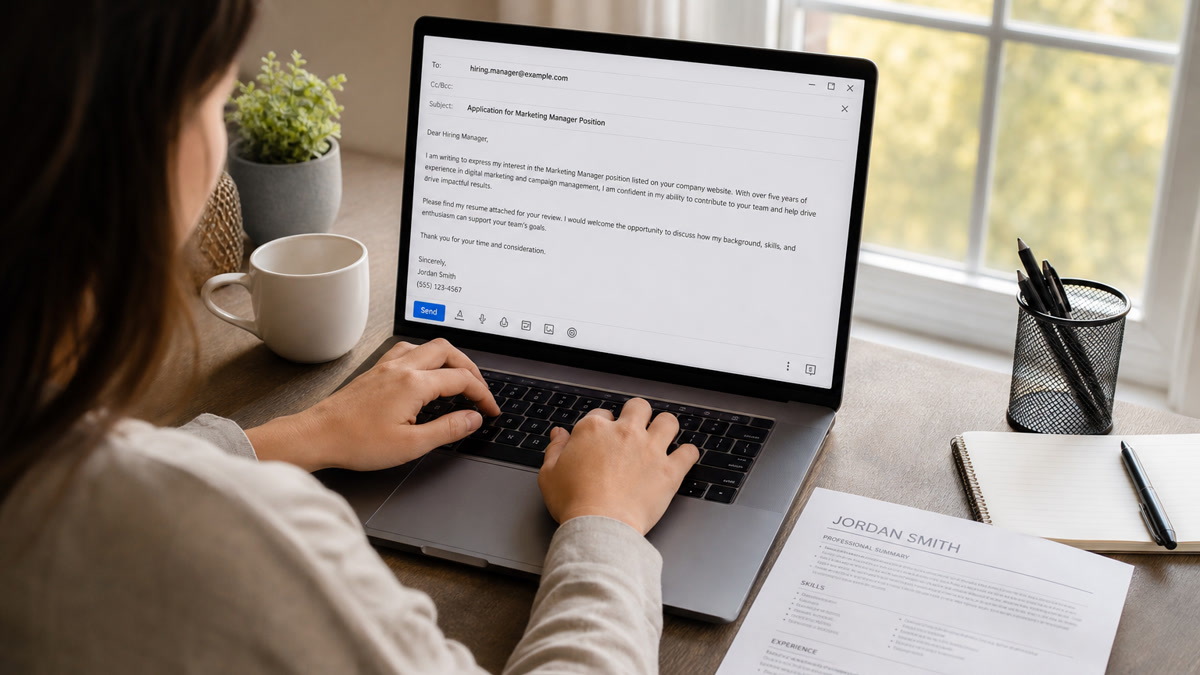
Subject: Application: Senior Product Marketing Manager | Alex Kim
Hi Dr. Patel,
I applied for the Senior Product Marketing Manager role via your Greenhouse portal yesterday (confirmation on file). I'm reaching out because my last two launches mapped directly to the enterprise motion in your posting. At my current company I owned positioning for a B2B analytics add-on that grew pipeline contribution 22% in two quarters. That work used the same Salesforce and Marketo stack listed in the req. I'm happy to walk through the launch briefs or share a one-page case summary if useful. Thanks for your time,
Alex Kim
[email protected] | (555) 214-9081
Copy-paste: referral intro you forward to a manager
Subject: Referral: Data Engineer II | Jamie Ortiz
Hi Chris,
Jamie Ortiz asked me to connect after they applied for Data Engineer II on Tuesday. I worked with Jamie on a migration project last year and can speak to their Airflow ownership. Jamie built forty production DAGs that cut nightly batch windows from six hours to ninety minutes. They already completed the Workday application. Open to a quick intro call if you're still building the slate. Best,
Nina Alvarez
Copy-paste: email-only posting (no portal)
Subject: Application: Clinic Operations Manager | Jordan Lee
Hi Ms. Nguyen,
I'm applying for the Clinic Operations Manager role posted on your careers page. I spent four years running multi-site scheduling in Epic with a 96% fill rate across twelve providers. Last year I redesigned intake triage and cut average wait from nineteen minutes to eleven. I've attached a one-page PDF resume named Lee_Jordan_Clinic_Ops_Manager.pdf. I can start discussions on your timeline and am free Thursday afternoon. Thank you,
Jordan Lee
Copy-paste: polite day-eight follow-up
Subject: Re: Application: Financial Analyst | Morgan Ellis
Hi Mr. Shah,
Quick follow-up on my Workday application for Financial Analyst submitted March 4. My forecasting model work trimmed variance on the operating budget by 14% last fiscal year, which maps to the planning scope in your posting. If the slate is set I'll stay in touch for future openings. Appreciate any guidance,
Morgan Ellis
Composite: operations manager pivot
Before: Cold email with generic subject "Interested in your team" and a Canva resume attachment.
After: Lever apply Monday; Tuesday email to ops director naming "Warehouse Operations Manager" and citing 18% dock-to-stock improvement in sentence four.
Composite: customer success to account management
Before: Three-paragraph story about culture fit; attachment named resume_final_v7.pdf.
After: Six sentences after iCIMS apply; subject includes "Enterprise Account Manager"; metric on net retention in one line.
Edge case: manager email is guessable but unverified
Guessed addresses bounce or hit legal review. Apply in portal first anyway. If bounce, stop guessing. Use the recruiter contact on the posting or a warm intro. Guessing wastes reputation.
Edge case: posting says no unsolicited email
Honor it. Portal only. Put energy into tailoring and referrals instead of inbox bypass. Ignoring explicit instructions is an easy reject in compliance-heavy employers.
Edge case: you already emailed before applying
Apply immediately. Send a two-sentence correction: portal application submitted today, please use that file as the system of record. Do not resend a different PDF version in the same thread.
Edge case: internal transfer to hiring manager
Use internal mobility rules first. HR often requires an internal application before manager coffee chats count. Email after internal req submission with employee ID in sentence two.
File naming when attachment is required
LastName_FirstName_ReqTitle.pdf beats resume.pdf. Keep under two megabytes. PDF unless the posting demands DOCX for parser reasons. The filename is a search hook when recruiting downloads from email archives.
What weak hiring manager emails share
Attachment before application. Creates duplicate records and trust friction.
Two different resumes. Email version doesn't match portal upload. Recruiters don't know which is current.
Soft-skill paragraphs without tools. "Team player" without Salesforce, SQL, or Epic when the req lists them.
Mass BCC blasts. Managers talk. Generic templates with wrong company names end careers of referrals.
Triple follow-ups in one week. Persistence without new information reads as pressure, not interest.
Creative subject gimmicks. Emoji flags and "URGENT" lines trigger filters before a human sees the req title.
Read impact-first resume bullets US hiring teams prefer so the metric you cite in email matches proof on the page.
Match the file to the message
Email only works when the portal file is strong. A six-sentence note can't rescue a two-column PDF that parsed wrong. Run the same posting against your upload before you cite a metric the manager won't find.
Run a free ATS resume check with the job description pasted. Fix gaps in bullet one, re-upload to the portal, then send the email. Score your job match if you're choosing between two reqs tonight and only have energy for one tailored outreach pass.
When the posting asks for a cover letter in the portal, generate a cover letter that repeats the req title and one metric, then keep the hiring manager email shorter, not longer.
Send order beats send volume
How to send resume to hiring manager template isn't a prettier attachment. It's portal first, then a six-sentence note with the req title and one metric the manager can verify in the system. That order respects compliance and still puts your name in front of the person who owns the hire.
Tonight: apply with a tailored PDF, draft the six sentences, send once, calendar one follow-up. Stop rewriting the email when the file is the weak link. Fix bullet one, then hit send.
Hiring manager outreach is a visibility tactic, not a bypass. Use it after the ATS has your record, and you'll sound like a candidate who knows how corporate hiring actually runs.
Read more
Frequently asked questions
Yes, when you have a real contact and the posting did not forbid direct email. Apply in the portal first so compliance has a scored record. Then send a short note referencing the application ID or date. The email is a visibility layer, not a replacement for the ATS upload.
Lead with the exact req title and your name: Application: Senior Analyst, Revenue Ops | Jordan Lee. Avoid vague lines like Quick question or Resume attached. Managers search inboxes by role title when reqs are open.
Attach a single PDF only when the manager asked or when no portal exists. After a portal apply, reference the uploaded file instead of sending a second attachment that may not match the parsed version. Mismatched files create confusion in the screen.
Six sentences is the ceiling for a cold note after a portal apply. Sentence one greets by name. Two states you applied. Three names the req title. Four gives one metric. Five ties it to a must-have from the posting. Six closes with availability. Longer pitches get skimmed or forwarded to recruiting unchanged.
One polite follow-up after seven to ten business days is enough. Reference the portal application again and restate the req title plus metric. Do not send multiple attachments or rewrite the resume in the thread. If silence continues, the fit signal or timing was off, not the font choice.