11 min read
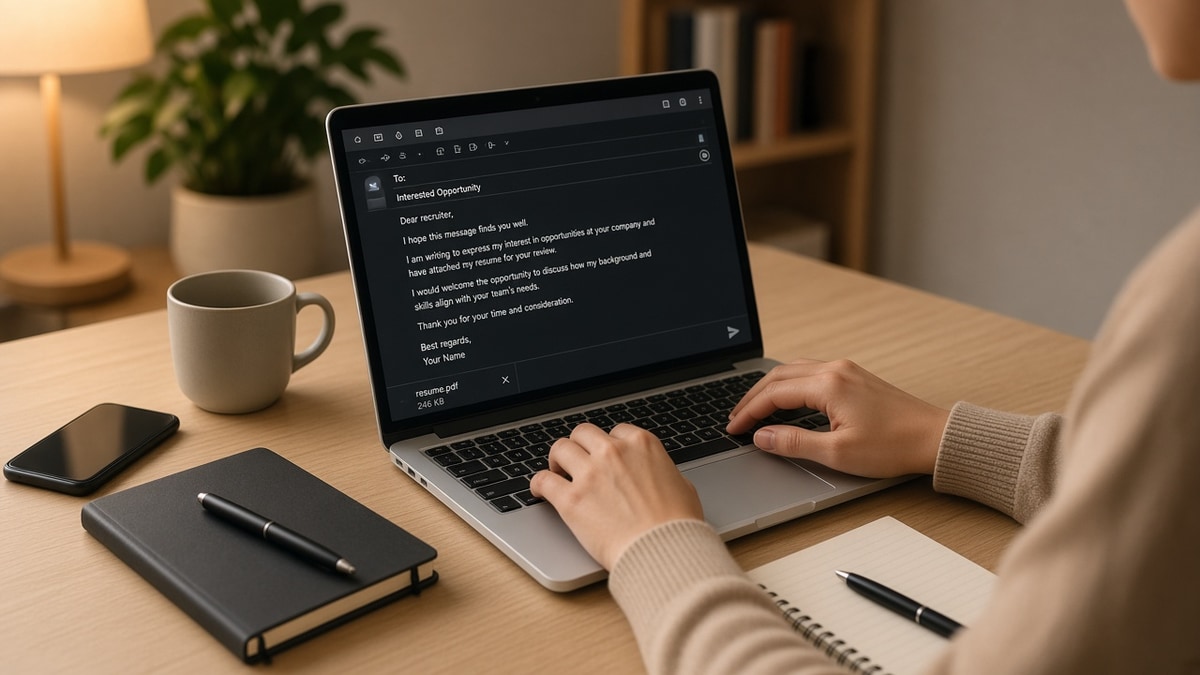
You sent the email. Nobody opened the attachment. Most how to email a resume to a recruiter failures aren't about timing magic. They're about a subject line that hides the req title, a body that summarizes your whole career, and an attachment named Resume.pdf. Recruiters triage inbox on mobile between screens. Your email has three seconds to show role, proof, and file. It's not personal. It's inbox mechanics.
Check your resume for free with the posting pasted in before you write the email. If bullet one still lacks a metric you can cite in two sentences, fix the file first. The template below assumes a tailored upload ready to attach.
You've probably sent please find attached with no role in the subject. Job searching feels personal enough without guessing inbox rules. This diagnostic walks the symptom, three causes, how to tell which one's yours, fixes for each, before/after pairs, and a copy-paste email skeleton you can send tonight after one portal apply.
Don't write the email before you've applied when the posting requires a portal upload. Coordinators search by req ID inside Workday first. Your inbox note should confirm that record exists, not replace it. You'll look harder to place when talent can't find your application in the system.
Pull up the req you're targeting. Copy the exact title into your draft subject line before you write a single sentence of body text. Everything else hangs off that title. You won't rescue a weak file with a polished email. You will get a recruiter to open a strong file they might've missed in the queue.
Quick Wins
- Subject: Application: [Exact Req Title], [Your Name].
- Body: three sentences max with one metric from bullet one.
- Attachment: FirstName_LastName_Resume.pdf, tailored to the posting.
- Apply through the portal first when the posting requires it, then email.
The symptom: your recruiter email never gets forwarded
You get silence or a generic we'll keep your resume on file reply. The attachment might never have been opened. Recruiters forward tight emails to hiring managers with one line: this candidate applied for req 4821, relevant background in X. Your email didn't give them that forwardable sentence.
The email is a routing label, not a second resume. Body text should confirm req title, cite one proof point from bullet one, name the attachment, and close politely. Anything longer competes with fifty other messages before lunch.
Portal apply and recruiter email serve different jobs. The portal feeds Workday or Greenhouse parsing. The email nudges a human to pull your parsed profile when the stack is deep. Skipping the portal when required gets you ignored for process reasons. Skipping the email when you only portal apply leaves you invisible when coordinators never clear the queue.
I've screened US corporate reqs where the candidate's email was thoughtful and the uploaded file still said supported cross-functional initiatives in bullet one. The coordinator forwarded the note. The hiring manager opened the parse view and passed. Email and file must match.
Edge case: recruiter email bounces because the address on the posting is a no-reply portal. Apply through the link, then find the talent team member on the company site or a verified corporate domain. Never blast personal addresses scraped from old lists.
Edge case: agency recruiter representing the client company. Subject line should name the client and req title, not only the agency brand. Agency inboxes route by client name first.
Read how recruiters actually scan resumes in the USA when you want the six-second file skim that happens after your email gets opened.
How to email a resume to a recruiter: three causes and fixes
Cause 1: Subject line hides the req
Recruiters search inbox by role title and company. Job application and Resume attached do not appear in those searches.
Fix: Application: [Exact Req Title], [First Last]. Add company when emailing a named person: BrightWave, Director of Demand Gen, Jane Doe.
Before: Subject: Resume for your consideration
After: Subject: Application: Senior Financial Analyst, Maria Lopez
Cause 2: Body repeats the whole resume
Long paragraphs signal copy-paste career summaries. Mobile preview truncates before your proof line.
Fix: Three sentences. Greeting with name if known. Req title plus one metric from bullet one. Attachment sentence and thanks.
Before: I am a results-driven professional with fifteen years across industries and a passion for excellence. I have led teams and delivered outcomes. Please see attached.
After: Hi Ms. Chen, I applied for the Senior FP&A Analyst role today. In my current role I built a SQL forecast model that cut monthly close review from 5 days to 2. Tailored resume attached. Thank you for your time.
Cause 3: Attachment name and format fail search
Resume.pdf in a folder with forty other Resume.pdf files never gets forwarded with context.
Fix: FirstName_LastName_Resume.pdf, single-column, parsed clean. Mention the filename once in the body so text search finds you.
How to tell which failure mode is yours
Open your sent folder. Read only the subject on mobile width. If you cannot tell which req it was for, that's cause 1. Open the body without scrolling. If you cannot see a number or scope line, that's cause 2. Check your attachment name in the sent item. If it says Resume.pdf, that's cause 3. Most ignored emails fail two of three.
Reply rate climbs when coordinators can forward your note without editing. Write the forward sentence for them: Applied for req 4821, relevant SQL pipeline experience, resume attached. If your email doesn't contain that packet, you're asking them to write your pitch from scratch.
Copy-paste recruiter email template
Copy-paste and replace bracketed lines. Keep body under eighty words.
Subject: Application: [Exact Req Title], [First Last]
Hi [Recruiter name or Hiring Team],
I [applied through your portal on DATE / am reaching out about] the [Exact Req Title] role at [Company]. In my current position I [one metric from bullet one: scope + tool + outcome].
My tailored resume is attached as [FirstLast_Resume.pdf]. Happy to resend if the upload did not attach cleanly.
Thank you,
[First Last]
[phone] | [email]
Read resume tailoring in 10 minutes when bullet one still needs the metric you'll paste into every recruiter email this week.
Before/after pairs that still lose the forward
Before: CC five people you found online with no req title. After: One verified recipient, req in subject, portal apply confirmed in sentence one.
Before: Attach cover letter and resume with identical generic filenames. After: JaneDoe_Resume.pdf and JaneDoe_CoverLetter_BrightWave.pdf with role named once in body.
Before: Email before tailoring bullet one for the posting. After: Tailor, parse check, portal upload, then email citing the same metric as the file.
Before: Follow-up three days later with a novel-length bump. After: One bump after seven business days: still interested in [Req Title], applied [date], resume attached again if helpful.
Edge case: internal employee referral. Email the coordinator with referrer name in sentence two and req title in subject so the referral flag and inbox search align.
Edge case: international candidate with visa line needed. One factual sentence in body if the posting asked for sponsorship clarity. Do not open with visa detail before req title and proof metric.
Timing matters less than clarity. Tuesday morning sends help only when subject and body are already tight. A perfect send time with a vague subject still dies in the archive folder. Fix the three fields first. Then send during US business hours if you're targeting US corporate recruiters.
Keep a sent-log with req title, company, date, and whether portal apply was completed. When a recruiter replies three weeks later, you'll know which file you attached. Resending the wrong version after a callback is worse than silence.
Signature blocks with four social links and a quote eat mobile space. Name, phone, email is enough. Recruiters call or reply. They don't need your inspirational line before they've opened the attachment.
BCC yourself on the first send of each template version. When you iterate the body, you'll have a record of what changed. Small tweaks to subject lines are worth A/B testing across similar reqs in the same lane. Keep what gets replies.
If you're reapplying to a company after six months, note the prior req title in sentence two so talent doesn't merge you with an old submission under a different role. Clarity beats pretending the first apply never happened.
Match the attachment before you hit send
Run the attached file through the free ATS checker with the posting pasted in. You're confirming the metric you cite in the email appears in parsed Experience, not only in Skills.
When the posting wants a letter in the portal, generate a cover letter with the same bullet-one scope line, attach it with a searchable filename, and mention both files in one sentence. Email, letter, and resume should describe one story.
Send one recruiter email tonight
How to email a resume to a recruiter comes down to req title in the subject, one metric from bullet one in the body, and a searchable attachment name. The template saves time only when the file behind it is tailored and parse-clean. Job searching is already slow. A sixty-word email that coordinators can forward beats a third generic portal apply with no human routing.
Tailor bullet one. Upload through the req. Paste the template with real fields. Send once. Log the date. One bump next week if silent. This won't land every role. It stops qualified files from sitting in a portal because nobody in talent knew to pull your name forward.
Save the template in your notes app with bracketed fields highlighted. Every apply this week should take five minutes on the email after tailoring, not twenty minutes rewriting from scratch. Consistency beats cleverness when coordinators process fifty reqs before lunch each day.
Read more
Frequently asked questions
Lead with the exact req title and your name: Application: Senior Product Manager, Jane Doe. Recruiters search inbox by role title, not please find attached. Add the company name when you are emailing a named coordinator: BrightWave, Director of Demand Gen, Jane Doe. Keep it under sixty characters when possible so mobile preview shows the full role.
No. Attach a tailored PDF or DOCX and write three to five sentences in the body. Paste one metric from bullet one, state that the tailored resume is attached, and close with one ask. Pasting the full resume into the email breaks formatting and triggers spam filters on large HTML messages.
Follow the portal first. Email is a supplement, not a bypass. Send a short note to the recruiter or hiring manager naming the req, confirm you applied on date X, and offer to resend the file if the upload glitched. Never attach five versions because you are anxious. One portal apply plus one polite email beats three duplicate submissions.
FirstName_LastName_Resume.pdf or FirstName_LastName_RoleAbbreviation.pdf. Never Resume.pdf or Final_FINAL_v3.pdf. Recruiters save dozens of files daily. Searchable names land in the right folder when they forward you to a hiring manager.
No. Email gets a human glance. The portal upload still parses in Workday or Greenhouse. Tailor bullet one for the posting, run a parse check, upload through the req link, then email with the same metric so message and file match. Mismatch between a strong email and a generic upload still dies on parser screens.