8 min read
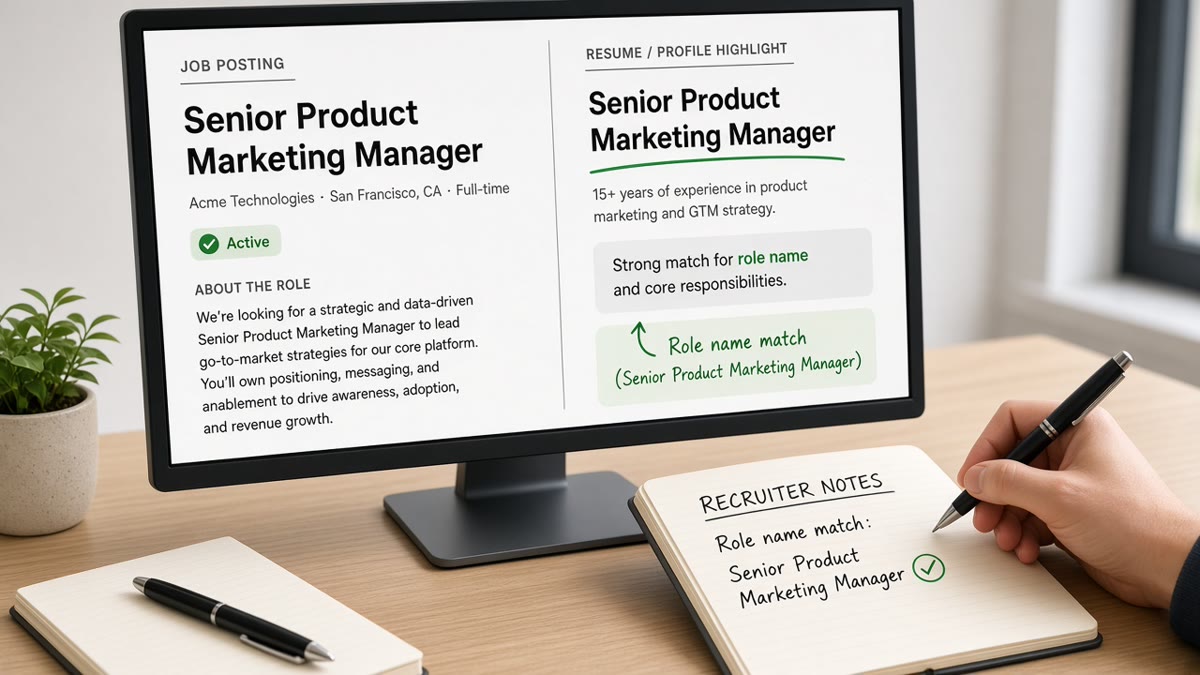
Your company called you a Growth Hacker. The req says Digital Marketing Manager. The parser won't bridge that gap unless you write the bridge in plain text.
Check your resume for free after you retitle a line. If the headline still imports as blank, filters never see your fix.
Below you'll see before/after title lines you can paste tonight. Swap the brackets; don't copy fictional employers. You're not gaming the system; you're translating HR vocabulary into req vocabulary.
If you've been told titles don't matter, ask why filters still include Manager, Engineer, or Analyst tokens. They matter the moment a req owner turns on a saved view.
Quick Wins
- Paste the posting title into your headline when you're qualified for that level.
- Add a parenthetical plain title after creative employer names.
- Match the application form current title field to the PDF headline.
What how ATS interprets role names means on a req
Applicant tracking systems store a title field per job row. Filters compare that string to the req title, to seniority tokens like Senior or Lead, and to job families like Engineer versus Analyst.
Greenhouse and Workday both show a title column in grid views. When that column says Coordinator and the req asks for Program Manager, the mismatch is visible before anyone opens your PDF.
International titles add noise. A Lead in one country may map to Manager in US postings. Use the posting's US label in the headline when you're applying to US corporate reqs, with a parenthetical if your payroll title differed.
Headline plus newest title line are the highest-signal pair. If they disagree, recruiters trust the parsed column and wonder which one is true.
Before: You keep the internal joke title because it feels authentic.
After: You keep it with a parenthetical the posting would recognize.
Title mapping detail also lives in how ATS maps resume titles to roles when you're debugging multiple applications on one stack.
Before and after title lines by situation
Creative startup title to corporate req
Before: Headline says Chief of Chaos, Experience line says Founder.
After: Headline says Product Manager, Experience says Founder (Product Manager).
Keep Founder for background checks if that was payroll. The parenthetical carries the function filters expect on corporate reqs.
Consulting brand versus client function
Before: Title line says Consultant at Agency X with no client context.
After: Title line says Consultant at Agency X (SAP FI Consultant) with client modules in bullets.
Client names belong in bullets when NDAs allow. Function language belongs in the title parenthetical when the req search is module-specific.
Promotion buried inside one block
Before: One line reads Analyst 2019 to Present with no promotion noted.
After: Two rows at the same employer: Analyst 2019 to 2022, then Senior Analyst 2022 to Present.
Repeat the employer name on both rows so parsers do not think you changed companies. Same address line is optional; duplicate company name is not.
Teacher moving to corporate training
Before: Headline says Educator while the req says Learning and Development Specialist.
After: Headline says Learning and Development Specialist with classroom metrics in bullets.
Engineer title inflation on a team of three
Before: Everyone at the startup was titled CTO on paper.
After: Headline says Software Engineer with a bullet noting you were the sole backend owner for the MVP.
Healthcare role with license shorthand
Before: Title line says RN with no unit context.
After: Title line says Registered Nurse (Med-Surg) matching the posting unit language.
Operations title spanning two functions
Before: Headline says Business Operations while the req says Revenue Operations Analyst.
After: Headline says Revenue Operations Analyst with CRM and billing tools in the first bullet.
Copy-paste headline pattern (edit brackets only):
[Posting title from job board] | [Top tool or domain, e.g., Salesforce, B2B SaaS]
[City, ST] · [email] · [phone]

[Employer]
[Official title] ([Posting title family if different])
[Month Year] to Present
• [Bullet proving the title with scope, e.g., owned pipeline for 12 enterprise reps]
I've screened files in Workday where the req filter required Manager in the title string; a Lead title with manager duties still failed the automated view until the headline included Manager.
Before: You stuff the skills section with the posting title repeated ten times.
After: You place the title once in the headline and prove it in two bullets.
Pair with how recruiters interpret job titles for the human side of the same mismatch.
Academic titles on industry reqs need translation too. Research Assistant can become Data Analyst (Research) when the posting asks for SQL and survey analysis, with thesis work described in one honest bullet.
Military occupational codes belong in a single clarifying line if civilians will read the file. Spell the civilian job family in the headline when the posting uses standard corporate language.
After you paste a new headline, read it aloud with the company name. If it sounds like a different job than you did, adjust the parenthetical until both truths fit on one honest line.
When retitling creates more risk than reward
Fractional and interim titles need the word Interim or Fractional only when true. Otherwise use the function title the req expects and note hours in a bullet if scope was part time.
- Jumping two seniority levels in the headline without promotion dates.
- Using the employer's trademarked internal level names on unrelated companies.
- Listing VP on a resume when payroll title was Associate on background checks.
- Changing only the headline while the form still says a different current title.
- Replacing every past title with the posting title even when duties differed.
Before: You rename every role Data Scientist to match one posting.
After: You rename only roles where modeling was most of the week, and you prove it in bullets.
Background checks and references compare titles. Clarity beats keyword cosplay.
Contractors should list the function they performed for the client, not only the staffing agency brand, when agency name would confuse filters. Keep the agency as employer if payroll ran through them.
Before: You hide a demotion by renaming the old role.
After: You show two title lines with honest dates and explain scope change in one bullet.
Check title fit against the posting
Paste the job description next to your headline and newest title line. Highlight every noun in the req title and confirm each appears somewhere in recent bullets.
Re-read the posting level line. If it says II or III, mirror that token when your employer used numeric levels internally. Do not invent Roman numerals you never held.
Save two headline versions when you target both Manager and Senior IC tracks. Filename the exports so you do not upload the wrong title string on a tired night.
Score your job match to see whether title tokens and tools line up before you submit.
Run the ATS check when title lines disappear in preview and you need to know if layout is the culprit.
Read the posting level and years band together. A Senior title on a resume with two years in role reads as mismatch to humans even when filters pass.
Generate a cover letter when your official title was nonstandard and you need one sentence explaining the mapping.
How ATS interprets role names after you align
Run one application as a test. When the title column in preview matches your headline, save that file as your template for similar reqs on the same ATS.
If preview still mislabels you, fix layout before you tweak titles again. A scrambled import can split title from employer and make every string look wrong.
Titles are labels parsers sort on
How ATS interprets role names rewards boring clarity. Say what the posting says where you honestly did the work, prove it in bullets, and keep form answers aligned with the PDF.
You'll spend less energy fighting filters and more time preparing for humans who already understand your scope.
When a title still feels wrong after parentheticals, fix bullets first. Sometimes the mismatch is real and the role is a stretch. Honest targeting beats renaming yourself into a knockout you cannot survive.
Store the posting title in your tracker next to the headline you used. You'll see patterns in which translations work for each ATS family you apply through most often.
Read more
Frequently asked questions
Match the posting family when you truly did that work. Copy the exact string into the headline or a parenthetical on the newest role when your official title was opaque. Do not claim Senior or Director if your payroll title was Coordinator unless promotions are documented in the same employer block.
They confuse filters that bucket by standard job dictionaries. Keep the official title for HR accuracy, then add a plain-language parenthetical recruiters and search can read, such as (Software Engineer) or (Customer Success Manager).
Resume headline, the title line under your current employer, and the application form field if the portal asks for current job title separately. All three should agree. Contradictions between form answers and parsed PDF rows trigger manual doubt.
Clarify with parentheses on roles where the employer used odd names. Do not rename a past job to match a different industry's vocabulary if the duties were unrelated. Move relevant keywords into bullets instead of retitling history.