8 min read
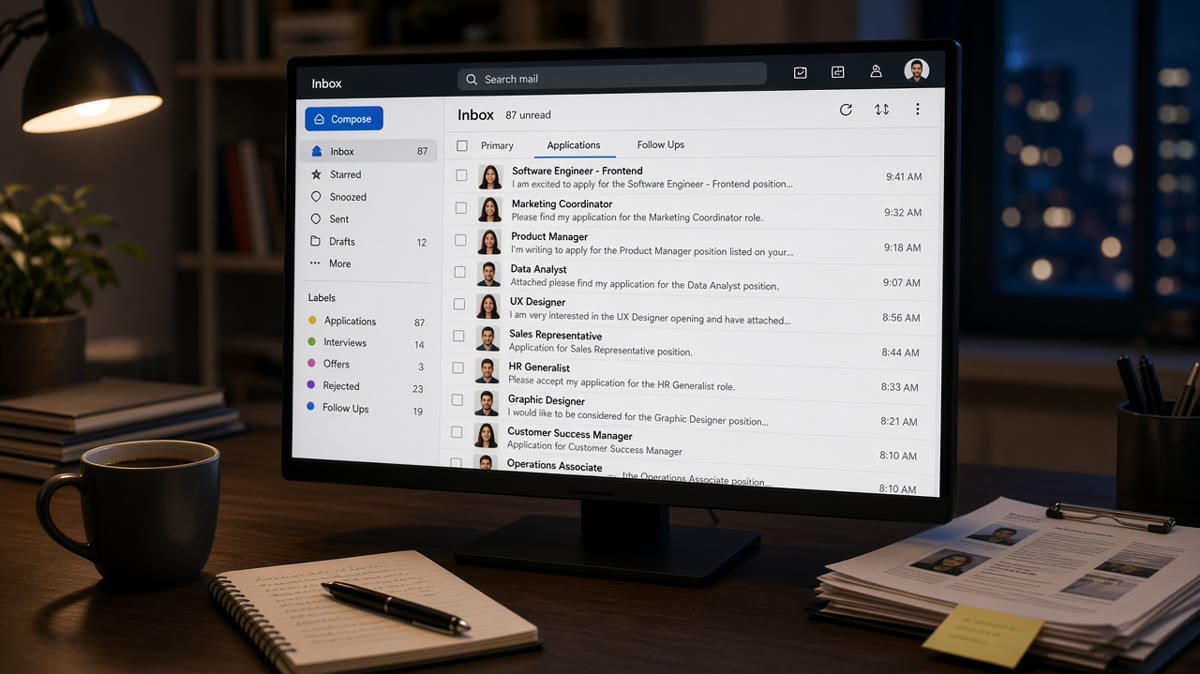
A popular corporate req can fill a queue before lunch. That doesn't mean your file is doomed. It means the recruiter's brain switches from slow read to fast triage.
Check your resume for free against the posting you care about most this week. You'll see whether your current role block screams fit or reads like a master resume with a new company name pasted in.
Job searching's exhausting. This won't guarantee an interview. It aligns your application strategy with how decisions get made when nobody's got time to guess what you meant.
Tonight you need a rule for spray apply versus targeted effort when volume's high. We'll set criteria, walk each path, and land a decision you can repeat all week.
Triage criteria recruiters use when volume spikes
Think of volume as a dial on attention, not a verdict on your worth. Low volume: more time on bullets and career story. High volume: title, company, and the first two bullets under your current role decide whether anyone reads bullet three.
Decision signals that still matter in a full queue:
- Job title alignment with the posting (exact or close, not creative)
- Current employer and dates that parse cleanly in Workday or Greenhouse
- First bullet naming a must-have tool or method from the req
- Scope language: team size, revenue band, ticket volume, or geography when relevant
- No parser red flags: scrambled paste order, missing phone, tables eating dates
When you understand those signals, how application volume changes hiring decisions becomes practical: you're not fighting the crowd, you're making fit obvious in the first screen.
For what happens inside the ATS layer when queues grow, read why manual resume review is rare so you know where human eyes actually enter the flow.
Spray apply vs targeted apply
| Criteria | Spray apply | Targeted apply |
|---|---|---|
| Time per role | Minutes, same file | 15 to 25 minutes, upload PDF |
| Resume edits | Skills footer shuffle only | Bullets one and two rewritten |
| Recruiter read | Generic master, fast pass | Posting language in current role |
| Best when | Rarely the right default | Queues are long or reqs are competitive |
Path A: spray apply (high volume, low tailoring)
You upload the same resume to many postings and tweak a Skills line or summary adjective. Each employer still sees one file. The pattern shows up as identical bullets that never mention the req's stack.
Before: Twenty applications in an evening with the same PDF; bullet one still says supported cross-functional initiatives.
After: Not a better spray batch. You either cut count or move to Path B for the roles you actually want.
Spray apply feels productive because the portal confirms submission. Under a full queue, it rarely survives triage because nothing in the current job block proves fit for that specific req.
Path B: targeted apply (lower count, bullet-level fit)
You pick fewer reqs that match your last two years. You rewrite the first two bullets under your current role so they mirror must-haves from the posting. You export the file you upload and run a paste test.
Before: Master resume lists Python in Skills only; posting wants Python pipelines in production.
After: Bullet reads Built Python ETL jobs on Airflow; cut nightly load failures 40% across three markets in two quarters. Skills echoes Python and Airflow.
I've screened stacks of these in Workday and Greenhouse, and when the queue is long I advance files where bullet one already answers the req, not files that make me hunt for fit in a Skills footer.
Decision rule for your week
If you meet most must-haves and can rewrite two bullets in fifteen minutes, apply targeted. If you are stretching on title or core tools, save the hour and fix the gap or skip. If you are tempted to spray because you're anxious, cap submissions until each file passes a paste test and a fit check.
Copy-paste tailoring checklist for one req:
1. Highlight three must-haves in the posting.
2. Ctrl-f each in your current role bullets (not Skills only).
3. Rewrite bullet one so the top must-have appears in the first eight words.
4. Export PDF/DOCX, paste into Notes, confirm title and dates intact.
5. Upload that file, not your design master.
Pair that workflow with why mass applying hurts interview chances when you need a gut check on volume habits.
Strategy errors when applicants pile up
- Chasing every remote posting: title drift and unrelated stacks dilute the story your current role should tell.
- Applying late with a generic file: volume already shifted triage to yes/no on bullet one; you do not get a slow read to explain later.
- Repeating to the same company: multiple near-identical uploads in a month read careless, not eager.
- Ignoring parser errors: a scrambled upload fails before volume even matters.
Before you raise weekly count, read resume checklist: final review before you apply on the export you will actually upload.
Score fit before you upload
Use tools on the submission file after bullet edits, not on a master resume that still reads generic.
Score your job match on the tailored PDF. Fix gaps in the current role block before you add another req to the queue.
Run the free ATS check with the posting pasted in. Parser errors should surface before you spend emotional energy on a spray batch.
How application volume changes hiring decisions for you
When queues are long: fewer uploads, sharper bullet one, paste-tested exports. Volume changes hiring decisions by shrinking patience, not by banning good candidates.
Optional notes still need the same title strings as the resume. Draft one with the cover letter generator when the posting allows it, then stop for the night.
Read more
Frequently asked questions
Not automatically. High volume changes how fast a file gets skimmed, not whether strong fit can win. Apply when you meet most must-haves and your current role bullets mirror the posting. Skip when you would need a generic resume and hope volume saves you. Early days on a fresh req still reward a tight file more than a late spray batch.
There is no magic number. The failure mode is identical resumes with no posting-specific bullet edits. If you cannot name the top three requirements of each role you submitted this week, you are spraying. Cut count until each file gets fifteen minutes of bullet-level tailoring on the upload PDF.
The same employer may see repeat submissions with tiny tweaks, which reads careless. Different employers mostly see one file each. The bigger risk is a weak generic resume dying in parser and keyword passes because you never moved proof into the current job block for that req.
Pick one role that matches your last two years of work. Rewrite bullet one and two under your current job for that posting. Run a paste test and the checker. One strong targeted application beats ten uploads that share the same Skills footer.